A unified desktop application for managing AI coding assistant skills. Seamlessly organize, sync, and share skills for Claude Code, Codex, Opencode and other AI tools.



Skills Manager is a modern desktop application designed to solve the fragmentation of AI assistant skills configurations. Instead of managing skills and prompts separately for different tools, Skills Manager provides a central hub.
It uses a powerful symlink synchronization mechanism, allowing you to write a skill once and instantly use it across supported AI tools like Claude Code, Codex, Opencode.
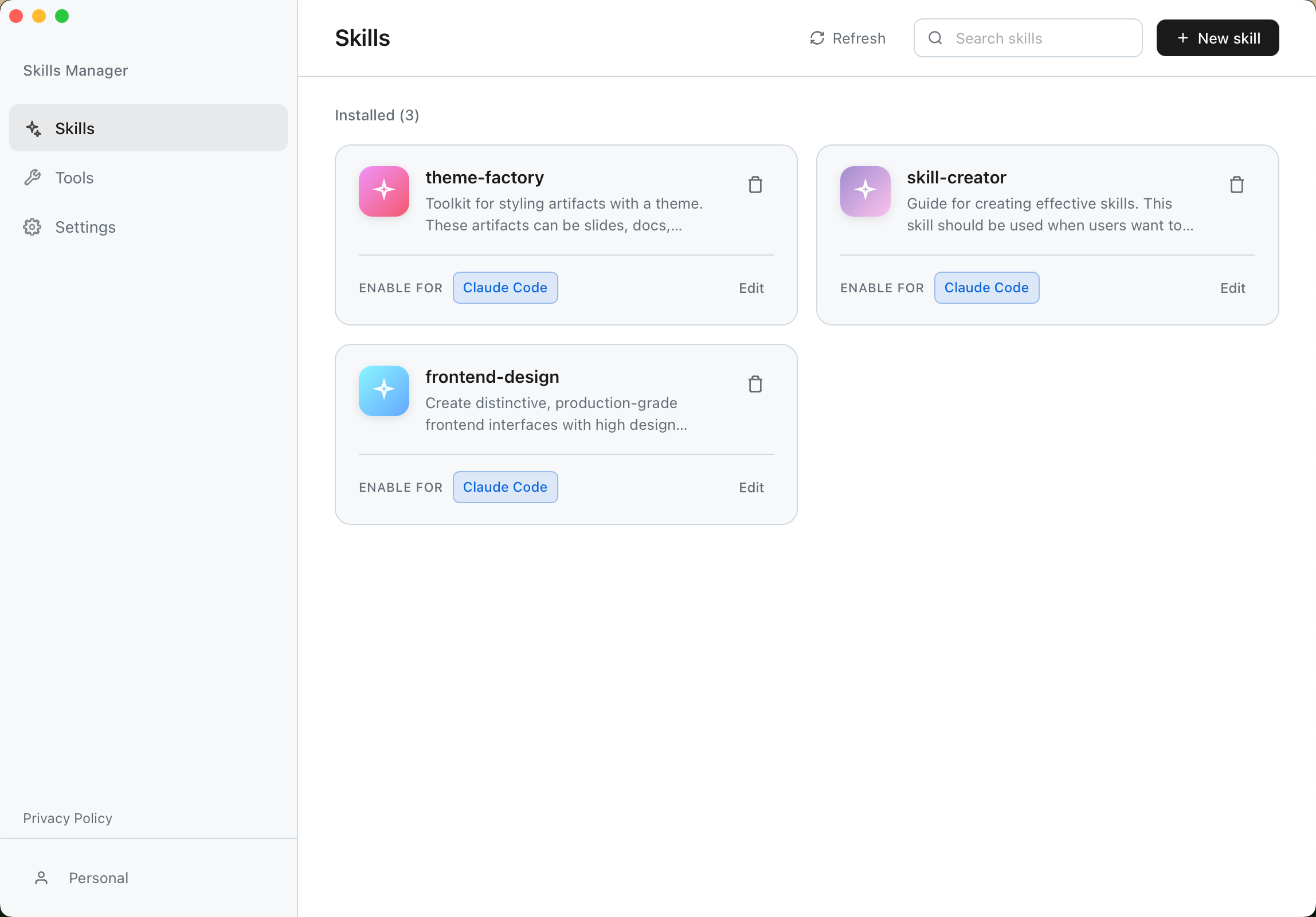
- 🎯 Unified Management: Centralize all your AI skills in one secure location.
- 🔄 Smart Synchronization: Automatic symlink management ensures your tools always have the latest version of your skills without file duplication.
- 🎛️ Granular Control: Enable or disable specific skills for individual tools without deleting the original files.
- ⚡ High Performance: Built with Rust and Tauri 2.0 for a lightweight, blazing-fast experience.
- 🛡️ Cross-Platform: Native support for macOS, Windows, and Linux.
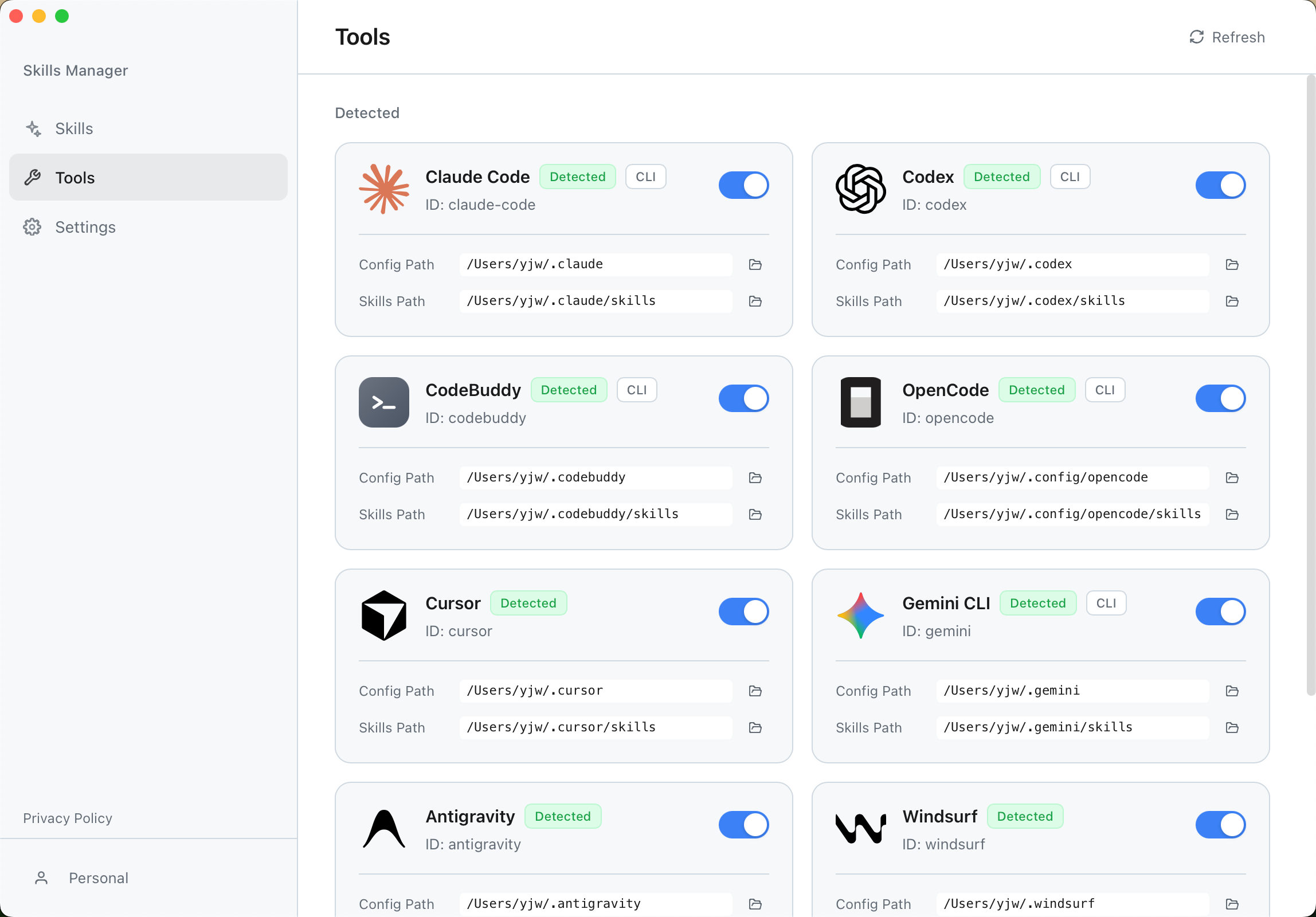
- 🔌 Multi-Tool Support: Out-of-the-box support for Claude Code, Codex, Opencode and extensible to others.
- 🧩 Custom Tools: Add your own tools with custom paths and optional icons.
- 🎨 Modern UI: Beautiful interface built with React 19, Tailwind CSS v4, and Radix UI.
Download the latest installer for your operating system from the Releases Page.
| OS | Installer Type |
|---|---|
| macOS | .dmg (Universal) |
| Windows | .msi / .exe |
| Linux | .deb / .AppImage / .rpm |
If you encounter permission issues when syncing skills (symbolic link creation errors) or detection issues, please try running the application as Administrator. This is often required on Windows to create symbolic links unless Developer Mode is enabled.
- Install: Run the installer for your platform.
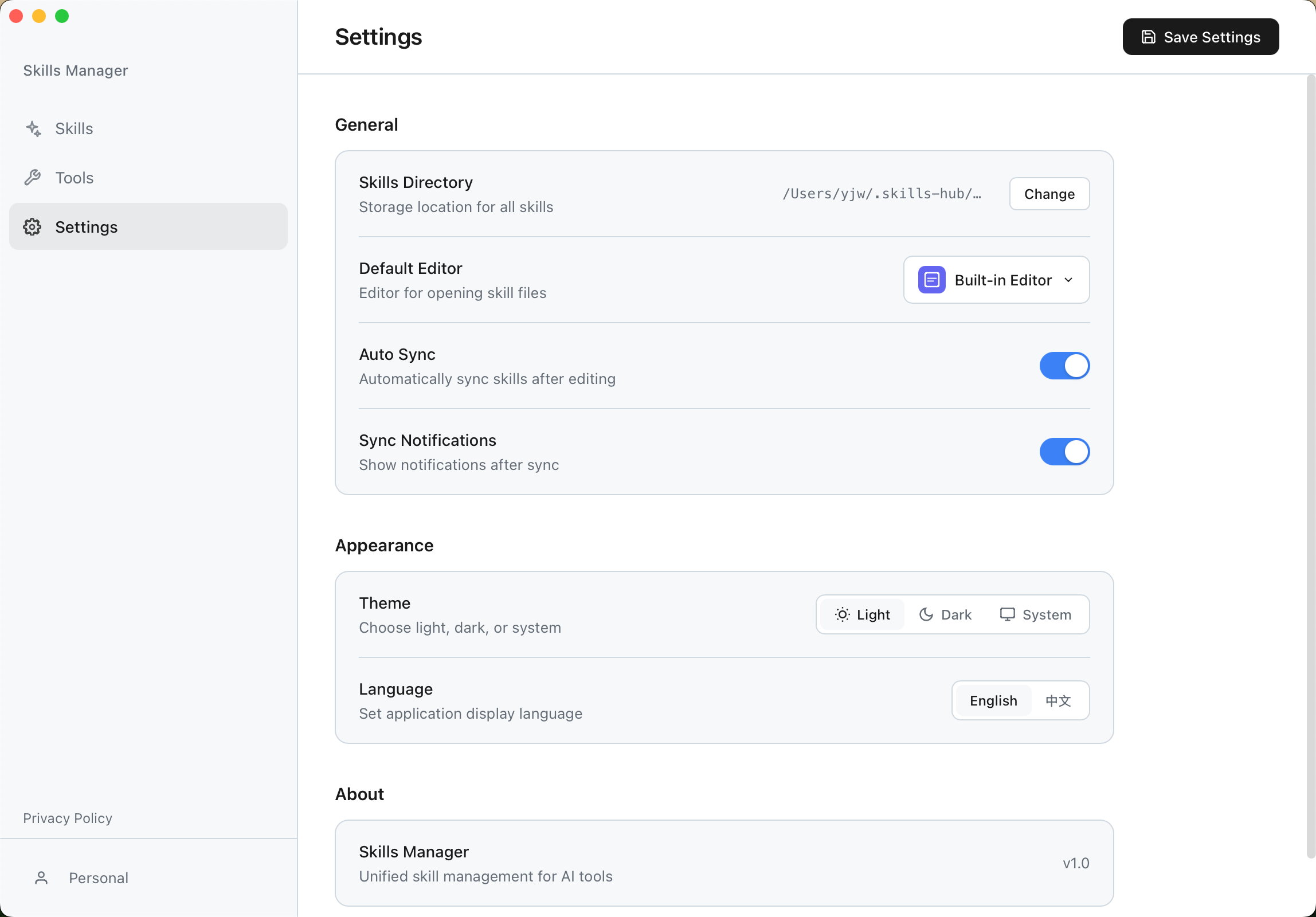
- Setup: On first launch, the app will guide you to select your skills storage directory.
- Sync: The app automatically detects installed AI tools (like Claude Code) and links your skills.
If you encounter a blank white screen when launching the .AppImage on Linux (especially in virtual machines like VMware/VirtualBox), it is likely a WebKitGTK hardware acceleration issue.
Please run the application from the terminal with the following command:
WEBKIT_DISABLE_COMPOSITING_MODE=1 ./Skills-Manager_1.0.1_amd64.AppImageDesigned for developers who care about performance and stability:
- Core: Tauri 2.0 (Rust)
- Frontend: React 19 + TypeScript
- Styling: Tailwind CSS v4
- UI Components: Radix UI
- Editor: Monaco Editor
We are actively working on making Skills Manager better. Here is what we are planning:
- Core features (e.g., soft link synchronization, multi-tool support).
- Community Hub – Share and download community-contributed Skills, etc.
- Cloud synchronization, allowing one-click migration of existing Skills and more when changing devices.
- Plugin system to support more AI tool extensions.
- Integrated AI chat interface for testing Skills directly within the application.
We welcome all forms of contribution!
- Found a bug? Please submit an issue on our Issues page.
- Have a feature request? We'd love to hear your ideas! Feel free to open an issue to discuss new features.
Made with ❤️ for the AI developer community.