Run sensors...code update
- log-in to RaspbrerryPi
cd /home/pi/devel/BerePi/-
svn up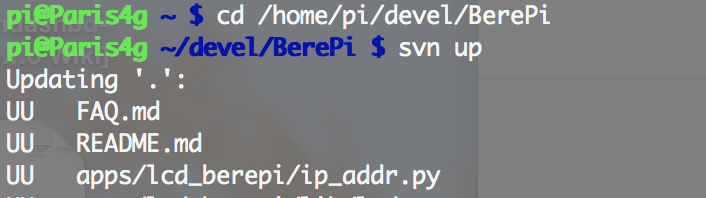
cd /home/pi/devel/BerePi/apps/sdbsudo python sdb.py
- make dir
mkdir stalk_tmp - cd dir
cd stalk_tmp - download installation script
wget https://raw.githubusercontent.com/321core/STALK-INSTALL/master/install-rasberry.sh - Install
sh install-rasberry.sh - Installation check
- visit, http://125.7.128.54/stalk/master/admin/api/entry/
- looking for ssh name which related to current RaspberryPi name
- Bind it to the server
- visit, fems.megdatahub.com:8900/#/main
- make select Client
- type in channel name, which is on the http://125.7.128.54/stalk/master/admin/api/entry/
- type in port number what you want
- now you can, ssh pi@fems.megdatahub.com -p {port number}