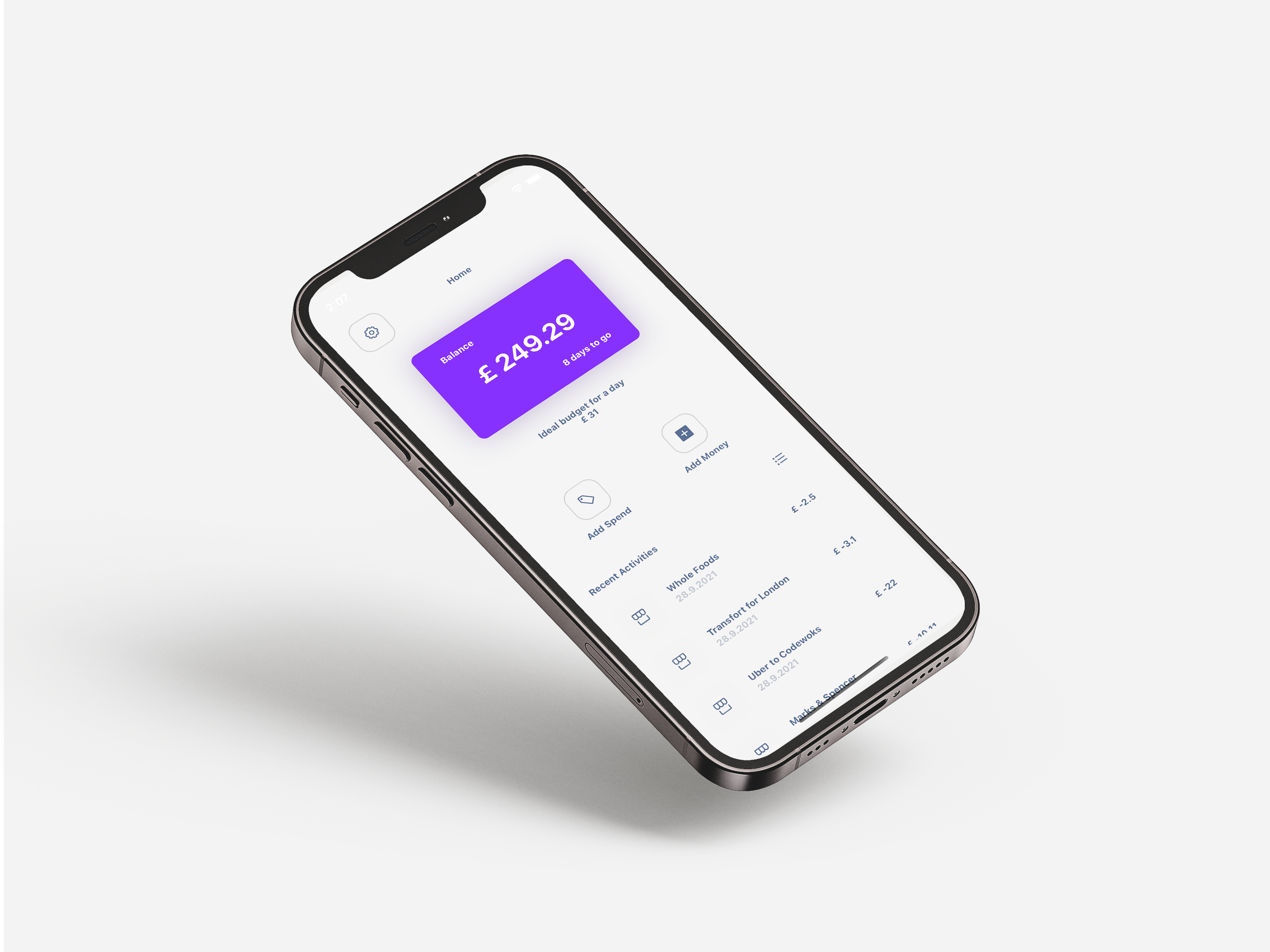
Humble Bank is a mobile (iOS) app aimed at helping us track and categorize your transactions to save the their wallet from unexpected or unrecognized expenses.
You would need git, Node, npm, to work on the Humble Bank app also Follow the instructions supplied below them or on their links to get them up and running before you continue with Installation.
- Xcode - Install from App Store.
- Cocoapods - a dependency manager for Swift and Objective-C Cocoa projects. sudo gem install cocoapods
- Expo XDE - the Expo development environment. npm install -g exp
- Clone the repo
git clone https://github.com/jayjunn/humble-bank
cd humble-bank
- Install dependencies
npm install
cd ios
pod install
- Start development server in the server folder
npm start
- Start client in the root folder
expo start
- React Native
- Express
- Mongo DB
- Node.js
- CSS