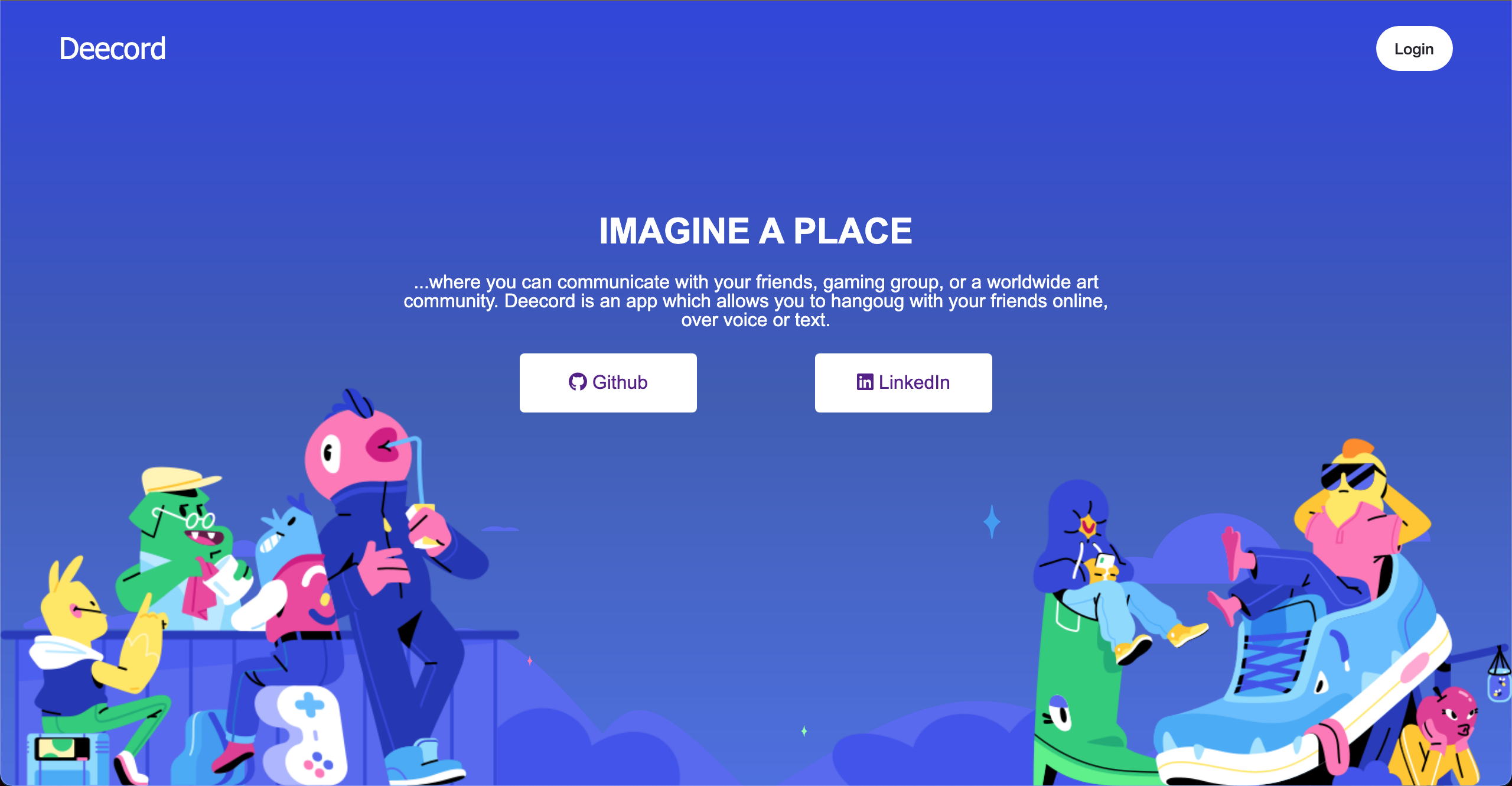
Deecord is a clone of discord, a platform where users can communicate with one another in the safety of server communities. Servers can have multiple channels, each being unique chat rooms that users can chat in.
| BackEnd | Frontend |
|---|---|
| Ruby on Rails | React |
| PostgreSQL | Redux |
| Rails ActionCable | JavaScript ES6 |
| jbuilder | Websockets |
The backend was created using Ruby on Rails. This allows for creation of database with backend routes. In addition, Ruby on rails allows for the ability to query through PostgreSQL. Action Cable is a Rails feature which allows for implementation of websockets from the frontend, which in this case is React. Action Cable allows user to create a channel subscription which is then used in React to create live messaging. As React is the primary frontend technology, all the components were created using React, while Redux was used to help make sure each component was running smoothly. The primary languge used was Javascript for the frontend and Ruby for the backend.
As this is a clone of Discord, this app has the ability for a user to create servers, which is open for other users to join using the server's invite code. Once a server is created, users are able to create individual channels which serves as the private rooms in which all users can chat with one another.
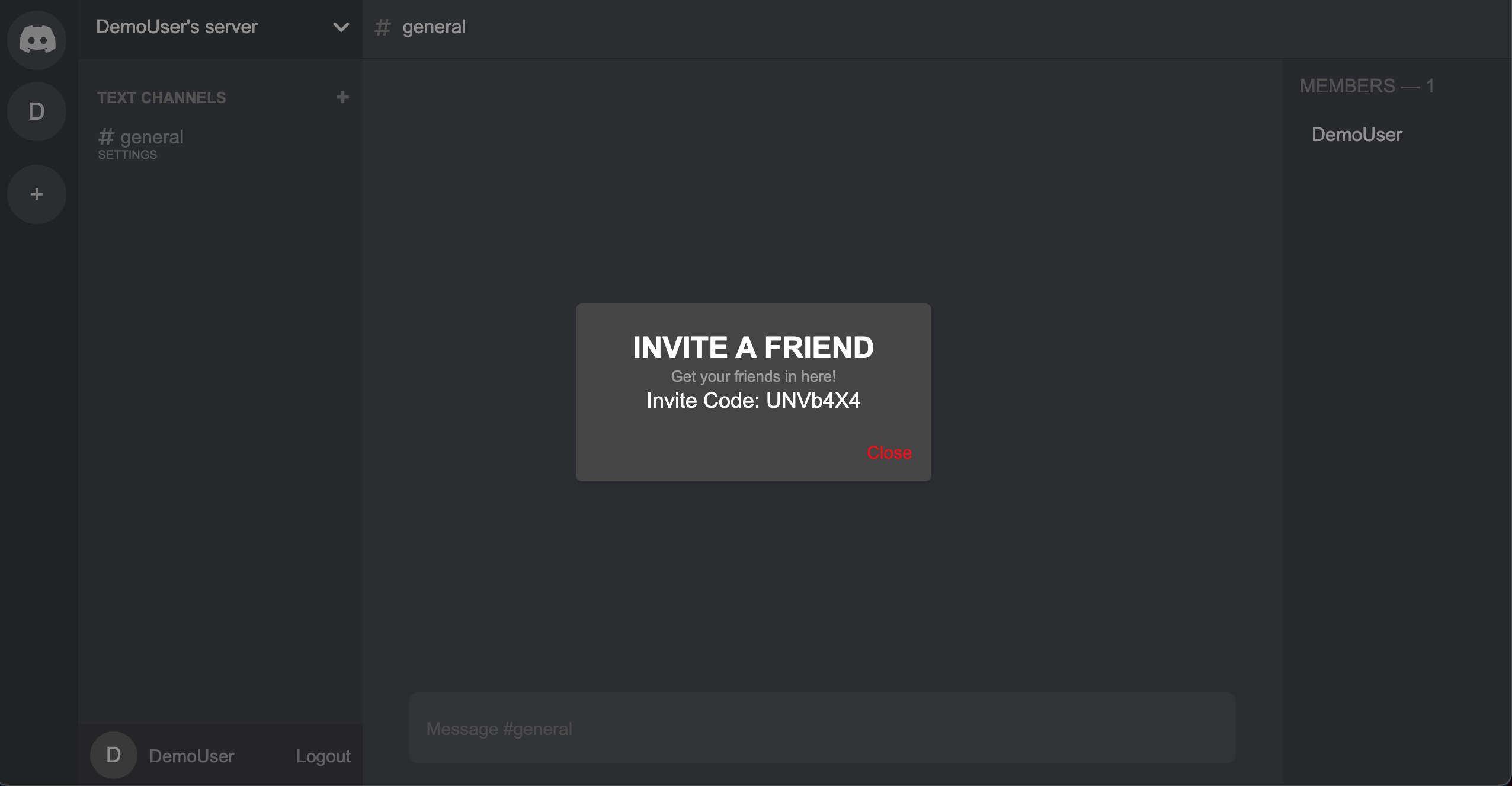
A user can send other users their invite code, which they can then use to join the desired server.
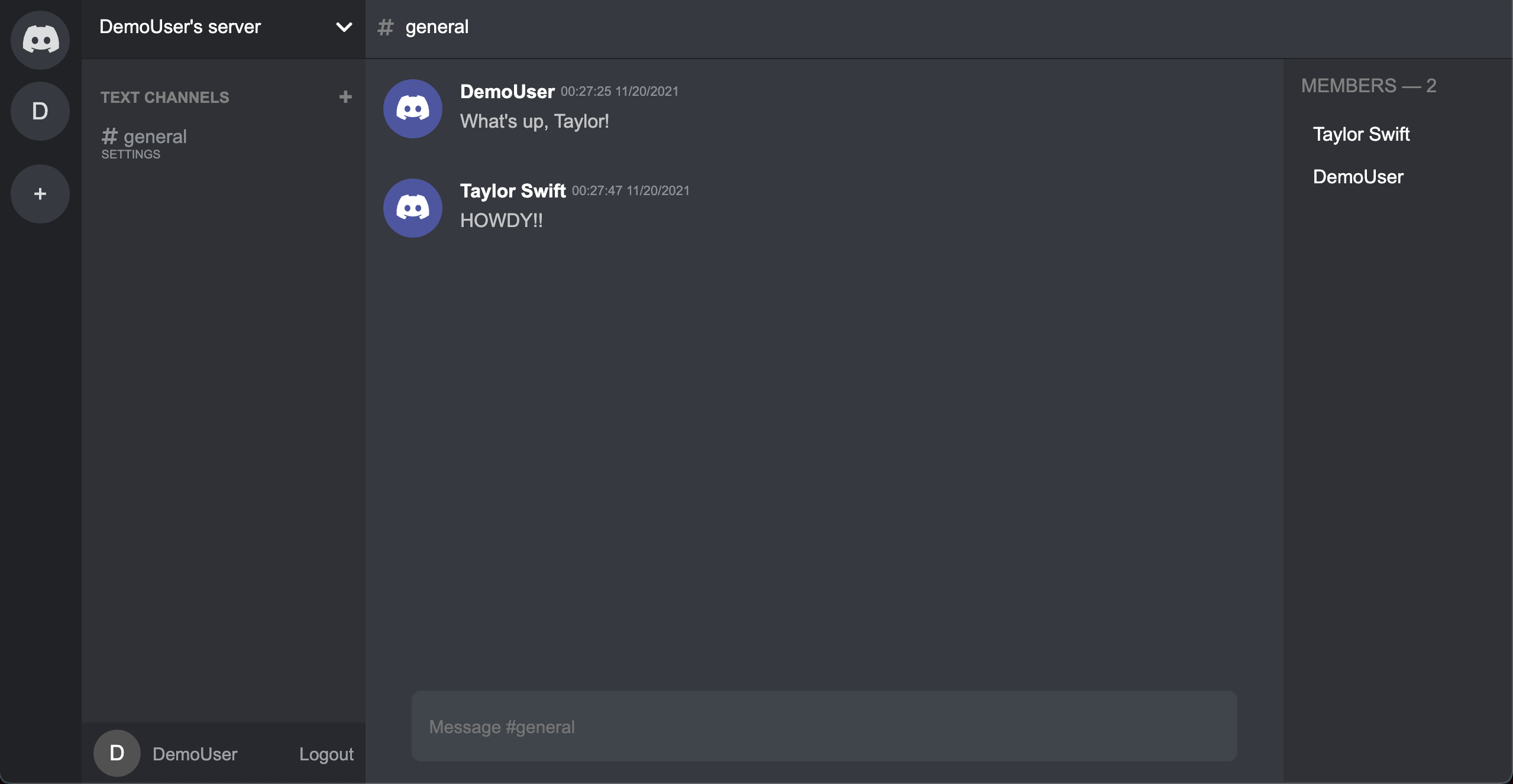
Within each channel, users are able to chat with one another in live time.
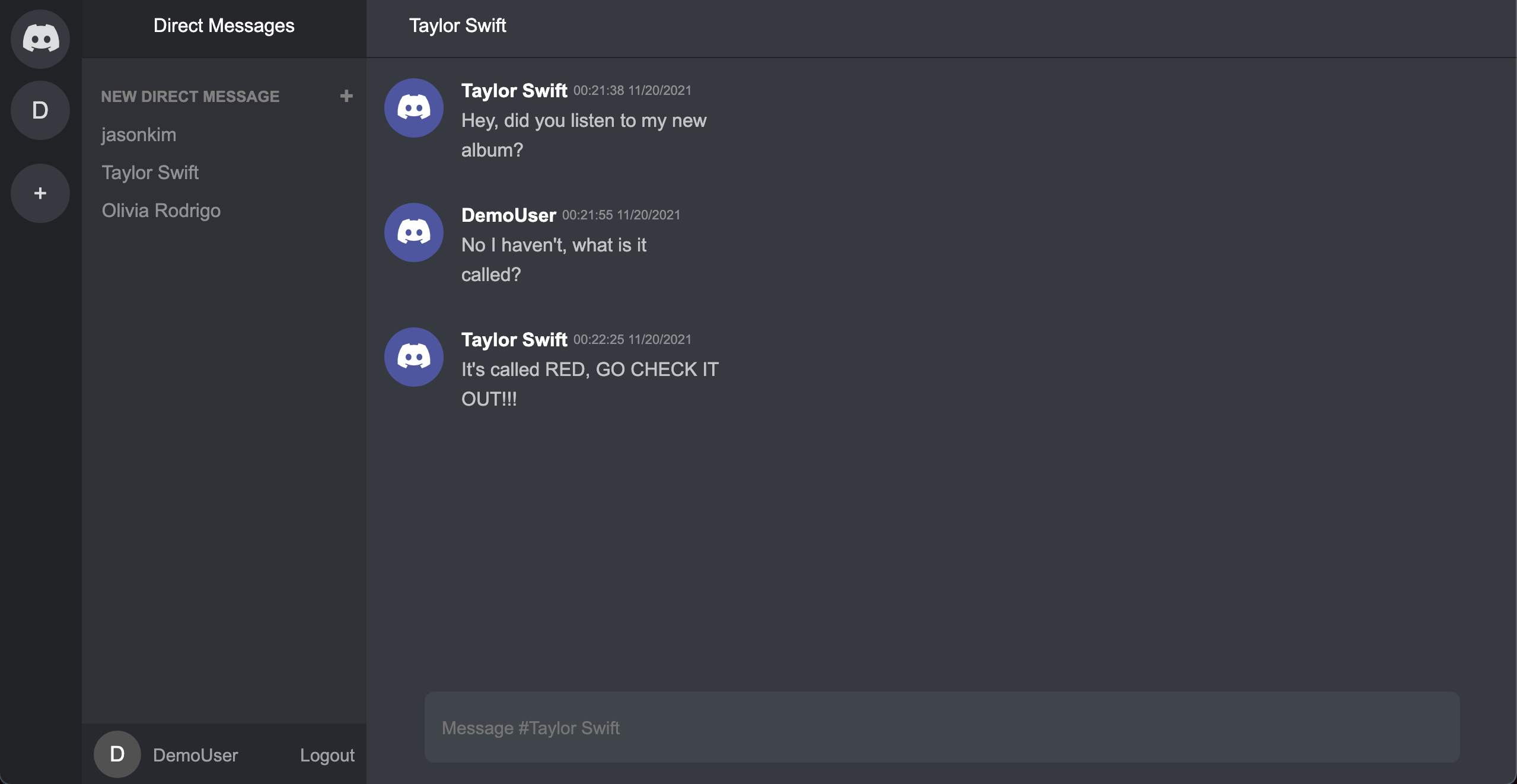
In addition to chatting in servers, users are able to direct message one another.
This app utilizes multiple modals, from creating and deleting servers to editing channels. In order to simplify the code, a big modal container was created that was able to be called anywhere in the website. Below is the code for how the modal recognized which modal component to open.
render() {
    switch(modal) {
      case 'addServer':
        component = <AddServerContainer />
        break;
      case 'createDM':
        component = <CreateDMessage />
        break;
      case 'createServer':
        component = <Route path="/channels" component = {CreateServerContainer} />
        break;
      case 'joinServer':
        component = <Route path="/channels" component = {JoinServerContainer} />
        break;
      case 'editServer':
        component = <Route path='/channels/:serverId' component= {ServerSettingsDropdown} />
        break;
      case 'inviteServer':
        component = <Route path="/channels/:serverId" component = {InviteServerContainer} />
        break;
      case 'deleteServer':
        component = <Route path="/channels/:serverId" component = {DeleteServerContainer} />
        break;
      case 'leaveServer':
        component = <Route path="/channels/:serverId" component = {LeaveServerContainer} />
        break;
      case 'createChannel':
        component = <Route path="/channels/:serverId" component = {CreateChannelContainer} />
        break;
      case 'editChannel':
        component = <Route path="/channels/:serverId/channels/:channelId" component = {EditChannelContainer}/>
        break;
      case 'deleteChannel':
        component = <Route path='/channels/:serverId/channels/:channelId' component = {DeleteChannelContainer}/>
        break;
      default:
        return null;
    }