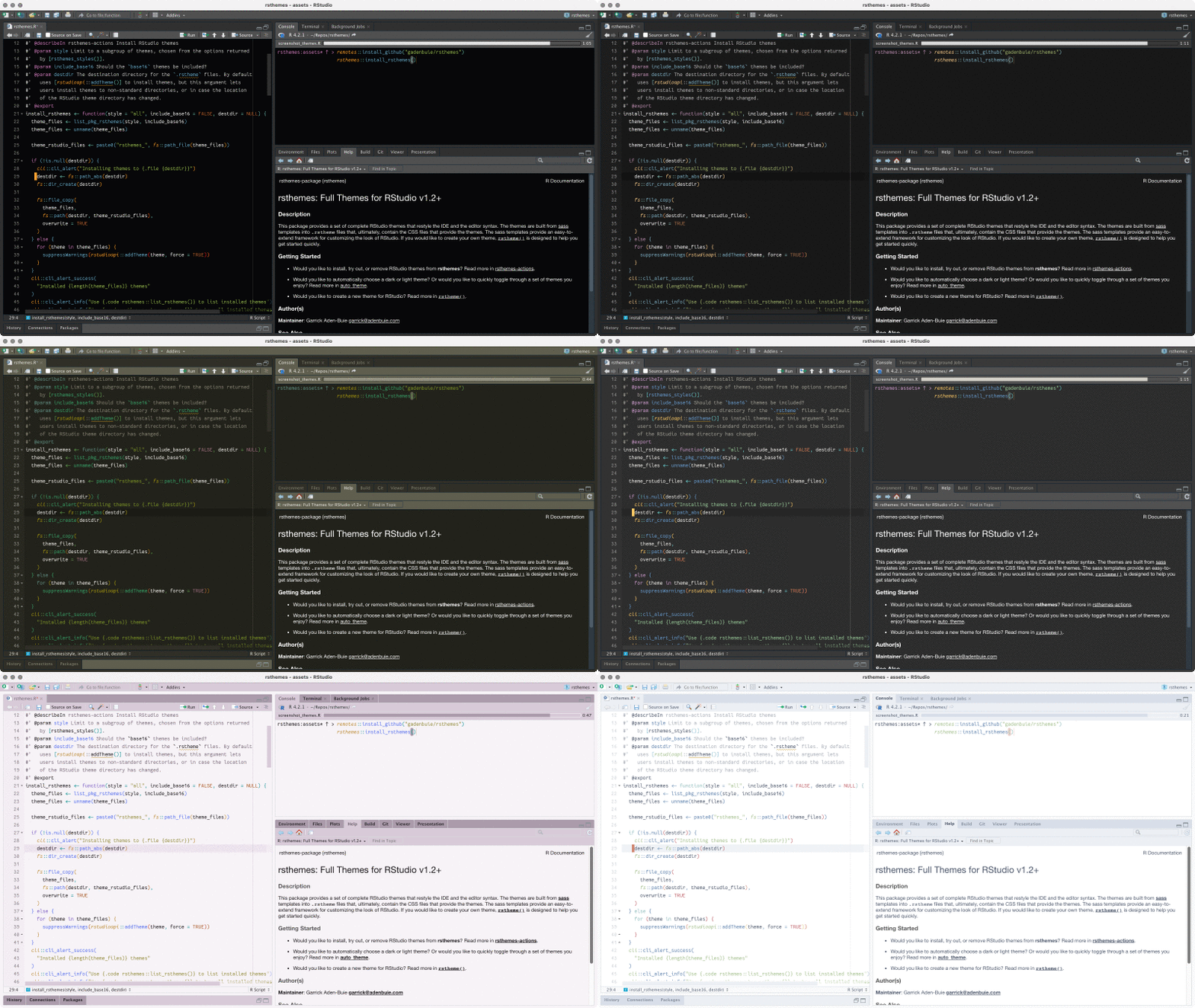


You can install rsthemes from GitHub with:
# install.packages("devtools")
devtools::install_github("gadenbuie/rsthemes")
Then, install the included, hand-crafted themes with:
rsthemes::install_rsthemes()or you can install the themes plus an additional set of base16-based themes with
rsthemes::install_rsthemes(base16 = TRUE)The rsthemes package includes a couple helper functions for exploring the themes.
# list installed themes
rsthemes::list_rsthemes()

# Try all themes
rsthemes::try_rsthemes()

# Try just the light, dark, or base16 themes, e.g.
rsthemes::try_rsthemes("light")
Use rstudioapi::applyTheme() to activate a theme from the R console, or use Tools > Global Options > Appearance to interactively select a theme.
# Use a theme
rstudioapi::applyTheme("One Dark {rsthemes}")If you want to uninstall all or some of the themes, you can use
rsthemes::remove_rsthemes()

# or just the base16 themes, e.g.
rsthemes::remove_rsthemes("base16")
Please note that the 'rsthemes' project is released with a Contributor Code of Conduct. By contributing to this project, you agree to abide by its terms.