Overview
These scripts acquire and convert data from the Strava API into a csv format so they can be more easily explored in tools like Tableau, R, etc.
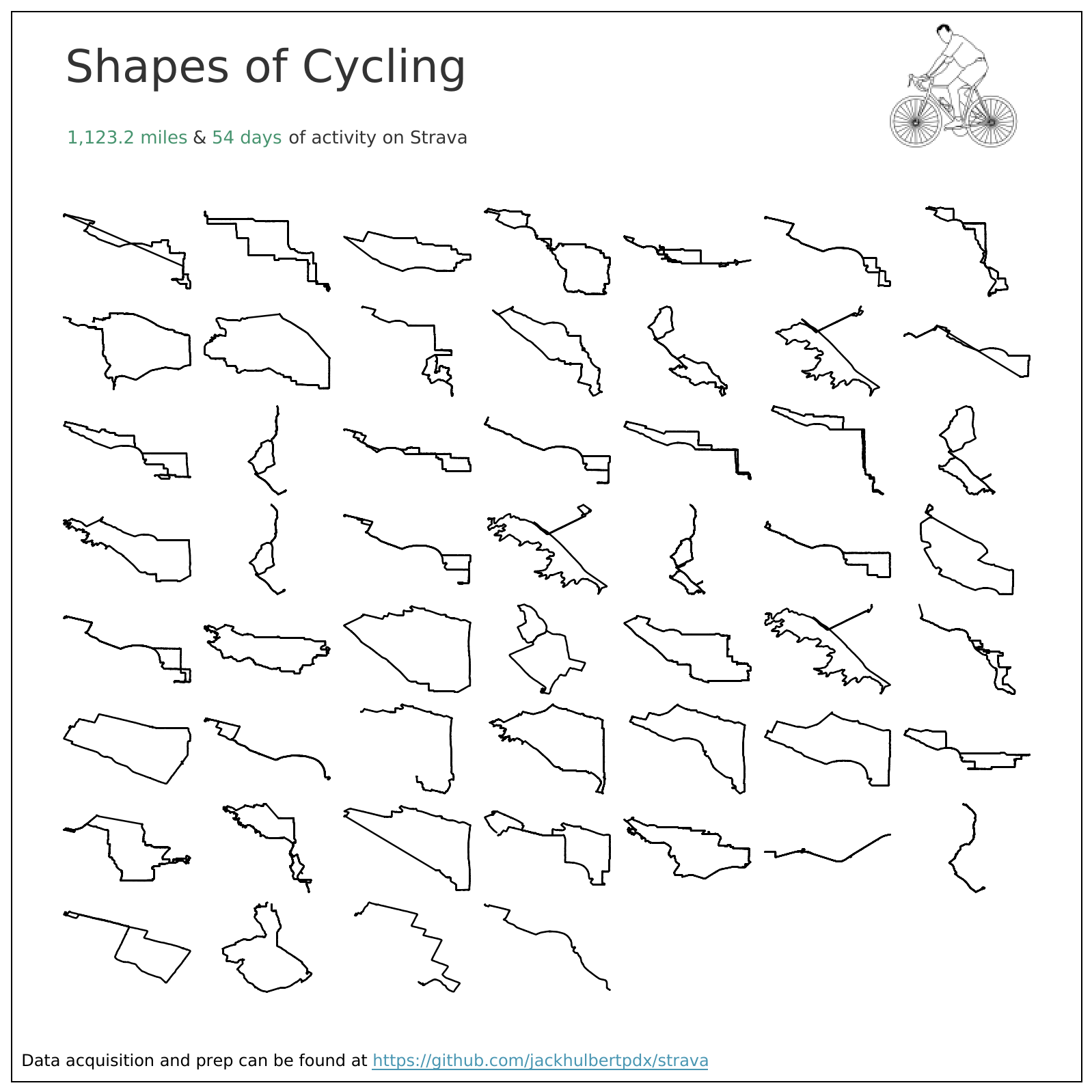
Data
Strava has extensive documentation of their API, but for our purposes we are only going to focus on activities, all of the data collected for a given workout.
In addition to getting all of the workouts from my profile, we are going to download and extract all of the GPX files (a collection of GPS coordinates that build the shape of map routes) from our activities. Each activity is 1:1 with a route, assuming the workout type is not stationary.
Get Strava.py
Calls, extracts, and writes all activity data from the Strava activities API to a csv file. You can follow this article (https://medium.com/swlh/using-python-to-connect-to-stravas-api-and-analyse-your-activities-dummies-guide-5f49727aac86) to get your credentials and set up your tokens.
Prereqs to run this script are
- A strava profile
- Creating an app
- Receiving a client id, secret, and refresh token for your app
Get Strava gpx.py
- Extracts and converts all GPX files for Strava activities into a csv file.
- Creates fields for 'Path ID' that identifies the coordinate relative to the collection sequence for each ride. This helps build your routes in visualization tools like D3 or Tableau.
- Creats a unique 'ID' field for each activity that can be used to join each list of coordinates to your activities dataset.