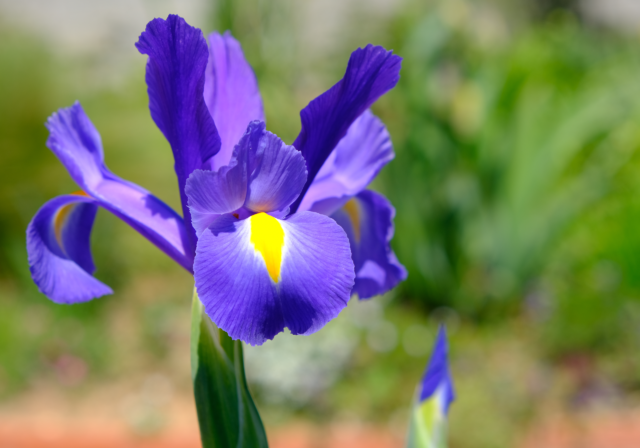



Welcome to the Iris Classification project! This repository showcases a robust and modular approach to classifying Iris flower species using various machine learning algorithms. Going beyond a simple script, this project emphasizes best practices in MLOps, including a clear separation of concerns, hyperparameter tuning, and comprehensive model evaluation. It serves as an excellent reference for structuring a modern machine learning project.
- 🧩 Modular Design: Organized into distinct components for enhanced readability, maintainability, and scalability.
- ⚙️ Data Handling: Efficiently loads and preprocesses the classic Iris dataset.
- 🤖 Diverse Algorithms: Implements and compares multiple classifiers:
- Logistic Regression
- Support Vector Machines (SVM)
- Decision Trees
- K-Nearest Neighbors (KNN)
- 📈 Model Training & Evaluation: Dedicated modules for training and rigorously evaluating models using metrics like accuracy, precision, recall, and F1-score.
- 📊 Data Visualization: Includes code for creating insightful plots of data distributions and feature relationships.
- 🔄 Reproducibility: Comes with a
requirements.txtfor easy environment setup.
This project uses the classic Iris flower dataset, a multivariate dataset introduced by the British statistician and biologist Ronald Fisher in 1936.
- Source: Included in
scikit-learnand loaded automatically. - Features:
- Sepal Length (cm)
- Sepal Width (cm)
- Petal Length (cm)
- Petal Width (cm)
- Target Classes: Three species of Iris flower:
- Iris Setosa
- Iris Versicolour
- Iris Virginica
The repository is organized to separate concerns, making the codebase clean and easy to navigate.
├─── data/              # Stores the dataset files
├─── trained_models/    # Saved trained models
├─── main.py            # Main script to run the ML workflow
├─── models.py          # Defines ML models and their hyperparameter grids
├─── training.py        # Handles model training and hyperparameter tuning
├─── testing.py         # Handles model evaluation
├─── visualization.py   # Scripts for data visualization
├─── setup.py           # Utility script, e.g., for downloading data
├─── main.ipynb         # Jupyter Notebook with analysis and visualizations
├─── requirements.txt   # Project dependencies
└─── README.md          # You are here!
Follow these instructions to set up and run the project locally.
You'll need Python (3.9 or newer) and pip installed. The required Python libraries are listed in requirements.txt:
scikit-learnpandasnumpyseabornmatplotlibjupyter
-
Clone the repository:
git clone https://github.com/itsmhmiri/IrisClassification.git cd IrisClassification -
Create and activate a virtual environment:
python -m venv venv
source venv/bin/activate  # On Windows use `venv\Scripts\activate`
-
Install the required libraries:
pip install -r requirements.txt
Run the main script from the root directory to train the models, find the best one, and save it:
python main.pyYou can also explore the data and models interactively using the Jupyter Notebook:
jupyter notebook main.ipynb- Core Language: Python
- Machine Learning: Scikit-learn
- Data Manipulation: pandas, numpy
- Data Visualization: matplotlib, seaborn
- Notebook: Jupyter
Contributions are welcome! If you have any suggestions or improvements, feel free to open an issue or submit a pull request.
This project is licensed under the MIT License. See the LICENSE file for details. (Note: A LICENSE file can be added if needed).
- This project is inspired by the need for well-structured, introductory machine learning projects.
- Special thanks to Ronald Fisher for the timeless Iris dataset that has educated generations of data scientists.
This README was updated by the Gemini CLI Agent.