While developing EgoDrop and DuplexSpy. I successfully implemented an interactive shell within a C#-based GUI application. I then recalled one of my earlier projects that had been suspended due to my limited development experience at the time. Therefore, I decided to revisit and complete it.
The idea of this project originated when I was learning web penetration testing.
When discovering an RCE (Remote Code/Command Execution) vulnerability, we usually demonstrate it with simple Linux commands(e.g., id, whoami, ls, cat /etc/passwd), and that is often the end of the story. However, if we want to conduct further post-exploitation——such as pivoting into the internal network——we may rely on reverse shell tools like metasploit, nc or openssl. Although they are powerful and widely used, they still have certain limitations in practical penetration testing scenario.
Therefore, I decided to develop a GUI-based remote access tool which can be leveraged after achieving RCE, establishing a robust and secure channel with an interactive shell and file manager.
Developing and maintaining this tool entirely on my own is challenging due to limited time, resources, and experience. As a result, the project may still contain undiscovered defects or design flaws. If you encounter any issues while using this tool, please feel free to open an issue.
If you find this tool informative or helpful, a star ⭐ will be greatly appreciated. Your support would be a great motivation for me to continue improving this tool.

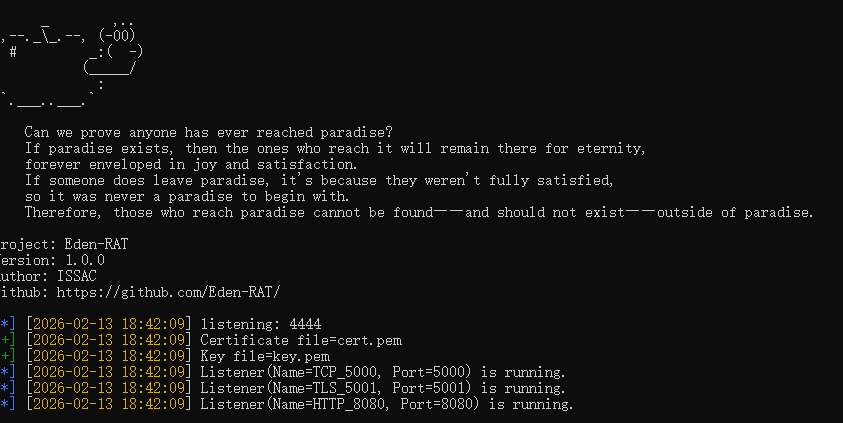
Eden-RAT is a lightweight remote access tool (RAT) designed for the initial stage of penetration testing.
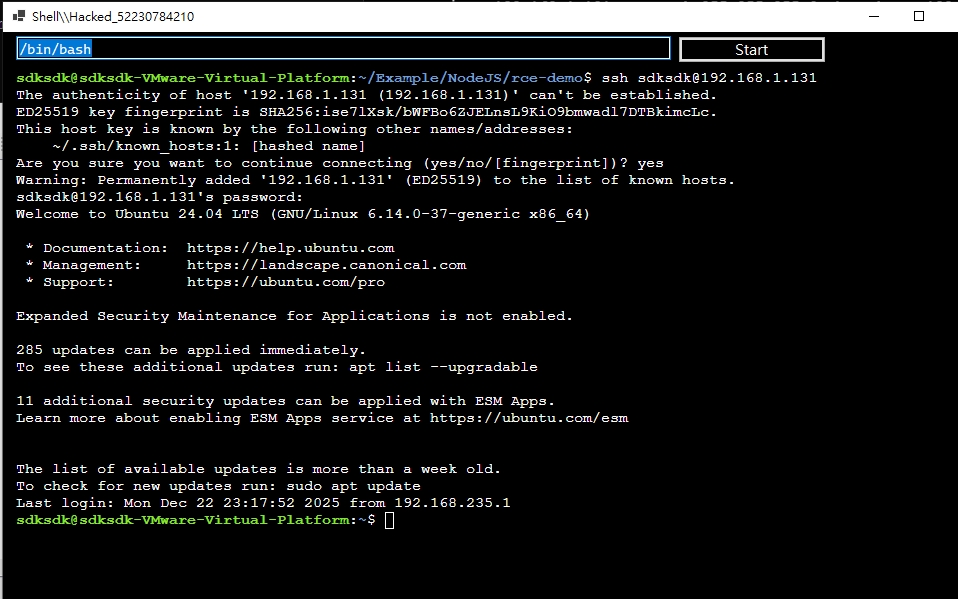
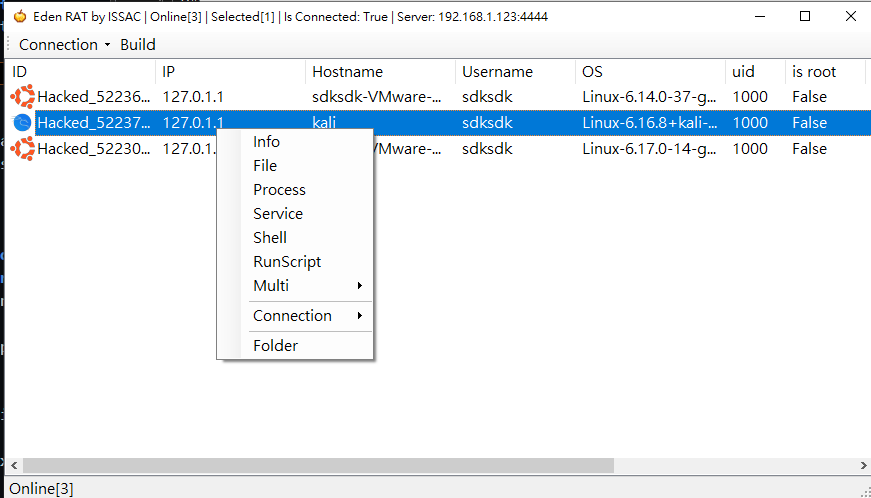
It provides a graphical user interface (GUI) with multiple features for Linux systems, including a file manager and an interactive shell.
The interactive shell allows full command execution, enabling users to run commands such as ssh, nc, apt, pip install, vim, and other interactive programs.
- Eden-RAT: Lightweight RAT for Initial Penetration Testing
- How to Use Eden-RAT During the Early Stage of Penetration Testing
- Build Payload
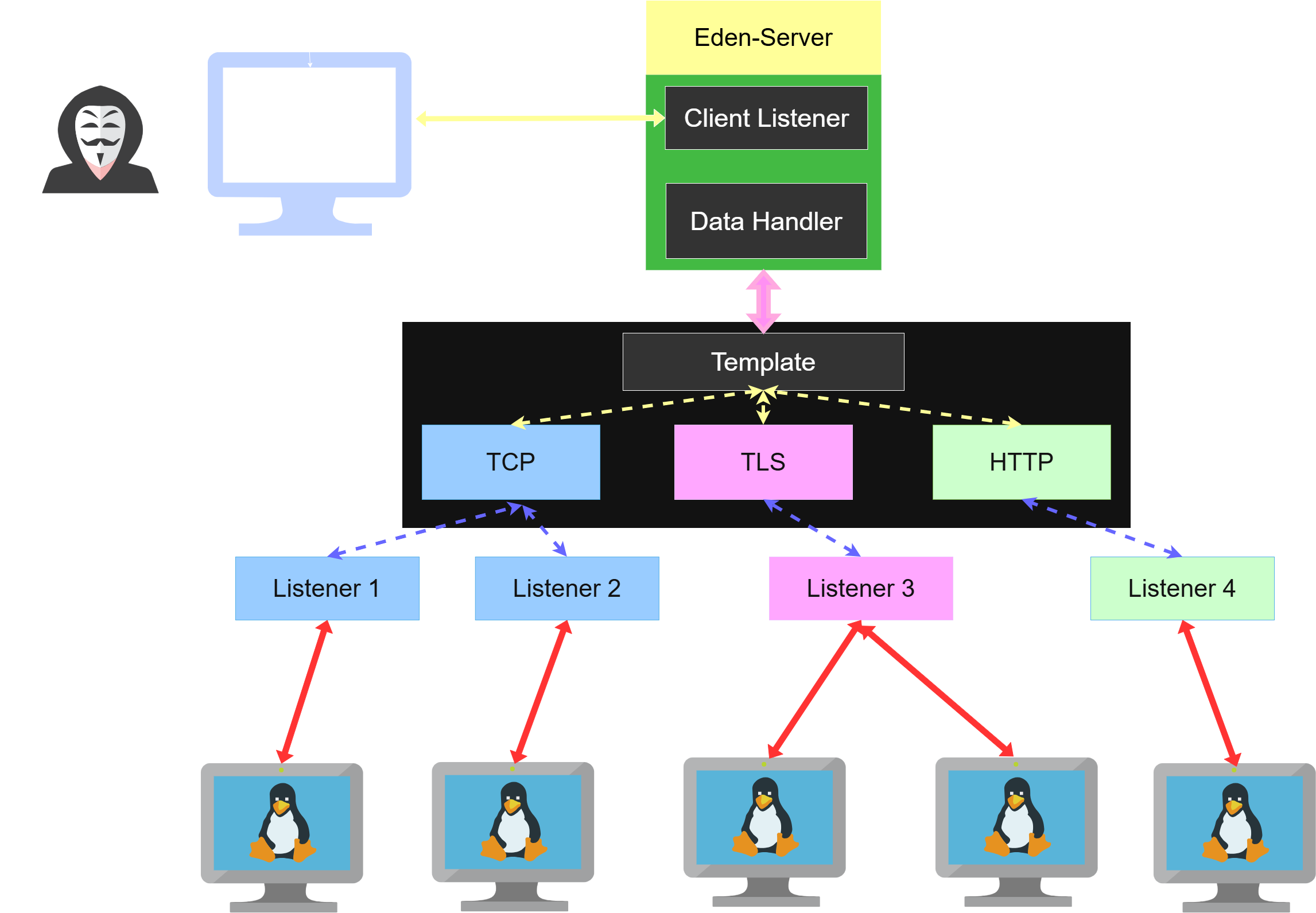
- Multi Listener
- Encrypted Channels
- Information
- File Manager
- Display Image
- Edit, Copy, Move, Paste, Upload, Download, Rename, Datetime
- WGET
- Archive: Compress, Extract
- New: Folder, Text File
- Process View
- Service View
- Connection: Disconnect, Reconnect
This project was developed purely for cybersecurity research and educational purposes.
It must not be used for illegal or unauthorized activities.
The author is not responsible for any misuse or damage caused by this software.
If you encounter any issues or bugs, please report them via GitHub issues.
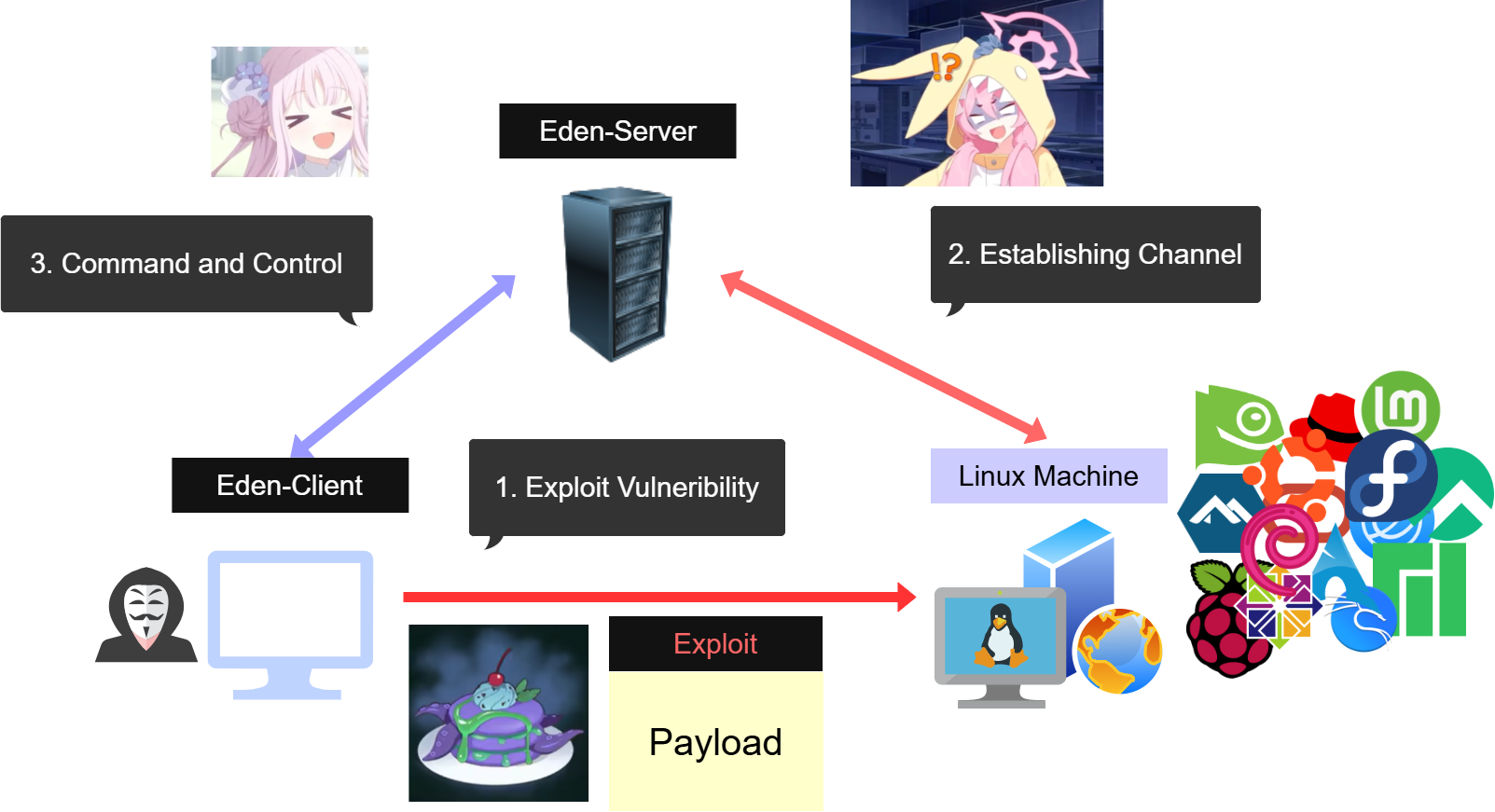
Before starting the C2 server, you need to install pycryptodome:
pip3 install pycryptodome
After installing the package, you must generate an SSL private key and certificate::
openssl req -x509 -newkey rsa:2048 -keyout key.pem -out cert.pem -days 365 -nodes
Make sure the files are named exactly:
key.pemcert.pem
Finally, start the C2 server:
python3 eden_server.py -lvvp 4444
Our Eden-Server has been deployed.