
Raspberry Pi camera installed on pan-tilt servo platform with face recognition and automatic tracking
- Raspberry Pi 4 Model B 4GB RAM https://www.raspberrypi.com/products/raspberry-pi-4-model-b/ or Raspberry Pi 3 A+ https://www.raspberrypi.com/products/raspberry-pi-3-model-a-plus/
- Waveshare 7" HDMI LCD (C) Capacitive Touchscreen 1024 x 600 https://www.waveshare.com/7inch-hdmi-lcd-c.htm
- HDMI to HDMI micro cable
- USB A to USB micro B cable
- Raspberry Pi Camera module 2 https://www.raspberrypi.com/products/camera-module-v2/
- CSI cable for Raspberry Pi Camera https://www.amazon.com.au/Flex-Cable-Raspberry-Pi-Camera/dp/B00I6LJ19G
- Pimoroni Pan & Tilt HAT for Raspberry Pi https://shop.pimoroni.com/products/pan-tilt-hat?variant=22408353287
-
Setup of right-click functionality for Waveshare 7" touch screen https://www.inemov.com/post/set-rightclick-rpi-waveshare7-touchscreen (see prepared files in code\set-up-right-click)
-
Check documentation 'Virtual_keyboard_setup.pdf' to set up virtual keyboard.
-
Install python and PyQt5 on Raspberry Pi https://www.inemov.com/post/install-and-troubleshoot-pyqt5-on-raspberry-pi
sudo apt install python3
sudo apt-get install python3-venv
python3 -m venv cv
NOTE: multiple SIP installations can cause errors when importing PyQt5 in python. If below solution does not work, then burn image backup on SD card and try something else. Don't try to install something else on top of non working image.
-
take SD card image backup NOTE: not all SIP's are compatible with all PyQt5. Read installation documentation to check compatibility.
-
download required PyQt5 source, for example: PyQt5_gpl-5.12.3.tar.gz from https://riverbankcomputing.com/software/pyqt/download5 (see also in code\install-pyqt5)
-
download required SIP source, for example: sip-4.19.14.tar.gz from https://riverbankcomputing.com/software/sip/download (see also in code\install-pyqt5)
-
place the archives in convenient directory, for example: /home/pi
-
from terminal go to the directory where archieves are located:
cd /home/pi
- unzip the archives using:
tar -xzvf PyQt5_gpl-5.12.3.tar.gz
tar -xzvf sip-4.19.14.tar.gz
- go to virtual environment:
workon cv
- install QT Core:
sudo apt-get install qt5-default
- configure SIP:
cd /home/pi/sip-4.19.14
python configure.py --sip-module PyQt5.sip
- build and install SIP make:
make
sudo make install
- configure PyQt5:
cd /home/pi/PyQt5_gpl-5.12.3
python configure.py
- build and install PyQt5 make:
make
sudo make install
NOTE: building PyQt5 make takes 2 hours in Raspberry Pi 3 A+, installing takes another 15 min
- Solve cv2 imshow bug in pyqt5:
sudo nano /etc/xdg/qt5ct/qt5ct.conf
replace style=gtk2 with style=gtk3
ctrl+x y ENTER
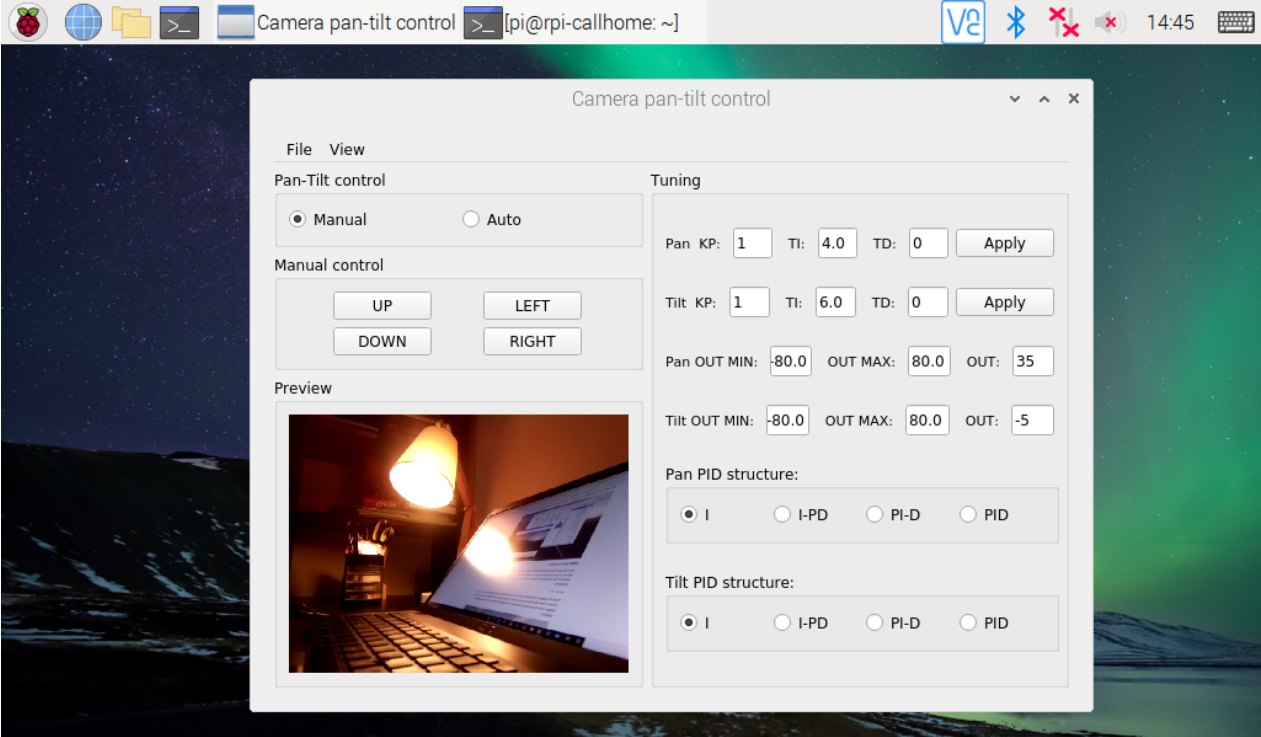
- Configure script and autostart: Take all .py .xml .csv files from repository code folder to Raspberry PI \home\pi\pan-tilt-control In terminal:
crontab -e
add at the end
@reboot DISPLAY=:0 /home/pi/pan-tilt-control/astart.sh >> /home/pi/pan-tilt-control/reboot.log 2>&1