LANager is a web application designed to make LAN Parties more enjoyable for attendees and organisers alike.
This repository is no longer being updated - the project has moved to zeropingheroes/lanager
currently these appear to be the most valuable goals, but this list is likely to evolve
- Make it easy to find out what's going on and join in
- Games in progress with direct join links
- Events & tournaments
- Shouts
- Files e.g. game mods and patches
- Enhance the social aspect of LAN parties
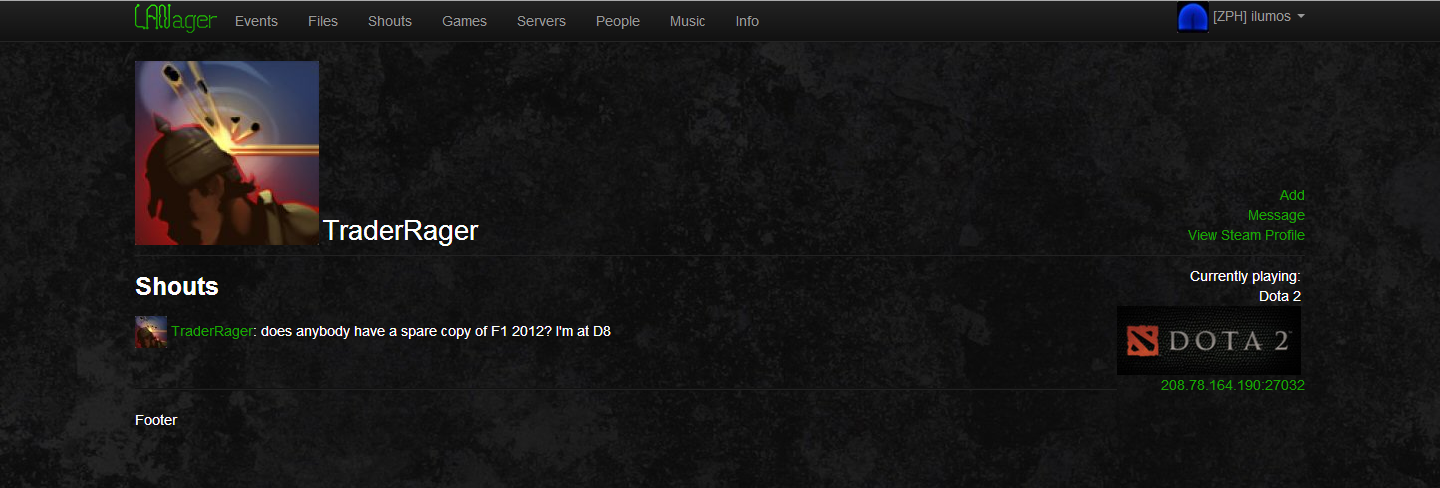
- Attendee profiles with Steam add/message links
- List of attendees with people's seating location etc
- Let attendees find out important venue/event information
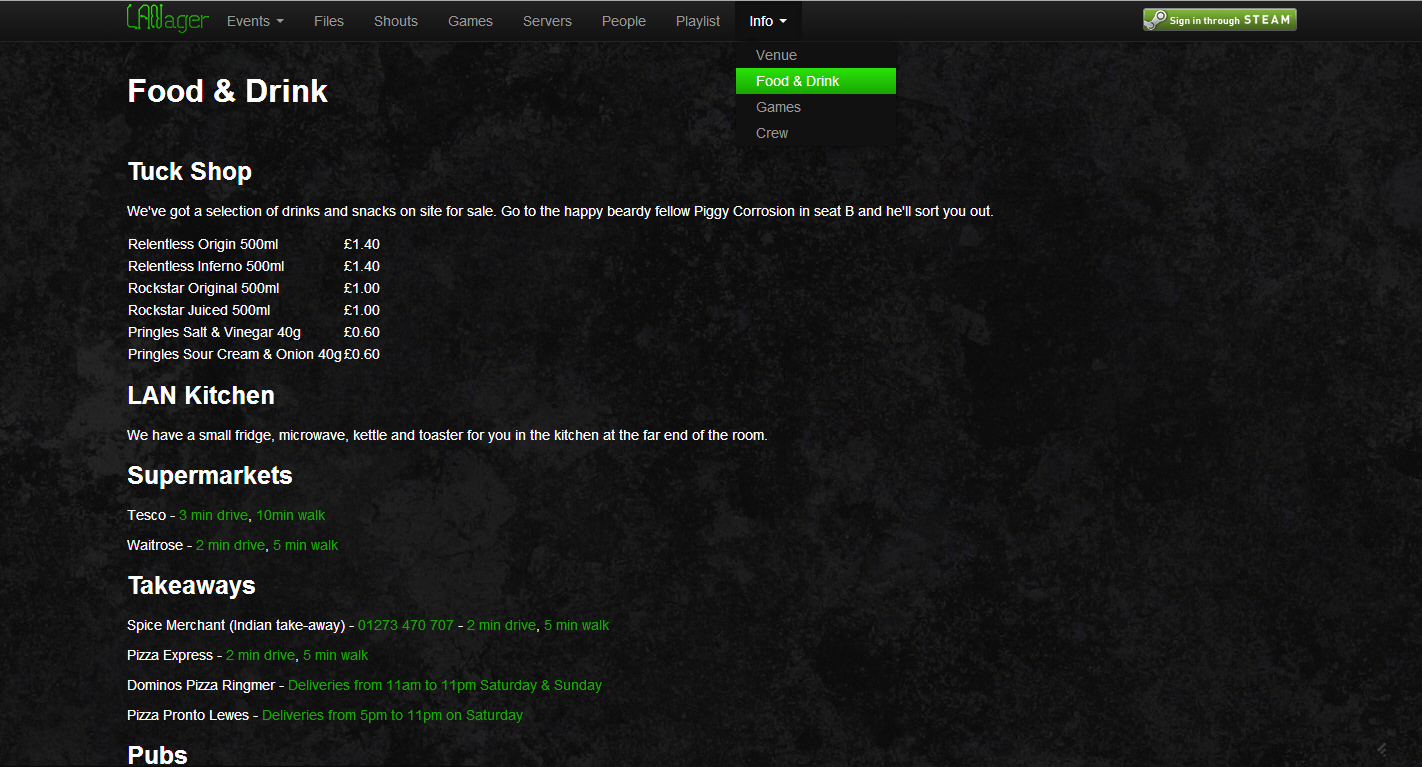
- Info pages easily editable for displaying things like where to sleep etc
- Give attendees a voice during the event
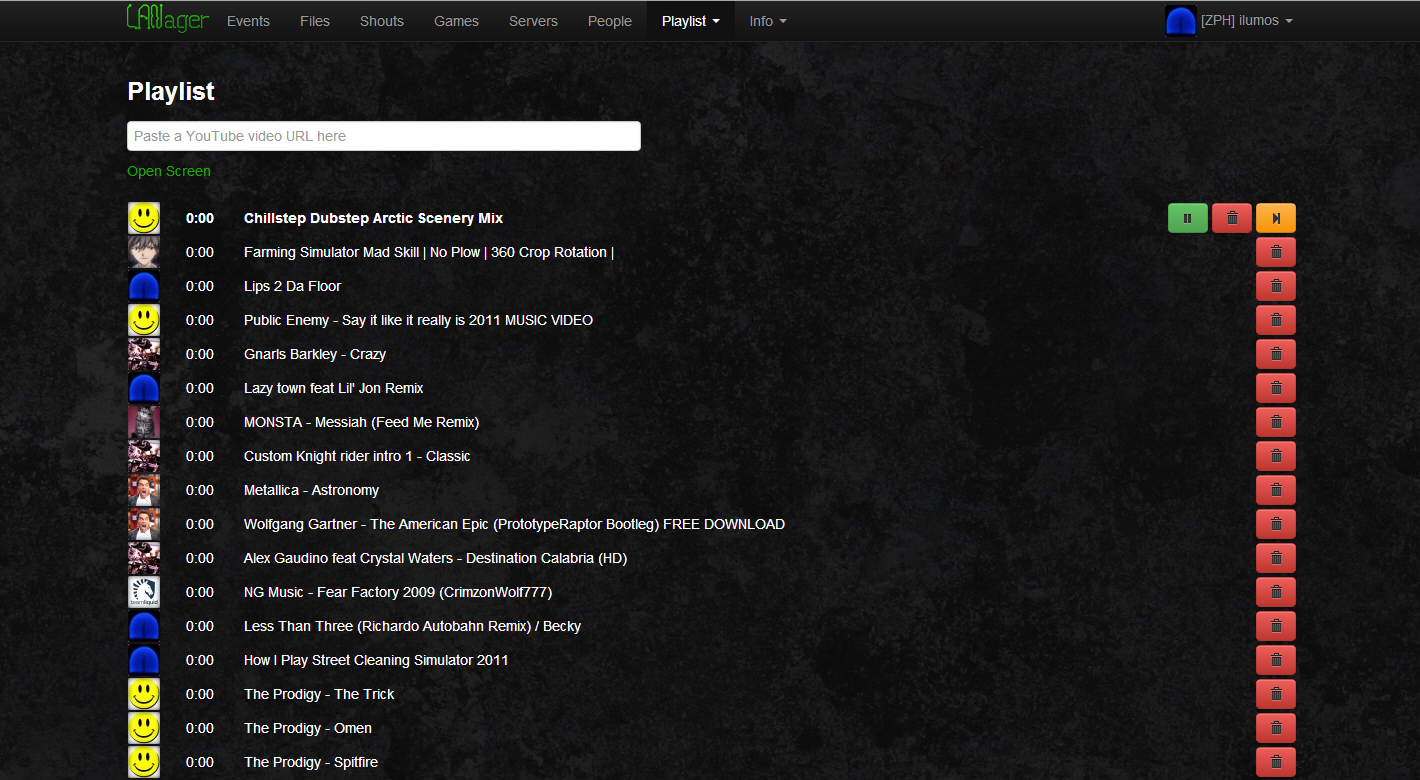
- Request music & videos for playout on a big screen
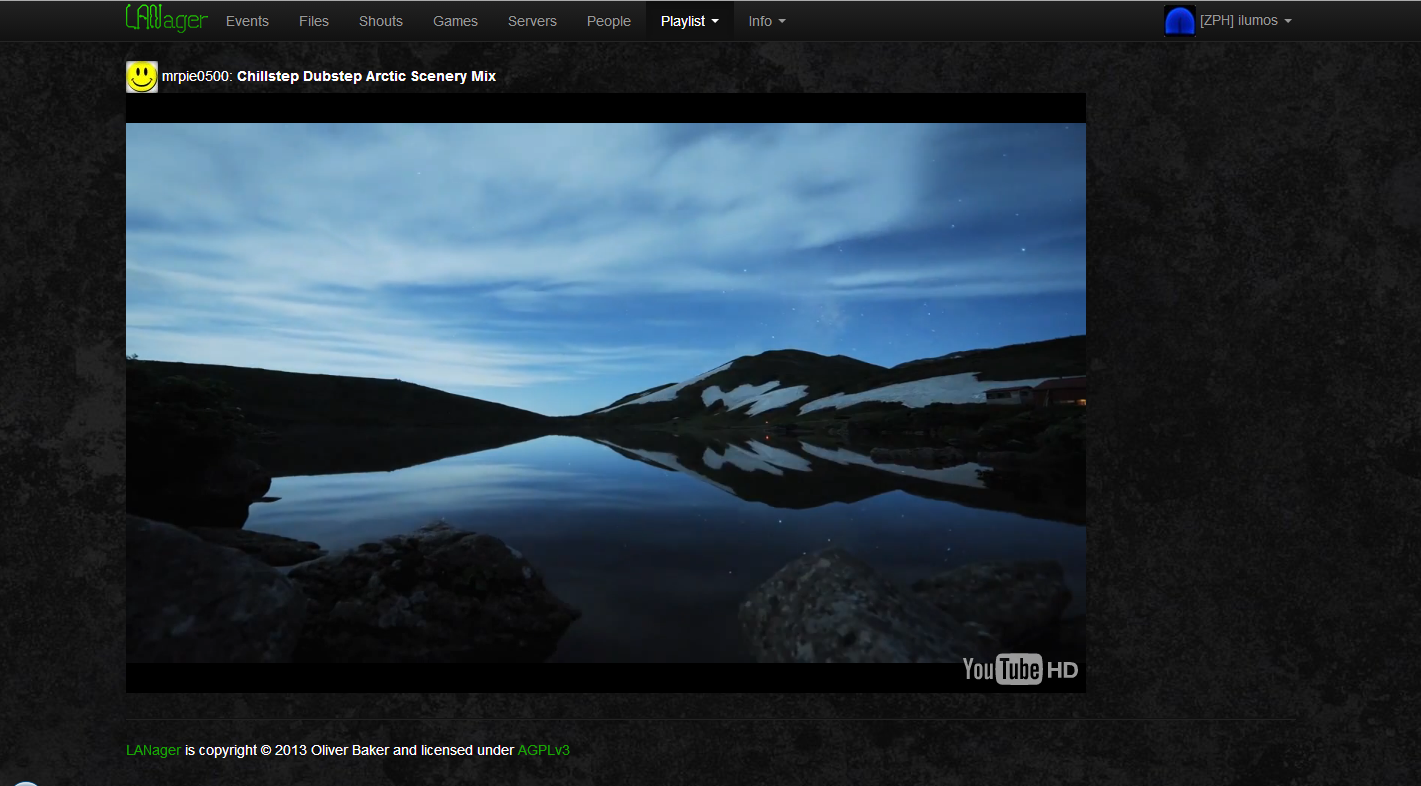
- Watch & listen to requested music & videos
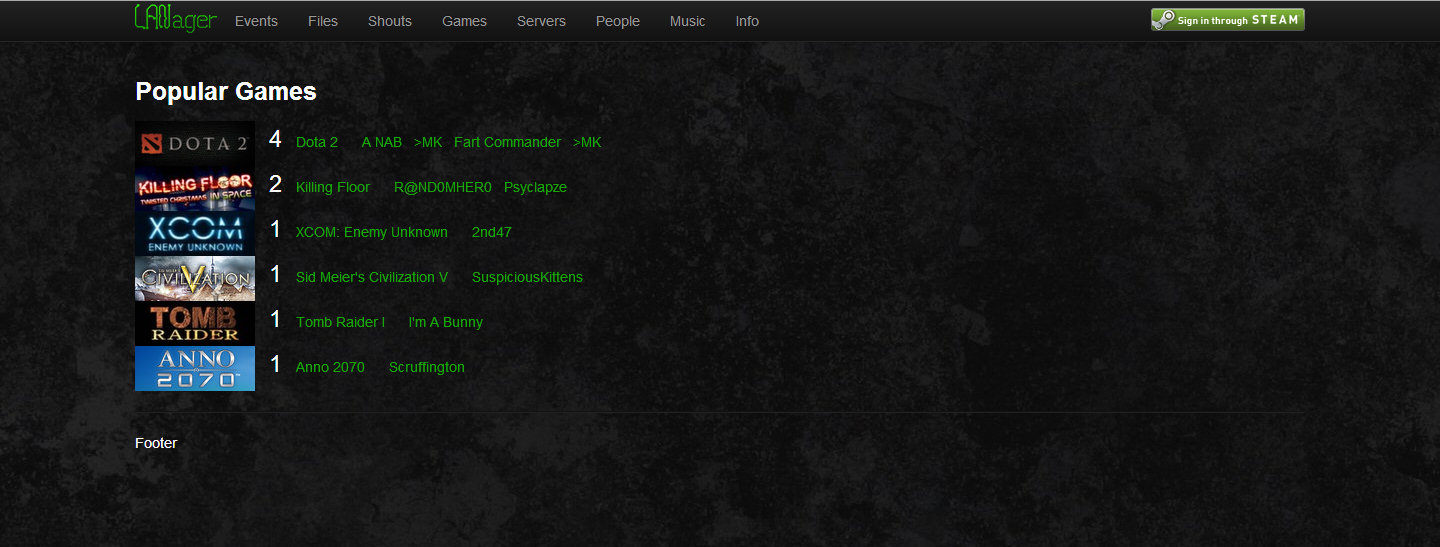
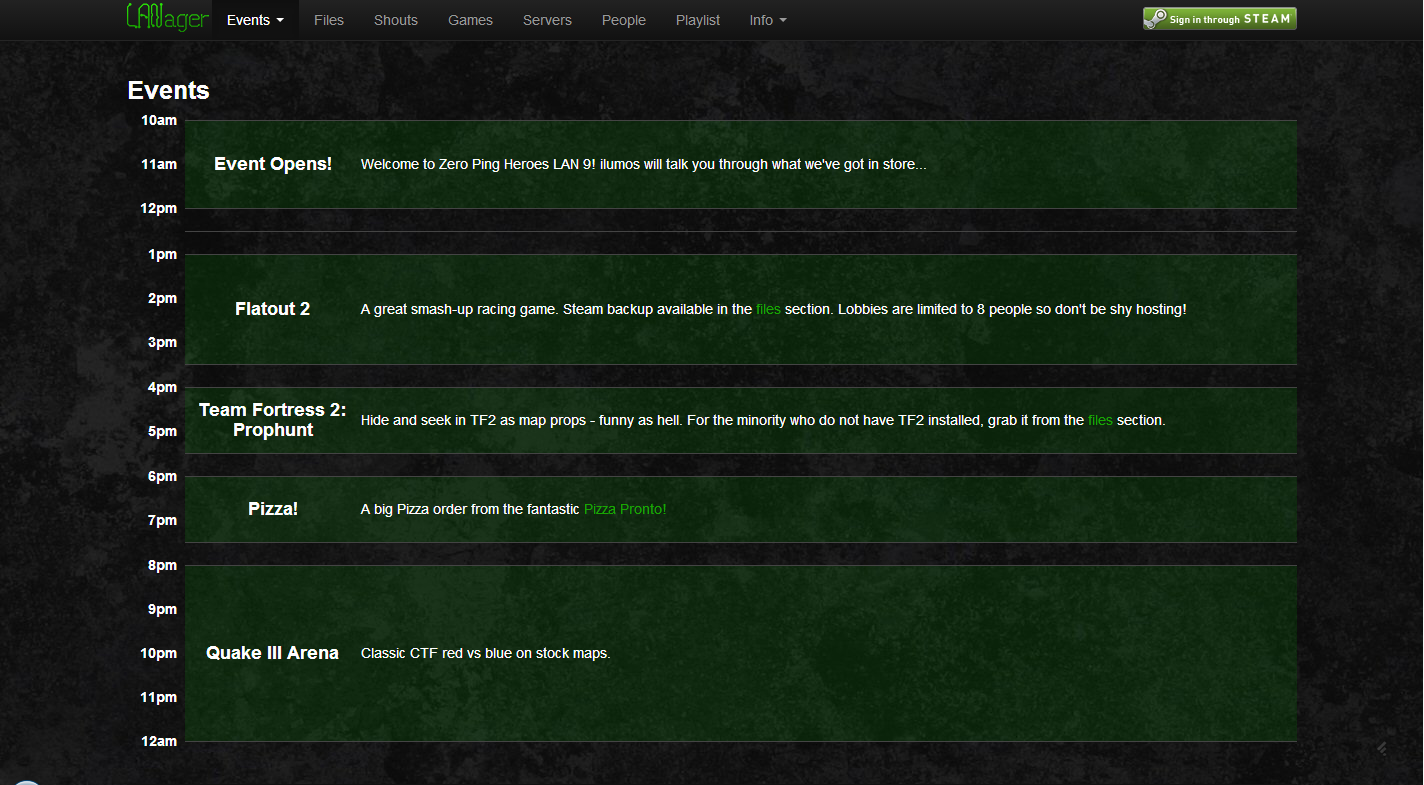
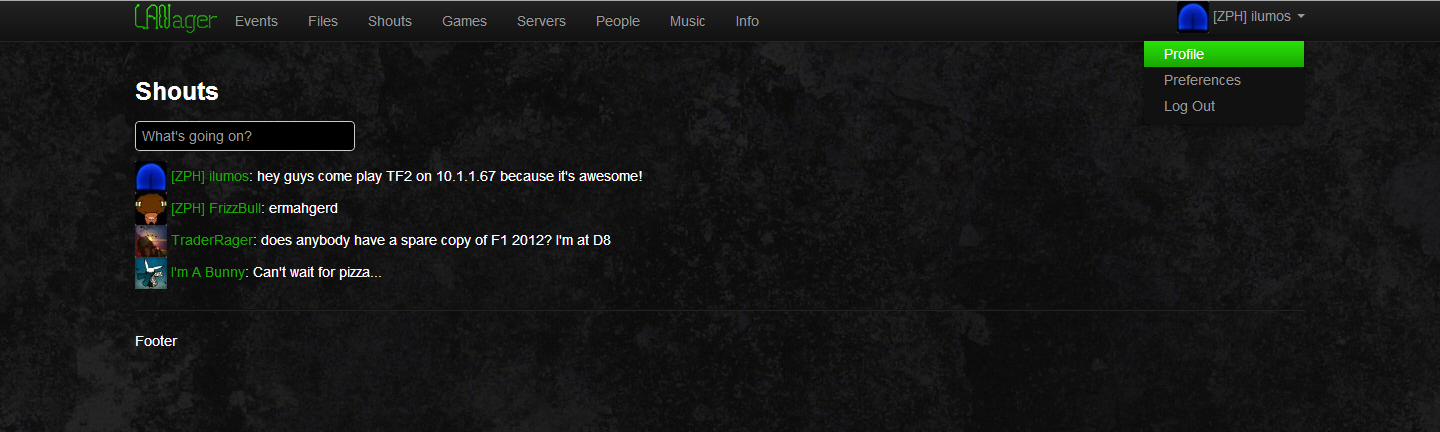
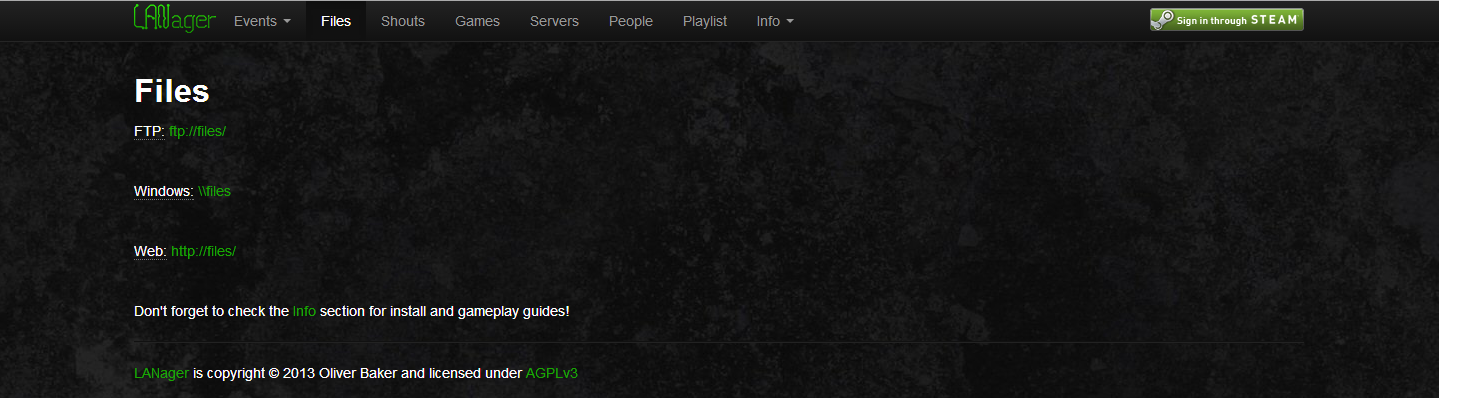
- Make it easy to get information out to attendees via Info pages and Shouts
- Encourage socialising and participation
- Get instant feedback from attendees
- Windows / Linux / OSX
- Web server (Apache, ngix and others)
- PHP 5.3.3+
- MySQL
WAMP, LAMP and MAMP are a quick way to satisfy the above, just check that the version you download includes PHP 5.3
This section is a work in progress
- Download and unzip
- Configure your server for Laravel 3
- Make the "lanager/public/" directory your site's DocumentRoot - protecting other Laravel system and configuration files
- Set the value of the key option in the config/application.php file to a random, 32 character string
- Make the storage/ directory writable if you are on a Linux/Unix system (chmod 777 -R lanager/storage/)
- Enable mod_rewrite in Apache
- Enable .htaccess files in the "lanager/public/" directory for pretty URLs
- Enable php_openssl in PHP
- Set up a database and a user
- Using "lanager" for both is recommended
- Set up and run database migrations
- Add the PHP binary to your system's PATH (Windows, Linux/Unix)
- Open a command shell and type
php -vto verify that the above step was successful - Change directory (cd) to the lanager directory
- Run
php artisan migrate:installto prepare the database - Run
php artisan migrateto create the database structure
- Get an API key from Steam
- Paste it into the
api_keyvariable inlanager/bundles/steamprofile/config/config.php
- Paste it into the
- Browse to http://localhost/ and enjoy!
This repository is no longer being updated - the project has moved to zeropingheroes/lanager
Vagrant is a VM configuration tool. You can use it to very quickly retrieve, start, and automatically configure a VirtualBox VM for development or even production. This has been tested on OSX, but should work fine on any platform that Vagrant supports.
- Install Vagrant and VirtualBox.
- Within the
lanagerdirectory, in a terminal or command prompt, executevagrant up. Vagrant will automatically download a VM image and configure it. - Follow the instructions that follow the configuration process to populate the database. This step is not performed automatically.
- Ensure that you've added
127.0.0.1 lanager.devto your hosts file. This is/etc/hostson Unix-y platforms andC:\WINDOWS\system32\etc\drivers\hostson Windows. - Visit
http://lanager.dev:8080in your browser and develop away!
You can SSH into the machine with vagrant ssh. The project files are in
~/lanager, which is symlinked to /vagrant. /vagrantcache is a convenient
place to store any large files you don't want to lose between vagrant images.
You can shutdown the VM with vagrant halt, or destroy it completely with
vagrant destroy. Note that destroying it will remove any files on it that are
not in the project directory or cache directory.