
This is a sample react and TypeScript SPA application that can be used with Amazon Cognito. This entirely uses the AWS SDK for JavaScript v3.
Learn more about Amazon Cognito: https://aws.amazon.com/cognito/
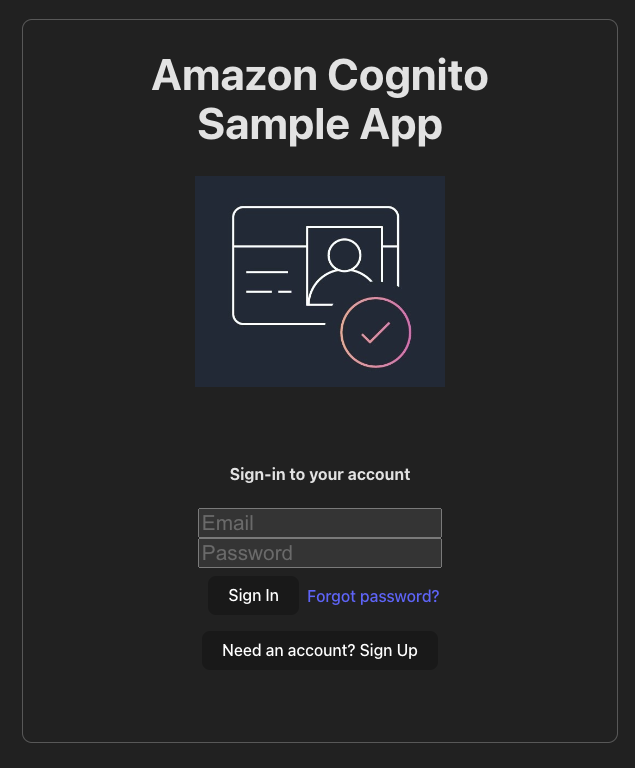
-
- For this sample app, use email to sign-in to the user pool
-
Clone this repo
git clone https://github.com/iamabrom/cognito-react-sample.git -
Navigate to sample app frontend and install all dependencies
cd cognitoFrontend/ npm install -
Provide Cognito user pool configurations
- Make a copy of the "configExample.json" and name it "config.json"
- Edit the "config.json" and update it accordingly with your Cognito user pool information
- The "config.json" should already be part of the .gitignore file, but validate this if you have forked this repo or intended to push your copy to a remote repo
-
Still within the /cognitoFrontend directory, run your web app
npm run dev
Here's a few things you're able to do with this sample application:
- Sign-up: create a new user
- Confirm user: confirm a newly created user
- Sign-in: Sign-in with your account you created
- Forgot Password: You can self recover your account by beginning the forgot password flow
- Forgot Password Confirmation
-
Bootstrap our project with Vite.js
npm create vite@latest cognitoFrontend -- --template react-ts -y cd cognitoFrontend npm install -
Install dependencies
npm install @aws-sdk/client-cognito-identity-provider react-router-dom@6 npm install --save-dev @types/react-router-dom -
Create your components within the
/cognitoFrontend/srcdirectory. All source code can be obtained within the repo.config.json: This will house all of our Amazon Cognito user pool info- Use the
configExample.jsonfile as a template. Just make sure to update the file name to "config.json"
- Use the
authService.ts: This will be our primary Amazon Cognito client componentloginPage.tsx: This is the page for the /login resourcehomePage.tsx: This is the default /home resourceconfirmUserPage.tsx: This is the resource page to handle confirming the user after signing up