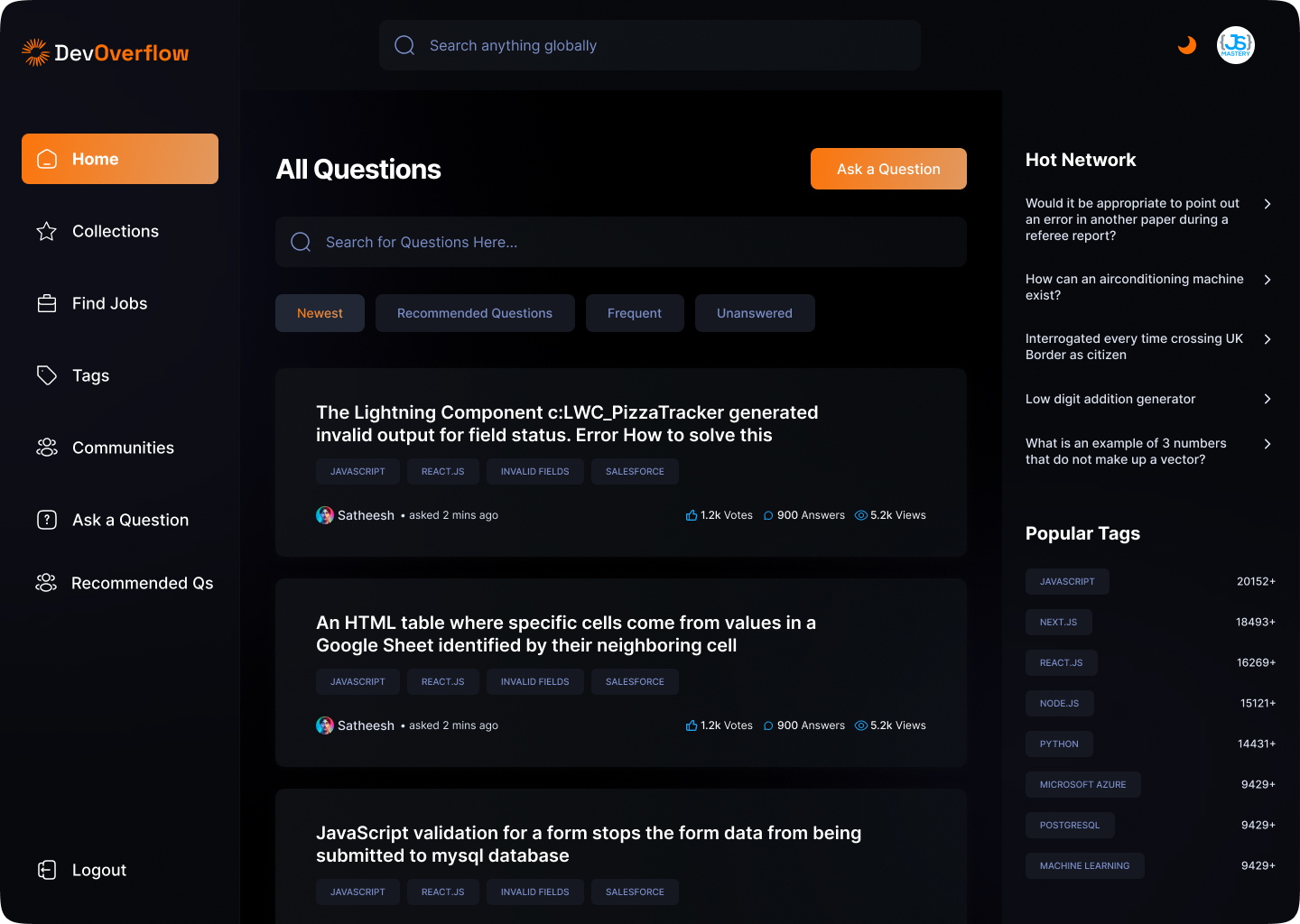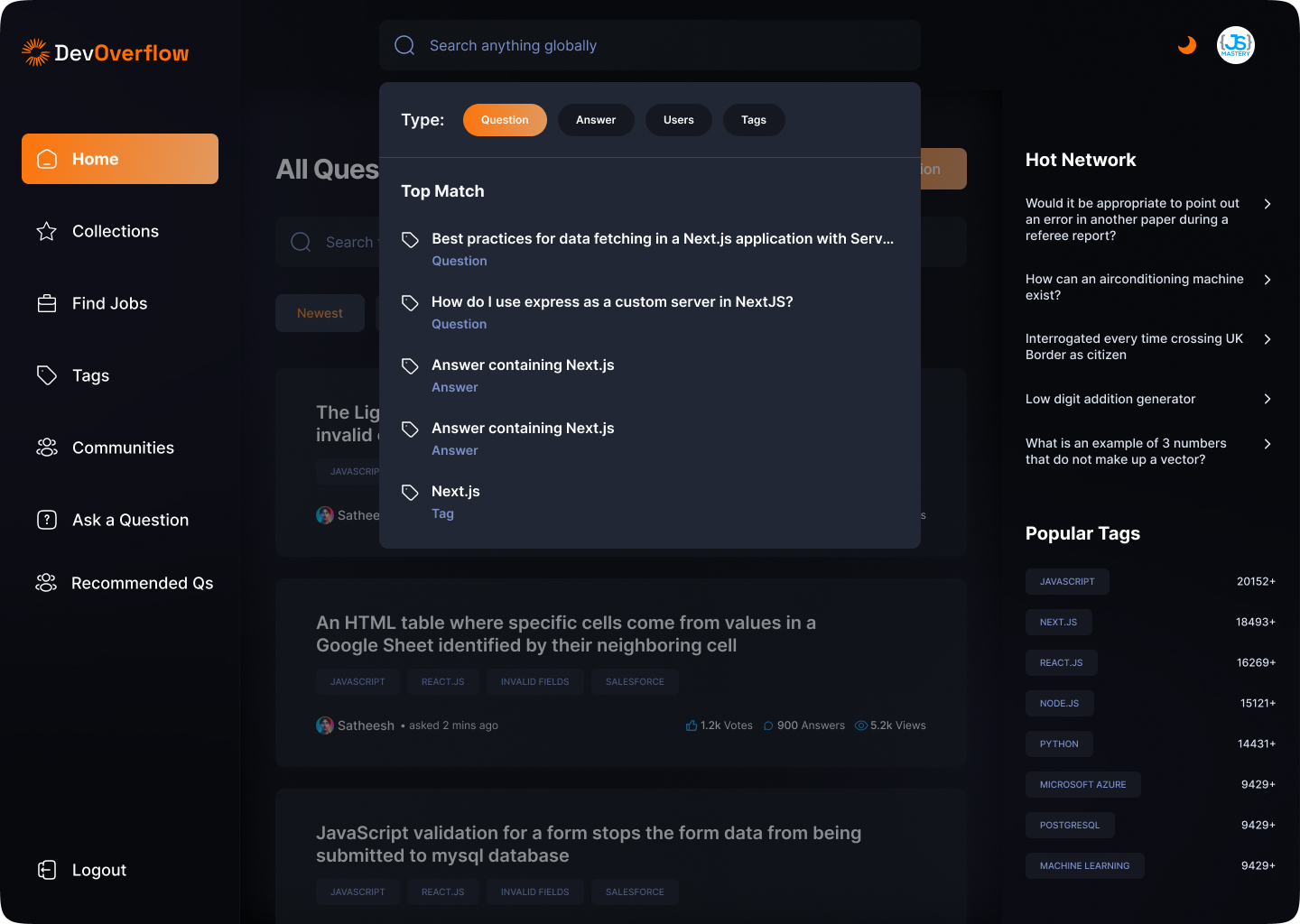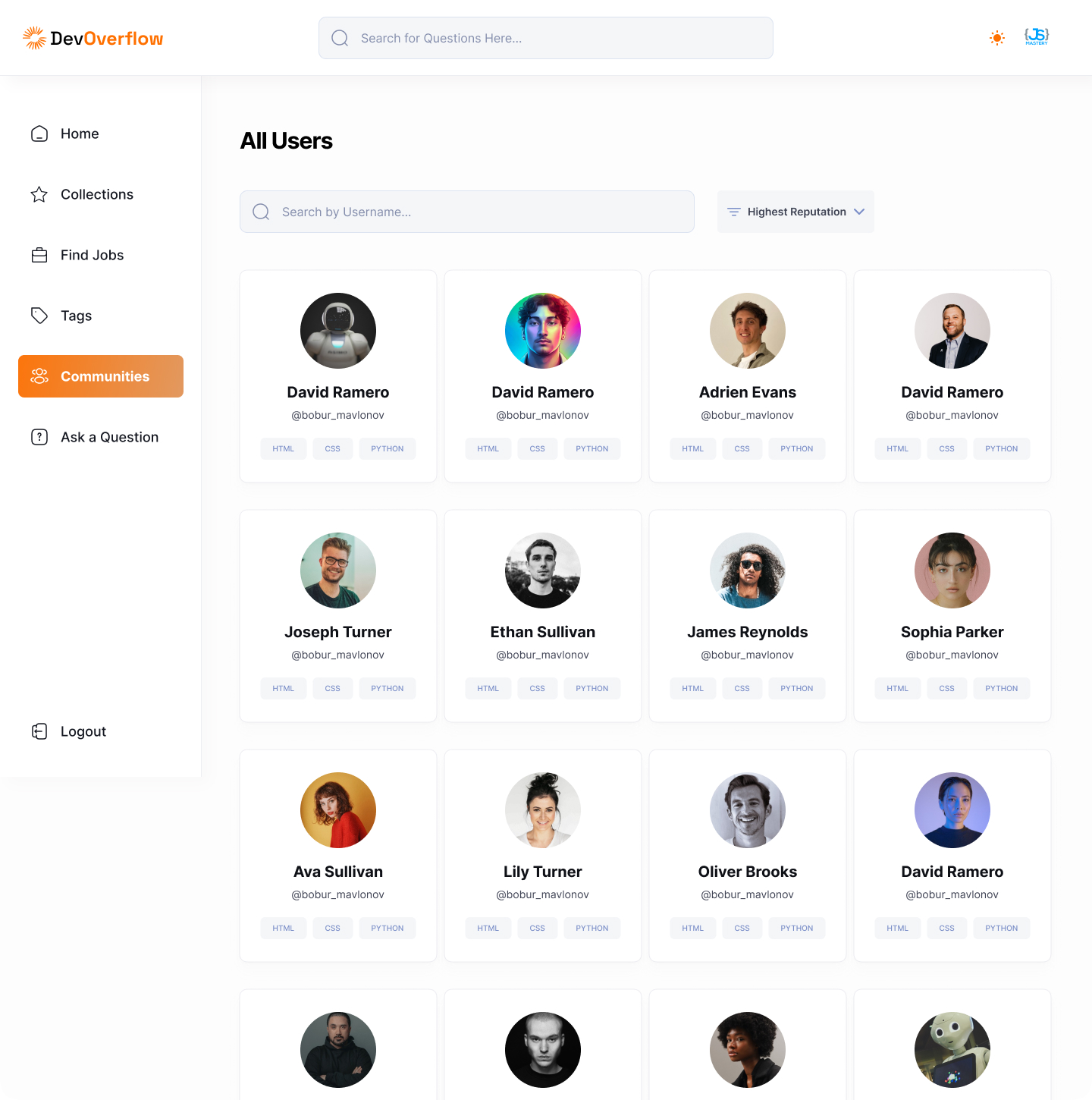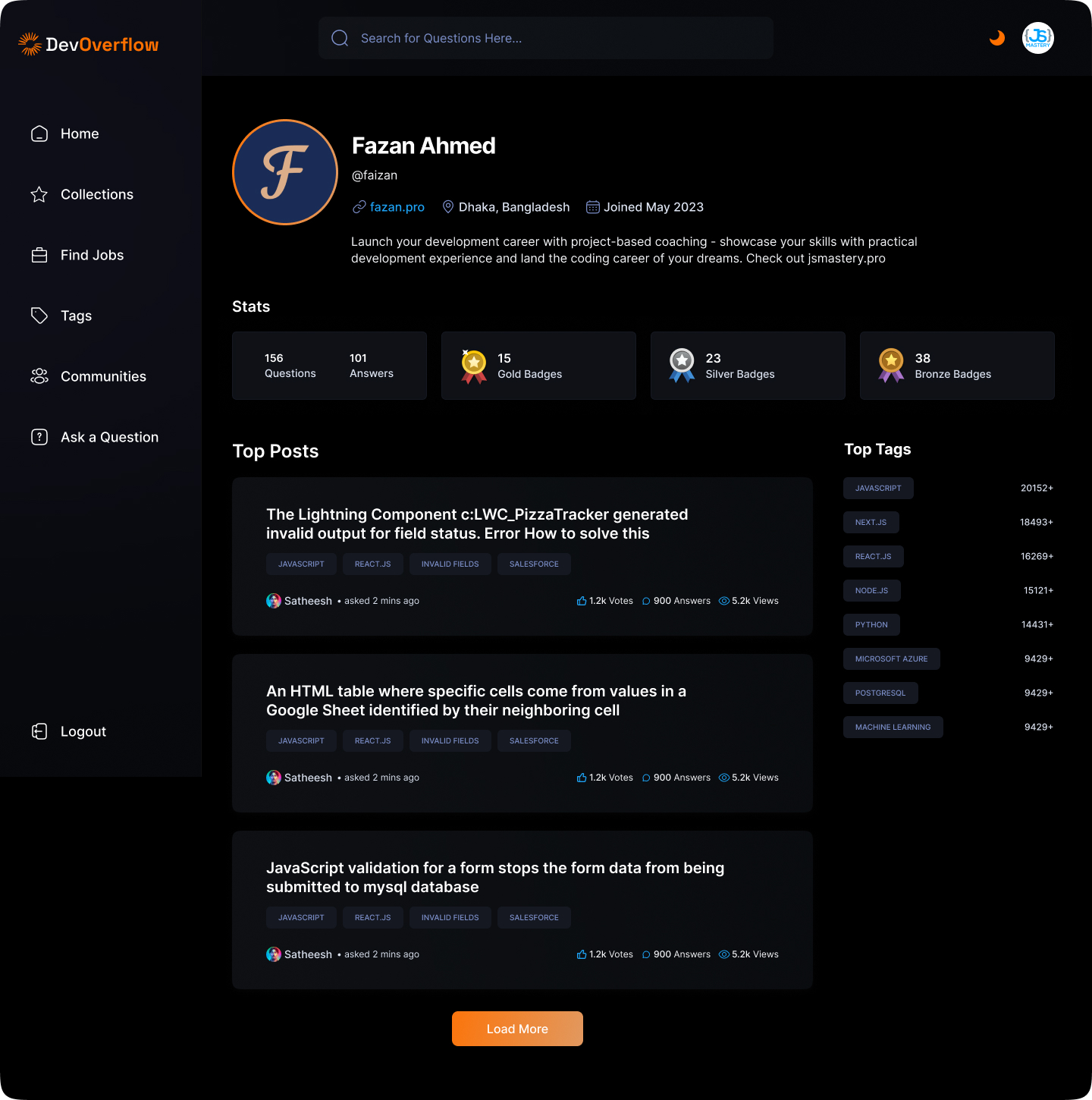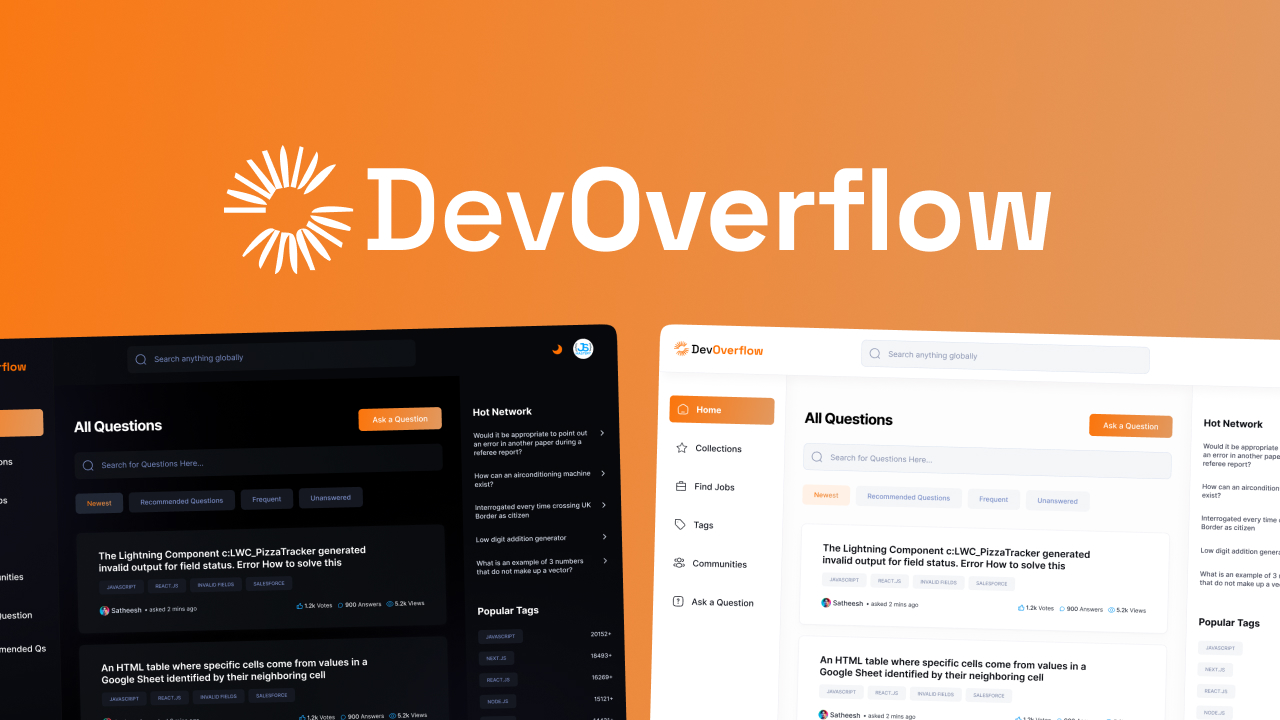
Here is a working live demo: https://dev-overflow-flame-pi.vercel.app/
Welcome to my project! Here, I'll provide you with a brief overview of what inspired me to create it, why it solves a problem, and what I've learned throughout its development.
- Motivation: I was motivated to build this project to address a specific issue and to enhance my coding skills.
- Why I Built This Project: My main goal was to create a practical and user-friendly solution to a real-world problem.
- Problem Solved: This project aims to simplify a particular task, making it more efficient and accessible.
- What I Learned: Throughout the development process, I gained valuable insights into various technologies and programming concepts.
If your README is long, add a table of contents to make it easy for users to find what they need.
To get this project up and running in your development environment, follow these step-by-step instructions.
We need to install or make sure that these tools are pre-installed on your machine:
- Ask questions and answer questions.
- Upvote, Downvote, and save questions.
- Include code snippets in your answers.
- Searching and filtering.
- View Top Questions and Popular Tags.
- Built-in recommendation algorithm.
- Global Search across the database.
- View all tags and tag-related questions.
- View and Edit your profile.
- Built-in badge system for earning badges.
- View, search jobs or filter by location.
- Light and Dark Mode.
-
Clone the repository
git clone https://github.com/hrishabh6/devOverflow.git cd devOverflow -
Set up environment variables
npm run generate-env
-
Run the application To run on Developement Enviroment
docker-compose up client-dev
To run on Developement Enviroment
docker-compose up client-prod
-
Access the application at
http://localhost:3000
- Clone the Repository
git clone https://github.com/hrishabh6/devOverflow.git- Install packages
npm install
- create a
.envfile add necessary credencitals
npm run generate-env- Run the project using command below
npm run devWant to contribute? Great!
To fix a bug or enhance an existing module, follow these steps:
- Fork the repo
- Create a new branch (
git checkout -b improve-feature) - Make the appropriate changes in the files
- Add changes to reflect the changes made
- Commit your changes (
git commit -am 'Improve feature') - Push to the branch (
git push origin improve-feature) - Create a Pull Request
If you find a bug (the website couldn't handle the query and / or gave undesired results), kindly open an issue here by including your search query and the expected result.
If you'd like to request a new function, feel free to do so by opening an issue here. Please include sample queries and their corresponding results.
- Enable users to save jobs to their favorites list.
- Allow users to apply to a job directly from the app.
- Provide a simple and intuitive user interface for easy navigation.
- Allow users to filter jobs based on job title, location, or company.

Feature pages