

Do you suffer from short programming attention span?
Do you have too many projects going on at once?
Try mx! mx creates project-specific terminal workspaces that remember where you were when you jump between your fancy new pizza-as-a-service app idea, the data stream from the hygrometer attached to your petunias, and your brand-new node.js HTTP framework!
mx leverages the power of tmux to create stateful workspaces for your projects, so you can work on lots of projects at once without losing your place. It'll change the way you work, I promise. Read more about the philosophy behind mx.
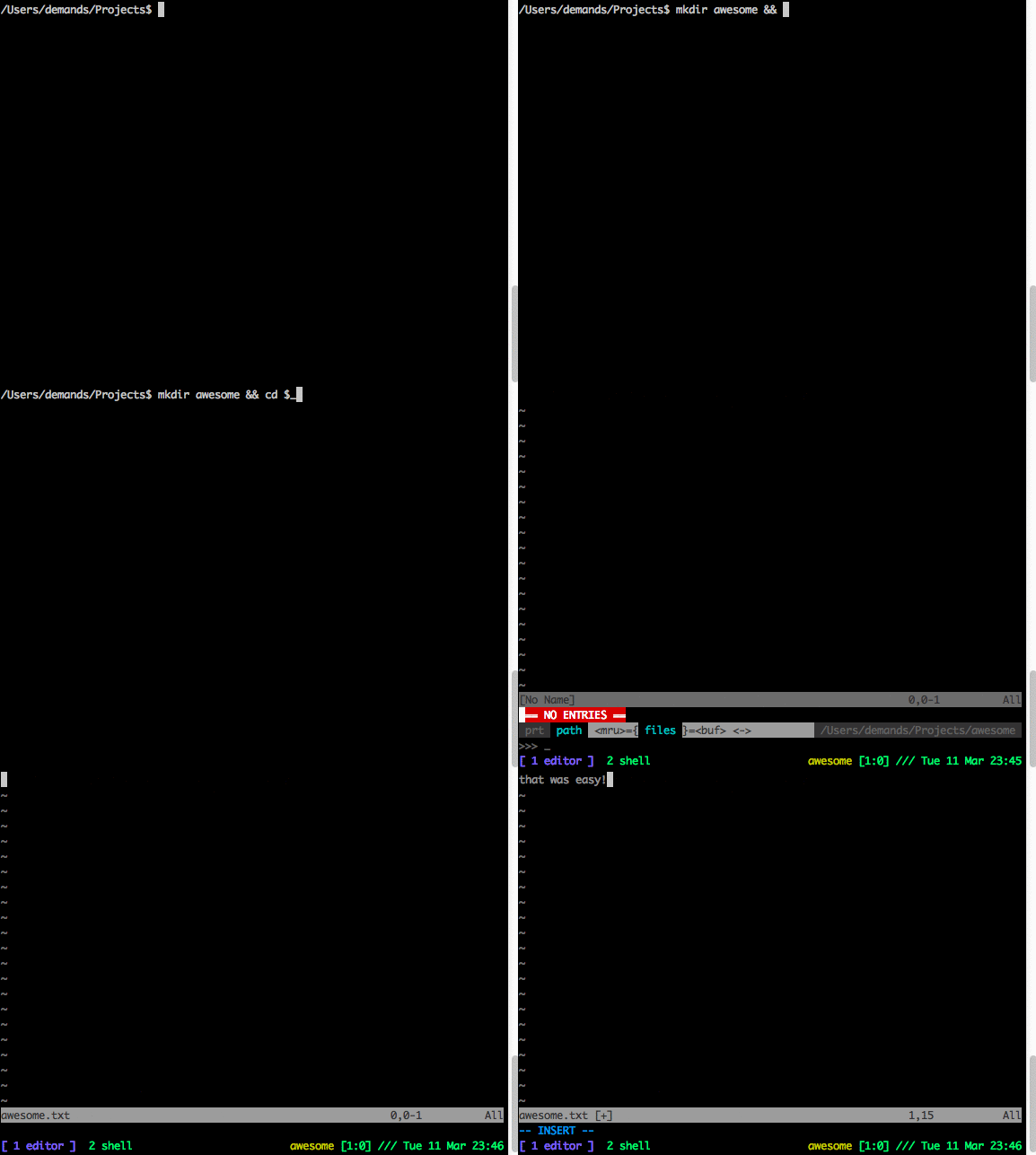
mx [project_name]Opens a new tmux session named [project_name] (defaults to the name of the directory that you invoked mx from). If $PROJECTS/[project_name] is defined, open the session there. Otherwise, open in current directory.
If there is a .tmux file in the session's directory, execute that file. Otherwise, open two windows -- one with $EDITOR and the other with a plain shell prompt.
-
On OS X with homebrew:
brew tap demands/tap
brew install mx
-
Other systems:
- Prerequisites:
bash v3.2.0or higher (OS X Mavericks ships with3.2.51by default)tmux 1.9or higher
- Download and execute
mxas a binary.
- Prerequisites:
Discovered in pengwynn's dotfiles, modified for general use.
MIT.