

Game Development Tool for a touch screen device written in Arduino C/C++
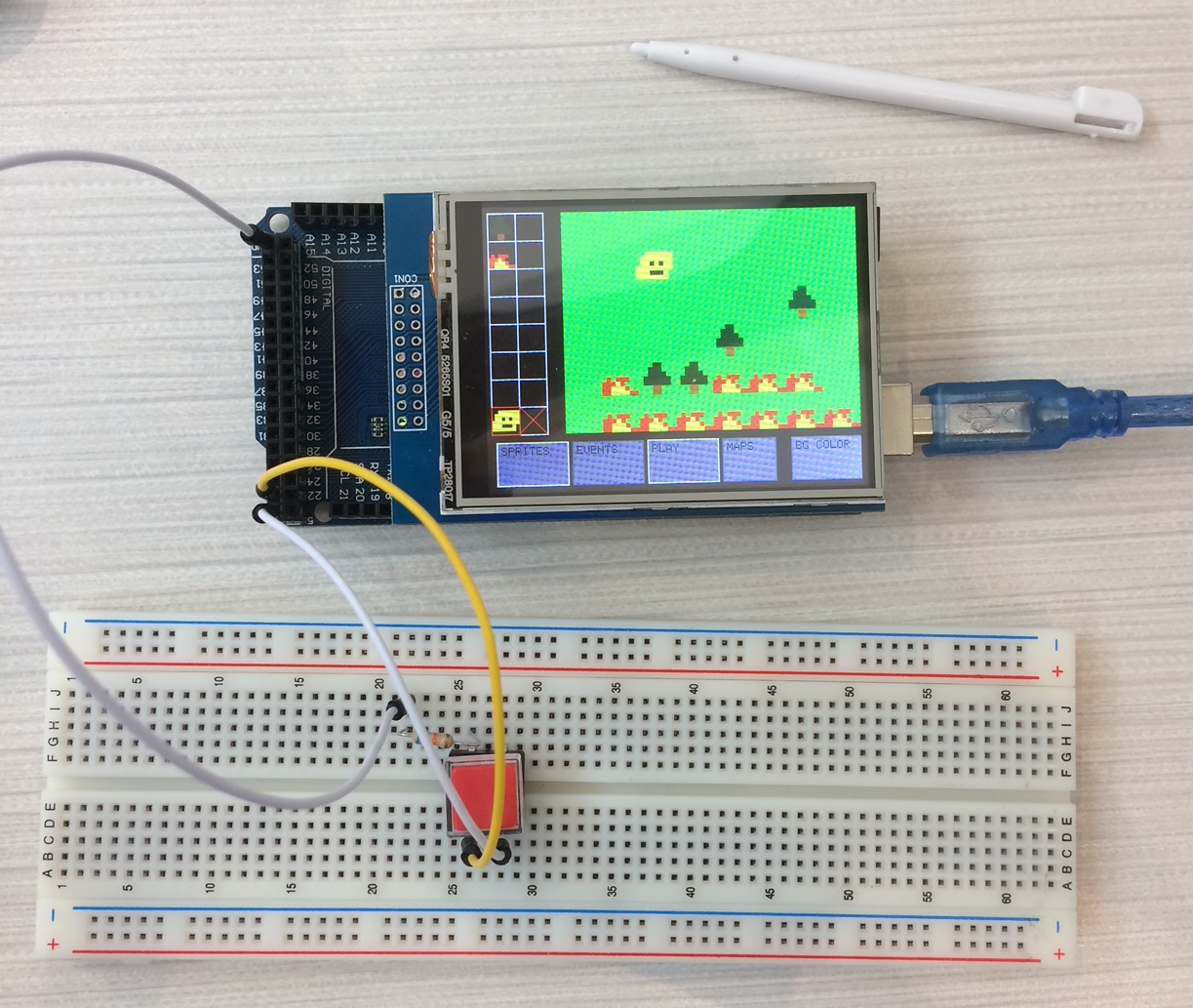
GDT 2017 Game Dev Tool README
This program was written as part of Polyhack, the Tufts University fall hackathon. The three team members were Harrison Downs, Jason Iskendarian, and James Hopkins.
We wrote the core of the project in just under 24 hours. We came in with an initial basis of functions that controlled the OS and UI, as well as some graphics tests (a basic version of the sprite maker, keyboard, and sprite manager that were later updated during the event).
Program Structure:
GDT.ino represents the core of the project. All OS/UI Functions and variables reside there. Shared memory must reside there since the linking order of an Arduino project is not defined well.
BaseEngine.ino is the gameplay file. When a user playtests their game, this file will be used to run the engine.
SpriteMaker.ino is the paint window that allows a user to draw sprites to use in other parts of the game.
SpriteManager.ino is the window that allows a user to select a sprite.
KeyboardScreen.ino is the window that allows a user to type in a string using a screen-keyboard. That string is then returned and can be a variable length.
BaseMaker.ino is the basic “maker” window, AKA the map maker. User can place tiles (drawn from the sprites in SpriteMaker) and place “events” (visual scripting elements).
BaseEvent.ino handles the user placing an event down on any tile. An event is a visual script that allows the user to make certain elements on the map intractable. Events include: Text boxes, Setting variables, Comparisons, and Transferring maps.
BGColor.ino allows the user to change the background color of all the maps from light green to any color.
ConditionalMaker.ino allows the user to specify the parameters of a conditional event. Type of conditional and the two variables being compared are used.
MapSelect.ino lets the user select a map. Either to draw on for BaseMaker.ino or as part of a transfer event.
SelectVar.ino lets the user select a variable for any specific event.
SetVar.ino lets the user specify the parameters of a set variable event. The variable and the value to set it to are used.
TransferMaker.ino lets the user specify the parameters for a transfer event. A transfer event takes the x, y coordinates that the player will teleport to and the map ID of the map to go to.