


My second Swift 5 iOS App. Conveniently create notecards and sticky notes and manage your notes and reminders all in one view.
Compatibility: Tested for iOS version 13.2 and up.
Table of Contents

StikyNotez is inspired by post-it notes found on bulletin boards / desks. This particular UX design adds extra convenience for users who would like all their notes to be found on one screen.
Notecards and Sticky Notes
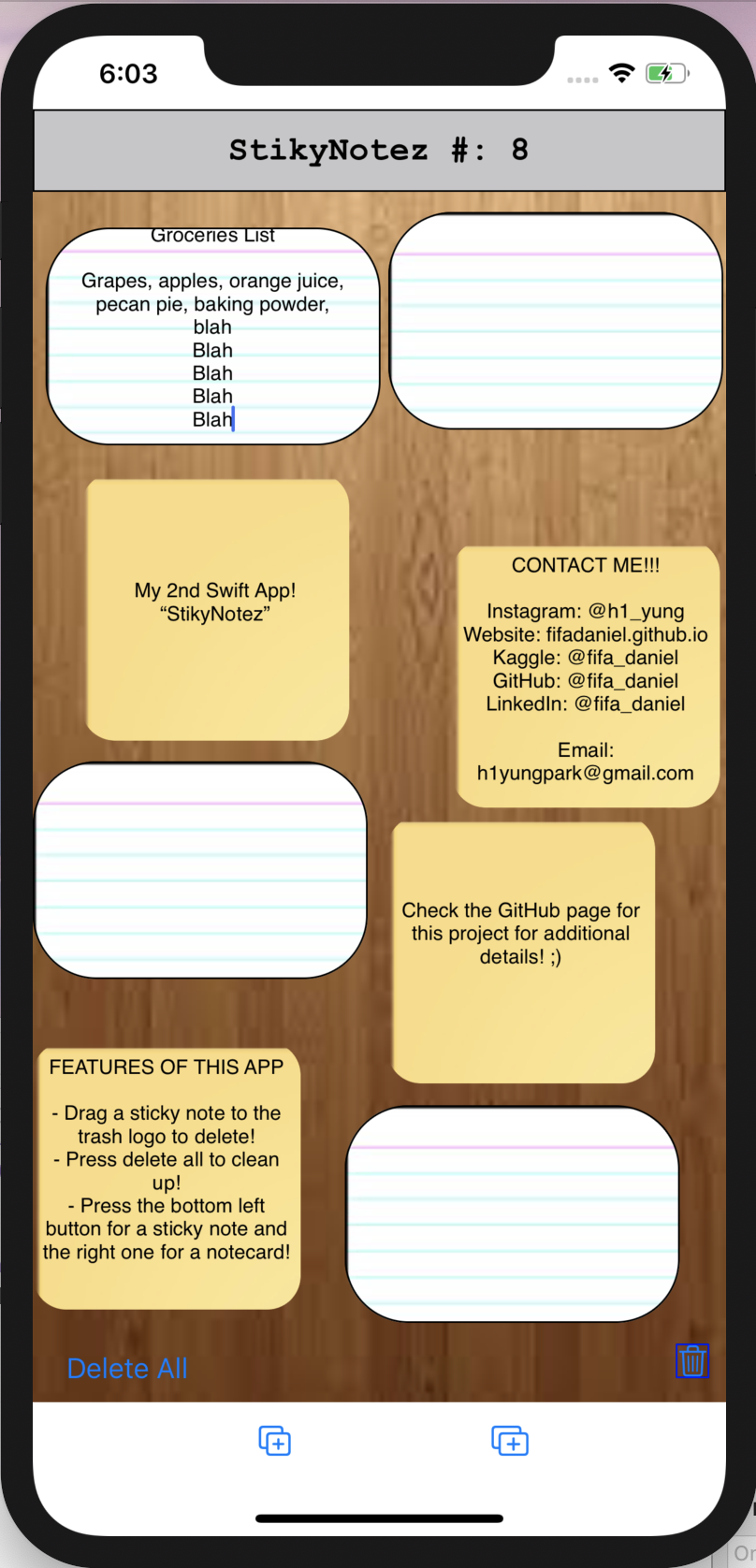
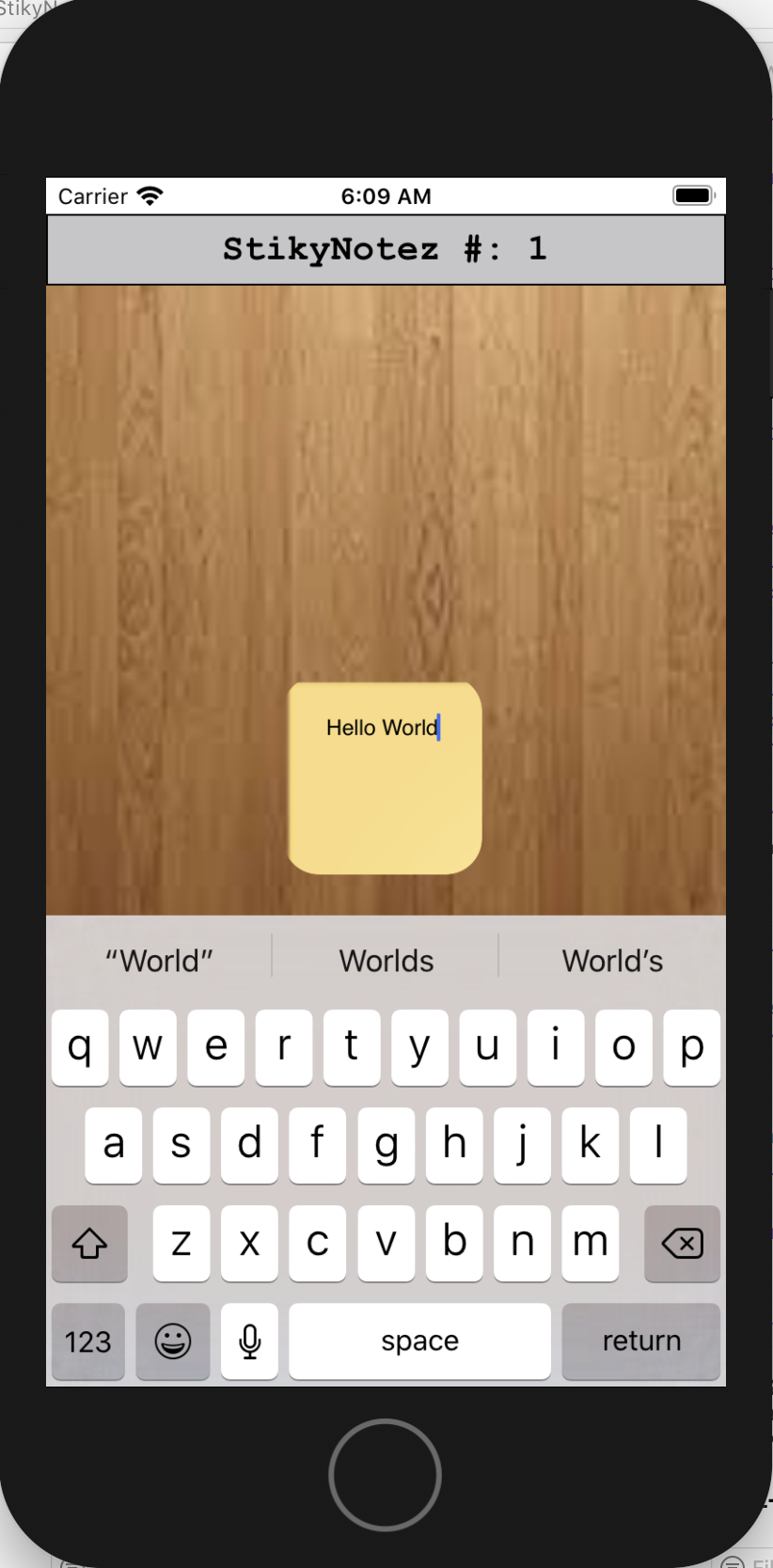
- Create them using left and right bottom buttons. The square logo creates sticky notes, the rectangle logo creates notecards.
- Cards are their own objects that you can move around and assign text attributes to (unlimited lines).
Drag and Drop Trash Button
- Card becomes slightly transparent when you drag and hover it over the trash button and disappears by fading out when you release.
Delete All
- You can delete all the cards at once by pressing the delete all button, which navigates you to a confirmation page before executing.
Some features I just could not find out how to implement include:
- preventing the notes resetting their positions to the center after interacting with the buttons.
- bringing selected notes, originally in the back relative to others, to the front without the problem above from happening.
- Clone the repo
git clone https://github.com/h1yung/StikyNotez.git
- Install under XCode
- Connect your iOS device and deploy
Daniel Park - @h1yung - h1yungpark@gmail.com
Project Link: https://github.com/h1yung/StikyNotez