Features
- Dynamic display of downloads
- View active, queue, errored, stopped
- Sorting of downloads
- Filter/search using regular expressions
- Add downloads
- You can simply dump a list of links or specify options for each
- See this section of the aria2c manual for all available options all of which are supported
- Add magnet links and torrent files
- Operations on downloads:
- Pause/unpause
- Remove
- Change position in queue
- Open downloaded files
- Open download location
- View download information
- Retry download
- Rename download
- Rename files
- Change output directory
- Manage torrents
- Skip files
- Rename torrent files
- Interact with aria2 daemon
- Edit config
- Pause all
- Restart aria
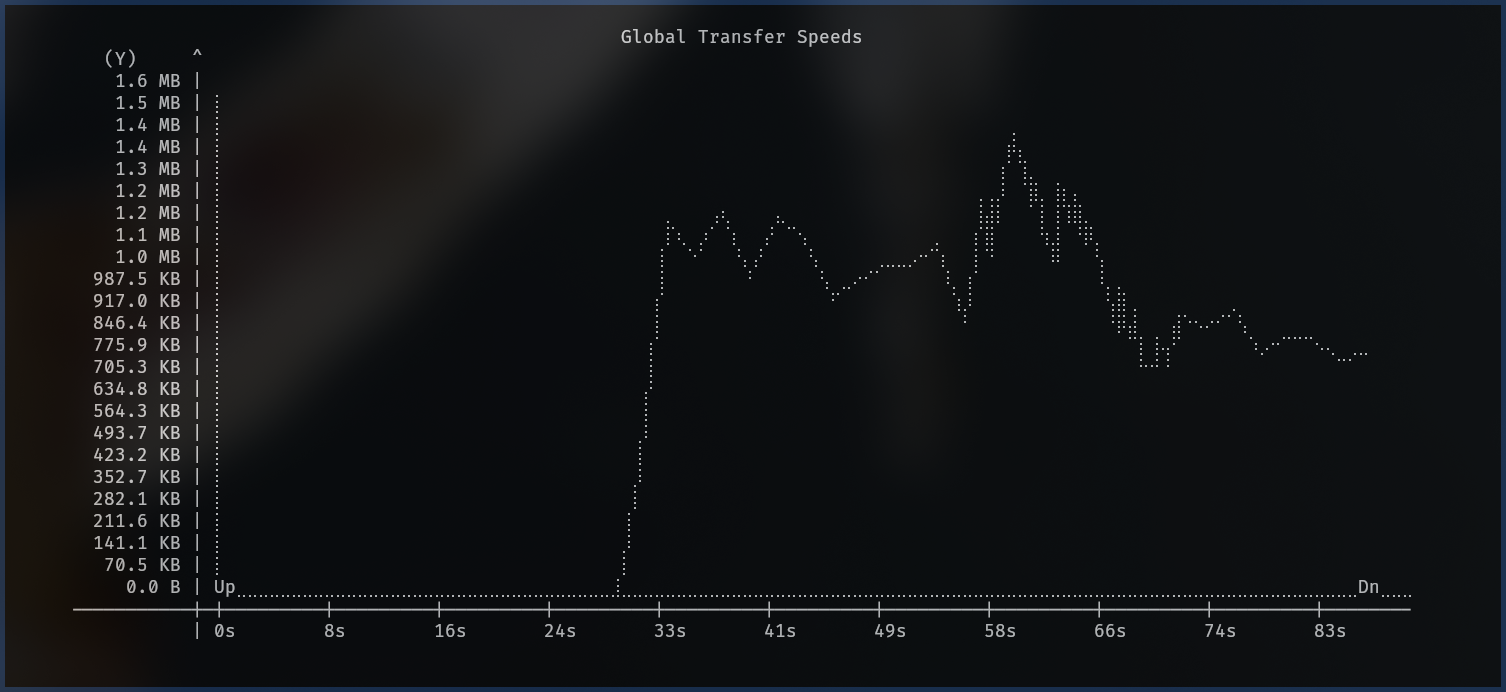
- Transfer speed graphs.
- Right pane or speed graph from the operations menu
- A global speed graph can also be shown from the main menu
- Progress graphs.
- Right pane, view 3
- Piping to shell commands
- Strings from selected cells can be piped to a given command
- Visual options
- Modify theme
- '~' to view settings and then select theme
- Modify theme

- Show/hide columns
- Press Shift+Column_number to toggle or press '~' to view settings and find the column you wish to toggle.
- Quick-toggle footer: press '_'