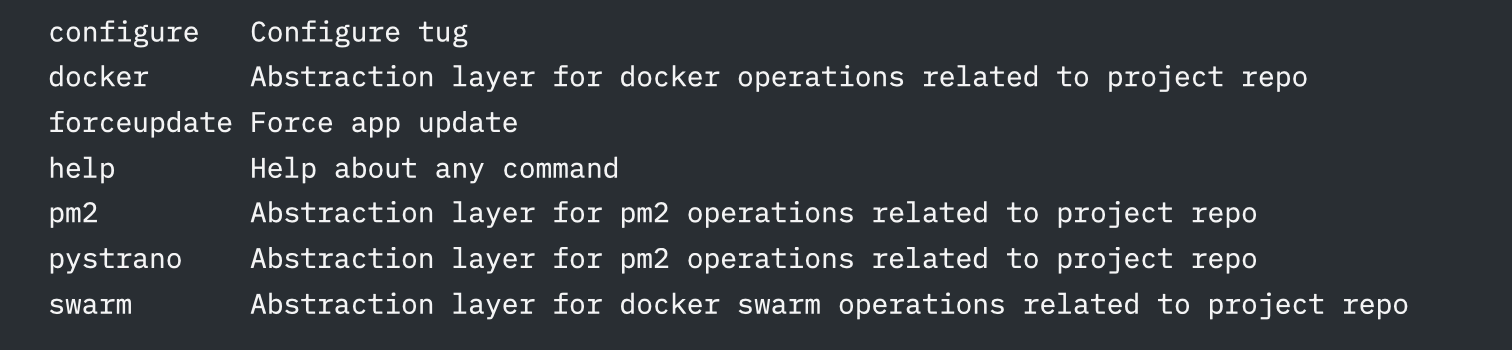
TUG is a CLI tool that helps you monitor and manage remote environments for a given repo, when you don’t want to bother with manually typing in commands.
brew install jq      # macOS
sudo apt install jq  # Ubuntu
sudo pacman -S jq    # Arch Linux
sudo dnf install jq # Red Hat/CentOSbash/zsh
rc_file=${HOME}/.$(basename "$SHELL")rc
echo 'export PATH="$HOME/.tug/bin:$PATH"' >> $rc_file
source $rc_file
fish
set rc_file $HOME/.(basename $SHELL)rc
echo 'set -gx PATH $HOME/.tug/bin $PATH' >> $rc_file
source $rc_filecurl -s https://raw.githubusercontent.com/goodylabs/tug/refs/heads/main/scripts/download.sh | bash -stug configure