Step 1: Install Linux.
Just kidding. Below are step-by-step instructions for getting up and running, you crazy masochist.
- Install Ruby (you'll need this to interact with the Learn platform)
- Download the Windows - Ruby 2.2 Rails Installer
- Run the installer. It should finish without a hitch.
- You can verify the installation by opening the newly installed Git Bash program.
- Be sure to add your SSH key (which should have been automatically copied to your clipboard) to your GitHub account.
- You can make sure that everything works by cloning this repo over SSH.
- Download the Windows - Ruby 2.2 Rails Installer
- Set up your SSL certificates
- Open PowerShell (it should be installed on your system by default).
- Enter
Invoke-WebRequest http://curl.haxx.se/ca/cacert.pem -OutFile C:\RailsInstaller\cacert.pemat the command prompt - Update your environment variables
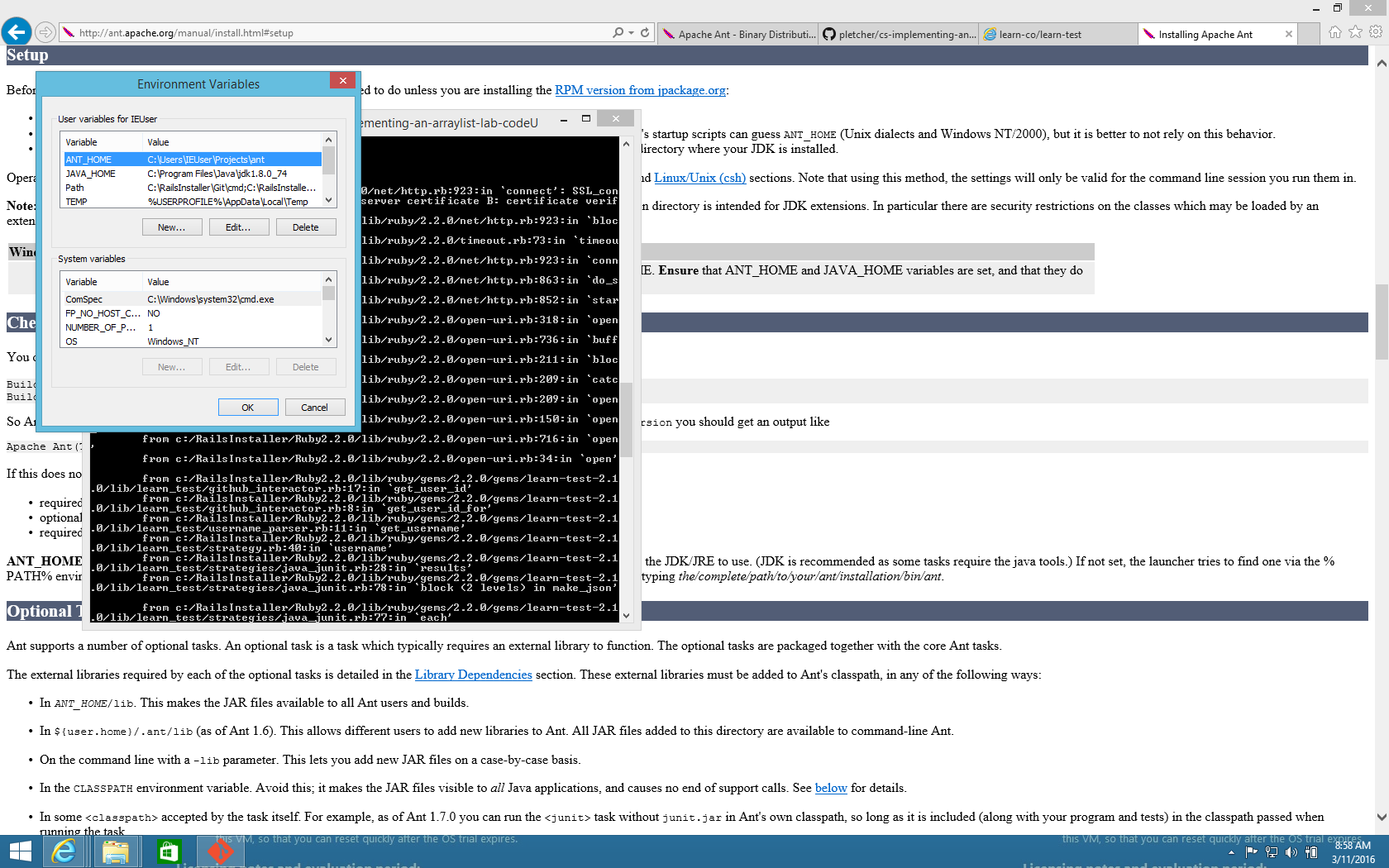
- Find the Environment Variables dialogue (it's somewhere under Control Panel, but you can also just search for it).
- Add a variable called
SSL_CERT_FILEthat points toC:\RailsInstaller\cacert.pem. - Keep this dialogue open. You'll need it for a few more steps.
- Find the Environment Variables dialogue (it's somewhere under Control Panel, but you can also just search for it).
- Install the appropriate JDK8 for your system.
- Add an environment variable (you did keep the dialogue open, right?) called
JAVA_HOMEthat points to your installed JDK. (It should point to something likeC:\Program Files\Java\jdk1.8.0_74.) - Edit your
Path(orPATH) environment variable. This is a semicolon-separated list of locations where the command prompt will attempt to find executables. You'll want to addJAVA_HOMEto the end:C:\path\already\set;%JAVA_HOME%.
- Add an environment variable (you did keep the dialogue open, right?) called
- Download and unzip Ant. (Just download the
zip'd binary version.)- Unzip the archive to a directory that you'll remember (maybe
C:\Program Files\Ant). - Add an environment variable called
ANT_HOMEthat points to the unarchived directory. - Edit your
Pathenvironment variable so that it includes%ANT_HOME%\bin.
- Unzip the archive to a directory that you'll remember (maybe
- Install
learn-test- Open up the Git Bash Terminal and type
gem install learn-test. This is the tool that you will use to run the tests and submit work to the Learn Platform - Now when you're ready to check the results of a lab, you can run
learn-testfrom the lab's directory.
- Open up the Git Bash Terminal and type

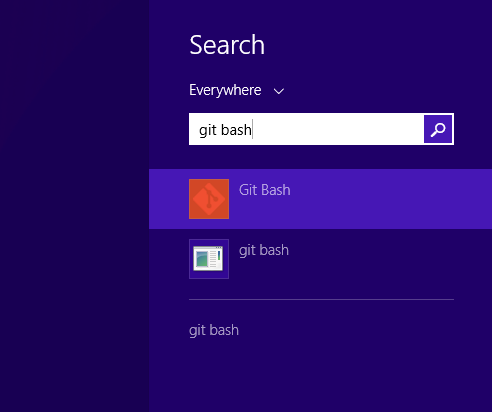
From here on out, whenever a lab or README asks you to open a terminal, you'll want to open Git Bash. You can just search for it using Windows' search feature and it should show up.


That's it! You should now be able to run learn-test in any of the labs and observe your progress on Learn.co. Happy coding!