

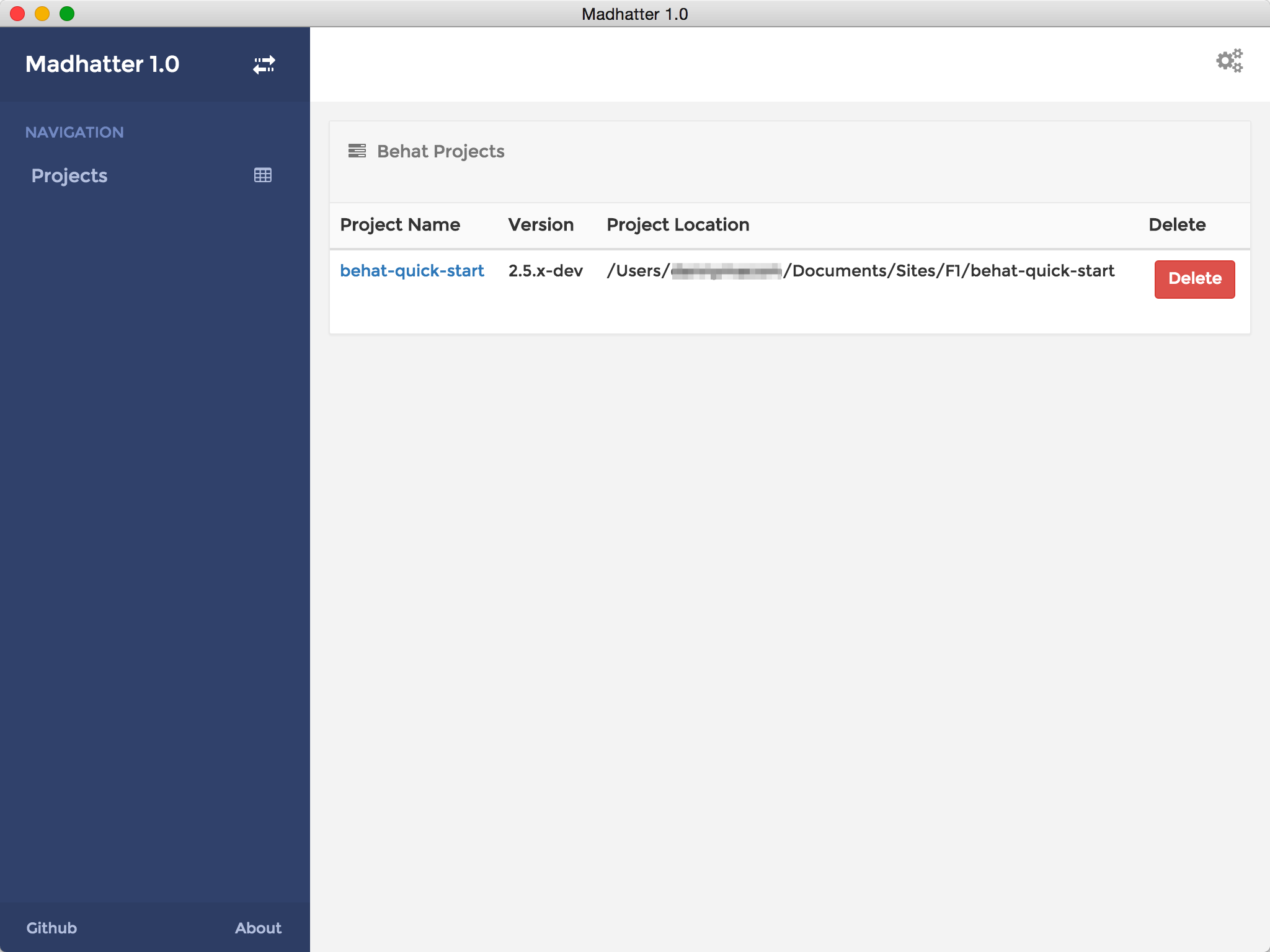
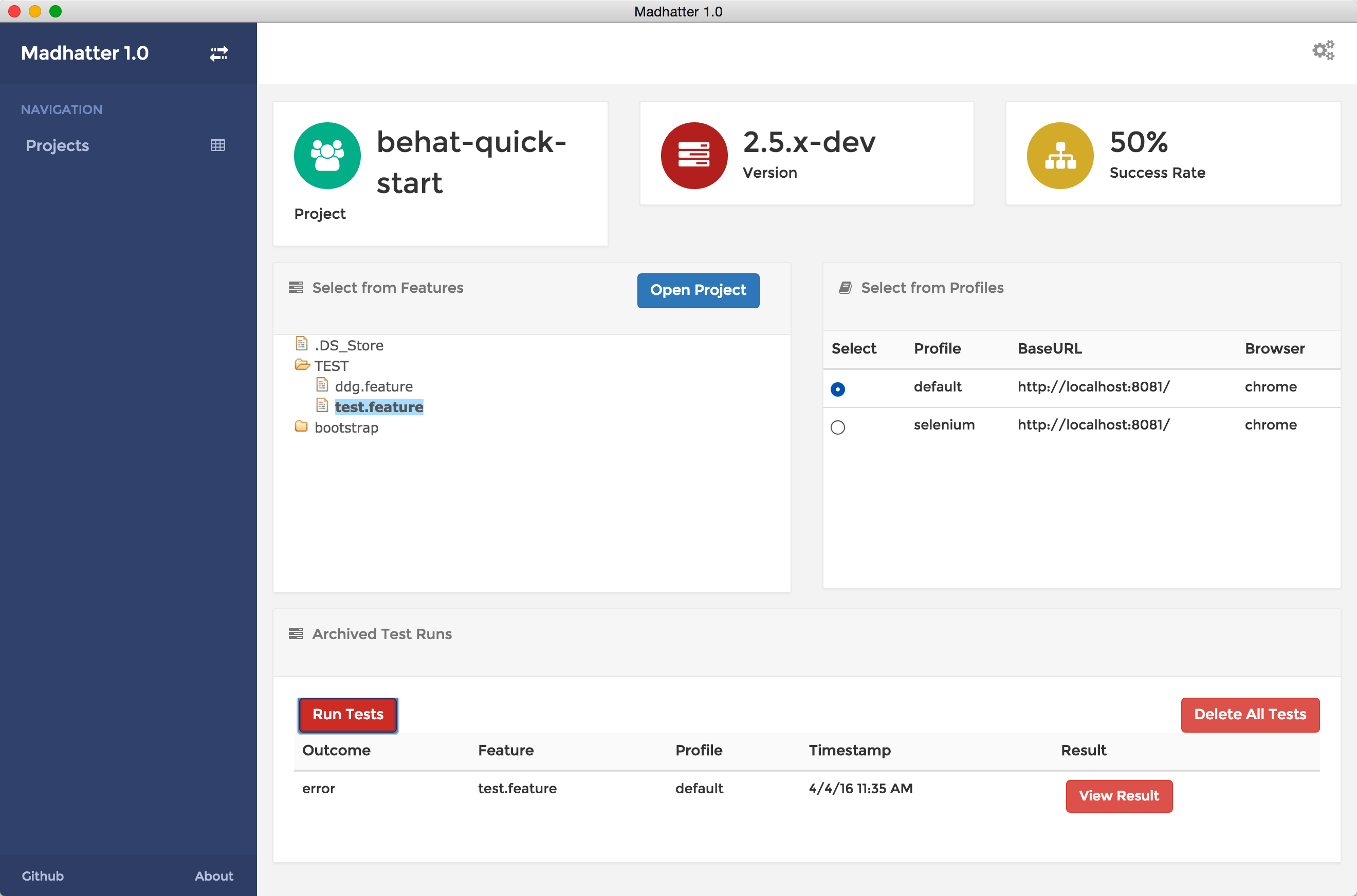
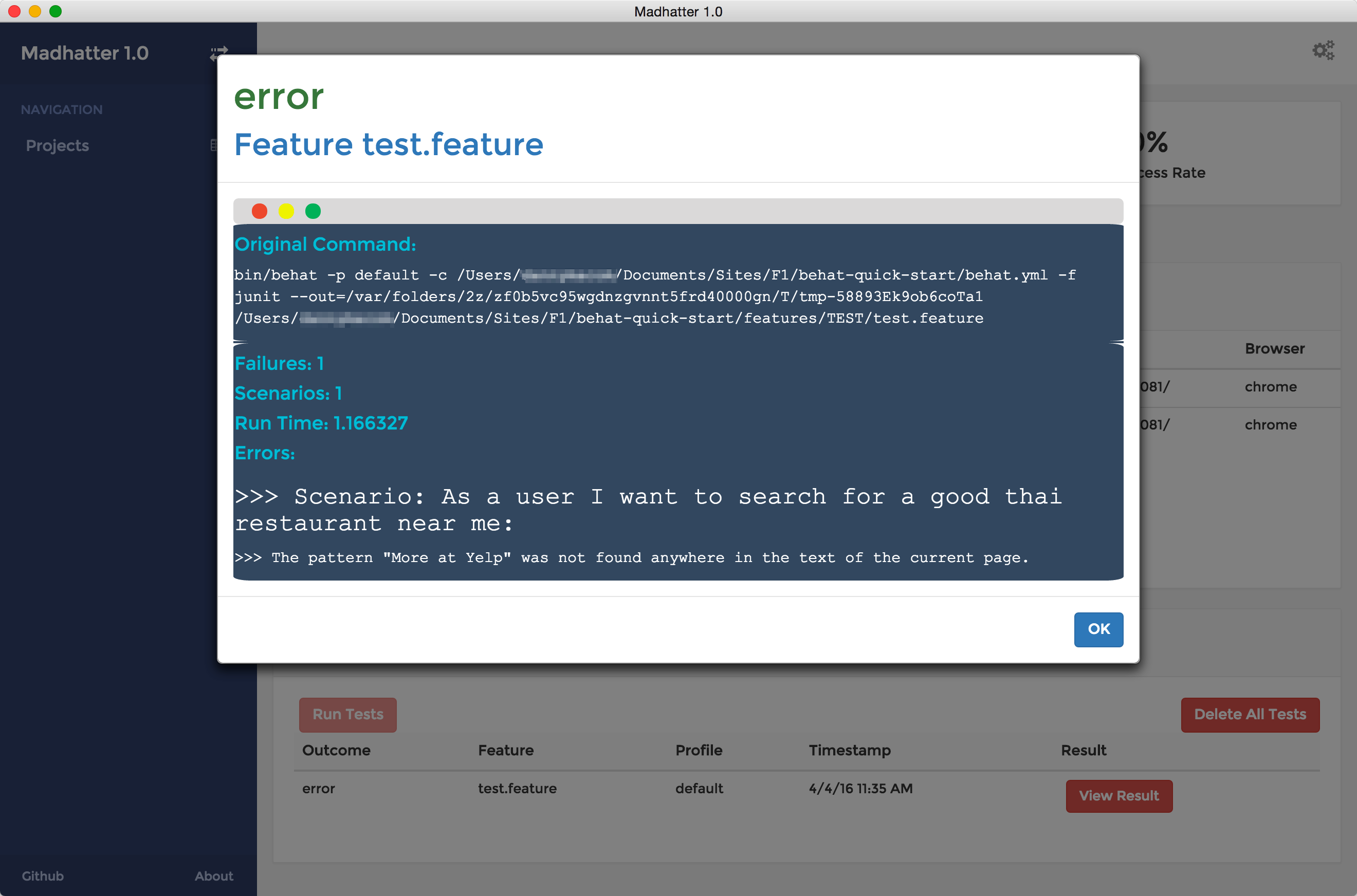
Madhatter is an all-in-one Behat Project Management Tool. Madhatter helps you manage your Behat Installations better by allowing you to list all local Behat projects and test runs, as well as detailed analysis on tests. It is currently a work in progress
- Application Builds for Mac/Win/Linux
- Build Instructions
- In-App Editing Experience
- Clone the repository:
git clone https://github.com/generalconsensus/Madhatter - Install the NodeJS dependencies:
npm install. - Install the Bower dependencies:
bower install. - (Temporary) If you get a Bower version check for angular, you can choose: 'angular#~1.5.0 which resolved to 1.5.3 and is required by Madhatter'
- Run the gulp build task:
gulp build. - Run the gulp default task:
gulp. This will build any changes made automatically - Run npm start. This will start electron with
electron main.js
Ensure your preferred web server points towards the dist directory.
Continue developing the dashboard further by editing the src directory. With the gulp command, any file changes made will automatically be compiled into the specific location within the dist directory.
By default, Madhatter includes ui.bootstrap, ui.router, ngCookies and treeControl
If you'd like to include any additional modules/packages not included with Madhatter, add them to your bower.json file and then update the src/index.html file, to include them in the minified distribution output.