- On the right side of the Folder list, select the Releases text.
- On the Assets Category, click the dropdown and select the time_table_management.apk
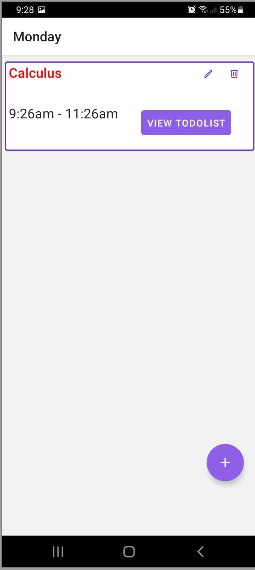
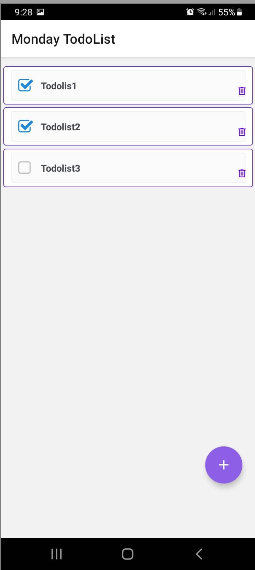
- Select the downloaded App. When prompted with security from Chrome, set allow install unknown app from your mobile settings
- Click the back button and install the app