My personal dotfiles managed with Nix flakes, featuring configurations for development tools, window managers, and shell environments across macOS and Linux.
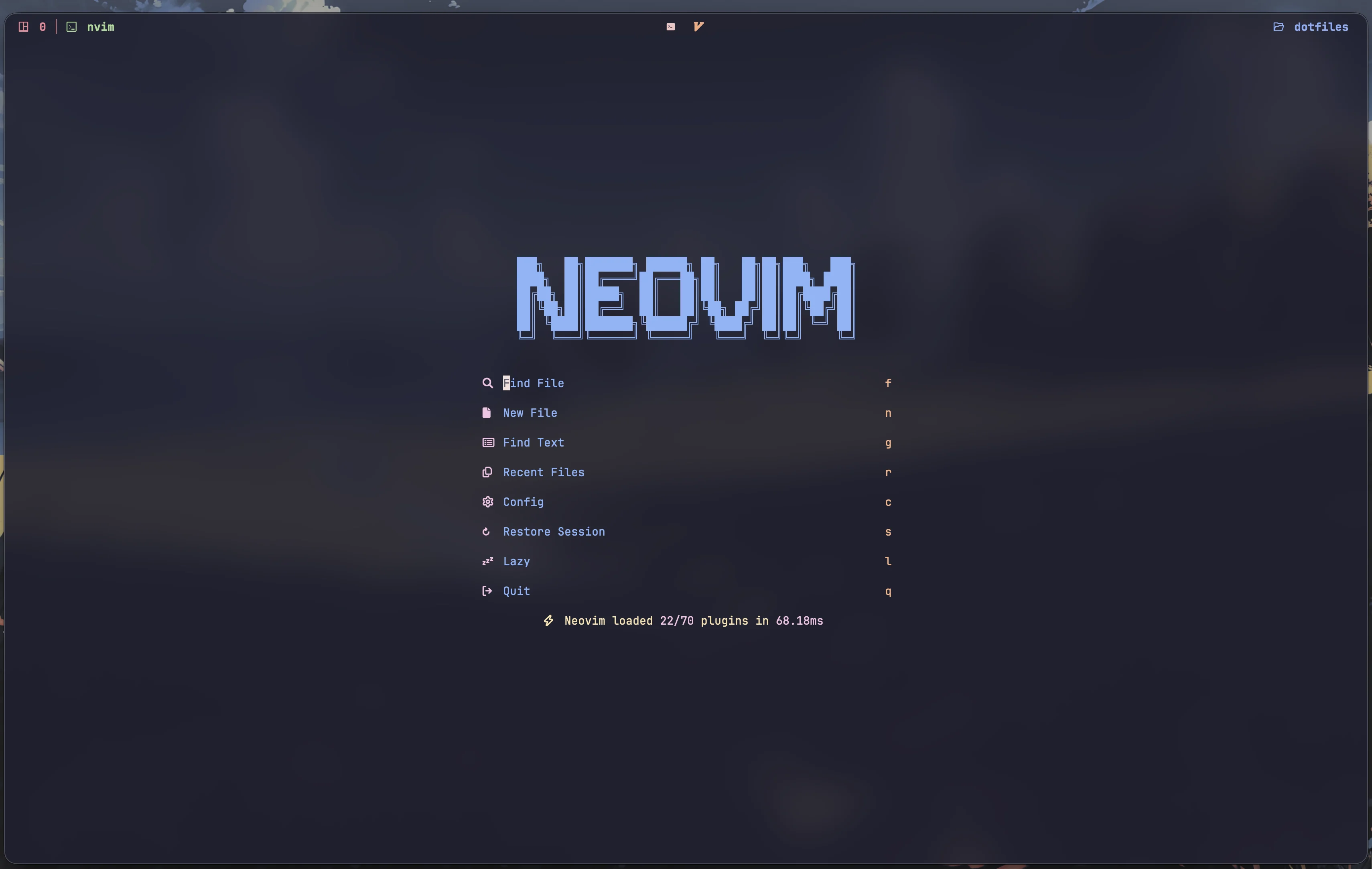
- Window Manager: Hyprland (Wayland compositor)
- Bar: Waybar with custom styling
- Terminal: Ghostty
- Hosts:
atlas- Main desktop workstationhades- Server configuration
- Window Manager: AeroSpace (tiling WM)
- Terminal: Ghostty
- Package Manager: Homebrew (managed via Nix)
- Hosts:
coffee- MacBook configuration
... (keep the existing lists from your README: Editors, Shell & CLI, Development Tools, Applications, Theme, Structure, Key Features, Key Bindings, Customization, Notes, Credits, License) ...
Installation steps and secret-handling have moved out of this README into docs/:
docs/installation.md— platform-specific installation steps (macOS & Linux), including the Nix experimental flakes command examples.docs/secrets.md— SOPSagekey setup and how secrets are handled (sops-nix usage, where to store keys, example encrypt/decrypt commands).
If you want, I can also create a short CONTRIBUTING.md later explaining how to add new hosts or packages.