Wire Frames
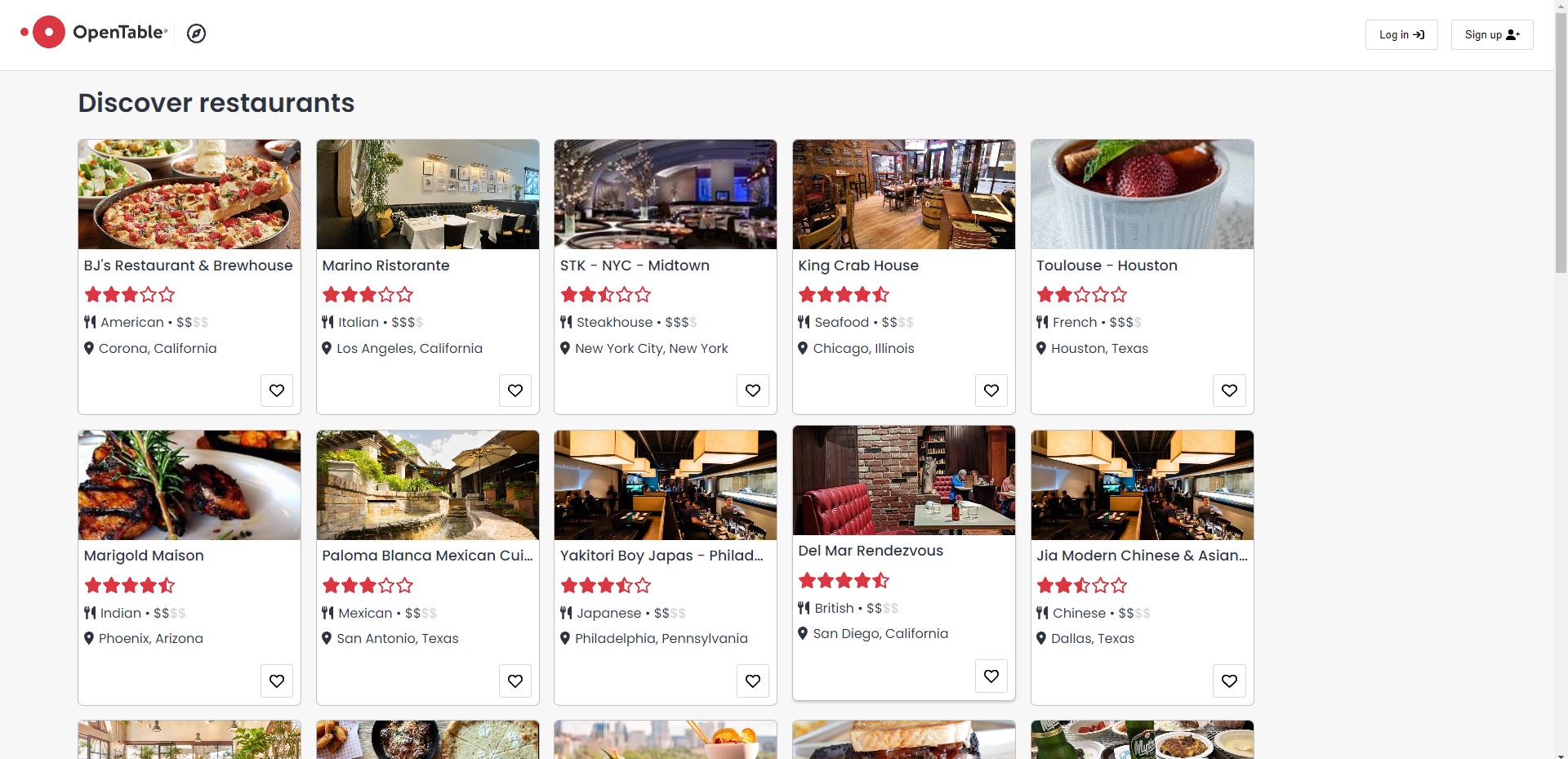
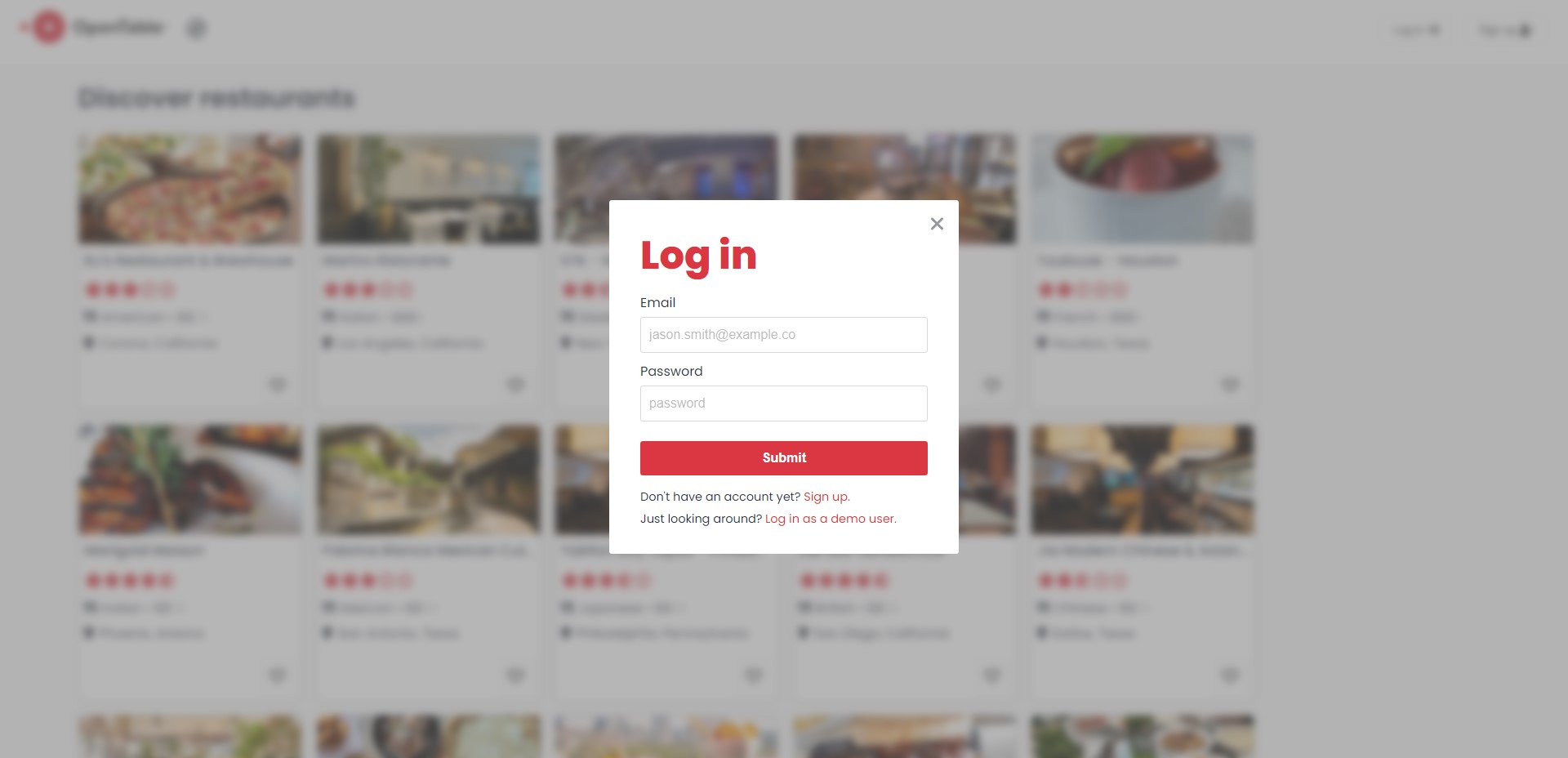
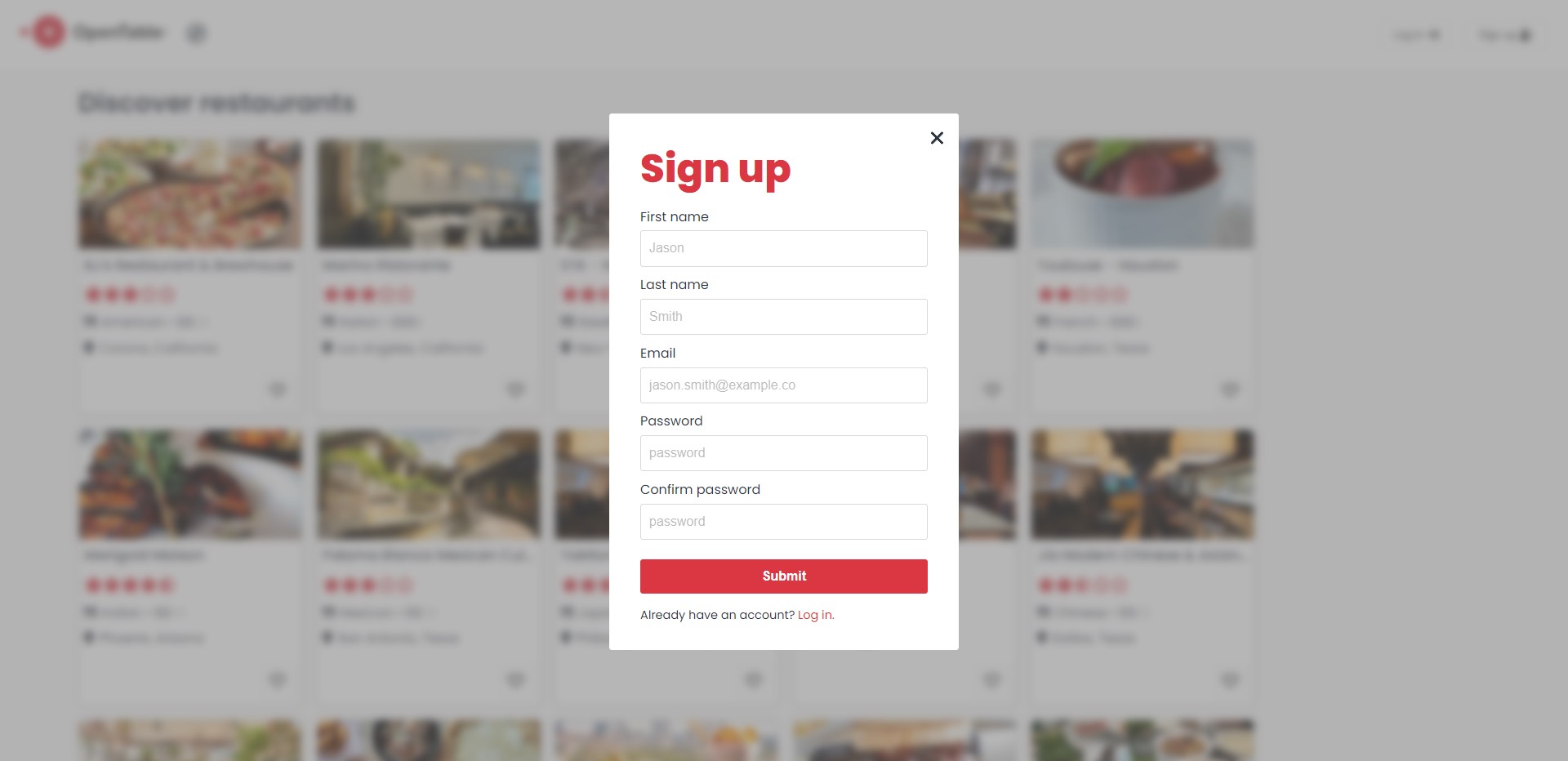
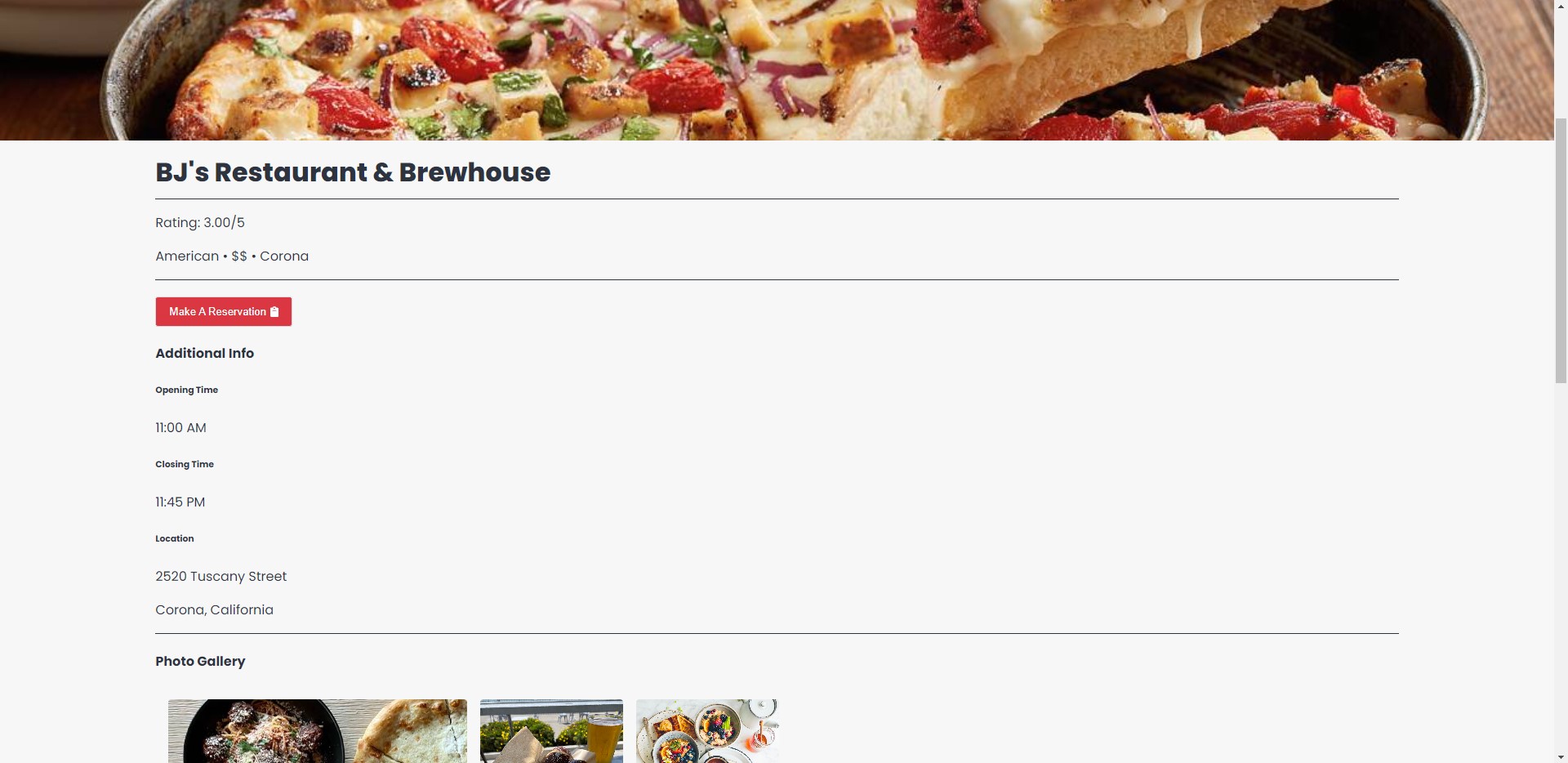
- This is the top of the restaurant detail page, with the restaurant information displayed, as well as a button to make a reservation.
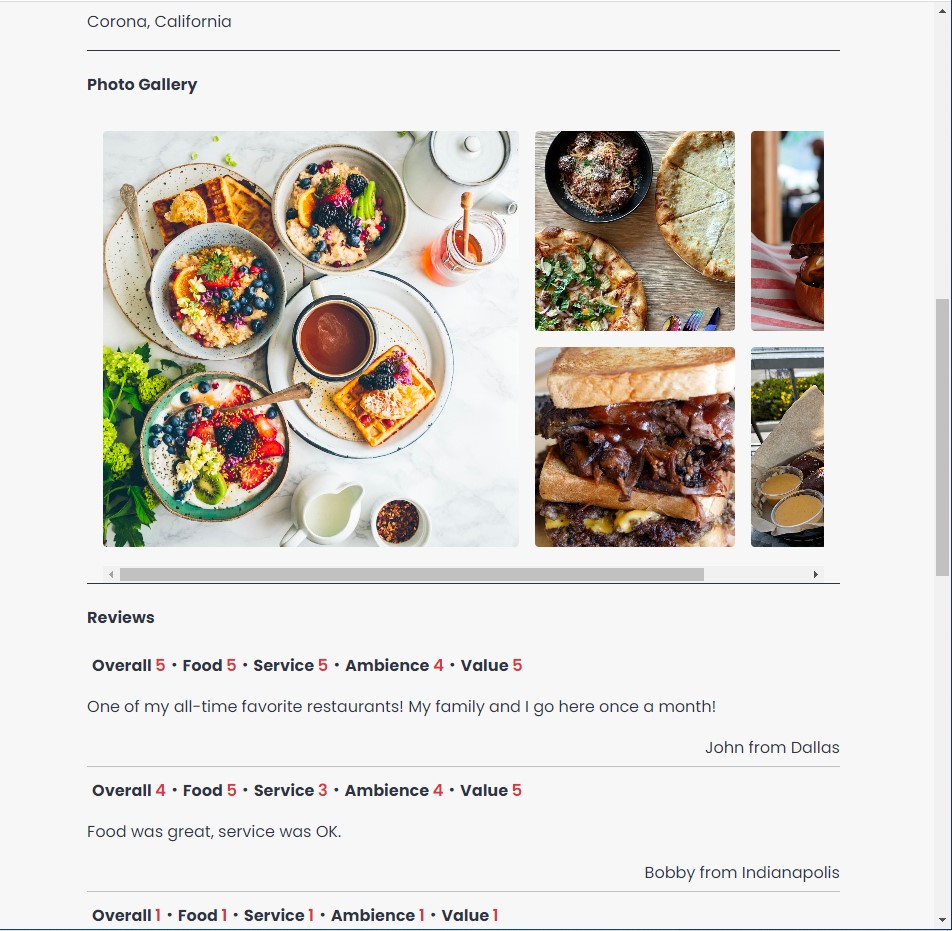
- This is the lower portion of the restaurant detail page which displays the restaurant's image gallery and the reviews for the restaurant.
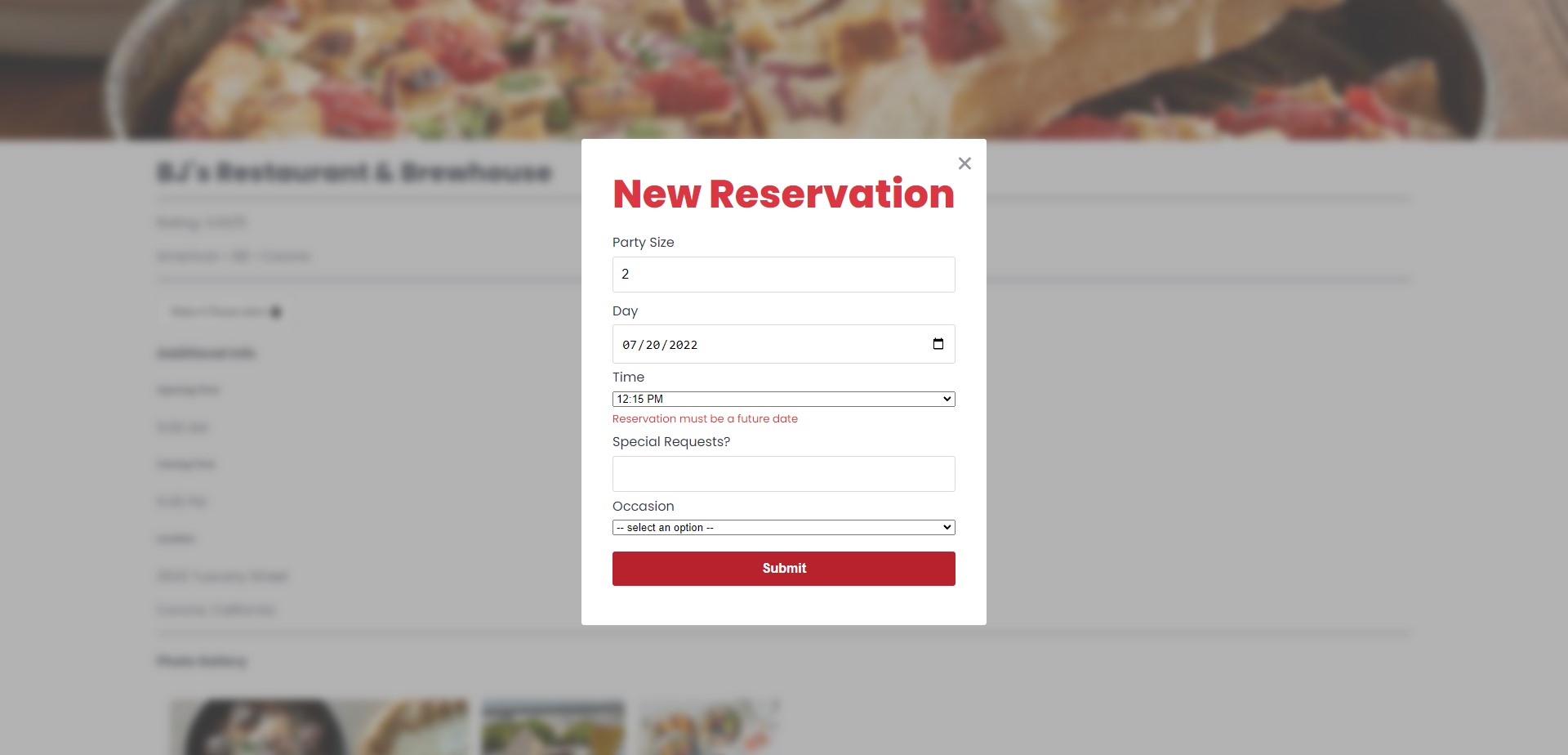
- The modal form that pops up when "Make A Reservation" is clicked on the upper portion of the restaurant detail page. Here, we can see an error message that displays when a user tries to submit a reservation for a past date.
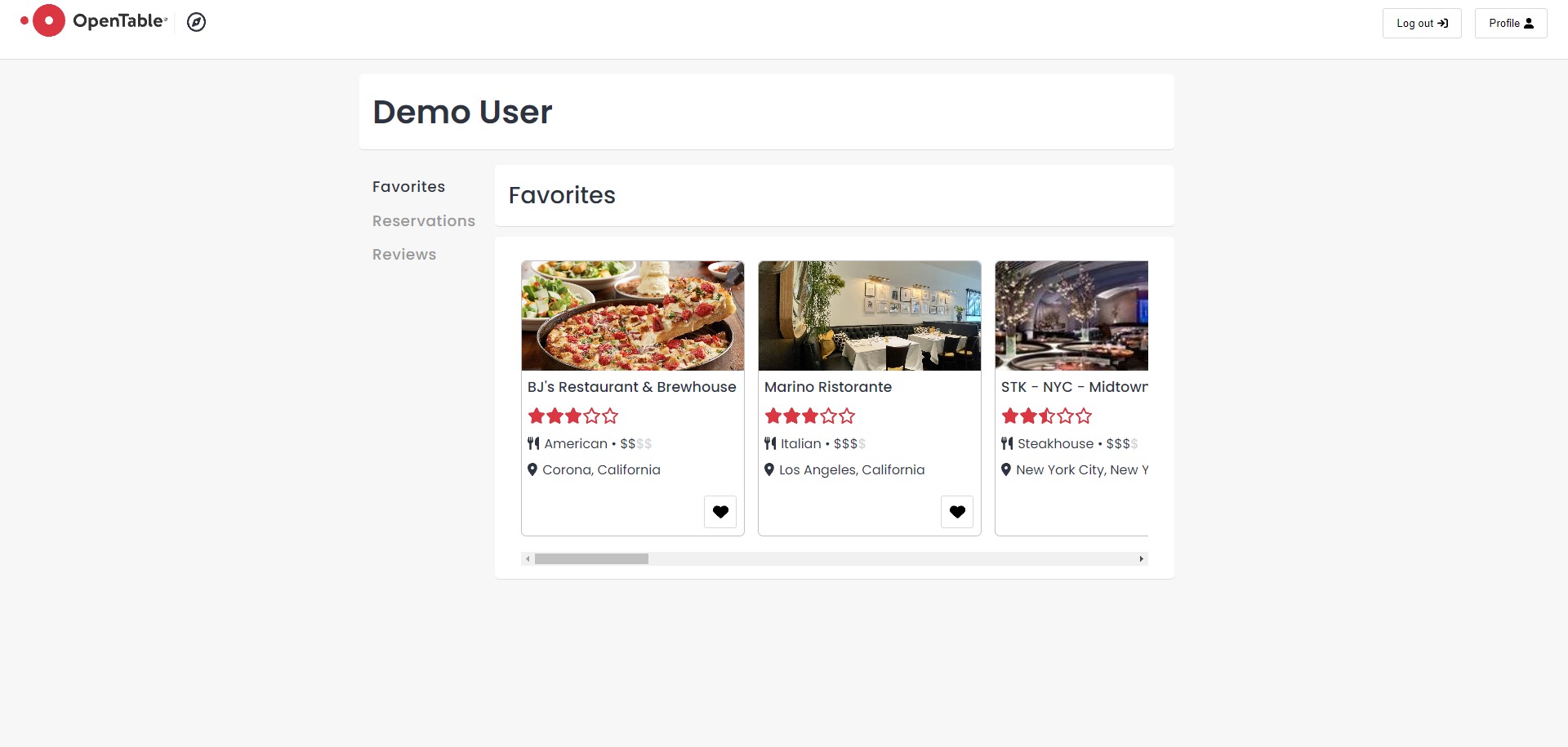
- In this view we can see the the current user's favorited restaurants. The user can simply click on the heart button on the restaurant card to unfavorite a restaurant.
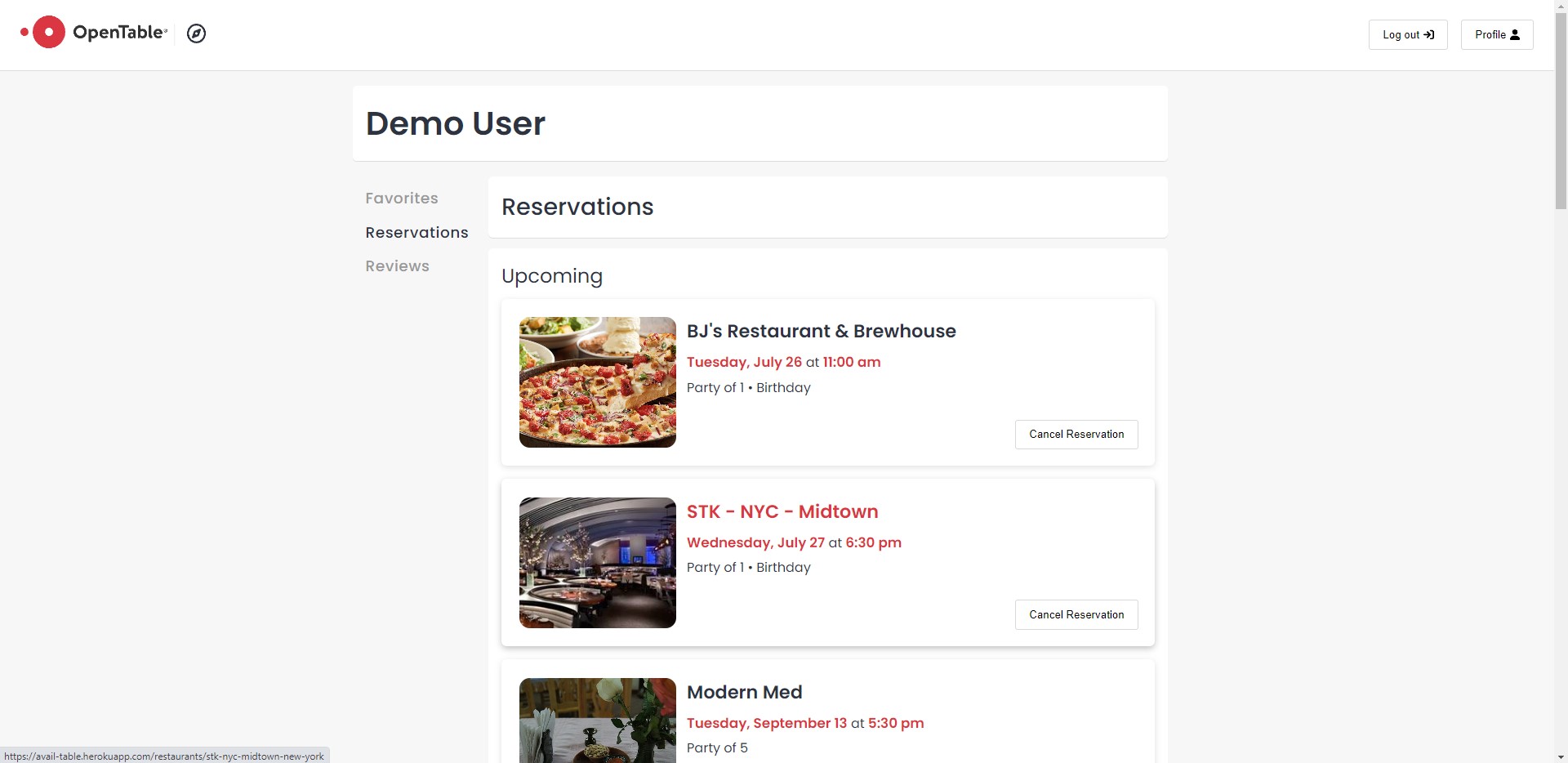
- In this view we can see the current user's reservations. Reservations are divided into upcoming and past reservations in this view. Users have the option to cancel a reservation from this view.
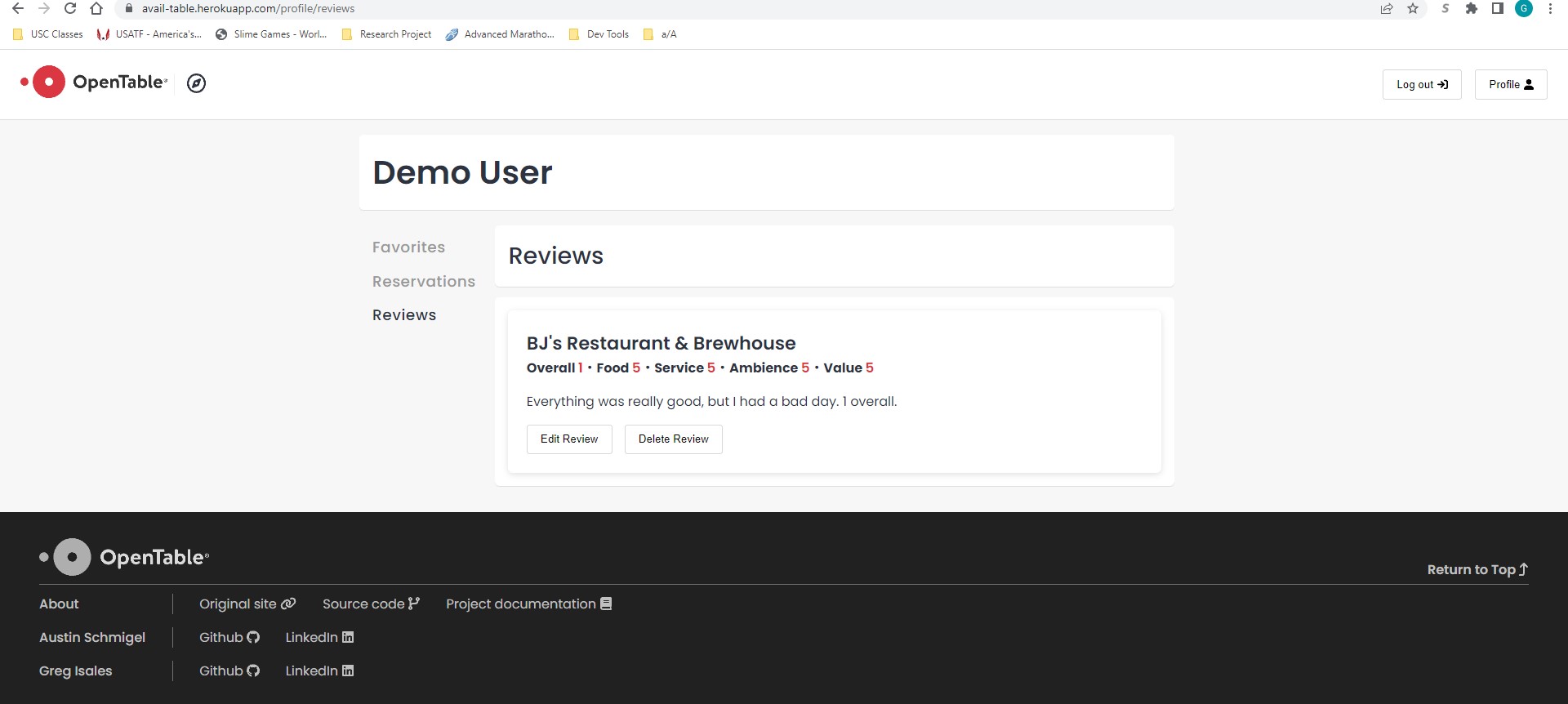
- In this view we can see all of the reviews that have been made by the current user; note the edit and delete review buttons near the bottom of each review.