
Full Changelog: 4.2.0...4.4.0
StrumPract is various tools for musicians.
Like:
- Learn to play drums set in 4 lessons and develop your art.
- Practice your other instruments with a editable drums machine.
- Tune your guitar and bass.
- Play audio files and loop it, adjusting the tempo of the song to what you want.
- DJ console for auto-mixing, with 2 players and direct-output of mic.
- Record your ideas-jam into wav or ogg files.
- Chords randomizer for jamming.
- Noise generator.
- Wave generator.
- Piano synthesizer.
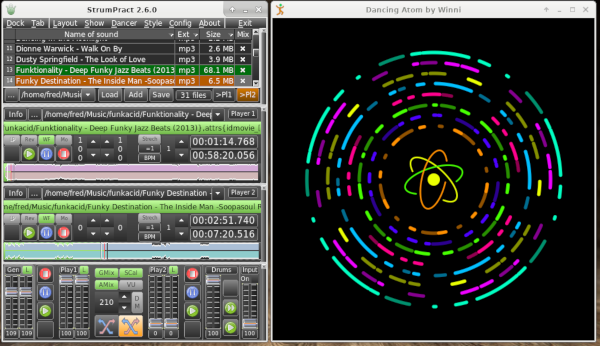
- Image Dancer.
- Tag infos with images, included animated PNG.
- Many Layout and Styles.
For Windows 32/64, Linux 32/64, FreeBSD amd64/aarch64, OpenBSD 64, DragonFlyBSD 64, NetBSD 64, MacOS X and RPi ARM32/Aarch64.
To install StrumPract, download and unzip the asset in bottom of page corresponding to your system.
Warning: For Darwin-MacOs, you need to install xquartz > brew install xquartz
To run StrumPract, 2xclick on strumpract in /StrumPract_xxx/ directory.
First you may choose a layout in the "Layout" menu.
For example with the DJ layout, click on the [...] button on left-bottom of the file-list window and choose a directory with songs.
Then click on the orange mix-button [X] of the commander form.
StrumPract was compiled with: FPC 3.2.2: http://www.freepascal.org
Graphic widgetset: MSEgui 5.10.4: https://github.com/mse-org/mseide-msegui
Graphic library: BGRABitmap v11.5.8: https://github.com/bgrabitmap/bgrabitmap
Audio library: uos v2240422: https://github.com/fredvs/uos
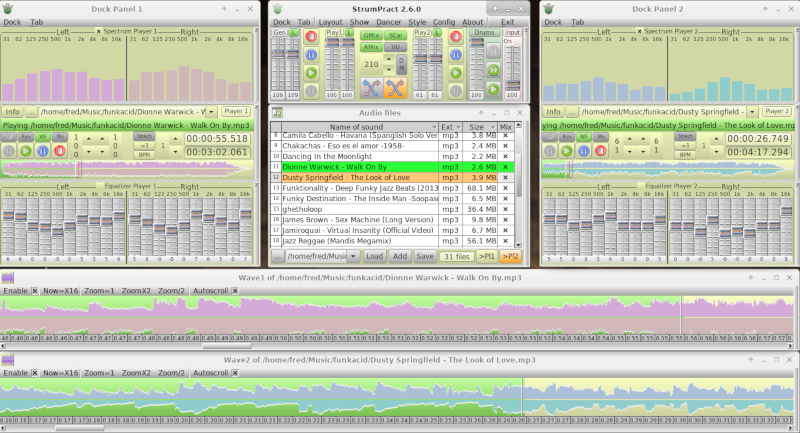
DJ Wave Layout Gold Style:
DJ Info Layout Carbon Style:

Jam Layout Silver Style:

Jam Layout Carbon:

All docked colorized:
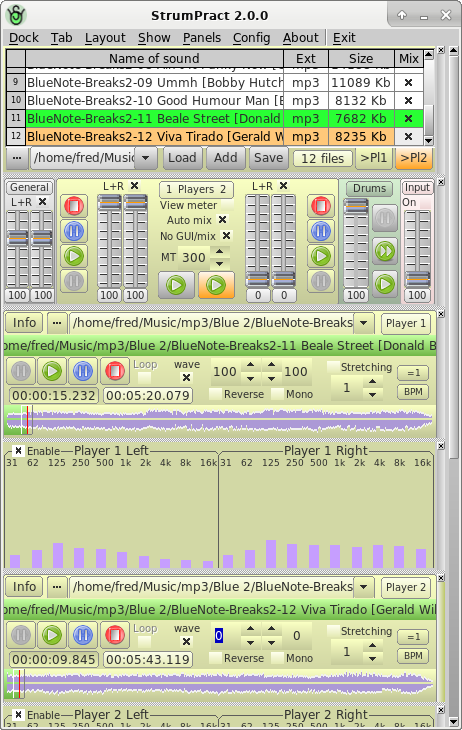
All tab:

All float:

Chords randomizer:
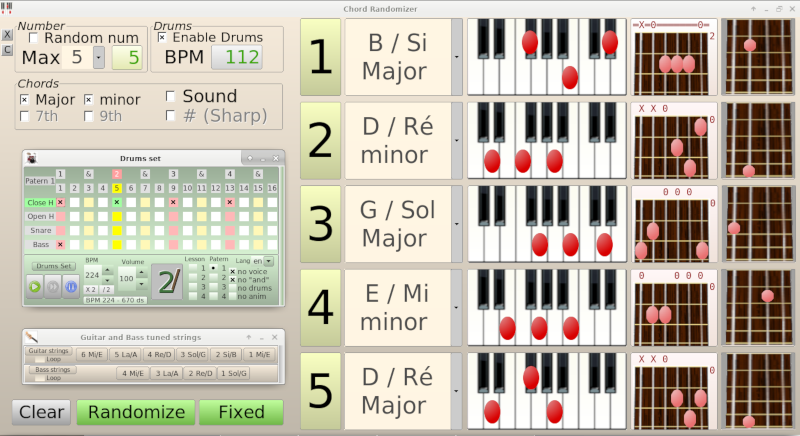
Image Dancer:
Fred van Stappen fiens@hotmail.com