Skip to content

Kentico form control that works as a multi content node picker. Allows a user to select any content node from the website content.

License

Notifications You must be signed in to change notification settings

francisco-caicedonarvaez/Kentico_EntitySelector

Folders and files

NameName
Last commit message
Last commit date

Latest commit


History

4 Commits


Repository files navigation

Kentico Entity Selector

Kentico form control that works as a multi content node picker. Allows a user to select any content node from the website content.

Installation

  1. Load "Sites" app and click on Import site or objects button
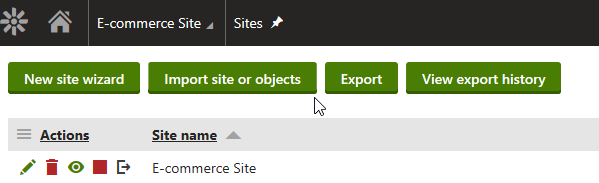
import objects

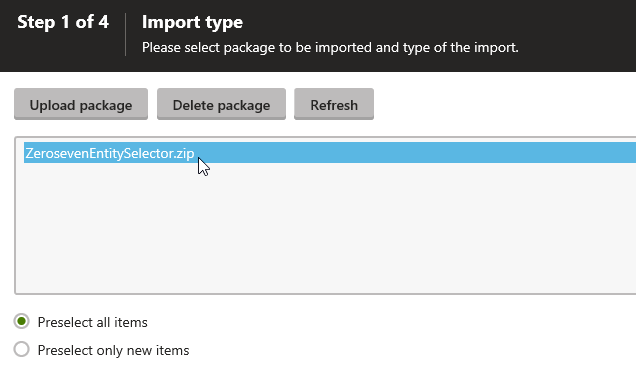
  1. Upload .zip file

upload package

  1. Under import settings check: import files, import code files and, import global folders
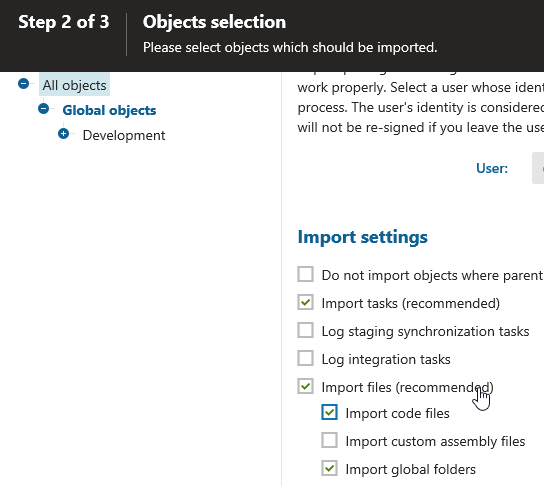
select options

Control Settings

  1. Add form control to a webpart, page type or custom table
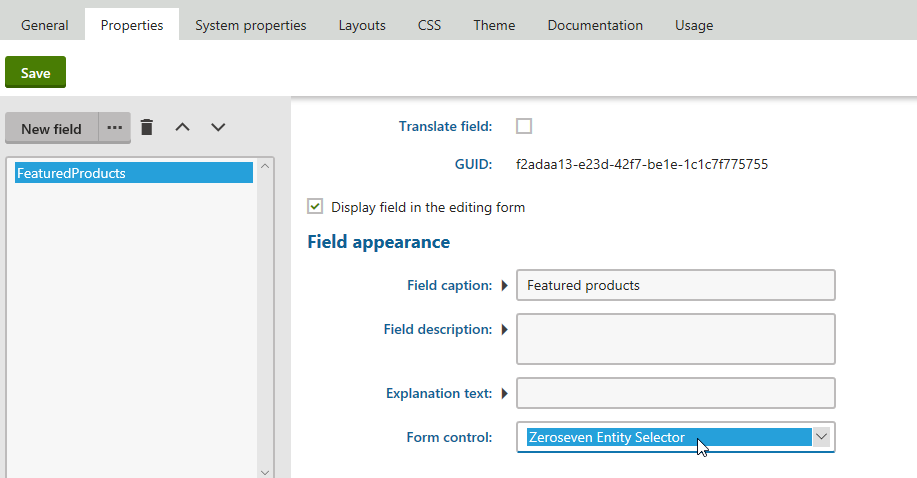
add form control

  1. Under properties choose Form Control: "Zeroseven Entity Selector"
  2. Under control settings choose the allowed types and maximum items to be selected.
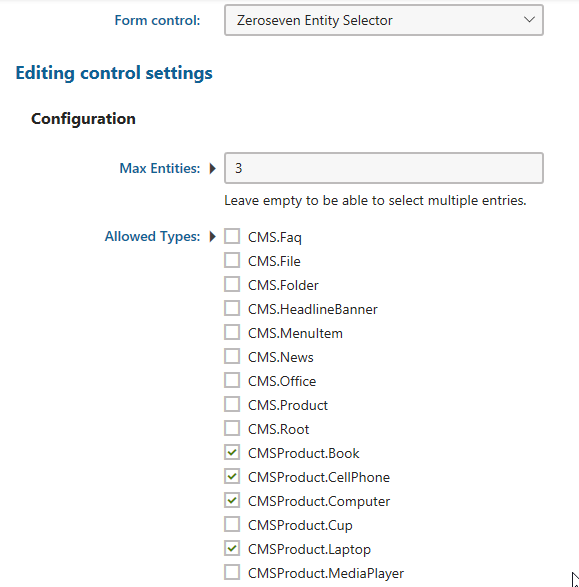
control settings

Usage

  1. Open webpart, page type or custom table
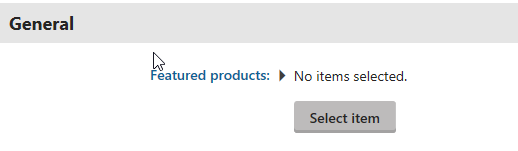
web part

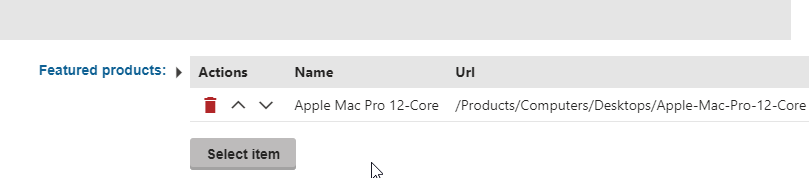
  1. Click on select items and select allowed item.
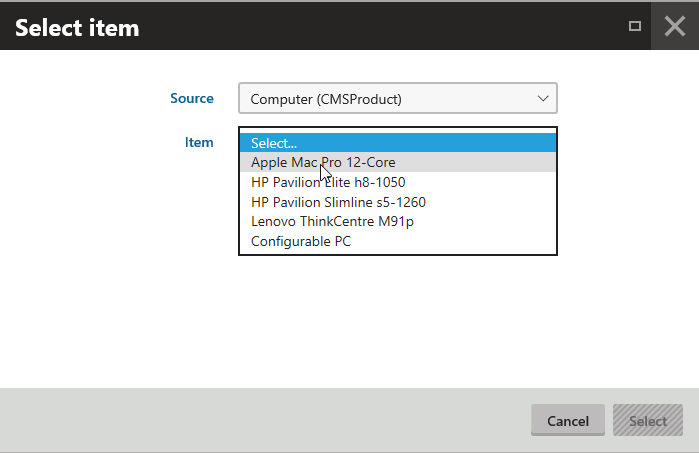
select item

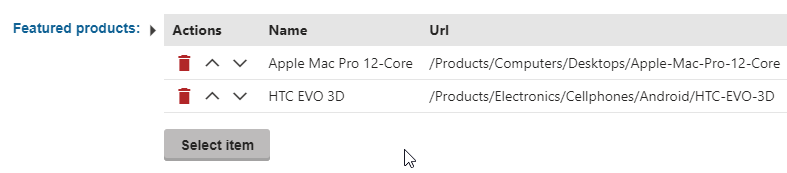
  1. Repeat step 2 as required.

item preview

more items

  1. Select Item button will dissapear if max items allowed are selected
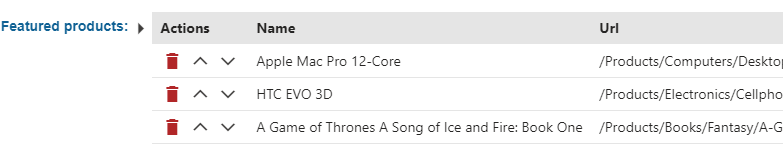
max items

  1. This controls allows to order the priority of selected items.
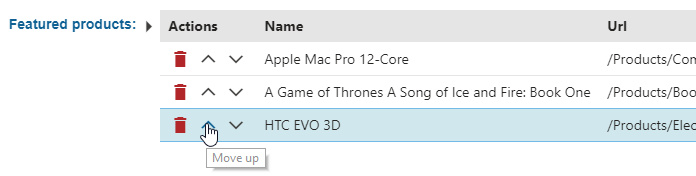
ordering

Compatibility

Kentico 11

About

Kentico form control that works as a multi content node picker. Allows a user to select any content node from the website content.

Topics

Resources

License

Stars

Watchers

Forks

Releases

No releases published

Packages

No packages published