100% of this code was generated on anthropic's Claude Opus 4.5. Chat transcript here (not including the chats to generate this README or generate_all.sh). All input
examples other than "joe_fun" were automatically generated.
A modular system for creating complex mathematical art through composed transformations. Think of it as a digital spirograph toy, but one where you can stack multiple effects on top of each other to create patterns that would be impossible with physical tools.
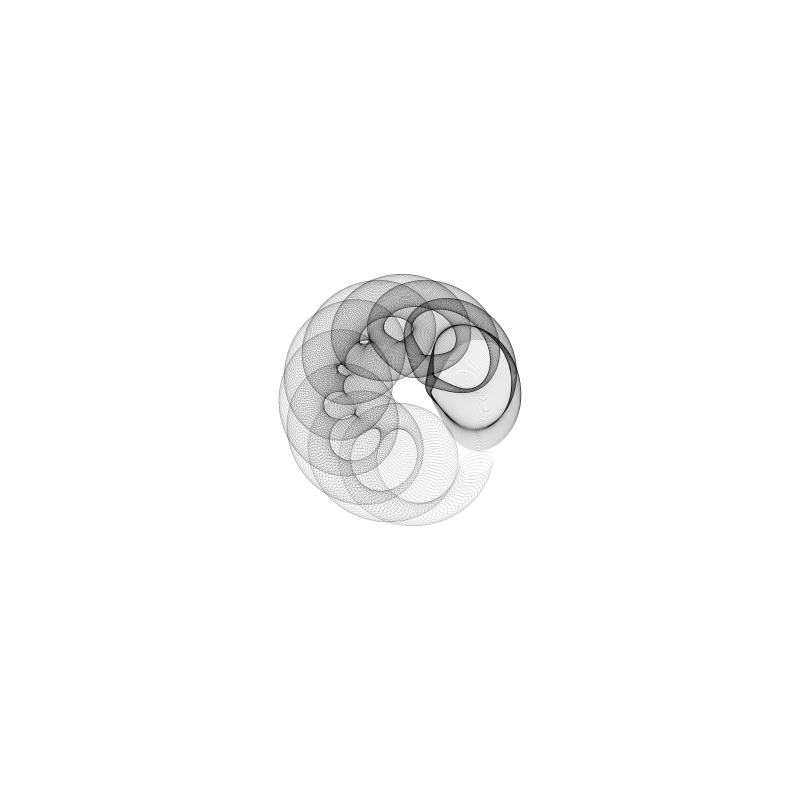
This tool generates SVG and PNG images of mathematical curves. At its core, it works like the classic Spirograph toy—gears rolling inside gears—but extends far beyond that with:
- Multiple pattern generators: spirograph gears, harmonographs (pendulum simulators), Lissajous curves, roses, polygons, and more
- Transformations you can stack: rotate the whole drawing, slide it along a path, bend straight lines into arcs
- Moiré effects: draw the same pattern multiple times with slight shifts to create interference patterns
- Python 3.8+
- NumPy
# Clone the repository
git clone https://github.com/foozleface/spirograph-2.git
cd spirograph-2

# Install dependencies
pip install numpy

# Optional: for PNG output
pip install cairosvg# Generate a simple spirograph
python main.py examples/spirograph_gear_simple.ini
# Generate with PNG output
python main.py examples/harmonograph_simple.ini --png output.png
# Generate all examples
./generate_all.sh --output-dir ./outputThe power of this system comes from stacking modules in a pipeline. Each module either generates a pattern or transforms one, and you chain them together to build complexity.
Every configuration file has a [pipeline] section that lists modules in order:
[pipeline]
modules = spirograph_gear, rotation, arc
This reads as: "Generate a spirograph pattern, then rotate it while drawing, then slide it along an arc path."
The output of each module feeds into the next. A simple gear pattern becomes something entirely different when you add rotation:
| Single Module | Two Modules Composed |
|---|---|
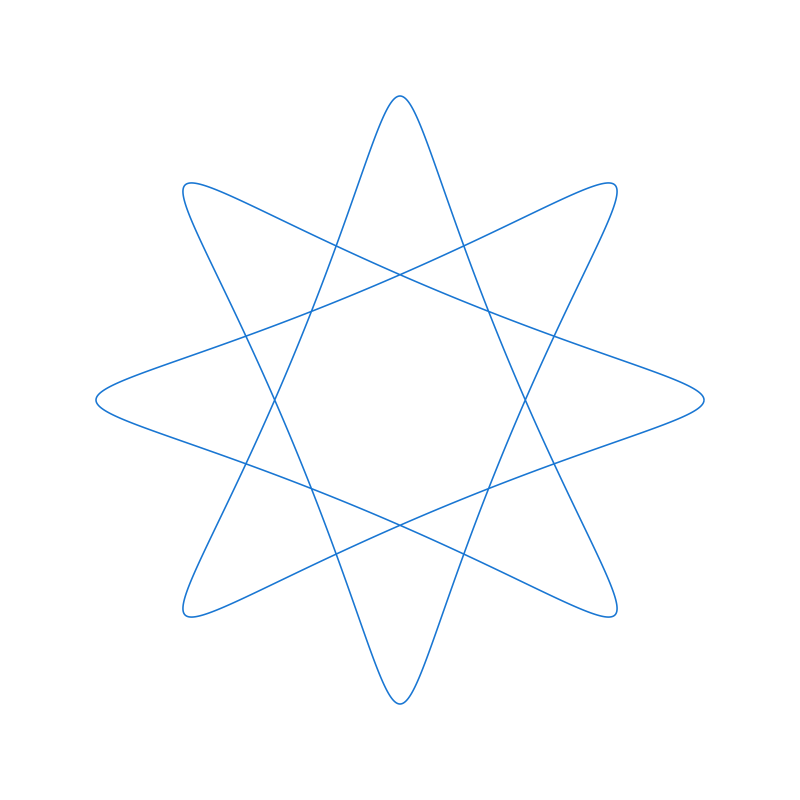 |
 |
modules = spirograph_gear |
modules = spirograph_gear, rotation |
Each module you add creates exponentially more interesting results:
One module — a basic shape:
modules = circle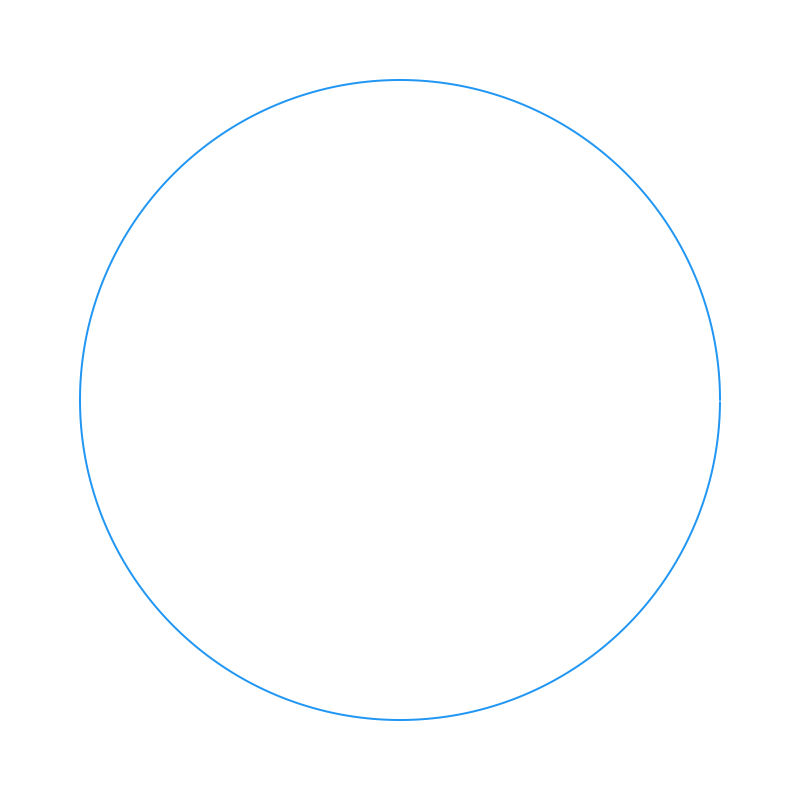
Two modules — the shape follows a path or transforms:
modules = circle, rotation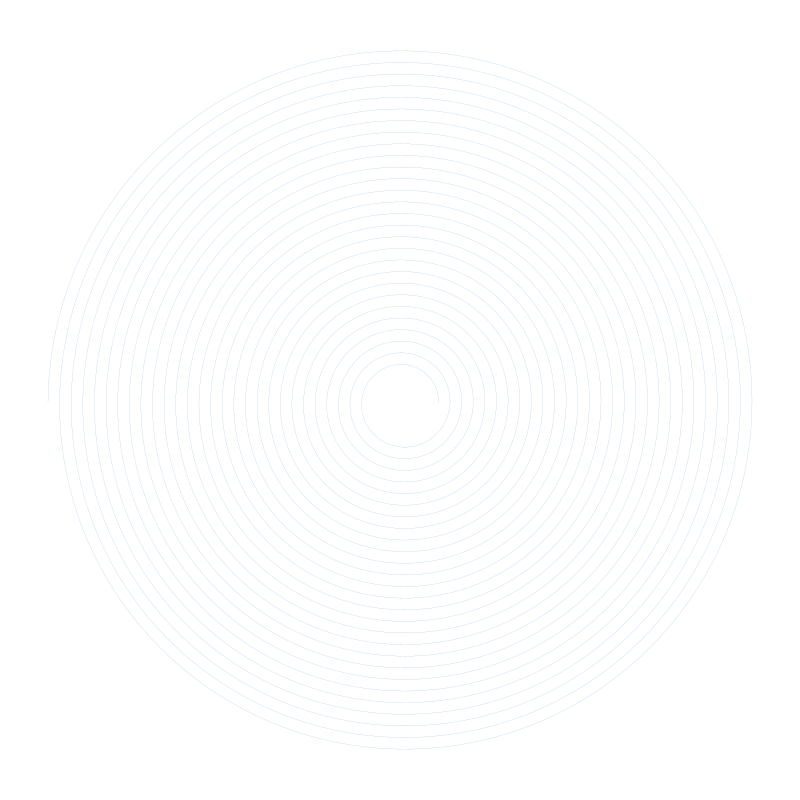
Three+ modules — compositions create intricate results:
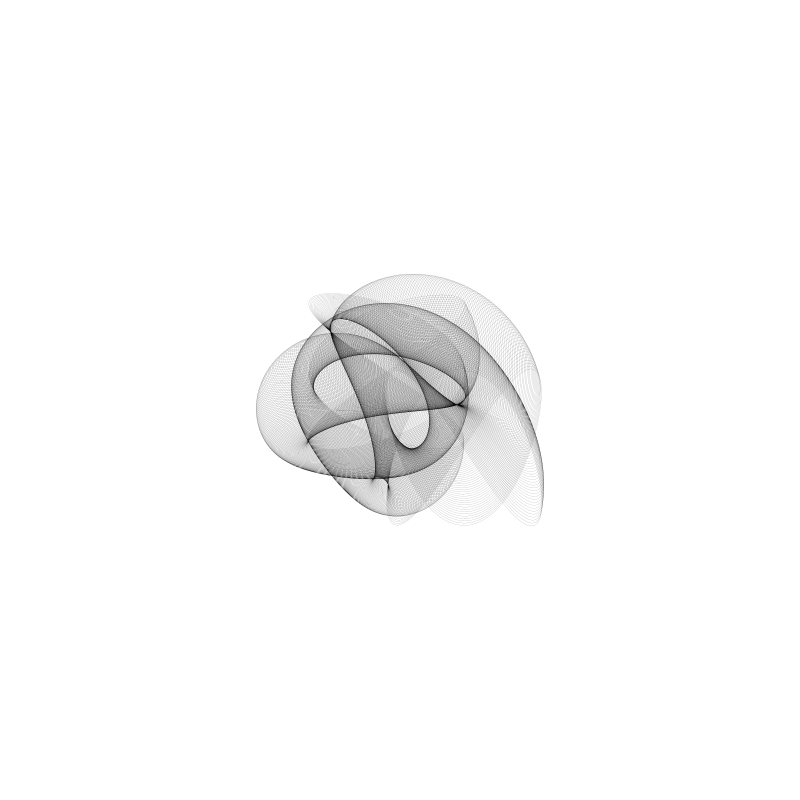
Multiple modules composed together create organic, intricate patterns
| Module | Description | Example |
|---|---|---|
spirograph_gear |
Classic two-gear spirograph | 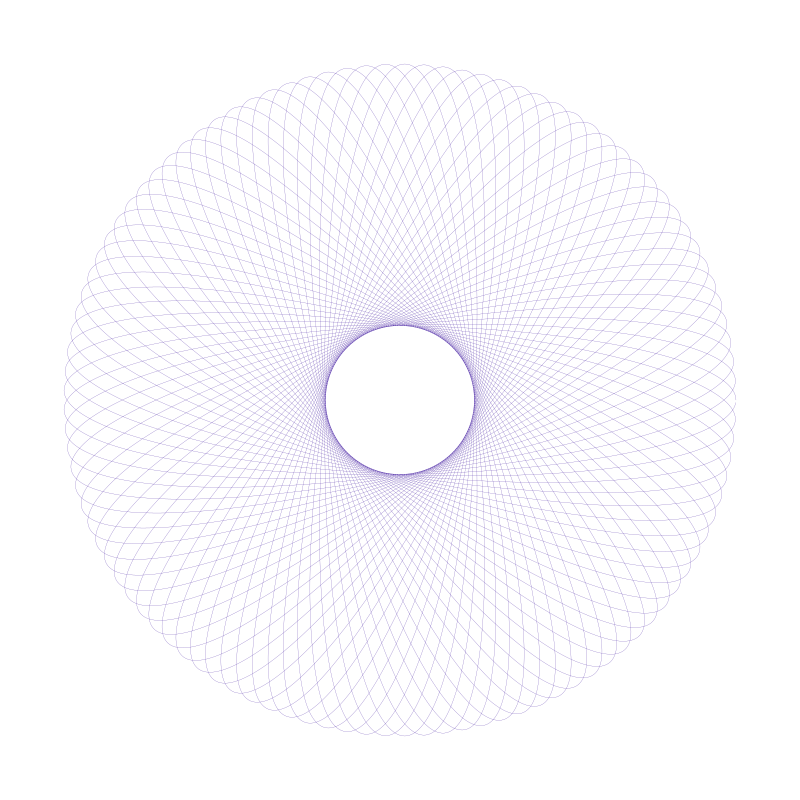 |
harmonograph |
Pendulum drawing simulator | 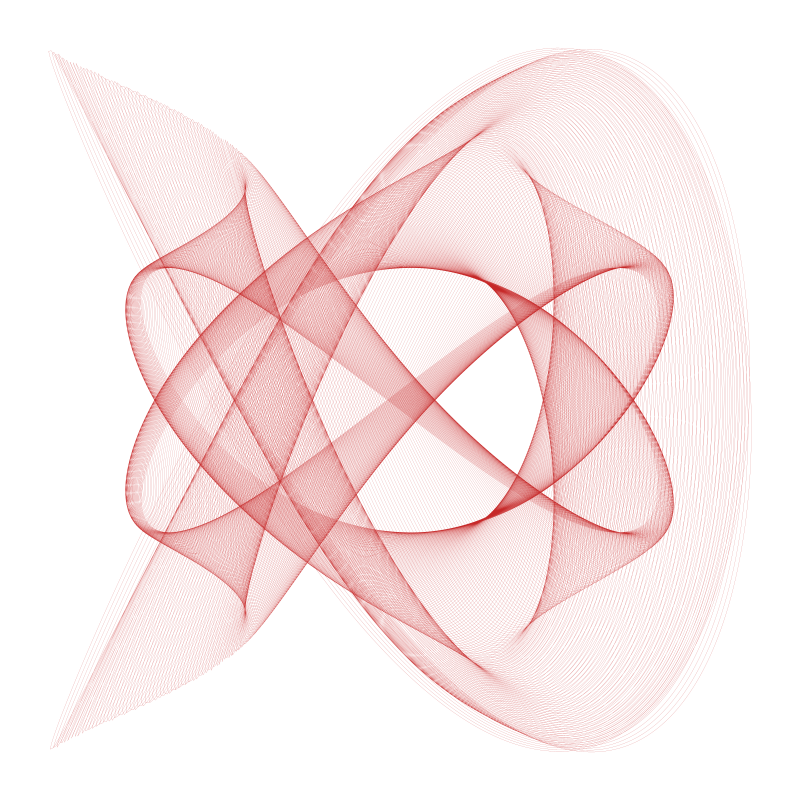 |
lissajous |
Figure-8s and pretzel curves | 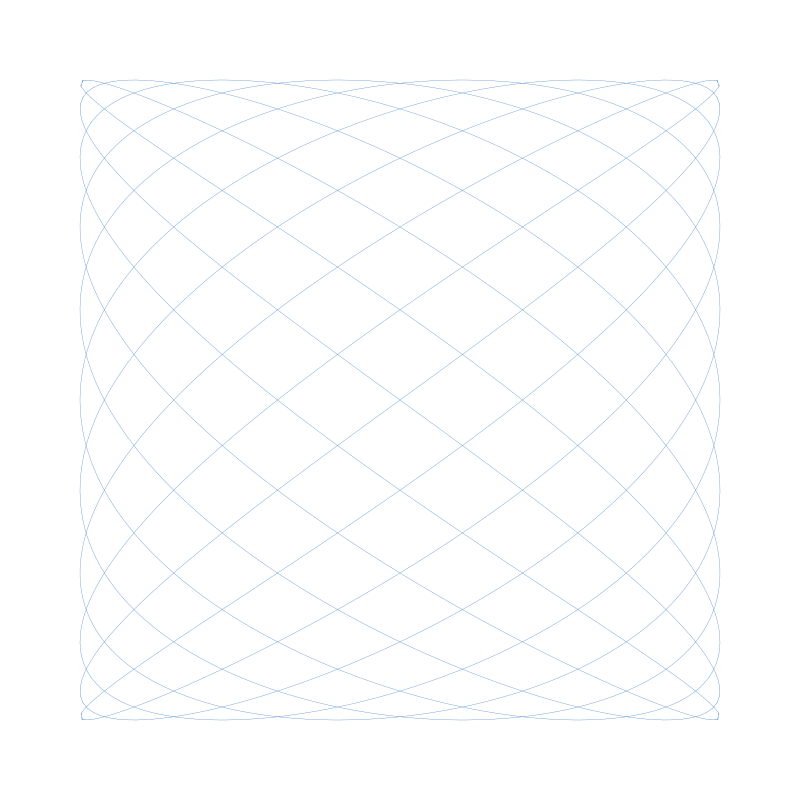 |
rose |
Flower petal patterns | 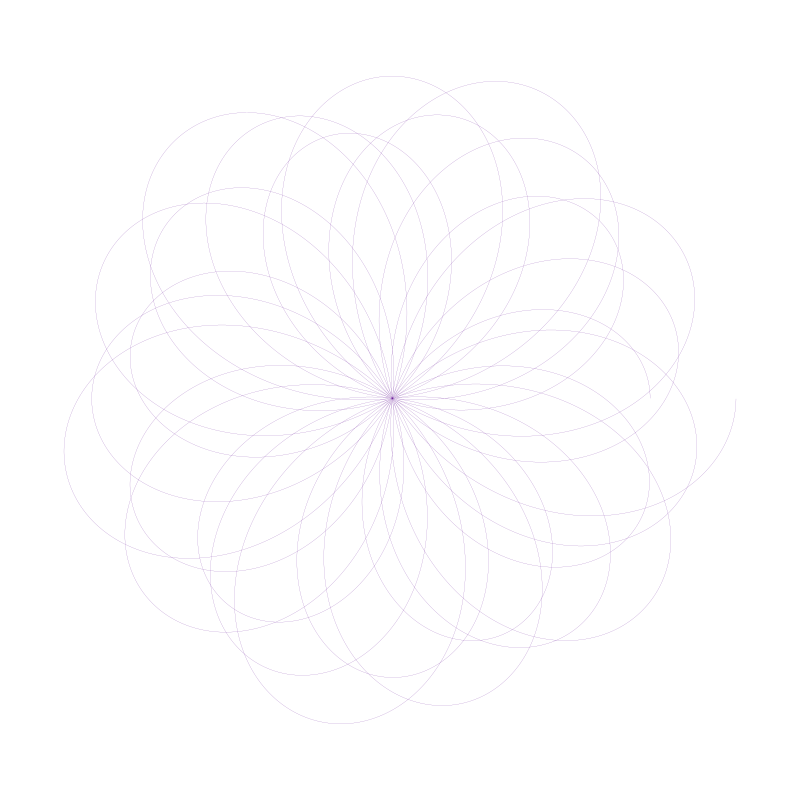 |
polygon |
Regular polygons | 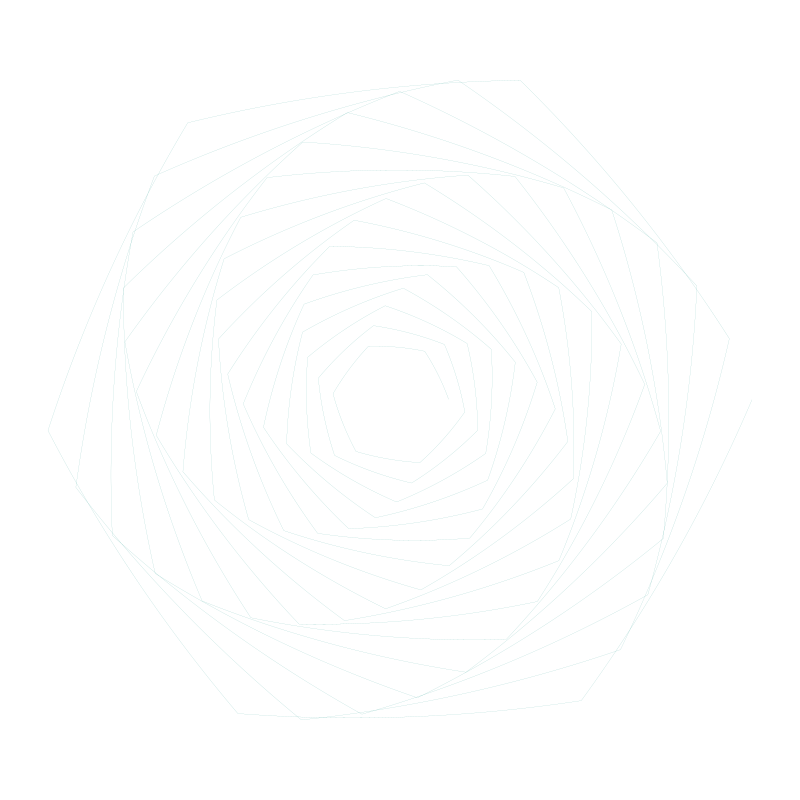 |
star_shape |
Pointed stars | 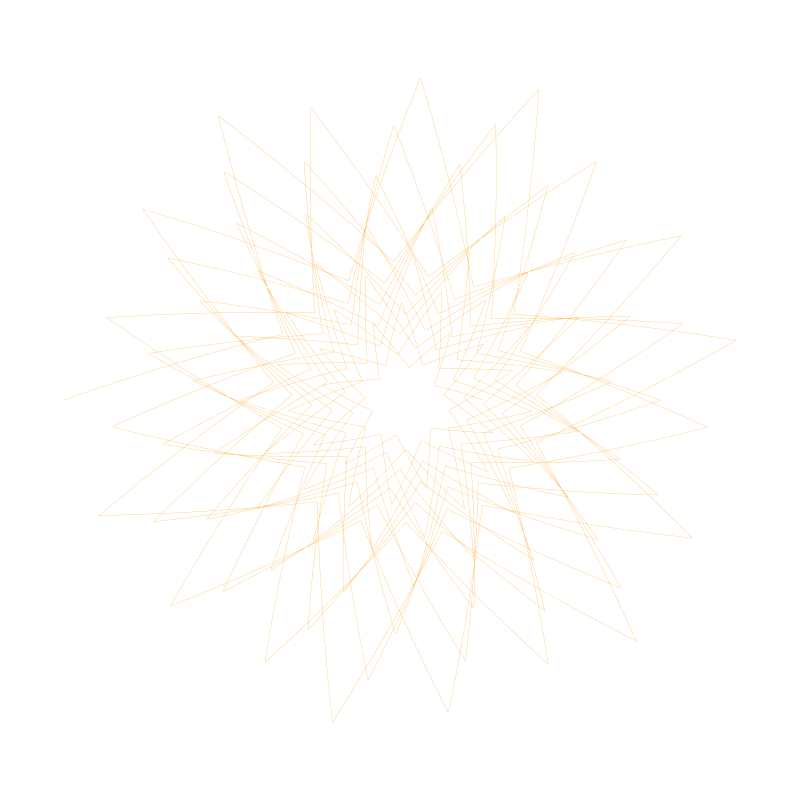 |
spiral_shape |
Archimedean spirals | 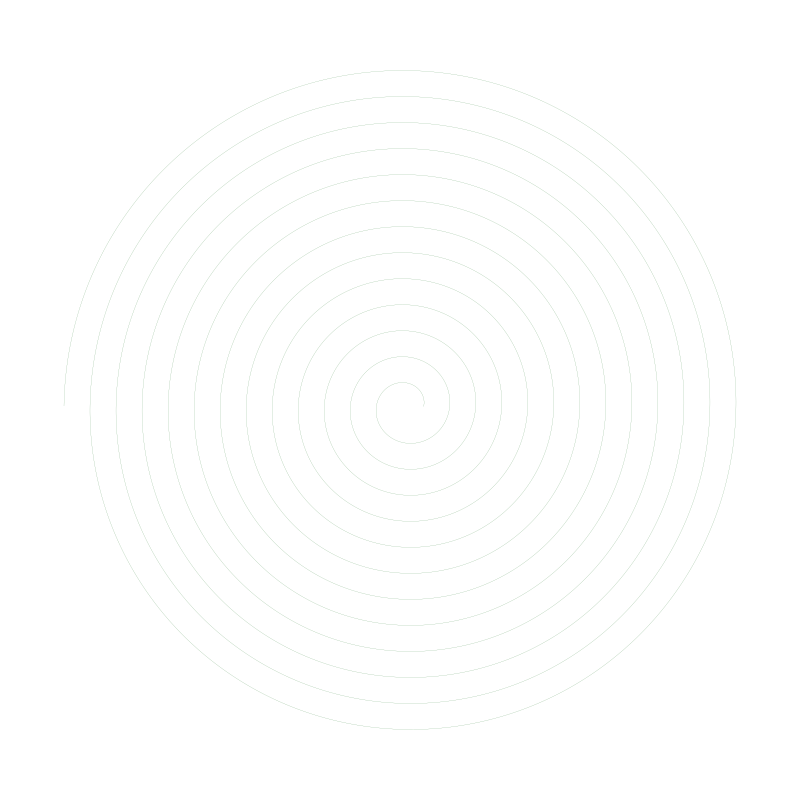 |
line |
Lines with timing control | 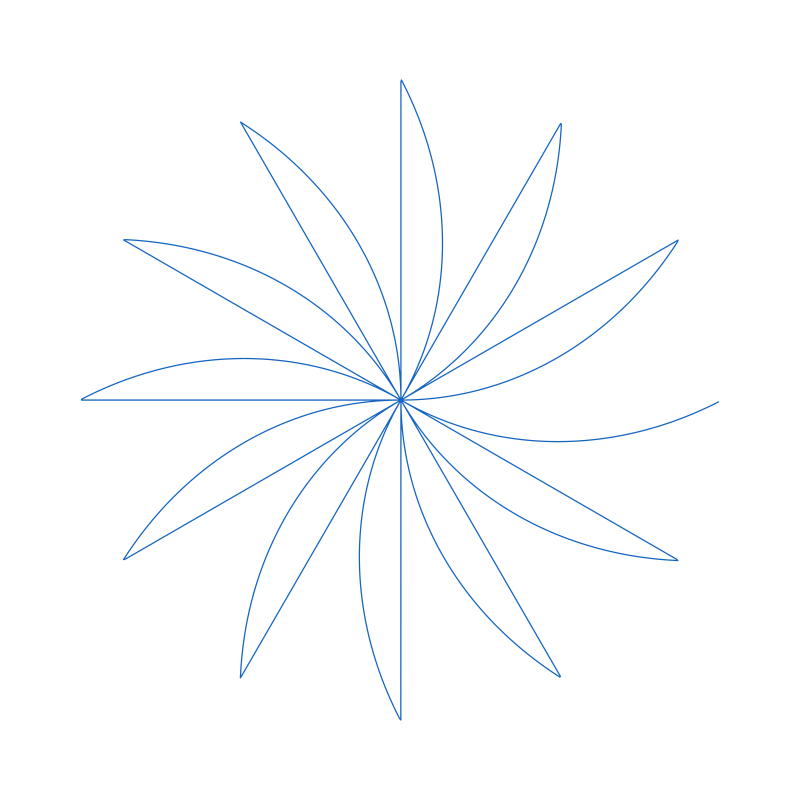 |
| Module | What It Does |
|---|---|
rotation |
Spins the entire pattern around a point while drawing |
translation |
Slides the pattern along a straight line |
arc |
Slides the pattern along a circular arc |
bend |
Warps a straight pattern into a curve (X becomes angle, Y becomes radius) |
spiral_arc |
Slides along a spiral path |
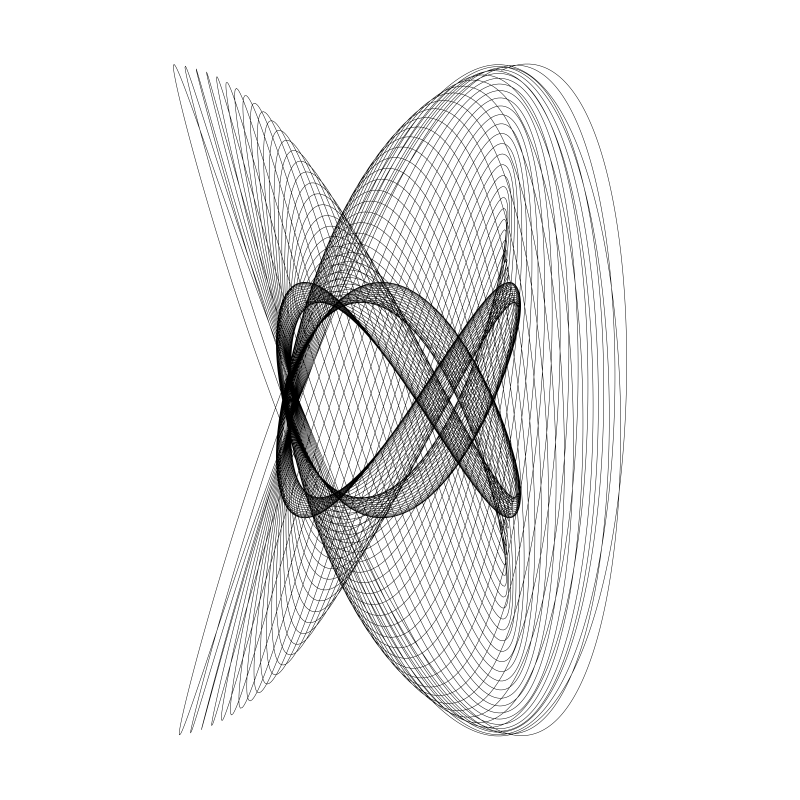
The harmonograph module simulates a 19th-century drawing machine that uses swinging pendulums. By combining 2-4 pendulums with slightly different frequencies, you get organic, almost hand-drawn looking curves.
| Simple | Complex | With Decay |
|---|---|---|
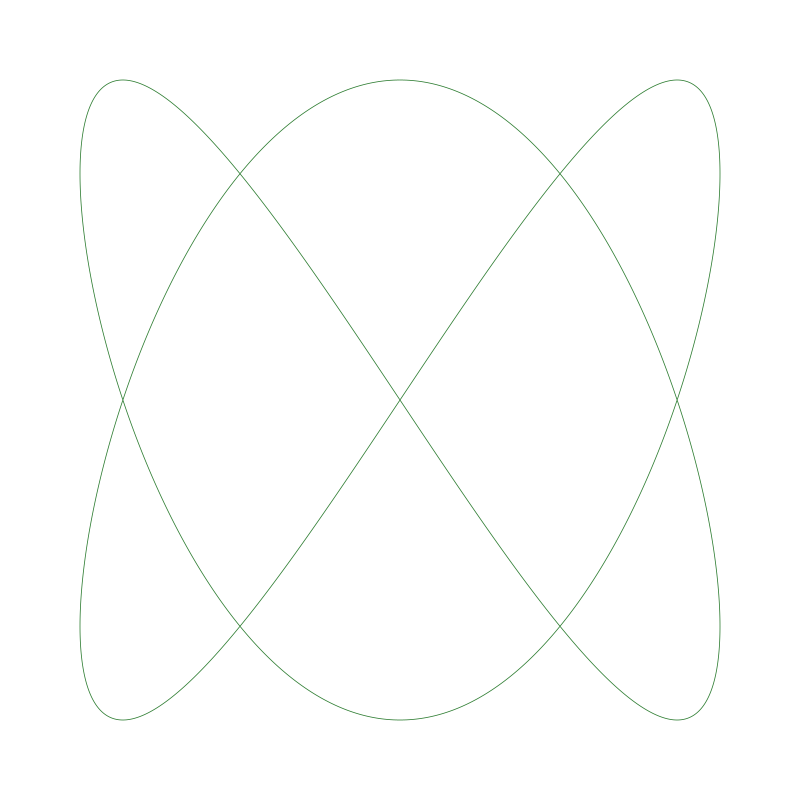 |
|
 |
[harmonograph]
type = harmonograph
freq1 = 3.0      # X pendulum frequency
freq2 = 2.0      # Y pendulum frequency
phase2 = 90.0    # Phase offset creates the "opening"
decay1 = 0.01    # Gradual fade-out like real friction
The decay parameter simulates friction—the pattern spirals inward as the pendulums slow down.
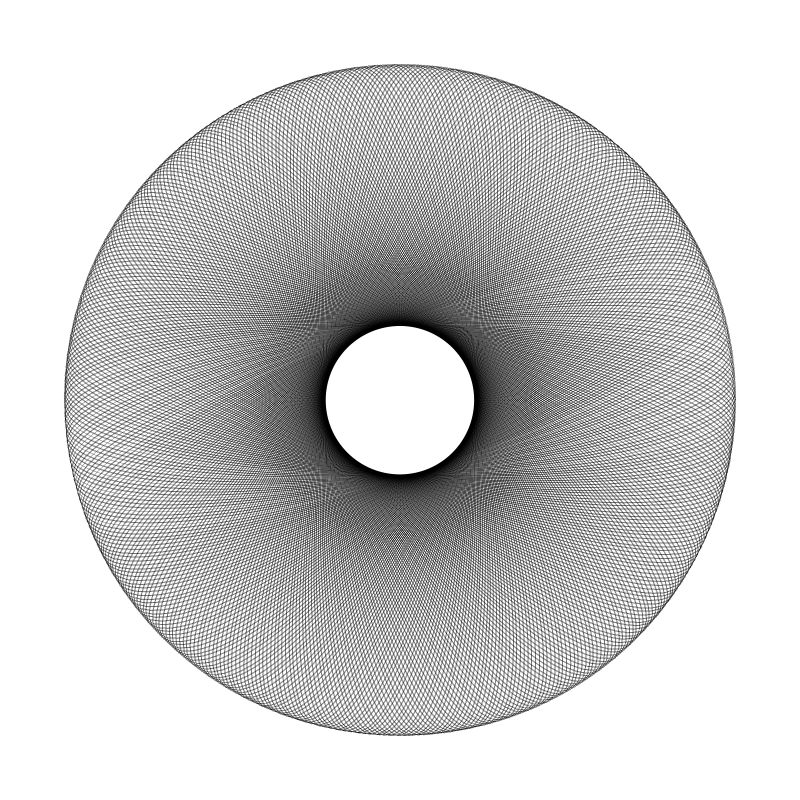
Setting cycles greater than 1 redraws the pattern multiple times. Combined with rotation, this creates moiré interference patterns:
| Without Moiré | With Moiré (cycles=8) |
|---|---|
|
 |
[spirograph_gear]
cycles = 8           # Draw the pattern 8 times

[rotation]
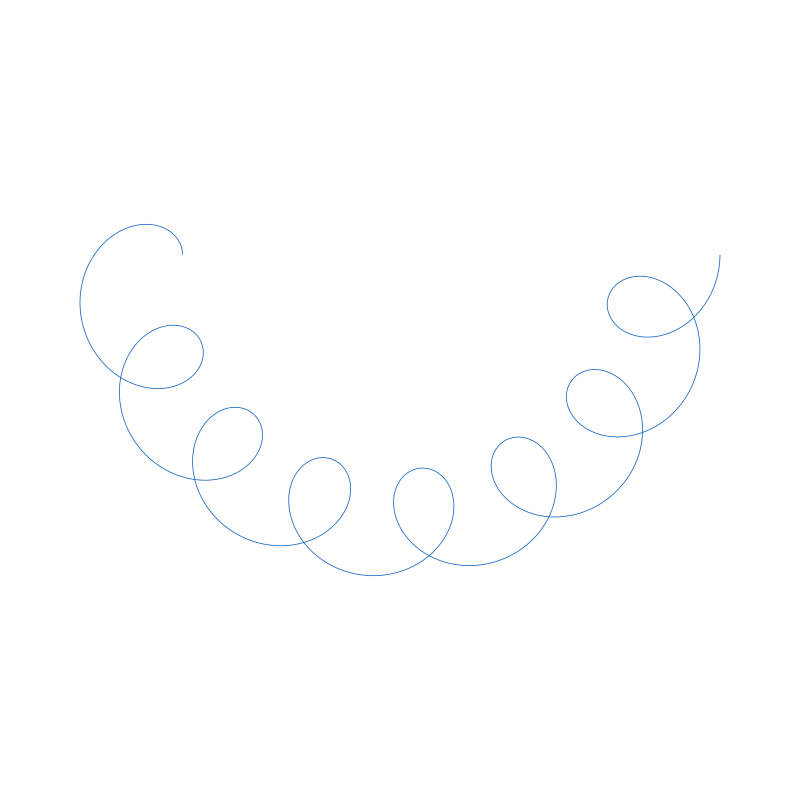
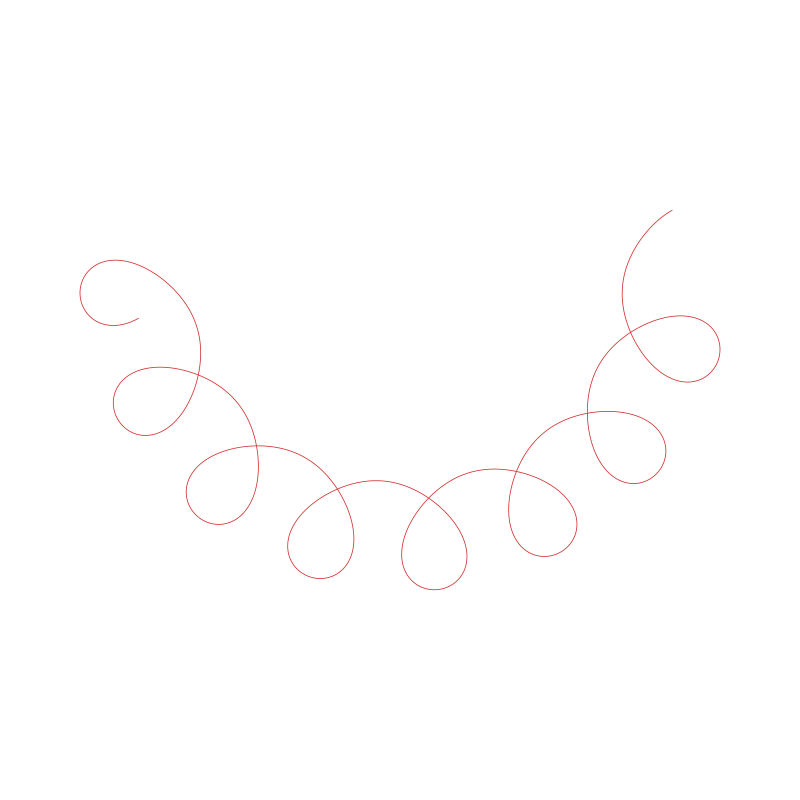
total_degrees = 30 # Spread those 8 copies across 30°These two transforms both create curved results, but work very differently:
| Arc (Sliding) | Bend (Warping) |
|---|---|
 |
 |
| Pattern slides along a curved path | Pattern itself is bent into a curve |
Arc: The pattern keeps its shape but follows a curved trajectory. Like carrying a stamp along a curved rail.
Bend: The pattern's geometry is warped. A straight line becomes a literal arc. X-coordinates become angles, Y-coordinates become radii.
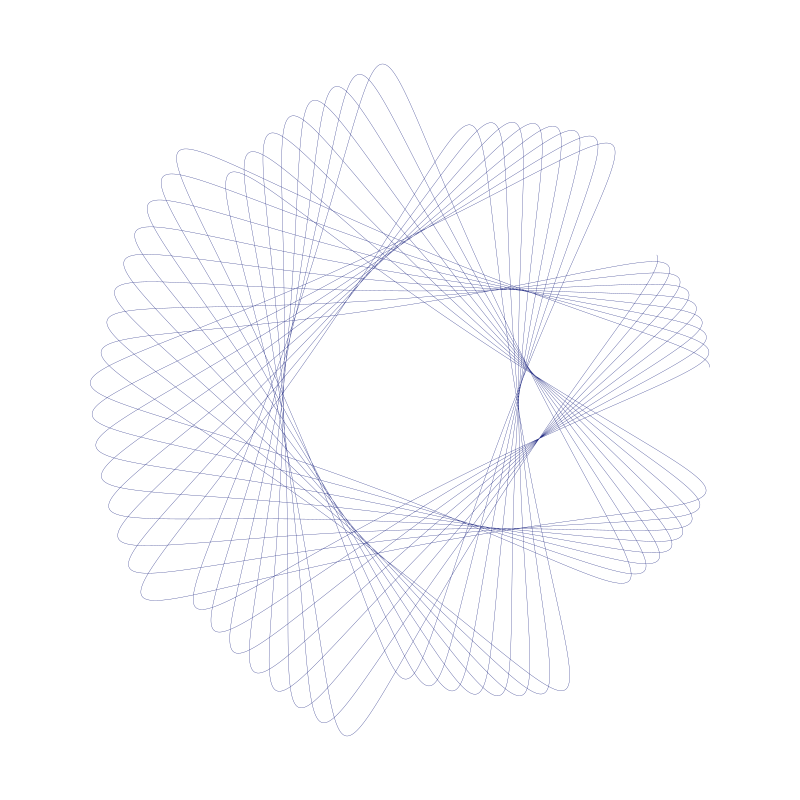
You can apply the same transform multiple times with different parameters:
[pipeline]
modules = gear, rotation_slow, rotation_fast

[rotation_slow]
type = rotation
total_degrees = 30.0

[rotation_fast]
type = rotation
total_degrees = 5.0
origin_x = 50.0 # Different center pointEvery .ini file has three main sections:
[pipeline]
modules = module1, module2, module3[output]
filename = my_pattern.svg
width = 800
height = 800
stroke_width = 0.5 # Line thickness
stroke_color = #000000 # Hex color
background_color = #ffffff
margin = 0.1 # 10% margin on each side[sampling]
initial_samples = 100000 # Dense samples for accuracy
output_samples = 10000 # Final point count
use_arc_length = true # Even spacing along curveEach module in the pipeline needs its own section with a type parameter:
[my_gear]
type = spirograph_gear
fixed_teeth = 96
rolling_teeth = 36
hole_position = 0.7

[my_rotation]
type = rotation
total_degrees = 45.0
See complete.ini for documentation of every parameter for every module.
- Start simple: Get one module working, then add transforms one at a time
- Use cycles for density:
cycles = 5withrotationcreates 5 overlapping copies - Mind the sampling: Complex patterns need more
initial_samples(try 500000+) - Thin lines show detail:
stroke_width = 0.1or less for intricate patterns - Check the math: Gear teeth ratios determine how many lobes you get.
gcd(fixed, rolling)matters.
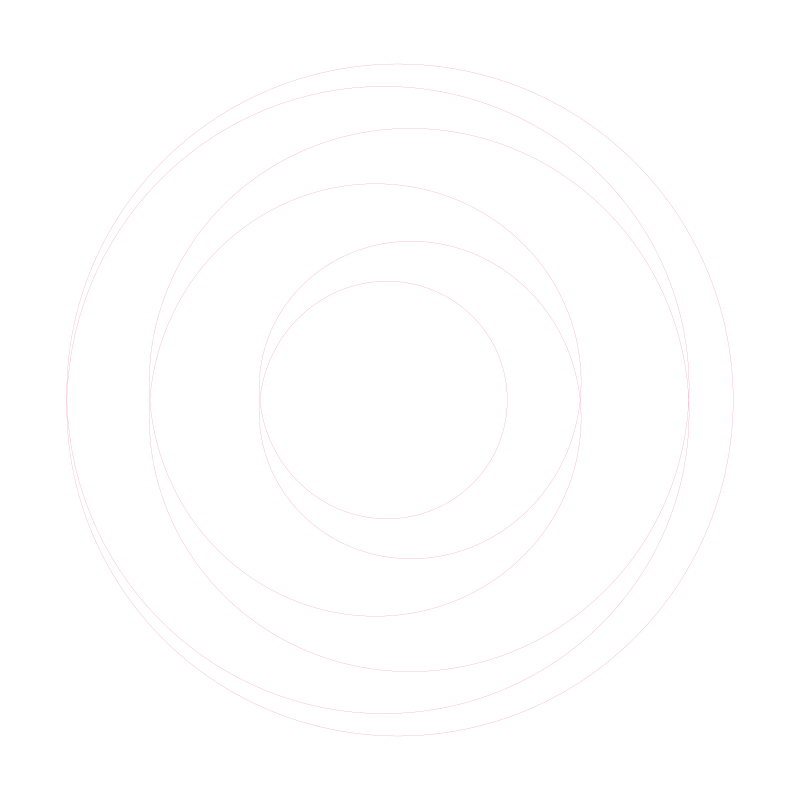
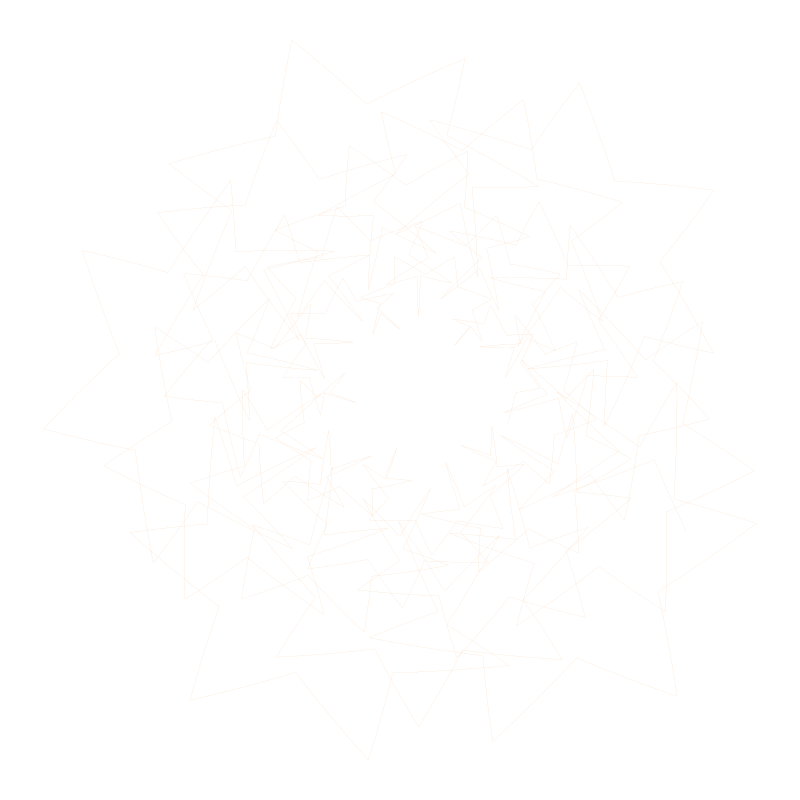
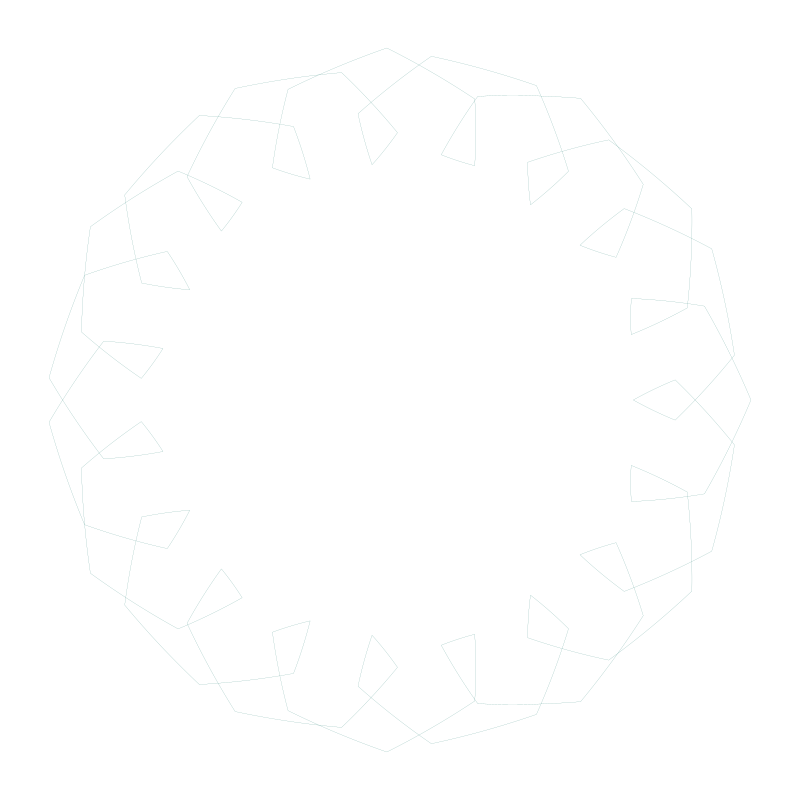
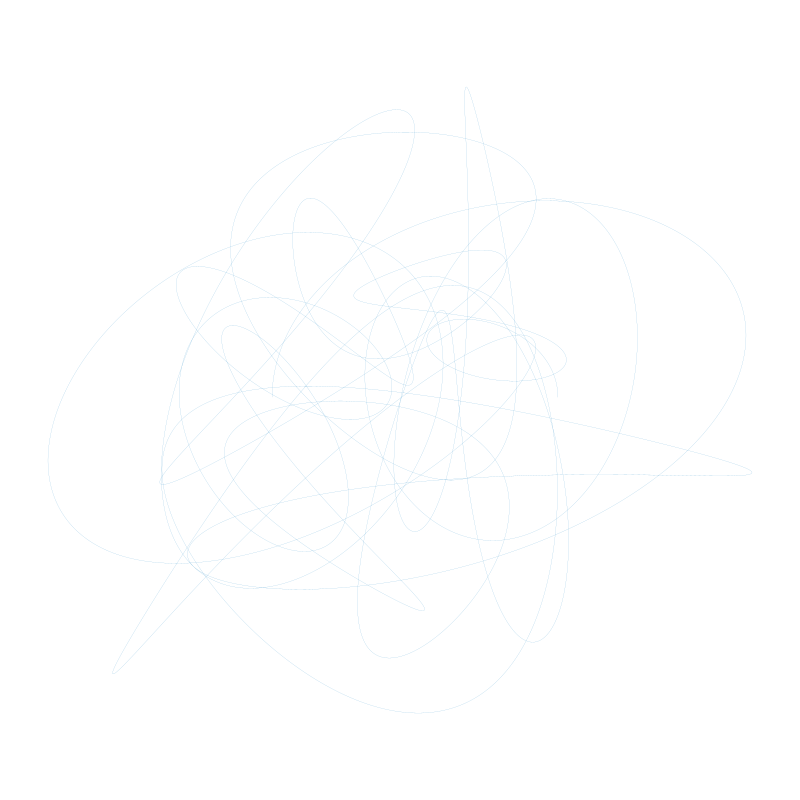
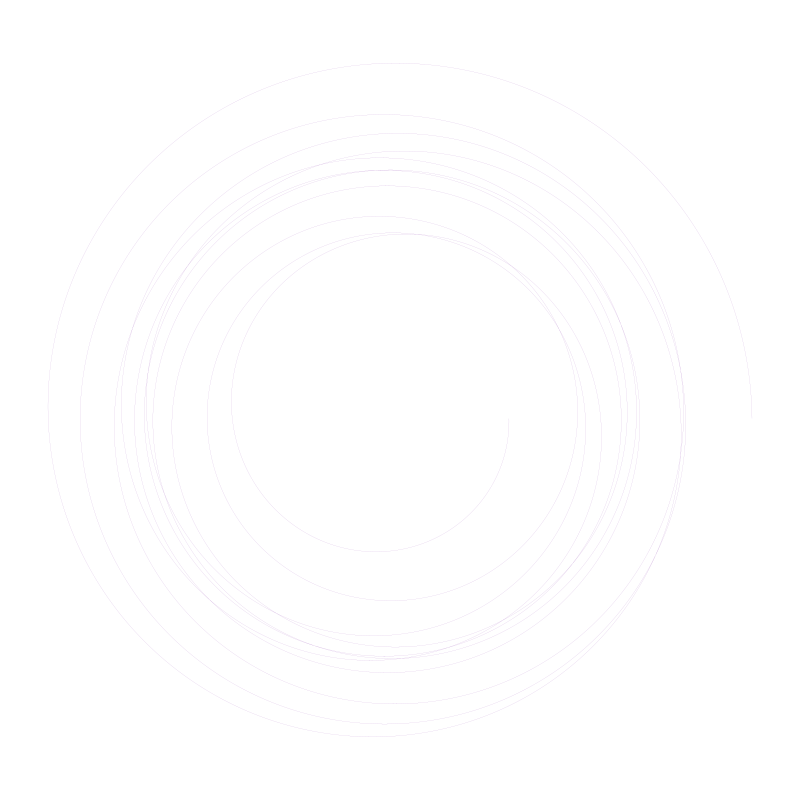
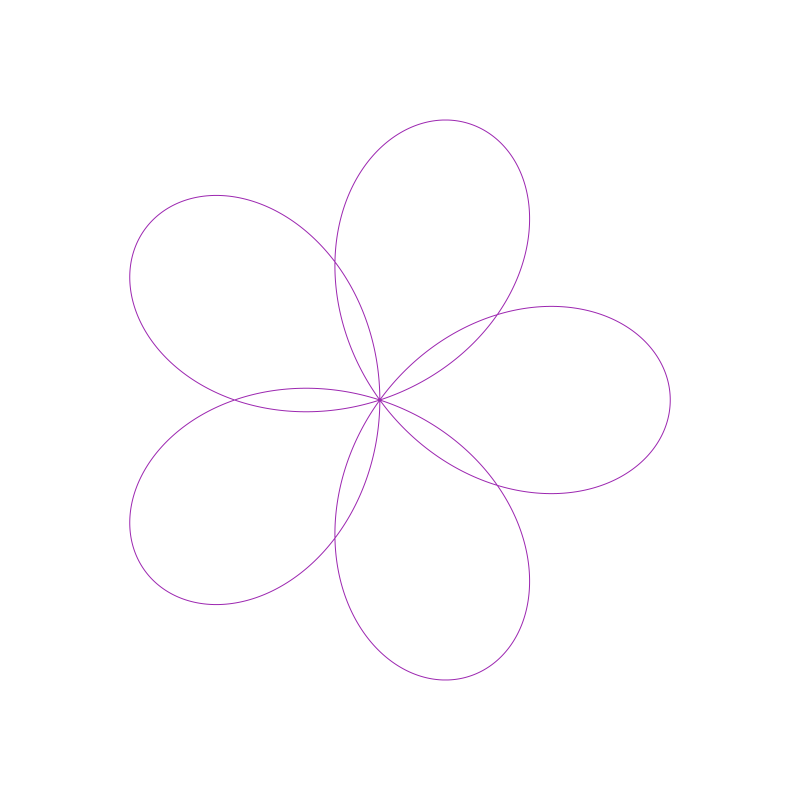
More examples from the compositions:
 |
 |
 |
 |
 |
 |
And from examples:
 |
 |
 |
 |
MIT