VibeFlow is a VS Code extension that adapts to your coding flow, dynamically adjusting to your coding style and energy. Whether you're debugging, coding, or testing, VibeFlow keeps you focused and in the zone.
Note: VibeFlow is currently in development and needs to be published on the VS Code Marketplace.
-
Music Auto-Adapts: The soundtrack dynamically changes to match your coding rhythm: whether you're in the zone, stuck on a bug, or just chilling.
-
Alternate Personalities: Choose your companion's vibe: encouraging, roasting, or neutral. Get the motivation you need, exactly how you need it or don't (?)
-
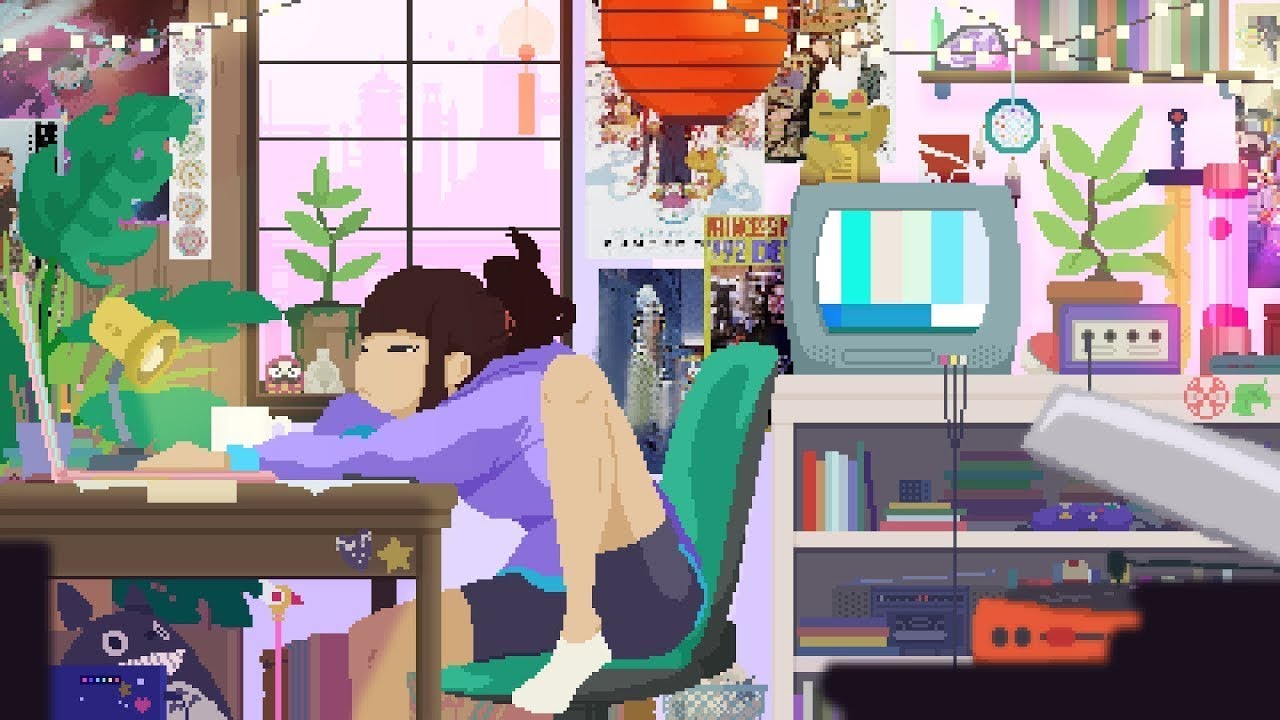
Image Avatar Animations: The companion's mood is visualized with animated image avatars that change based on your activity.
-
Smart Activity Detection: VibeFlow knows when you're productive, stuck, or even procrastinating, and adjusts the atmosphere accordingly.
-
Test Celebrations: Get a little celebration with special sounds and animations every time your tests pass!
-
Strudel Live Coding: Integrates with Strudel for algorithmic music generation, turning your code into a symphony.
-
Non-Intrusive UI: No clutter. VibeFlow lives as a small, friendly icon in your status bar, there when you need it and out of the way when you don't.
-
Wholesome Support: Designed to make your coding sessions feel less isolated and more enjoyable.
Coming Soon: VibeFlow will be available on the VS Code Marketplace. For now, you can build and install it locally from the source code.
For Development Installation: (See the SETUP )
Once Published on Marketplace:
- Open the Extensions view in VS Code (Ctrl+Shift+X)
- Search for "Vibe Driven Development"
- Click Install
VibeFlow works out of the box with curated music presets. For future AI-powered features, API key configuration will be available.
Once installed, VibeFlow gets to work automatically.
- See the Vibe: Look for the 👩💻 icon in your status bar. This shows the current vibe. Click it to toggle the UI!
- Open the Companion: Run the command
VDD: Show Vibe Companionfrom the Command Palette (Ctrl+Shift+P) to open the companion window with image avatar and activity metrics. - Start Coding: The music and vibe will adapt as you work. Enjoy the flow!
Access these from the Command Palette (Ctrl+Shift+P):
VDD: Show Vibe Companion: Opens the side panel to show the image avatar companion, metrics, and music controls.VDD: Toggle UI Mode: Toggles the compact UI mode.VDD: Toggle Music Mode: Switches between automatic and playlist music modes.
- Advanced Strudel Integration: Deeper integration with Strudel for real-time algorithmic music generation based on coding patterns.
- Custom Avatar Themes: User-defined themes for the companion avatar.
- Collaborative Vibes: Sync vibes across team members for pair programming sessions.
- AI-Powered Insights: Use AI to provide coding tips and suggestions based on detected activity patterns.
Interested in making VibeFlow even better? We'd love your help! Whether you're fixing a bug, adding a feature, or improving documentation, your contributions are welcome.
Please read our Contributing Guide to get started.
VibeFlow is licensed under the MIT License.
Ensure that you've read through the extensions guidelines and follow the best practices for creating your extension.
Enjoy! 🎧