


Disclaimer: This project is experimentally written almost entirely by AI, so any usage should keep this in mind and that the execution of this software is at your own risk.
kcd is a robust CLI tool for the declarative management of Keycloak configurations. It allows you to treat your Keycloak settings as code, enabling version control, automated testing, and a seamless drive of your identity infrastructure configuration.
Previewing changes before applying them with interactive confirmation.
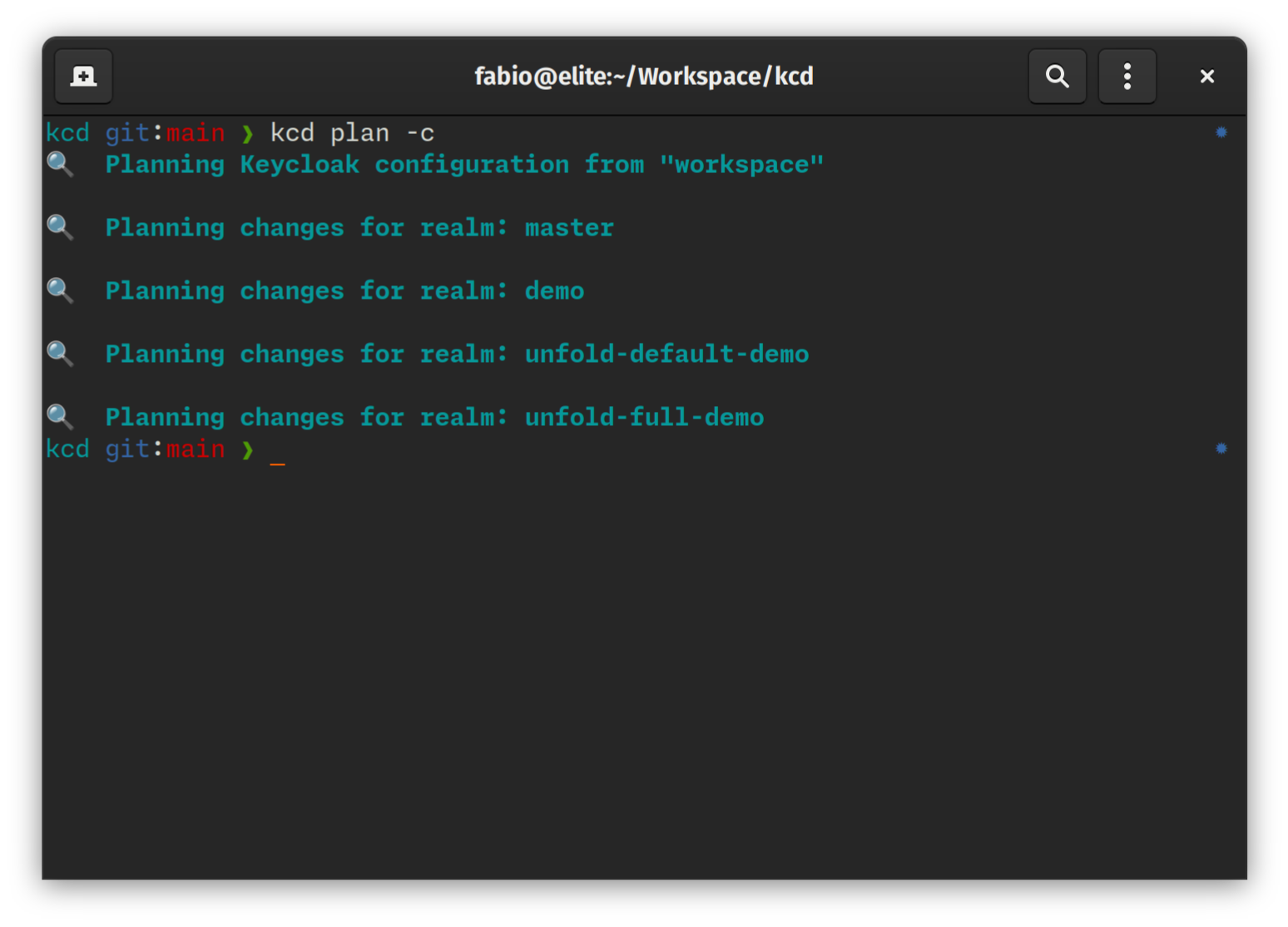
$ kcd plan --interactive
💡 Calculating diff for realm 'master'...

  Clients:
    [+] my-new-app (Create)
    [~] admin-cli (Update)
        - root_url: "http://localhost:8080" -> "https://idp.example.com"
    [-] legacy-app (Delete)

? Apply change to client 'my-new-app'? (y/n)
Scaffolding resources without writing YAML by hand.
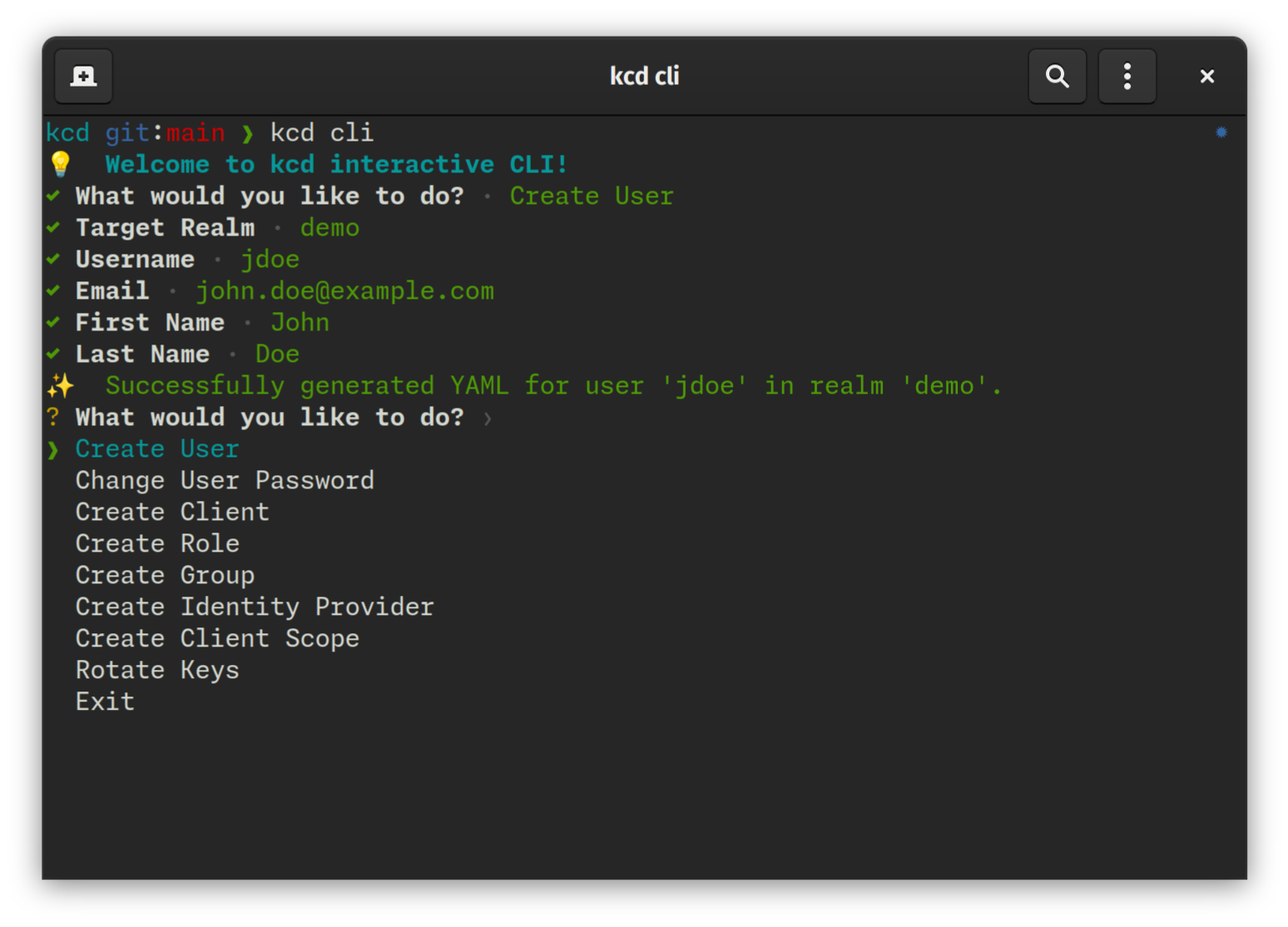
$ kcd cli
💡 Welcome to kcd interactive CLI!
? What would you like to do?
❯ Create User
  Change User Password
  Create Client
  Create Role
  Create Group
  Create Identity Provider
  Create Client Scope
  Rotate Keys
  Exit
- Blazing Fast Performance: Utilizes Rust's
tokiofor highly concurrent API interactions and parallel I/O operations. - Declarative State: Define your desired Keycloak state in human-readable YAML files.
- Inspect & Export: Bootstrap your project by exporting existing Keycloak configurations to local files.
- Dry-Run Planning: Preview exactly what changes will be applied. It generates a
.kcdplanfile to track intended changes. - Drift Detection: Identify discrepancies between your local configuration and the live server.
- Secret Masking: Automatically handles sensitive data (secrets, passwords) by replacing them with environment variable placeholders and generating a
.secretsfile. - Interactive Scaffolding: Quickly generate resource templates through an interactive CLI.
- Resource Support: Realms, Roles (Realm & Client), Identity Providers, Clients, Client Scopes, Groups, Users, Authentication Flows, Required Actions, and Components (including Keys).
macOS and Linux:
curl -LsSf https://raw.githubusercontent.com/ffalcinelli/kcd/main/scripts/install.sh | shWindows:
powershell -c "irm https://raw.githubusercontent.com/ffalcinelli/kcd/main/scripts/install.ps1 | iex"- Rust (latest stable) and Cargo.
git clone https://github.com/ffalcinelli/kcd.git
cd kcd
cargo build --release
sudo cp target/release/kcd /usr/local/bin/kcd uses environment variables for connection and authentication. You can export these in your shell or use a .secrets file.
| Variable | Description | Default |
|---|---|---|
KEYCLOAK_URL |
Base URL (e.g., http://localhost:8080) |
Required |
KEYCLOAK_USER |
Admin username | |
KEYCLOAK_PASSWORD |
Admin password | |
KEYCLOAK_CLIENT_ID |
Client ID for auth | admin-cli |
KEYCLOAK_CLIENT_SECRET |
Client Secret (if using client credentials) |
By default, kcd looks for a workspace/ directory:
workspace/
├── .secrets                   # Generated during 'inspect', should be gitignored
├── .kcdplan                   # Generated during 'plan', contains pending changes
└── my-realm/                  # Realm folder
    ├── realm.yaml             # Main realm settings
    ├── clients/
    │   └── my-app.yaml        # Client configuration
    ├── roles/
    │   └── admin.yaml         # Realm role
    └── users/
        └── test-user.yaml     # User configuration (managed or scaffolded)
Exports the remote server state to local YAML files.
# Export everything to 'my-workspace'
kcd inspect --workspace my-workspace --yes

# Export specific realms
kcd --realms master,demo inspectEnsures your local YAML files are syntactically correct and follow the Keycloak model.
kcd validateCalculates the "diff" between local files and the remote server.
# Standard plan
kcd plan

# Interactive plan: decide for each change whether to include it in the plan
kcd plan --interactive

# Only show changes (hide 'No changes' messages)
kcd plan --changes-onlyReconciles the remote state to match your local configuration. If a .kcdplan exists, it will only apply the planned changes.
kcd apply --yesA shortcut for plan --changes-only. Useful for scheduled CI jobs to detect manual changes on the server.
kcd driftRemoves local YAML files that are no longer referenced or are invalid.
kcd clean --yesAn interactive menu to generate resource scaffolds or perform quick actions.
kcd clikcd is designed with security in mind. During inspect, it detects sensitive fields and replaces them with ${KEYCLOAK_...} placeholders.
Example client.yaml:
clientId: my-app
secret: ${KEYCLOAK_CLIENT_MY_APP_SECRET}
publicClient: false- Run
kcd inspect. - A
.secretsfile is created (containsKEYCLOAK_CLIENT_MY_APP_SECRET=xyz). - DO NOT commit
.secrets. - Source the secrets:
set -a; source workspace/.secrets; set +a. - Run
kcd apply.
kcd uses Calendar Versioning (CalVer) with the format YYMM.MICRO.MODIFIER (e.g., 2603.1.0).
- YYMM: The year and month of the release (e.g.,
2603for March 2026). - MICRO: Increments for each release within the same month.
- MODIFIER: Typically
0, used for specific hotfixes.
This format provides an immediate understanding of how recent your installed version is.
kcd is built for and relies on the excellent work of the Keycloak project and its community. Keycloak is an open-source identity and access management solution.
Distributed under the MIT License. See LICENSE for more information.