A SBT template project for quick start
Following the below steps to setup a sbt project quickly:
- Install Scala 2.10.2 (Download and add bin folder to path)
If you already have Scala installed, just modify
build.sbtfile with your Scala version.
scalaVersion := "<Scala_verion_on_your_machine>"- Install SBT (
brew install sbt) - Clone this project to some place in your machine.
git clone https://github.com/fedcuit/sbt-template.git - Run
sbt gen-ideain root folder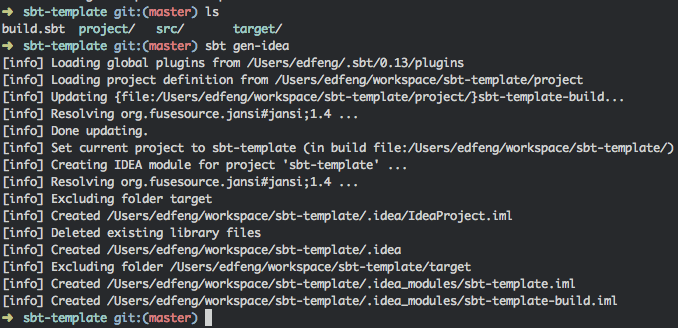
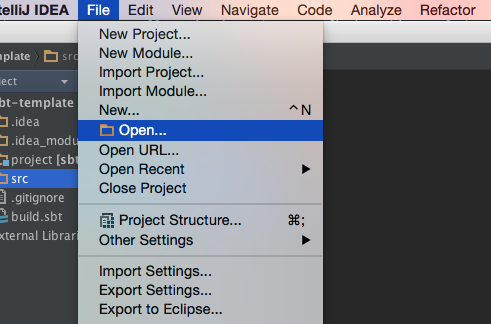
- Open root folder in IntelliJ
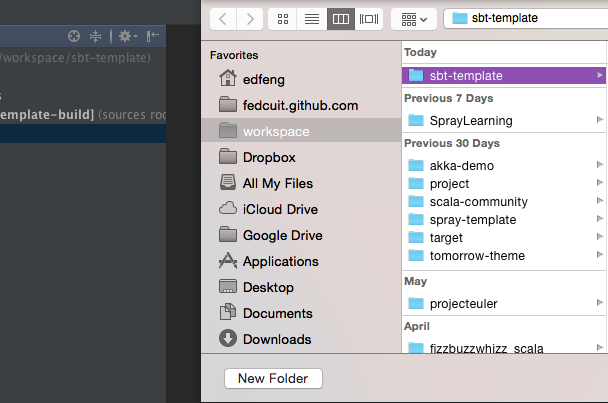
All set, let's rock!