Design, manage, and visualize your data center projects with ease.
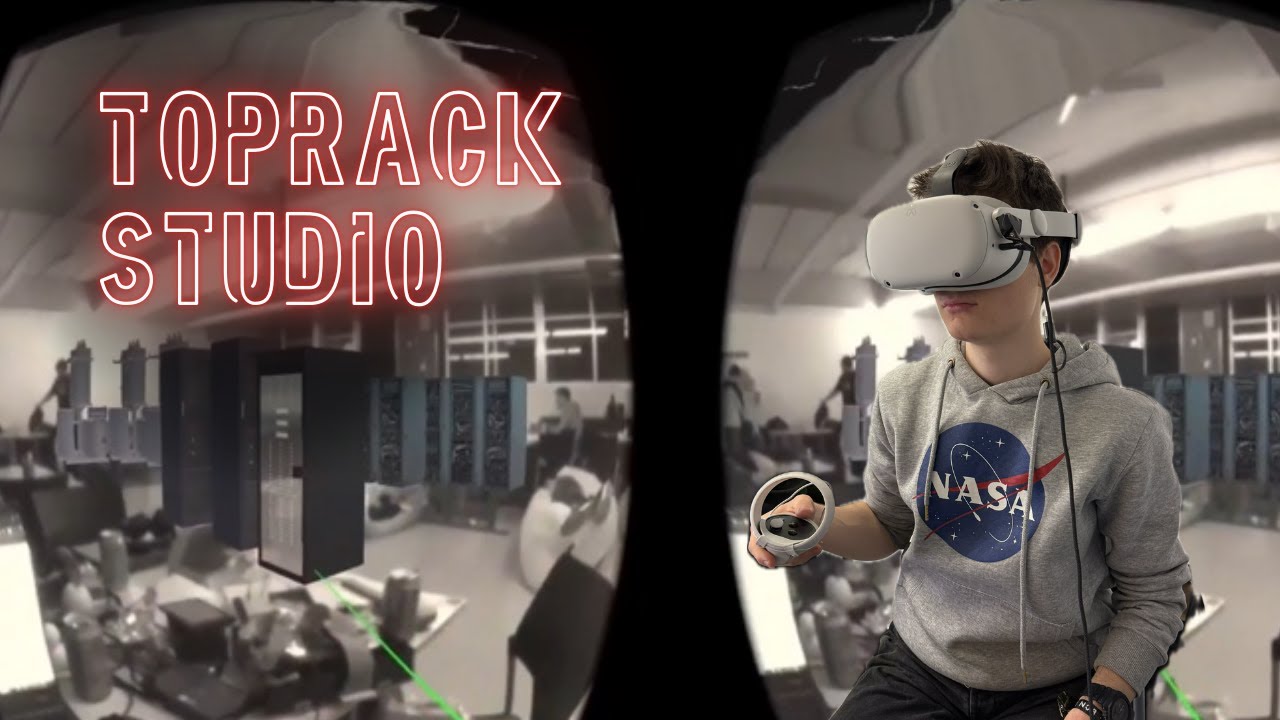
TopRack Studio is a modern, immersive platform for designing made-to-order data centers. Whether you're planning a new facility or optimizing an existing one, TopRack Studio empowers you to:
- Configure and visualize data center layouts interactively on the web or in VR
- Drag and drop equipment modules and services (remote monitoring, cybersecurity, predictive maintenance, etc.)
- Manage constraints for networking, cooling, electricity, and processing
- Validate your design against customizable rulesets
- Collaborate and store designs securely in the cloud
- Modern Web Editor: Intuitive, responsive UI built with Vite, Vue 3, and Tailwind CSS
- Immersive VR Experience: Define your data center's room shape and place modules in virtual reality
- CSV-Driven Rule Engine: Easily extendable constraints and modules—just upload new CSVs, no code changes needed
- Real-Time Feedback: Instantly see constraint violations and optimization suggestions
- Cloud-Backed Storage: All your designs are safely stored and accessible from anywhere
- Component Library: Drag and drop from a rich library of Siemens and custom modules
- Spec Checker: Validate your design against all requirements at a glance
- Frontend: Vite, Vue 3, TypeScript, Pinia, Vue Router, DaisyUI, Tailwind CSS, VueUse
- Backend: Django (REST API)
- State Management: Jotai, React Query (for data fetching)
- Visualization: Leaflet (for 2D), WebXR (for VR)
- Clone the repository
git clone https://github.com/your-org/toprack-studio.git cd toprack-studio/web - Install dependencies
npm install
- Start the development server
npm run dev
- Open in your browser Visit http://localhost:5173
- Create a Project: Name your project, select or upload module libraries and rulesets (CSV), and set your preferred units.
- Scan Your Room (VR): Define your data center's shape in VR for a realistic, spatially accurate design.
- Design & Validate: Drag modules into your layout, see real-time feedback, and ensure all constraints are met.
- Collaborate & Iterate: All changes are saved in the cloud, so you can collaborate and refine your design anytime.

Figure 1: Interactive data center layout with modules and constraints visualization

Figure 2: Welcome screen with quick access to recent projects and templates

Figure 3: Project setup wizard for configuring initial parameters and constraints

Figure 4: Create new project dialog with advanced configuration options

Figure 5: Customizable measurement units and conversion settings


- Add new modules or constraints by uploading new CSVs—no code changes required!
- Customizable units for distance, currency, water, and power
- Flexible room shapes: define any polygonal room in VR, mapped to rectangular constraints for validation
TopRack Studio was built for the Siemens Energy challenge at the 2025 HackUPC hackathon to revolutionize how clients design and optimize data centers—bridging the gap between real-world spatial design and robust, data-driven constraint logic.
Design smarter. Visualize better. TopRack Studio.


