





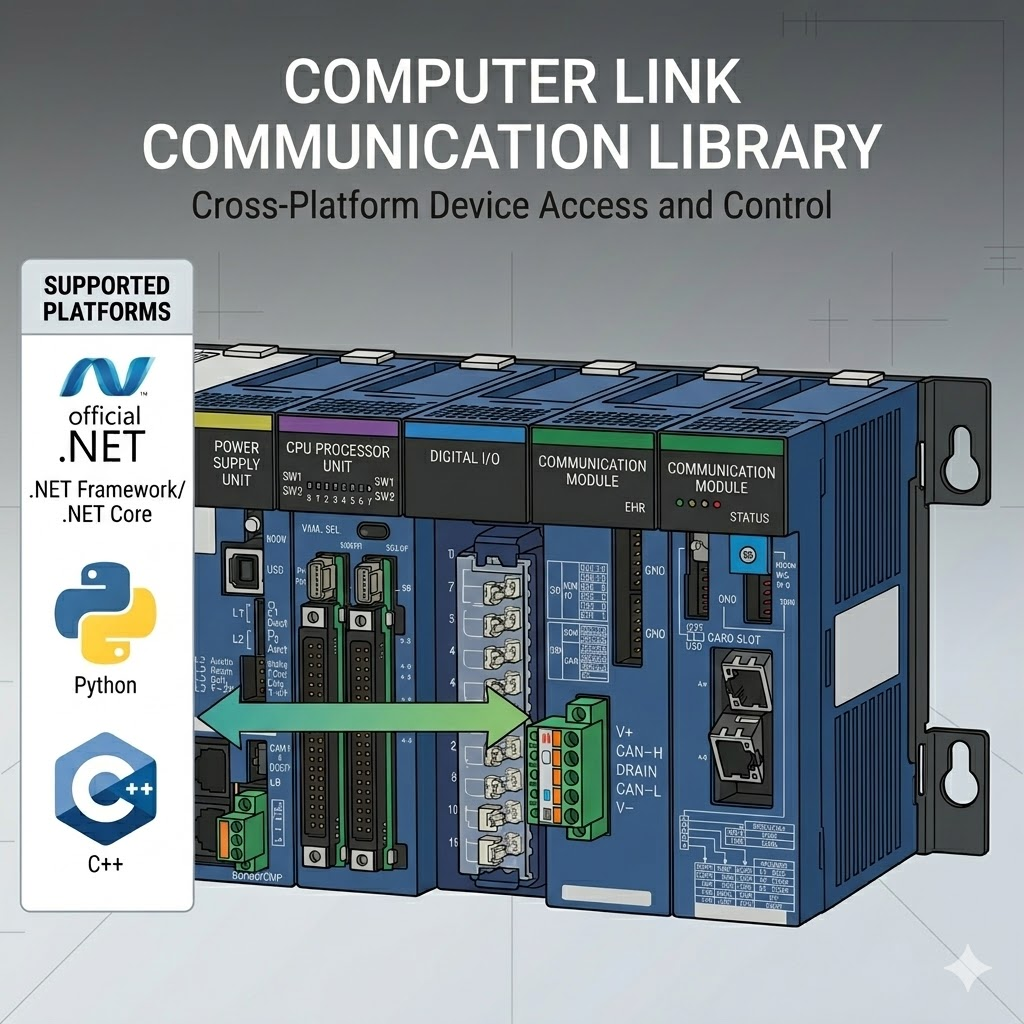
A user-focused .NET library for JTEKT TOYOPUC Computer Link communication.
The recommended entry point is the high-level queued client created by ToyopucDeviceClientFactory.
This README intentionally covers the public high-level API only:
ToyopucConnectionOptionsToyopucDeviceClientFactory.OpenAndConnectAsyncReadAsync/WriteAsyncReadTypedAsync/WriteTypedAsyncWriteBitInWordAsyncReadManyAsync/ReadNamedAsyncPollAsyncReadWordsSingleRequestAsync/ReadDWordsSingleRequestAsyncReadWordsChunkedAsync/ReadDWordsChunkedAsyncReadFrAsync/WriteFrAsync/CommitFrAsync
- Package page: https://www.nuget.org/packages/PlcComm.Toyopuc/
dotnet add package PlcComm.ToyopucOr add a package reference directly:
<PackageReference Include="PlcComm.Toyopuc" Version="0.1.5" />using PlcComm.Toyopuc;
var options = new ToyopucConnectionOptions("192.168.250.100")
{
Port = 1025,
DeviceProfile = "TOYOPUC-Plus:Plus Extended mode",
};
await using var client = await ToyopucDeviceClientFactory.OpenAndConnectAsync(options);
var word = await client.ReadAsync("P1-D0000");
Console.WriteLine($"P1-D0000 = {word}");
await client.WriteAsync("P1-D0001", 1234);
await client.WriteAsync("P1-M0000", 1);
var typed = await client.ReadTypedAsync("P1-D0200", "F");
Console.WriteLine($"P1-D0200:F = {typed}");
var snapshot = await client.ReadNamedAsync(["P1-D0000", "P1-D0200:F", "P1-D0000.0"]);
Console.WriteLine(snapshot["P1-D0000"]);Basic area families P/K/V/T/C/L/X/Y/M/S/N/R/D require a P1-, P2-, or P3- prefix.
Start with these public high-level families first:
- prefixed word/register areas:
P1-D0000,P1-S0000,P1-N0100,P1-R0000 - prefixed bit/control areas:
P1-M0000,P1-X0000,P1-Y0000,P1-T0000 - extension areas:
ES0000,EN0000 - FR storage:
FR000000 - typed and bit views:
P1-D0100:S,P1-D0200:D,P1-D0300:F,P1-D0000.3
See the full public table in Supported PLC Registers.
- Getting Started
- Supported PLC Registers
- Latest Communication Verification
- User Guide
- Examples Guide
- High-Level API Contract
Start with these example programs:
examples/PlcComm.Toyopuc.MinimalReadexamples/PlcComm.Toyopuc.HighLevelSampleexamples/PlcComm.Toyopuc.SoakMonitor
Maintainer-only notes and retained evidence live under internal_docs/.
- read or write one device:
ReadAsync,WriteAsync - read several devices together:
ReadManyAsync,ReadNamedAsync - read 32-bit integers or float32 values:
ReadDWordsSingleRequestAsync,ReadTypedAsync - change one flag bit inside a word:
WriteBitInWordAsync - read contiguous word blocks:
ReadWordsSingleRequestAsync,ReadDWordsSingleRequestAsync - read large contiguous ranges explicitly:
ReadWordsChunkedAsync,ReadDWordsChunkedAsync - persist FR data:
ReadFrAsync,WriteFrAsync,CommitFrAsync - poll a small watch list repeatedly:
PollAsync
Run local CI:
run_ci.batRun the release-style check including docs:
release_check.batPack the NuGet package locally:
dotnet pack src\Toyopuc\PlcComm.Toyopuc.csproj -c ReleaseDistributed under the MIT License.