
I created this smile/neutral CNN while I was bored during COVID-19 isolation to practice my ML skills. NOTE: It can only detect neutral and smile faces, not intended to detect frowning, laughing, etc...
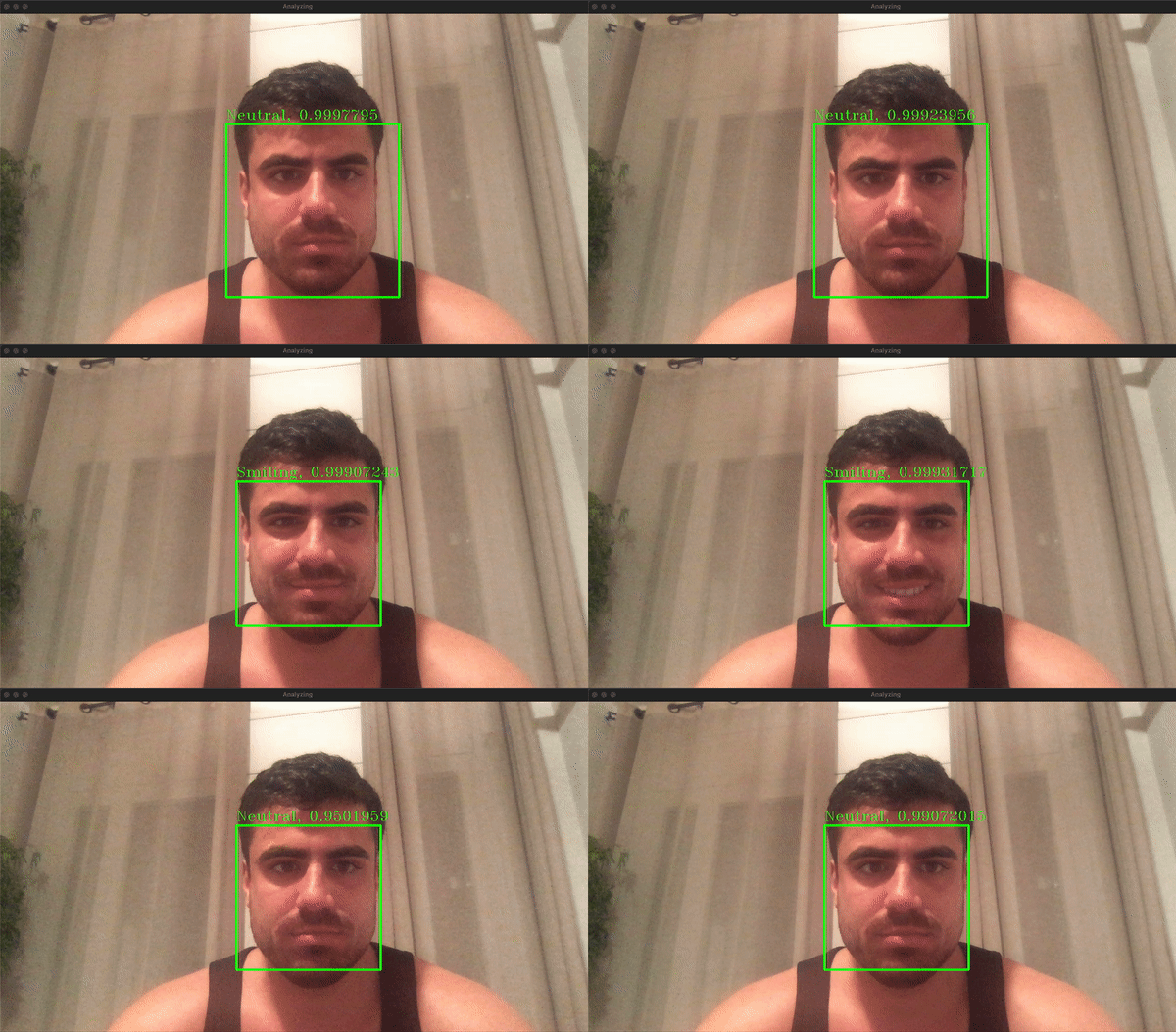
- Install Python.
- Run
python3 -m pip install -r requirements.txtinside thesmile-detection/directory.
NOTE: By default, this GitHub repository comes with a pre-trained model. Training a new model will take a while to run. Please be patient.
- Open
smile-detection/Train.ipynbwith Jupyter Notebook. - In Jupyter Notebook, click:
Cell -> Run All. - The model data will be written inside the
smile-detection/directory assmile.model/.
- Run
python3 main.pyinside thesmile-detection/directory.
The data can be found inside smile-detection/data.csv, where each image is represented as an Numpy array for simplicty.
One can iterate through each image and read the numpy array as an image.