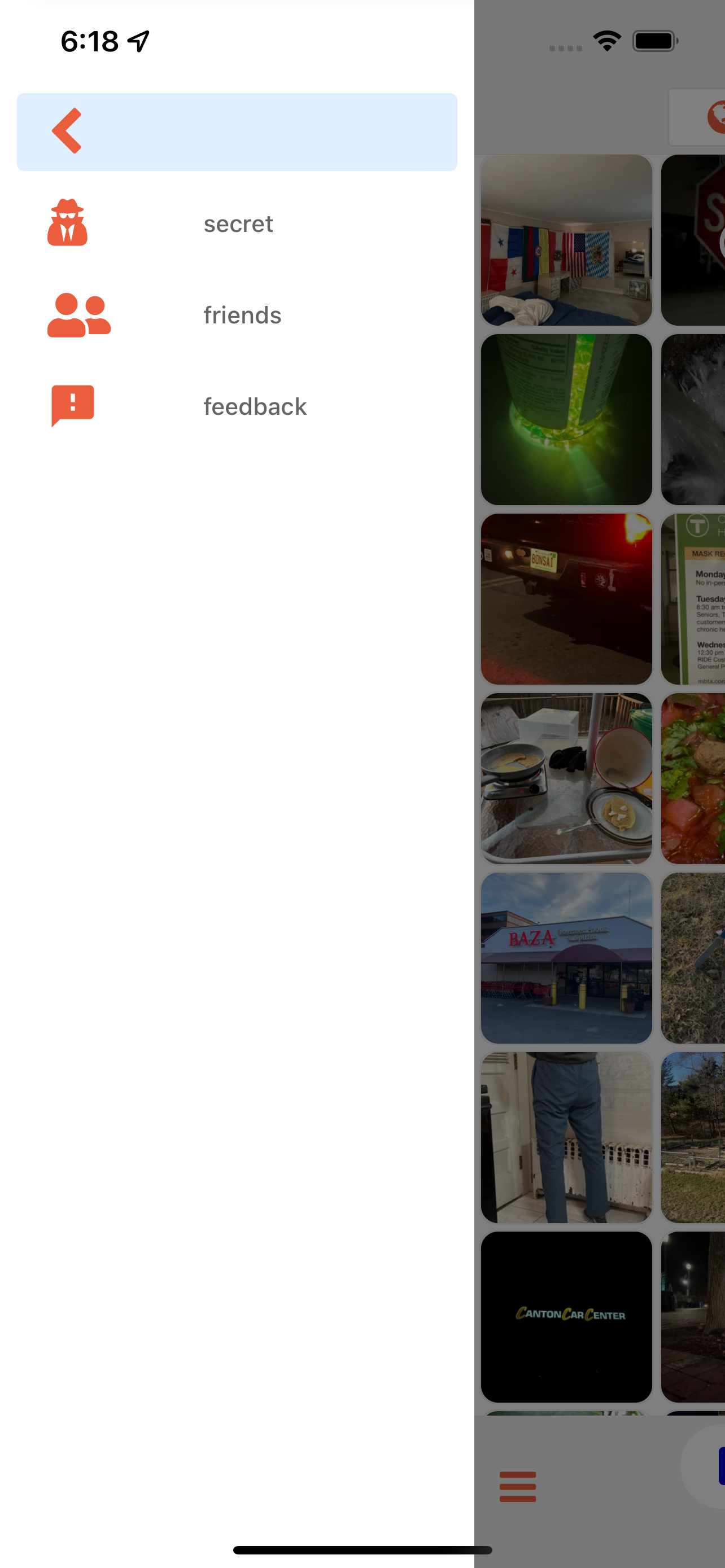
Minimalistic social sharing • Incognito pics • Anonymous posting
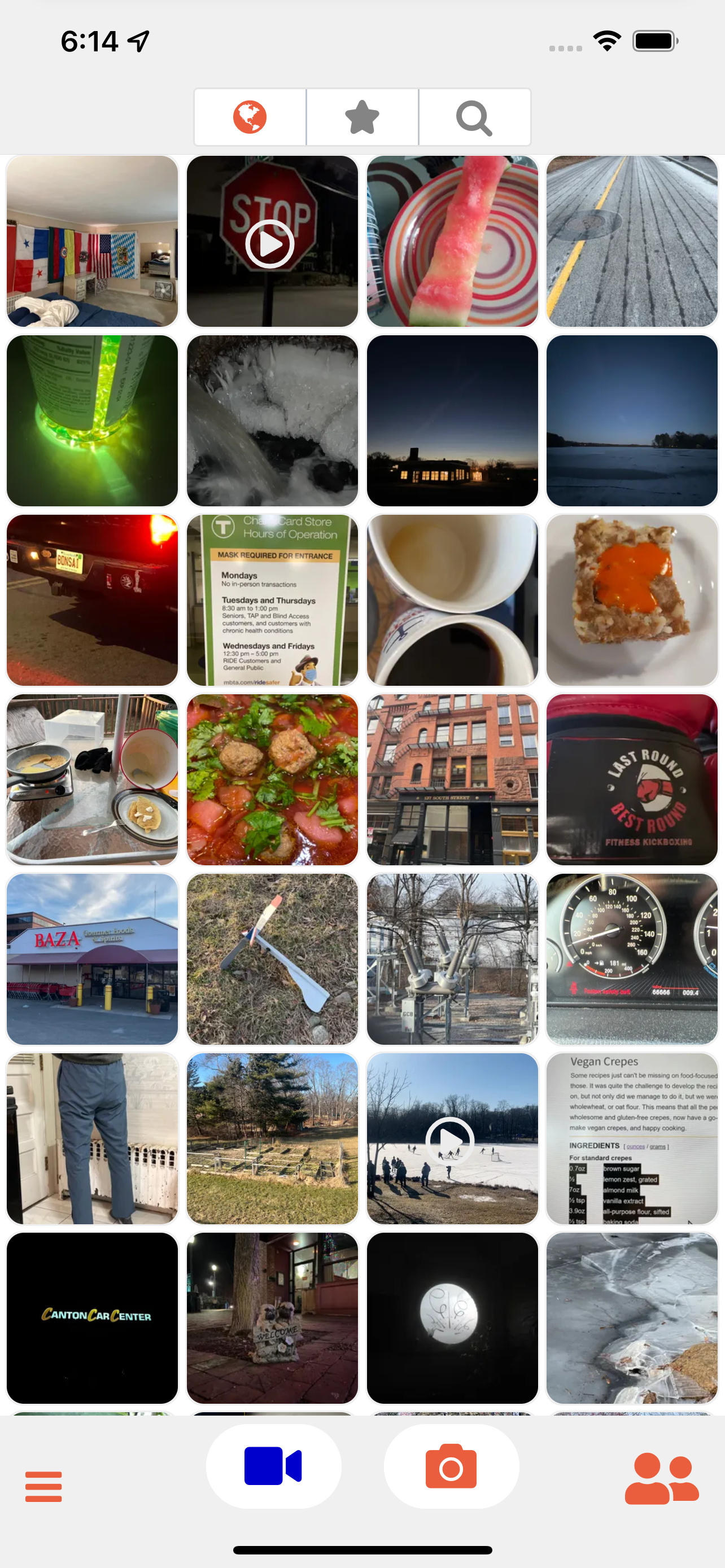
WiSaw is a location-based, anonymous social sharing app that lets you capture and share moments without the complexity of traditional social media. No registration, no profiles, no followers - just pure, location-relevant content sharing.
- 🚫 No Registration Required - Open the app and start sharing immediately
- 📍 Location-Based Feed - See what's happening around you right now
- 🎭 Anonymous Sharing - Share without revealing your identity
- 🗑️ Community Moderation - Delete inappropriate content to improve quality for everyone
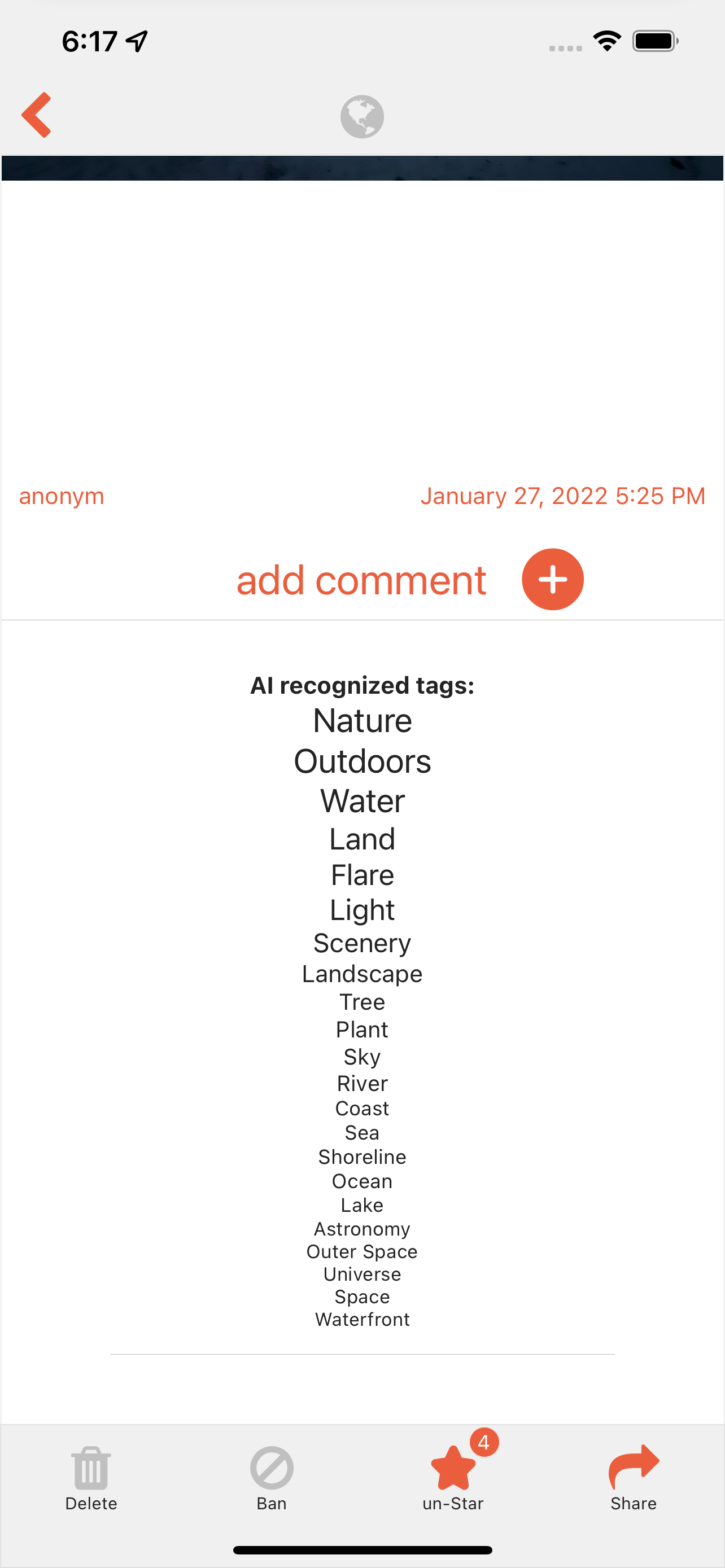
- 🤖 AI Image Recognition - Automatic content descriptions using AI
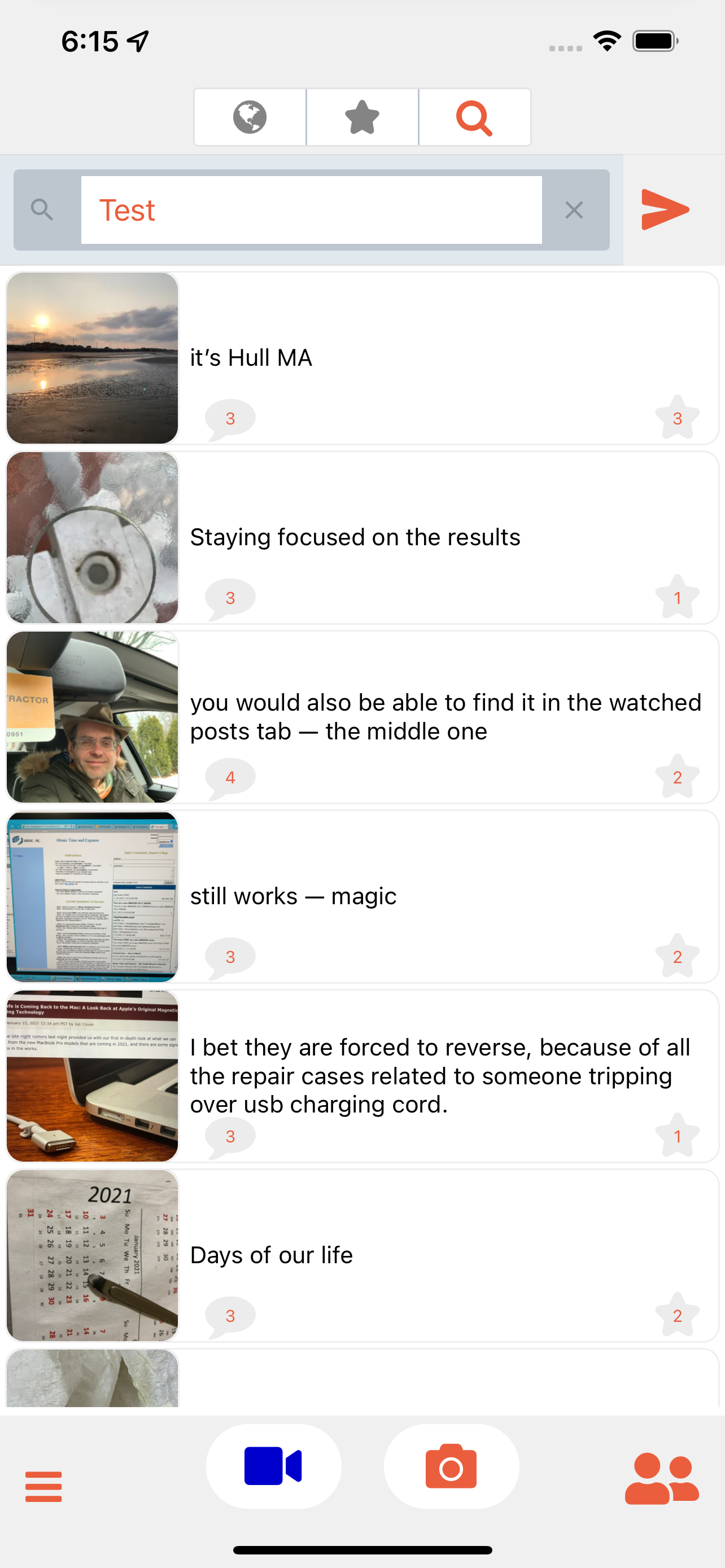
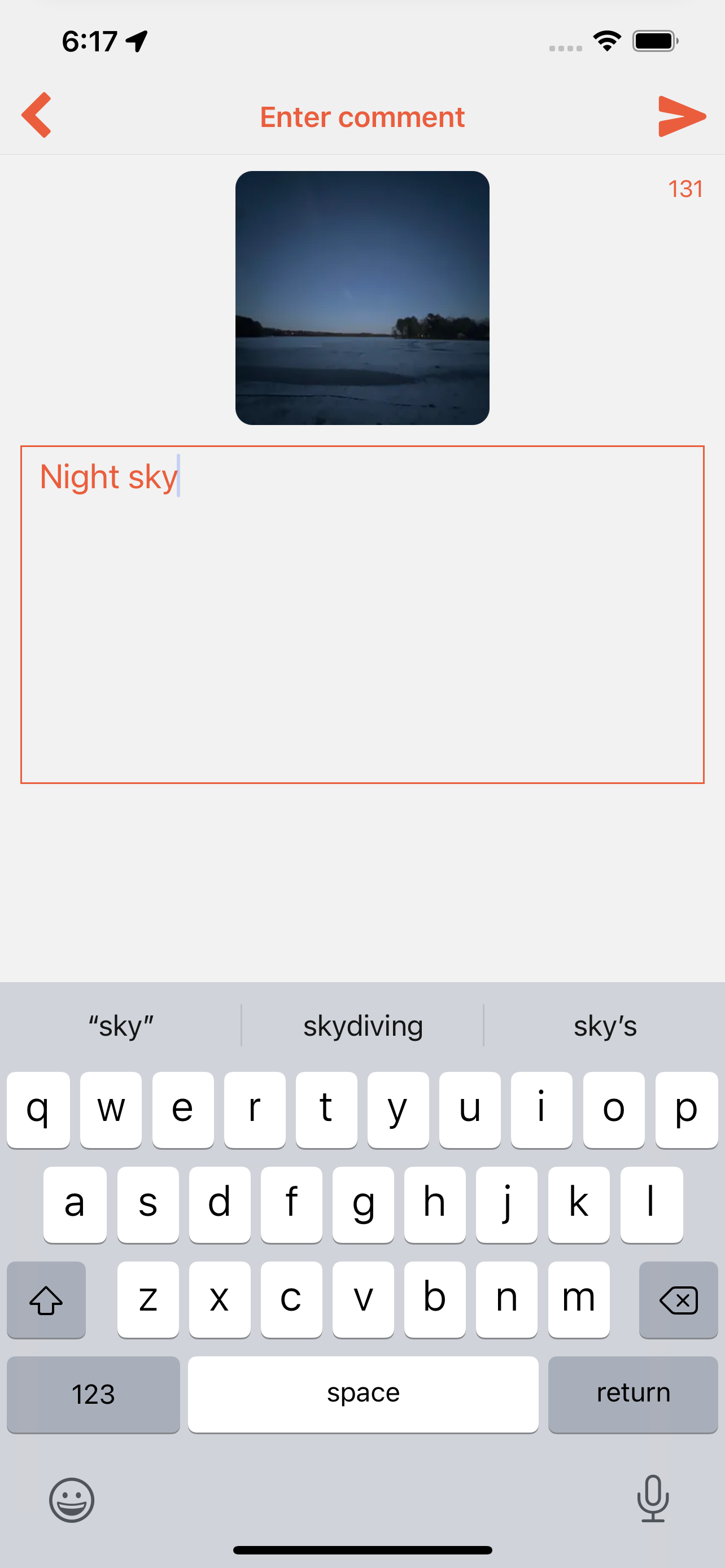
- 💬 Real-time Comments - Engage with posts through anonymous comments
- 🔗 Deep Linking - Share specific photos and friend invitations
- 📱 Cross-Platform - Available on iOS, Android, and Web

🌐 Web Version: wisaw.com
- React Native (0.79.4) - Cross-platform mobile development
- Expo (53.0.12) - Development platform and build system
- Expo Router (5.1.0) - File-based routing system
- TypeScript - Type-safe development
- Jotai (2.8.4) - State management
- Apollo Client (3.9.7) - GraphQL client with caching
- GraphQL (16.8.1) - API query language
- WebSocket Subscriptions - Real-time updates
- React Native Elements - UI component library
- React Navigation - Navigation system
- Expo Image - Optimized image handling
- React Native Reanimated - Smooth animations
- Camera & Photo Library - Image capture and storage
- Location Services - GPS-based content filtering
- Push Notifications - Real-time alerts
- Deep Linking - Share content and friend invitations
WiSaw/
├── app/                    # Expo Router app directory
│   ├── (drawer)/          # Drawer navigation layout
│   │   ├── (tabs)/        # Bottom tabs navigation
│   │   │   ├── index.tsx  # Main feed screen
│   │   │   ├── chat.tsx   # Chat/messaging screen
│   │   │   └── photos/    # Photo-related screens
│   │   ├── friends.tsx    # Friends management
│   │   └── feedback.tsx   # User feedback
│   └── _layout.tsx        # Root layout
├── src/                   # Source code
│   ├── components/        # Reusable components
│   ├── screens/           # Screen components (legacy)
│   ├── utils/             # Utility functions
│   ├── hooks/             # Custom React hooks
│   └── state.js           # Global state management
├── assets/                # Images, icons, splash screens
├── docs/                  # Documentation and guides
└── public/                # Static web assets
- Expo Router with file-based routing
- Drawer Navigation for main app sections
- Tab Navigation for primary features
- Modal Navigation for overlays and forms
- Status Bar Handling - Platform-specific status bar management
- Safe Area Support - Proper handling of device safe areas
- Responsive Design - Adapts to different screen sizes
- Loading States - User feedback during operations
- Jotai for lightweight state management
- Apollo Client Cache for GraphQL data
- Local Storage for offline data persistence
- Anonymous Posting - No user identification required
- Location Privacy - Approximate location sharing only
- Content Moderation - Community-driven content filtering
- Node.js (18+)
- npm or yarn
- Expo CLI
- iOS Simulator (for iOS development)
- Android Studio/Emulator (for Android development)
-
Clone the repository
git clone https://github.com/echowaves/WiSaw.git cd WiSaw -
Install dependencies
npm install
-
Set up environment variables
# Create .env file with your API endpoints API_URI=your_graphql_endpoint REALTIME_API_URI=your_websocket_endpoint API_KEY=your_api_key PRIVATE_IMG_HOST=your_image_host -
Start the development server
npm start
# Start Expo development server
npm start

# Run on iOS simulator
npm run ios

# Run on Android emulator
npm run android

# Build for production
npm run build

# Deploy to production
npm run publish:prod

# Clear cache and reset
npm run clear
npm run reset:simulatorThe app uses a centralized version management system:
- Version: Defined in
package.jsonand imported toapp.config.js - Build Numbers: Automatically synced across iOS and Android
- Single Source of Truth: All version info in
package.json
To update the app version:
- Update
version,buildNumber, andversionCodeinpackage.json - Changes automatically propagate throughout the app
The app uses app.config.js for Expo configuration:
- Platform-specific settings
- Deep linking configuration
- Push notification setup
- Build properties
- Development: Uses Expo development server
- Production: Built with EAS (Expo Application Services)
- Web: Deployed as PWA
- Fork the repository
- Create a feature branch (
git checkout -b feature/amazing-feature) - Commit your changes (
git commit -m 'Add amazing feature') - Push to the branch (
git push origin feature/amazing-feature) - Open a Pull Request
- Follow TypeScript best practices
- Use Expo Router for navigation
- Implement proper error handling
- Add documentation for new features
- Test on both iOS and Android
- Website: echowaves.com
- App Store: WiSaw on iOS
- Google Play: WiSaw on Android
- GitHub: Issues & Bug Reports
This project is licensed under the MIT License - see the LICENSE file for details.
- Built with Expo and React Native
- UI components from React Native Elements
- State management with Jotai
- GraphQL integration via Apollo Client
Made with ❤️ by Echowaves Corp.
Experience authentic, location-based social sharing