



Just a proof of concept.. i like the look of blurry and transparent windows.. but i dont like how much gpu they use. so i had i ideia of blurring the wallpaper instead.. almost zero gpu use.. just update the wallpaper on the fly, i have almost zero js skills, just was made for me, and maybe can be useful for you, feel free to use the ideia in your own extension!
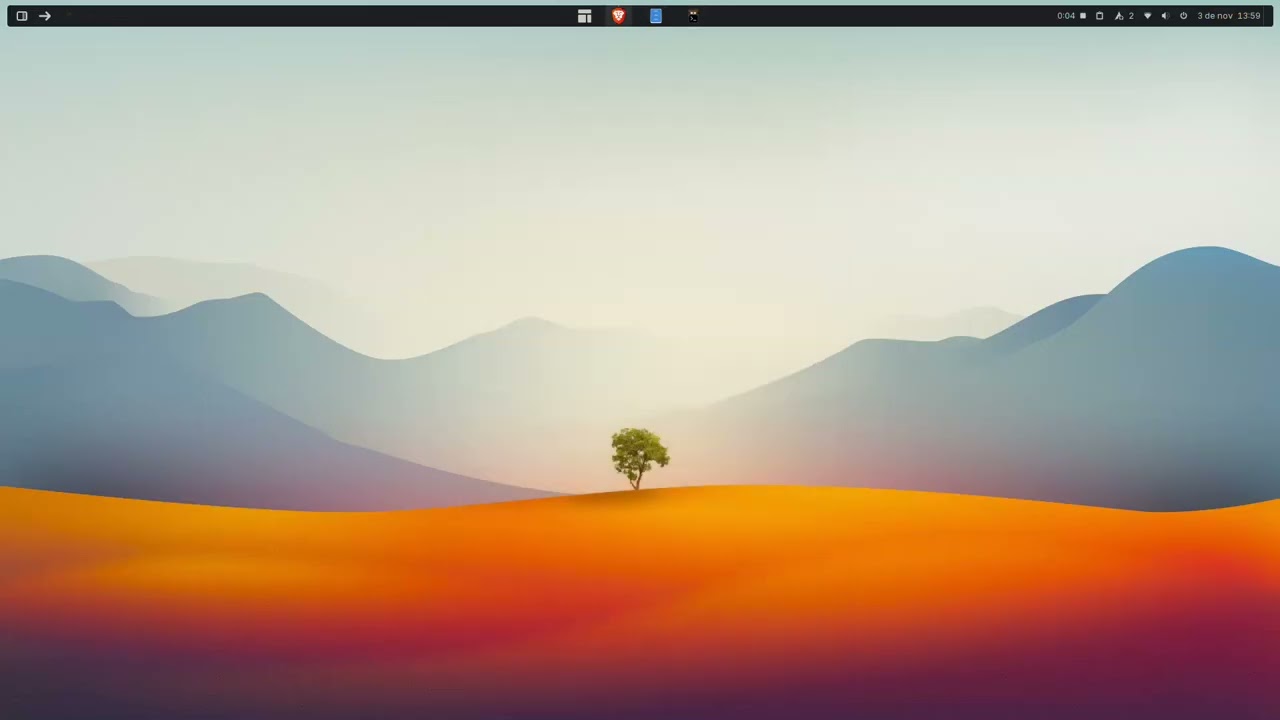
GNOME Shell extension Concept that switches wallpapers based on desktop visibility:
- No visible windows (all minimized/none open): Wallpaper 1 (clean mode).
- One or more visible windows: Wallpaper 2 (busy mode).
Ignores minimized windows for intuitive transitions (e.g., Super+D).
- Supports GNOME 45-49.
- Settings dialog for wallpaper selection.
- Real-time updates on window changes or workspace switches.
- Image filter (JPEG, PNG, etc.).
- GNOME Shell 45+.
- Standard GNOME libs (Gio, Gtk, Adw, Meta).
https://extensions.gnome.org/extension/8748/2-wallpapers/
- Clone repo:
git clone https://github.com/dudumaroja/2wallpapers.git - Copy to extensions:
cp -r 2wallpapers@dudumaroja ~/.local/share/gnome-shell/extensions/ - Compile schemas:
glib-compile-schemas ~/.local/share/gnome-shell/extensions/2wallpapers@dudumaroja/schemas/ - Restart Shell: Alt+F2,
r(X11) or logout/login (Wayland). - Enable:
gnome-extensions enable 2wallpapers@dudumaroja
In "Extensions" app > Settings:
- Click buttons to select wallpapers.
- Changes apply instantly.

Wallpaper 1.

Wallpaper 2.
Video Preview
Another video https://github.com/user-attachments/assets/86f70883-1977-46bc-be3f-a366503521b2
- Issues: I really dont know what i'm doing, but seens to be working as intended.. clone and mod at will
- GPL-2.0-or-later.
Developed by @dudumaroja.