A quick and easy sanity check to ensure that your Matrix Orbital EVE2, EVE3 or EVE4 SPI TFT Display and touch hardware works properly.
Windows Support Tool
Hardware Requirements:
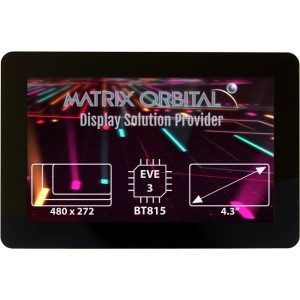
EVE4 SPI TFT - Uses BT817/BT818 Graphics controller
https://www.matrixorbital.com/ftdi-eve/eve-bt817-bt818
OR
EVE3 SPI TFT - Uses BT815/BT816 Graphics controller
https://www.matrixorbital.com/ftdi-eve/eve-bt815-bt816
OR
EVE2 SPI TFT - Uses FT812/FT813 Graphics Controller
https://www.matrixorbital.com/ftdi-eve/eve-ft812
AND
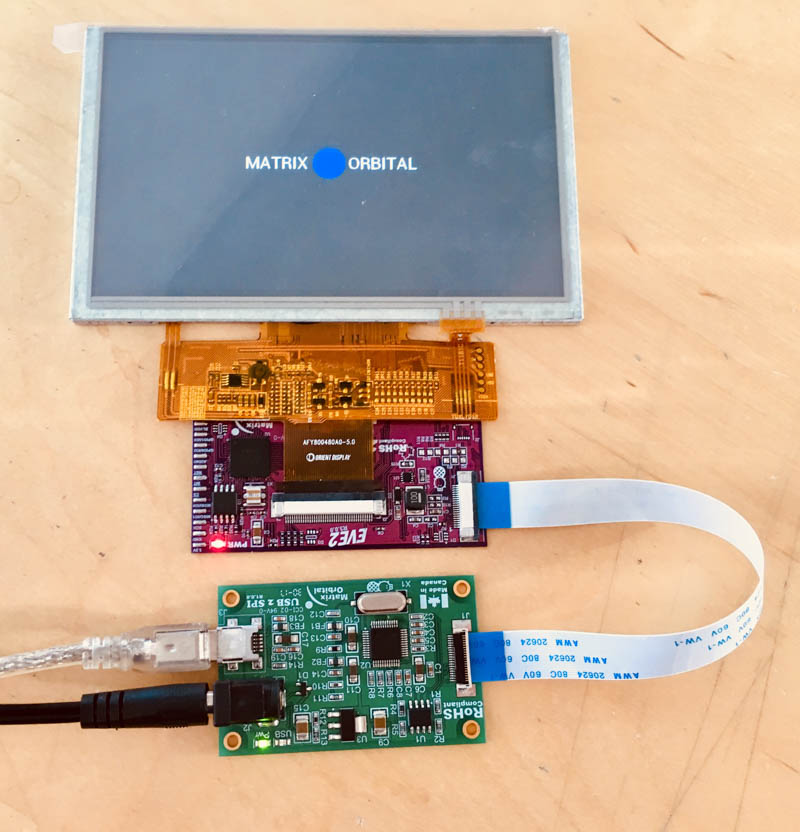
An EVE2-USB2SPI Bridge
https://www.matrixorbital.com/ftdi-eve/EVE2-USB2SPI-KIT-A
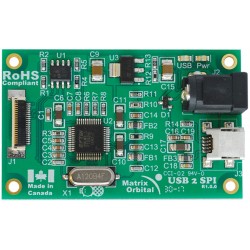
SOFTWARE
Select and download the .exe generated for your specific EVE2, EVE3 or EVE4 (for EVE4 use EVE3 EXE files) variant to test both the TFT and touch functionality of your display. Windows only.
- 29 - 2.9" 320 x 102 TFT
- 35 - 3.5" 320 x 240 TFT
- 38 - 3.8" 480 x 116 TFT
- 39 - 3.9" 480 x 128 TFT
- 43 - 4.3" 480 x 272 TFT
- 50 - 5.0" 800 x 480 TFT
- 52 - 5.2" 800 x 128 TFT
- 70 - 7.0" 800 x 480 TFT
- Select your touch screen
- TPN - No touch panel
- TPR - Resistive touch panel. Uses FT812/BT816 Graphics controller
- TPC - Capacitive touch panel. Uses FT813/BT815 Graphics controller
RUN THE EXE
Please note, if you do not have the USB2SPI module and an EVE2/3/4 display attached, nothing will happen.
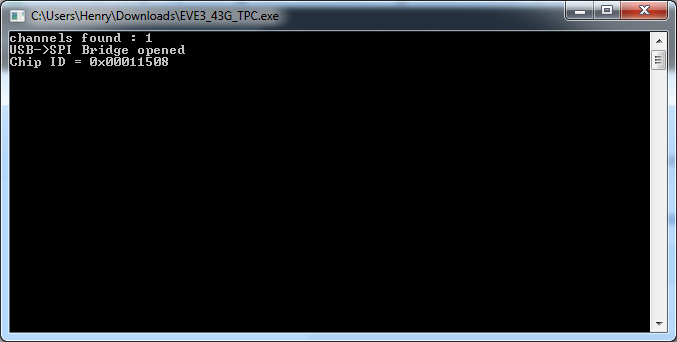
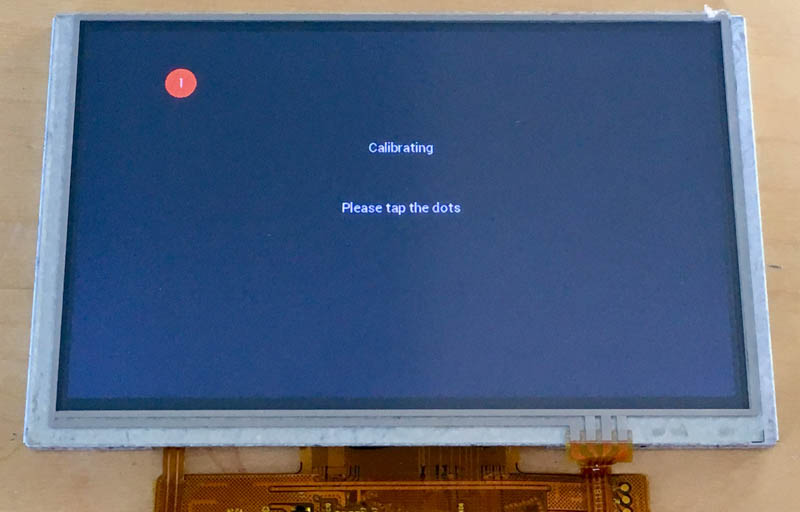
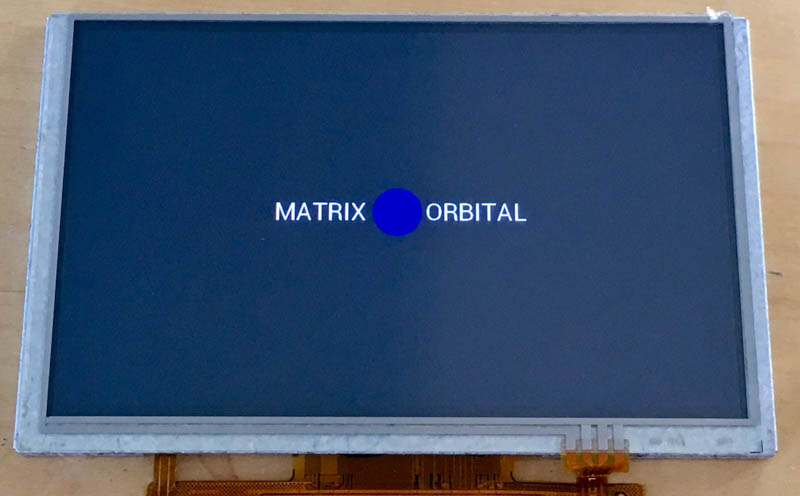
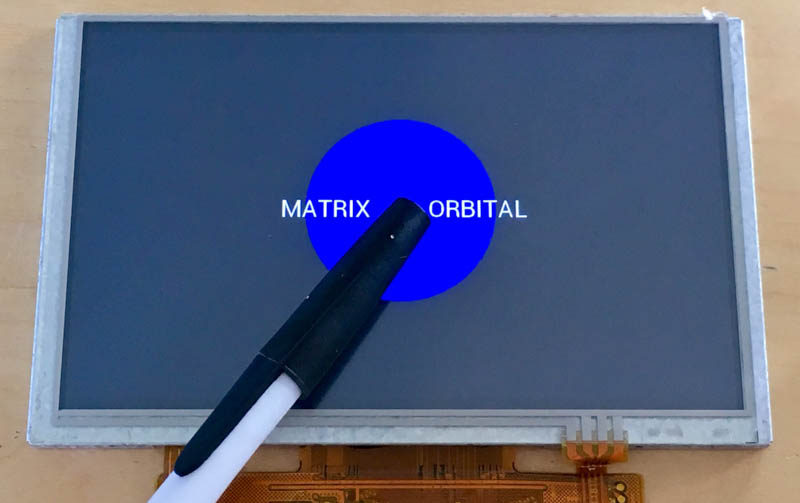
If you have a touch screen, TPR or TPC, you will need to calibrate the touch screen by pressing the dots. After the calibration is complete, you will see Matrix Orbital with a blue circle. If you press the circle it will enlarge.
SOURCE CODE
The source code will be configured to work with a EVE2-43A-TPN display by default. Users can configure the code for their specific display variant by opening the MatrixEve2Conf.h file, and modifying the listed definitions appropriately.
Support Forums: http://www.lcdforums.com/forums/viewforum.php?f=45