iOS client app for theMovieDB api. It allows users to login using their theMovieDB credentials.
An authenticated user can search for movies, view the movie poster, add to his/her watchlist and add to his/her favorites list.
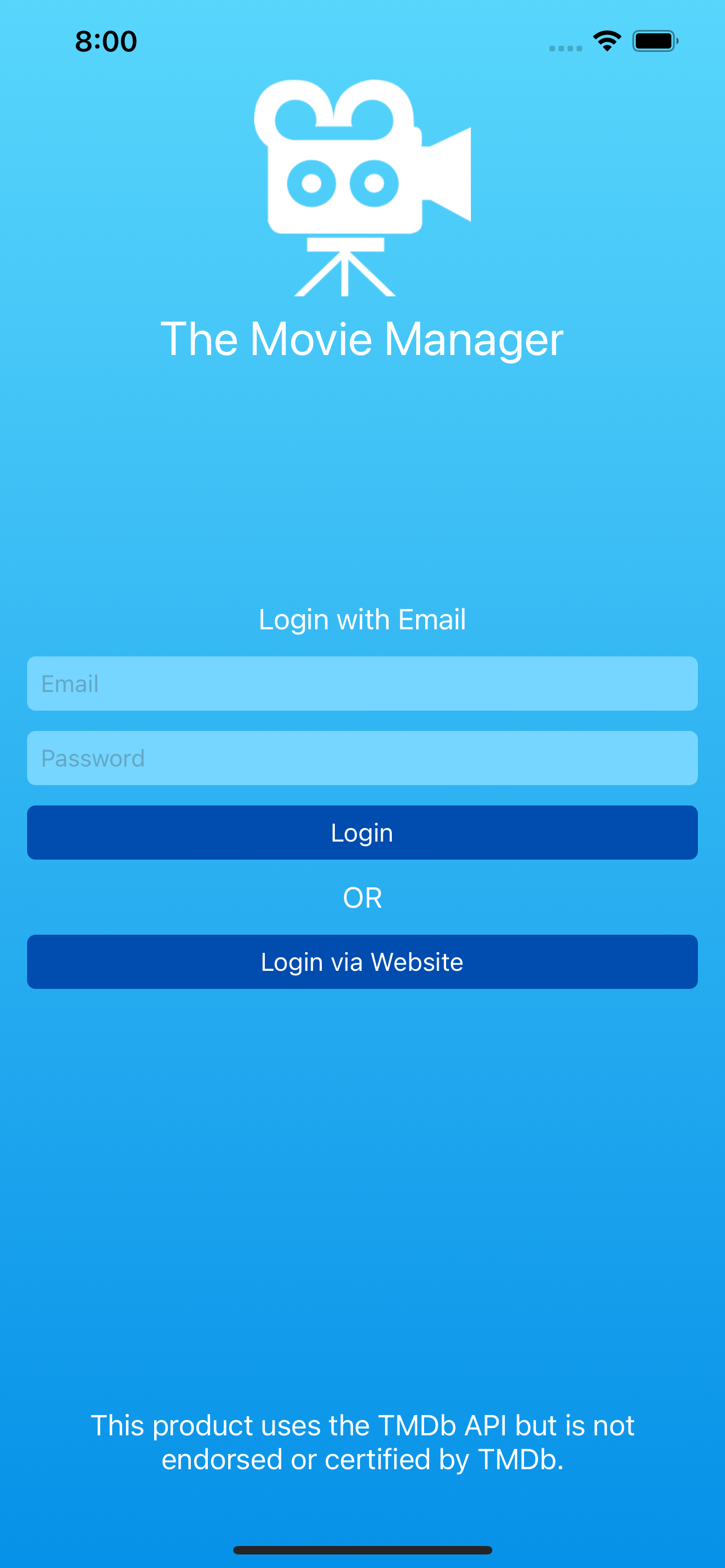
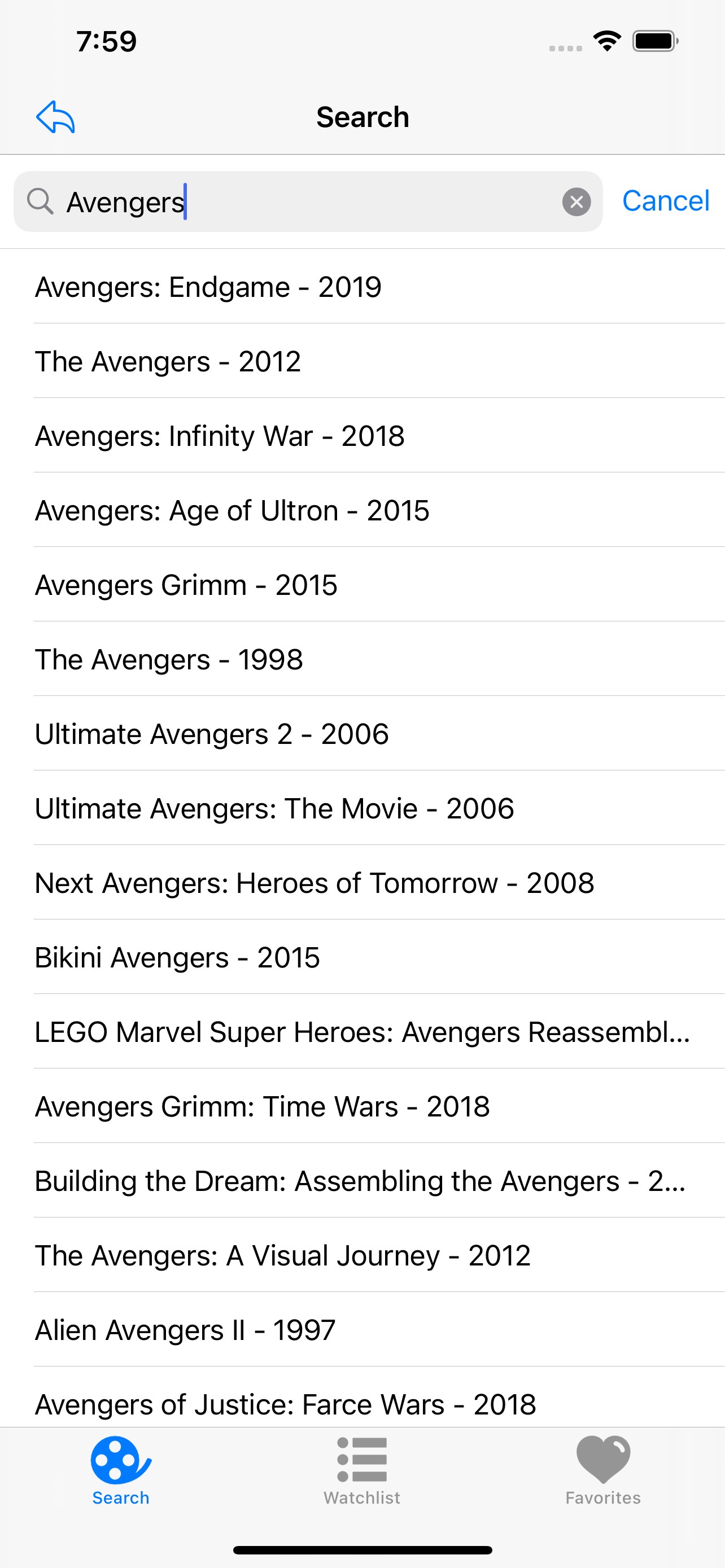
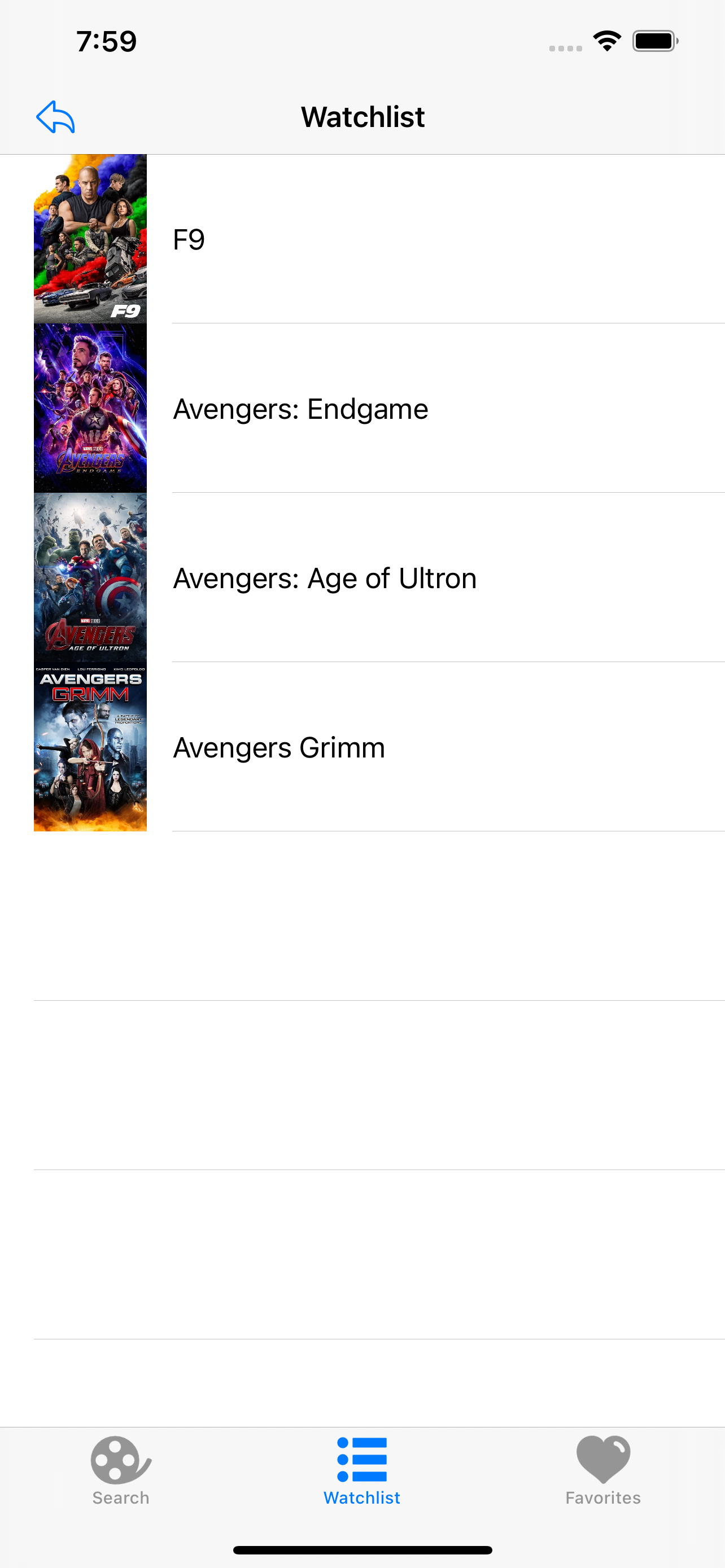
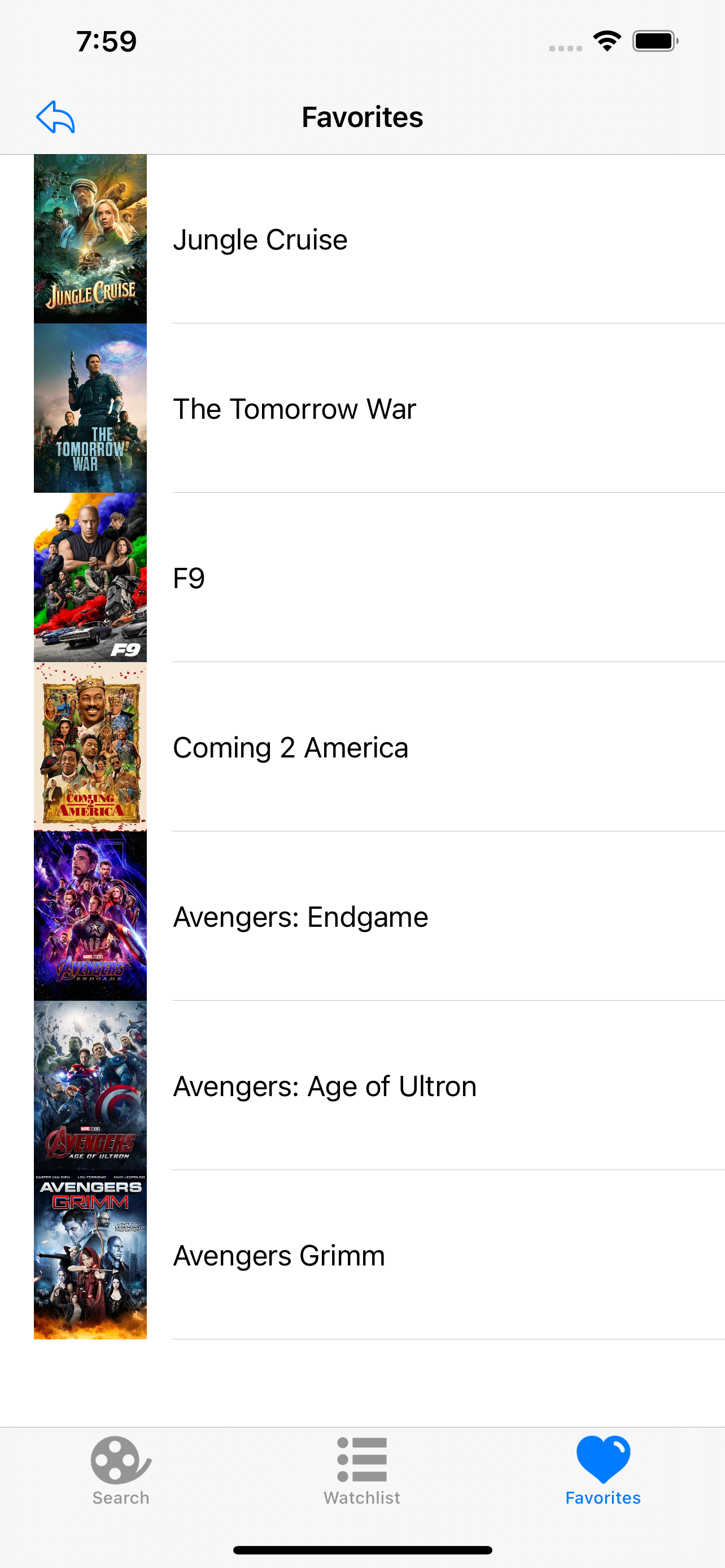
- SceneDelegate.swift file
scene(_ scene: UIScene, willConnectTo session: UISceneSession, options connectionOptions: UIScene.ConnectionOptions) - It determines the appropriate root viewcontroller to display.
LoginViewControllerif the user is not logged in and theUITabViewControllerif the user is logged in
- CoreData: stores user favorite and watchlist movies, implemented in
Services/DataController.swift Model/TheMovieManager.xcdatamodeldholds the CoreData model with the following fields,id: Int32- The movie idtitle: String- The title of the moviefavorite: Boolean- Indicates if the movie has been added to favorites listwatchlist: Boolean- Indicates if the movie has been added to watchlistposterPath: String- The poster image path, which is being resolved inConstants.swiftto https://image.tmdb.org/t/p/w500/$pathreleaseDate: Date- The date the movie was released
- UserDefaults: stores the sessionId credential for theMovieDB API, implemented in
Services/Auth.swift
- Alamofire: HTTP networking library
- The router is set up in
Mode/TMDB Client/TMDBRouter.swift - The api client is set up in
Mode/TMDB Client/TMDBClient.swift
- Kingfisher: library for downloading and caching movie poster images
- Used in
MovieDetailViewController.swiftto load the poster image
- Ensure you have CocoaPods installed
pod install-
Open
TheMovieManager.xcworkspacein Xcode -
Update your moviedb API key in
Model/Constants.swift -
Run the app
- Xcode 12
- Swift 5
- CoreData - for storing user favorite and watchlist movies
- Alamofire - for making API networking calls
- Kingfisher - for downloading and caching movie poster images