


The GGEZ mobile app is designed for the gaming community to connect, share and participate in gaming events. It provides a platform for gamers to follow gaming communities, join in events, buy merchandise, and stay updated with the latest gaming news. The app integrates with PayHere payment gateway for secure transactions. Gamers can also earn crypto tokens by participating in events and activities within the app. The app is built using Flutter and Firebase, ensuring a smooth and responsive user experience across both Android and iOS devices. This alpha release does not include the complete requirements and interface. This project has been developed as an open source for educational purposes.
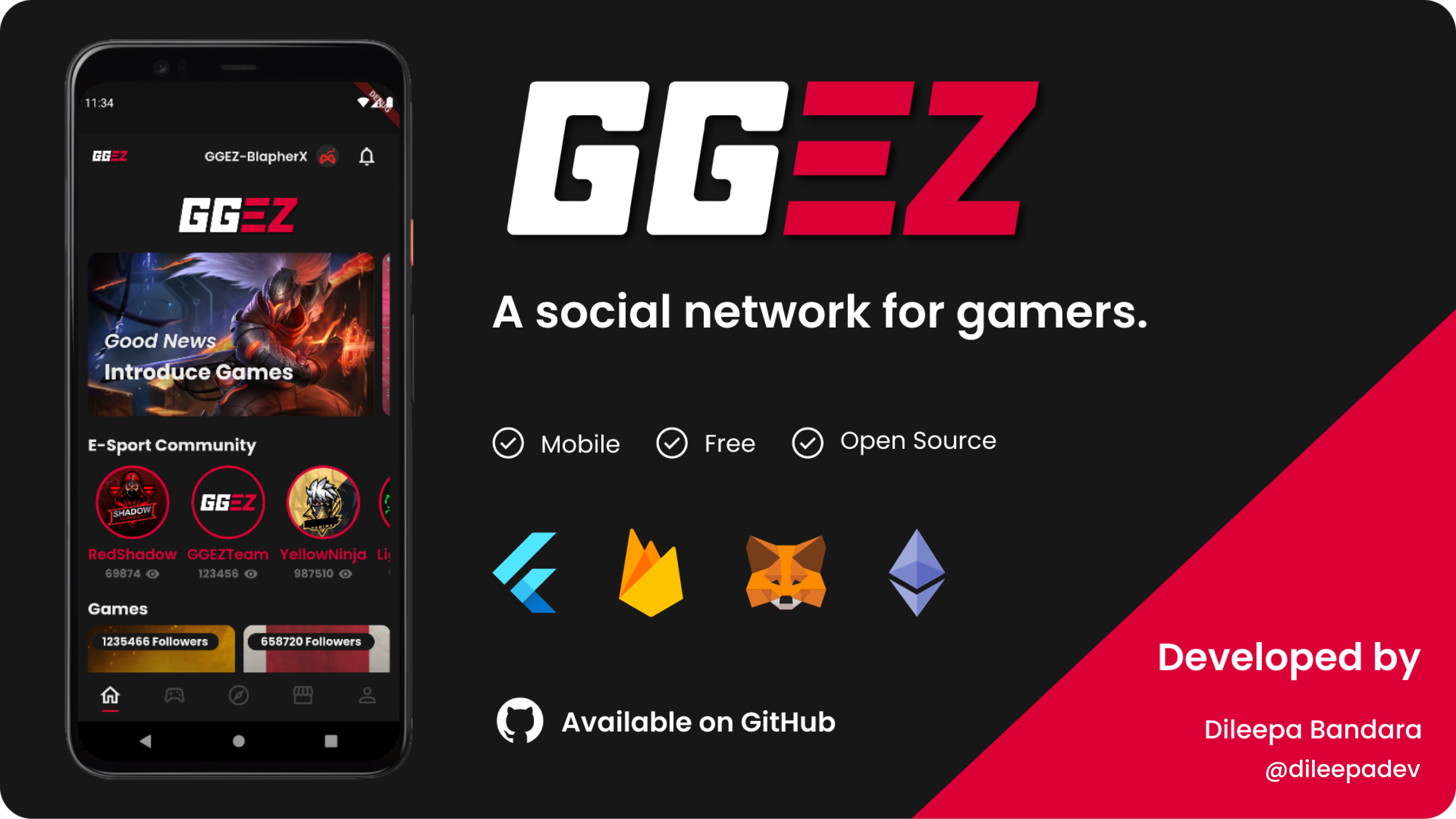
Click the link or image below to view the demo video on YouTube.
🔗 https://youtu.be/fXXrps7qlHM

Release Version - 1.0.0
Initial release date - March 14, 2022
Note
This repository is a clean re-upload to my new GitHub account. No new features or functionality have been added. Minor compatibility fixes may have been applied to ensure the project runs correctly in the current environment. Please note that the original commit history from the previous account is not preserved. This update is primarily for migration purposes.
Initial release date: March 14, 2022
Migration date: December 30, 2025
Last review date: December 31, 2025
- Flutter
- Dart
- Android Studio
- Firebase
- Solidity (Testing)
- Etherium (Testing)
Before you get started, follow these requirements
- Dart SDK >=2.16.1 <3.0.0
- Flutter SDK >=2.0.0
- Android Gradle Plugin Version = 7.0.4
- Gradle Version = 7.0.2
- PayHere account
| Component | Version Used |
|---|---|
| Flutter SDK | 2.10.5 |
| Dart SDK | 2.16.2 |
| Java (JDK) | 11.0.x |
| Gradle Wrapper | 7.6.1 |
| Android Gradle Plugin (AGP) | 7.0.4 |
| Kotlin | 1.6.21 |
- Flutter
- firebase_auth: ^3.3.7
- firebase_core: ^1.12.0
- cloud_firestore: ^3.1.8
- firebase_analytics: ^9.1.0
- firebase_messaging: ^11.2.6
- firebase_crashlytics: ^2.5.1
- intl: ^0.17.0
- flutter_local_notifications: ^9.3.2
- payhere_mobilesdk_flutter: ^2.0.0
- flutter_native_splash
- crypto: ^3.0.1
-
Download or clone the repository
-
Move the project to the selected directory
-
Open it with a code editor (Android Studio, Visual Studio Code)
-
Run flutter clean and pub get commands
-
Do not update / upgrade gradle and other versions until the app is up and running with built versions
-
Create new dart file (payhere_credentials.dart) to save the merchantSecret and merchantId
payhere_credentials.dartclass PayHereAccountCredentials { final String merchantId = "Paste YOUR MERCHANT ID"; final String merchantSecret = "Paste YOUR MERCHANT SECRET"; }
PayHere Sandbox & Testing Card numbers
[!IMPORTANT] Use these test card numbers only in the Sandbox mode of PayHere during the initial development. Do not use real card details. Also, please note that these are no longer valid in 2025.
Card Icon Card Name Card Number Visa 4916217501611292 MasterCard 5307732125531191 AMEX 346781005510225


Download and extract the Flutter SDK for Windows to a location like C:\flutter\flutter_windows_2.10.0-stable, then add it to your PATH:
$env:PATH = "C:\flutter\flutter_windows_2.10.0-stable\flutter\bin;" + $env:PATH
flutter --versionInstall Java JDK 11 (not just JRE) and set the environment variables:
$env:JAVA_HOME = "C:\Program Files\Java\jdk-11.0.x"
$env:PATH = "$env:JAVA_HOME\bin;" + $env:PATH
java --versionRun this to check that everything is set up correctly:
flutter doctor -v
flutter devices
Accept any Android licenses if prompted.
Edit android/gradle/wrapper/gradle-wrapper.properties and update:
distributionUrl=https\://services.gradle.org/distributions/gradle-7.6.1-bin.zipUpdate the Gradle wrapper by running:
cd android
./gradlew wrapper --gradle-version 7.6.1
cd ..If you encounter Kotlin errors, ensure android/build.gradle has:
ext.kotlin_version = '1.6.21'flutter clean
flutter pub get
flutter runTo target a specific device: flutter run -d <device-id>
**Gradle/Java Incompatibility Issues:
If you see errors about Gradle↔Java incompatibility (like “Unsupported class file major version…”), then:
- Ensure Gradle wrapper is updated to 7.6.1
- Ensure
JAVA_HOMEpoints to Java 11 - If needed, add this to
android/gradle.properties:
org.gradle.java.home=C:\\Program Files\\Java\\jdk-11.0.xThis forces Gradle to use the correct JDK.
List devices:
flutter devicesRun on a chosen device:
flutter run -d emulator-5554Replace emulator-5554 with your device ID.
If you want to contribute to this project and make it better, your help is very welcome. Just fork the repository and use the dev branch.
Thanks to everyone who supported
Dileepa Bandara
@dileepadev
https://dileepa.dev
Note
This repository may contain references to my former GitHub username (dileepabandara) and domain (dileepabandara.dev), which I no longer use. These identifiers may now belong to other parties. All current development and maintenance are conducted under my new GitHub account dileepadev and domain dileepa.dev.
If you want to contact me, leave a message via email.
- Email - contact@dileepa.dev
This project is licensed under the MIT License.
See the license file for more details LICENSE