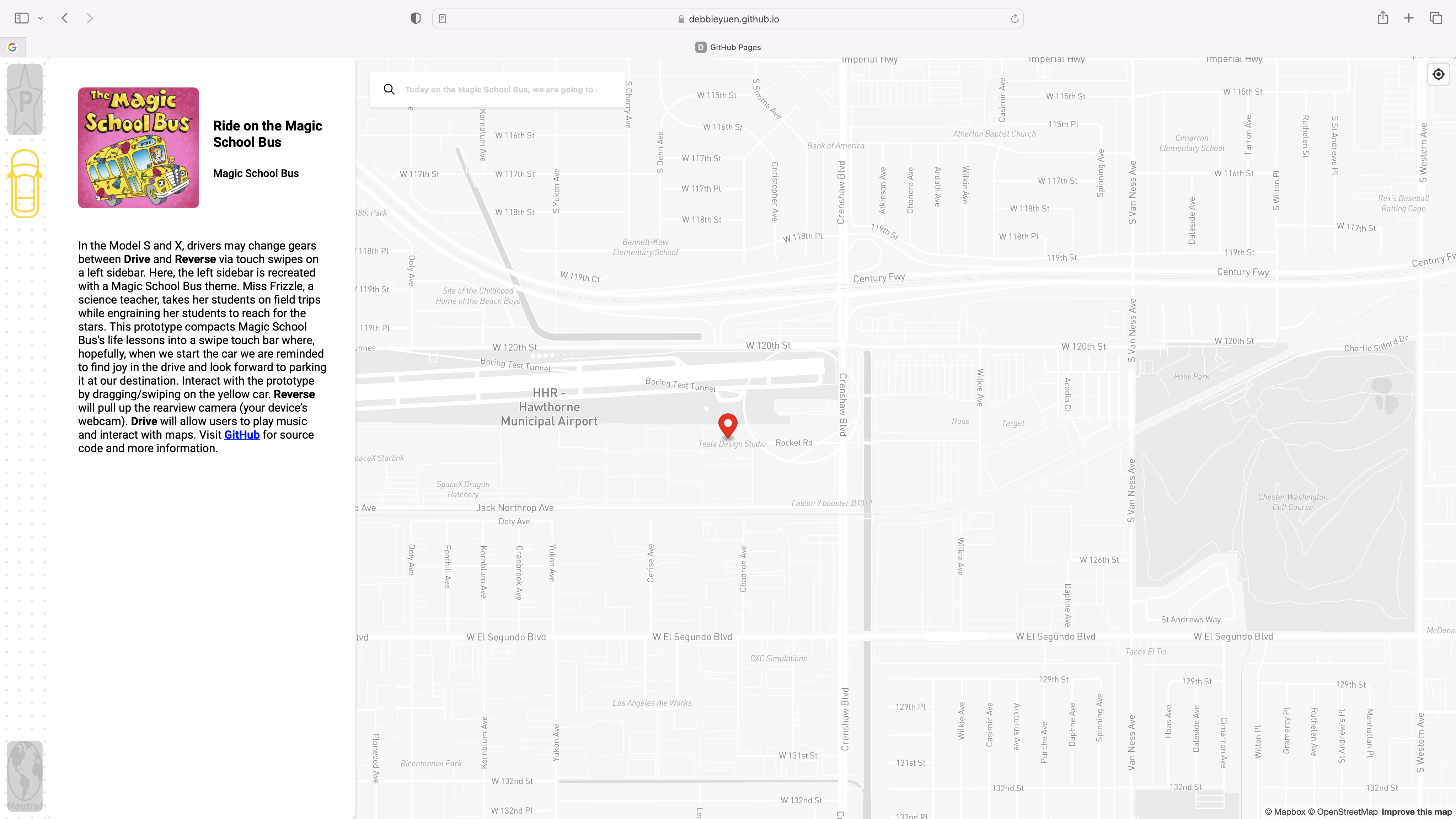
The Magic School Bus is a web application compatible with Macs and iPads. During my elementary school years, the TV Series, The Magic School Bus, brought excitement to science education and sparked my imagination. In this assignment, I bring back my childhood memories of watching Miss. Frizzle and her class launch into space to discover the unknown. In my prototype, drivers begin their launch to outer space, specifically to the stars, via drive and reverse modes. In reference to the “reach for the stars” idiom, drivers set goals to reach their destinations, the stars. Drivers are also prompted for today’s adventure destination via the input search bar with, “Today on the Magic School Bus, we are going…” written over it.
The Magic School Bus prototype questions what it means for a driver to get in, drive, and arrive in a Tesla. Can Teslas leave behind a legacy of positivity and inspiration by challenging what “just a drive” is and helping riders discover meaning in their life adventures?
The next time you get in your Tesla, swipe up into drive, and ask yourself am I finding joy in the journey and arrival of my next adventure? Do I even see it as an adventure? I hope you look forward to parking, because there is something up ahead that’s amazing!
| Action | Element | Description |
|---|---|---|
| Drag yellow car | 🚌 | Swipe down to reverse and swipe up to drive |
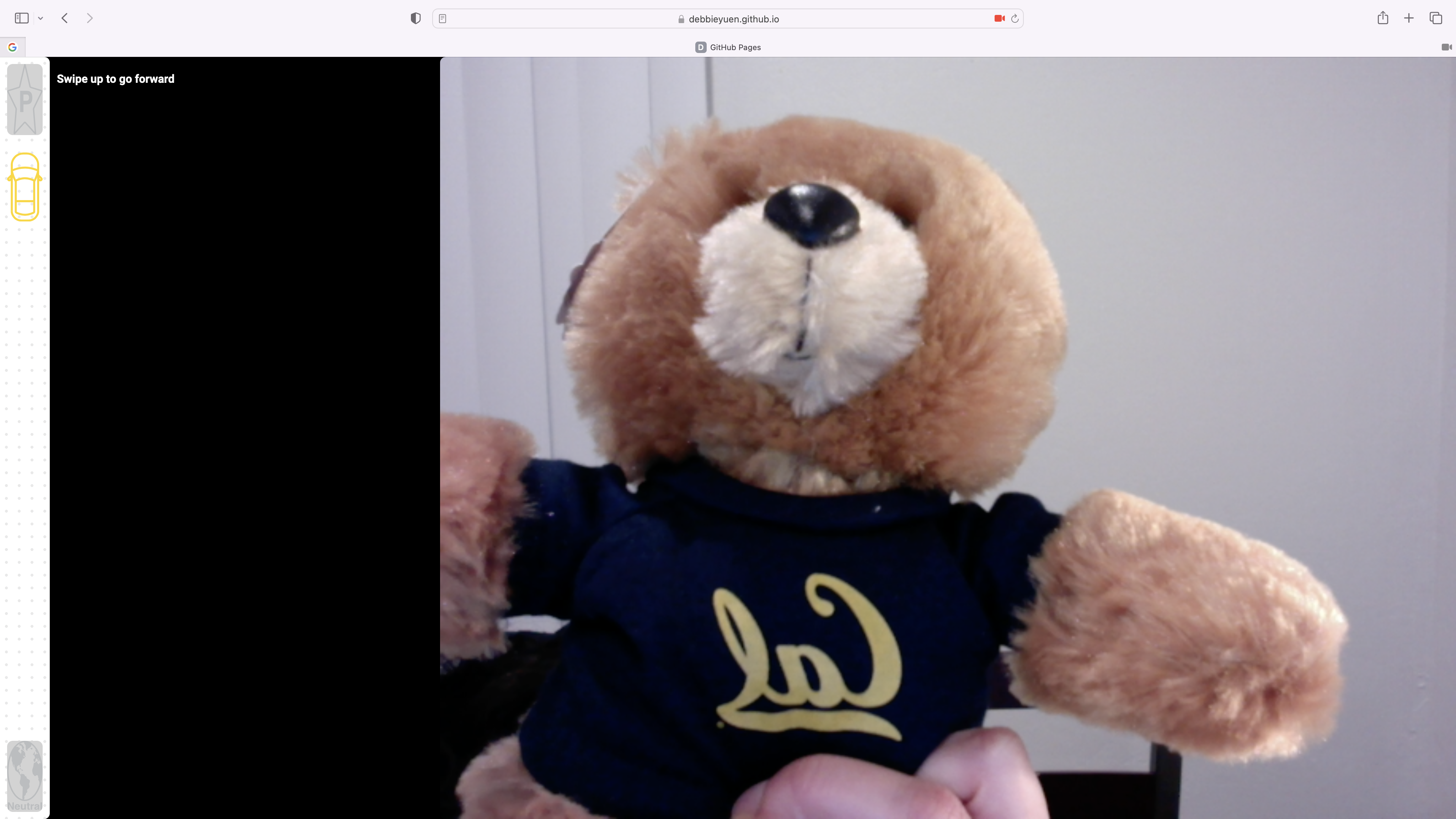
| Yellow car swipe down | 🚌 | Opens up rear view cameras (your webcam in this prototype) |
| Yellow car swipe up | 🚌 | Displays navigation and music side panels |
| Press location button | 🎯 | Prompts you for your location to display your location on map |
| Tap pink MSB image | 🎆 | Plays the Magic School Bus theme song |
| Pinch map | 🗺 | Zoom in and out of navigation map |
| Type in search bar | 🔍 | Search bar will not populate information |
| Allow permissions | ✅ | Allow app to access your location and webcam |
| Gears | Symbol | Description |
|---|---|---|
P: Park |
⭐️ | Life is a series of destinations. When and where can you park your car at your destination? Maybe choose some that bring joy, meaning, and fulfillment. |
R: Reverse |
⬇️ | Reverse is a direction in life. It is neither bad nor good unless you make it out to be so. Reverse is bringing you closer to home or your destination. |
N: Neutral |
🌎 | Earth. An important place full of mysteries. |
D: Drive |
⬆️ | Your journey to the stars. Eventually, you want to park. |
- Greensock GSAP3 (Shockingly)
- Mapbox GL JS and token
- Flask 1.1.2
- Werkzeug 1.0.1
- Python 3.8.8
- NodeJS v18.8.1
Clone the repo
$ git clone https://github.com/debbieyuen/magical.gitMake sure you have NPM. If not installed, install the latest version of NPM.
$ npm install -g npmCheck to make sure it was installed successfully.
$ npm -v
$ node -v
Set up GSAP by adding the following to your .npmrc file either for your profile ($ vim ~/.npmrc) or at the root of your project.
$ //npm.greensock.com/:_authToken=b7bce164-5019-4e5d-98b5-70eba6754ec4@gsap:registry=https://npm.greensock.comThe first time you install GSAP to a project, install via.
$ npm install gsap@npm:@gsap/shockinglyYou may also install all free and bonus plugins by downloading the zip file and installing via the following command.
$ npm install ./gsap-bonsu.tgzOr install GSAP without bonus plugins.
$ npm install gsapInstall Flask
$ pip install flaskIn Visual Studio Code, install the Live Server Extension to quickly run the website locally on your machine. Else, run the program in your terminal. Clone the repo
$ open index.htmlI attempted the bonus question using Flask. Feel free to see my code in the 'bonus' folder.
Run app.py at http://127.0.0.1:5000/ and test.py at http://127.0.0.1:4444/
$ flask run
$ python3 test.py