Hympd - Simple MPD web interface
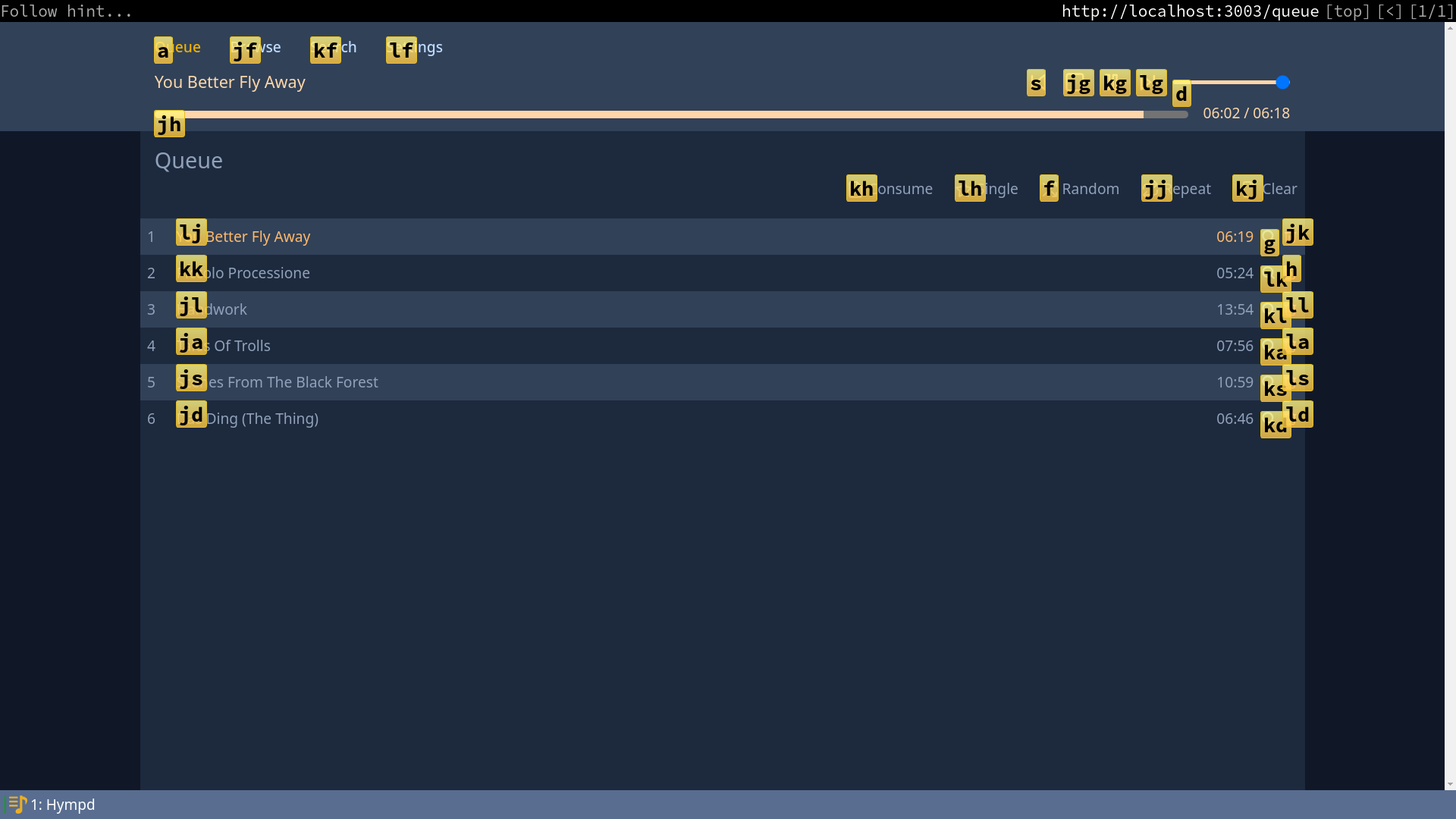
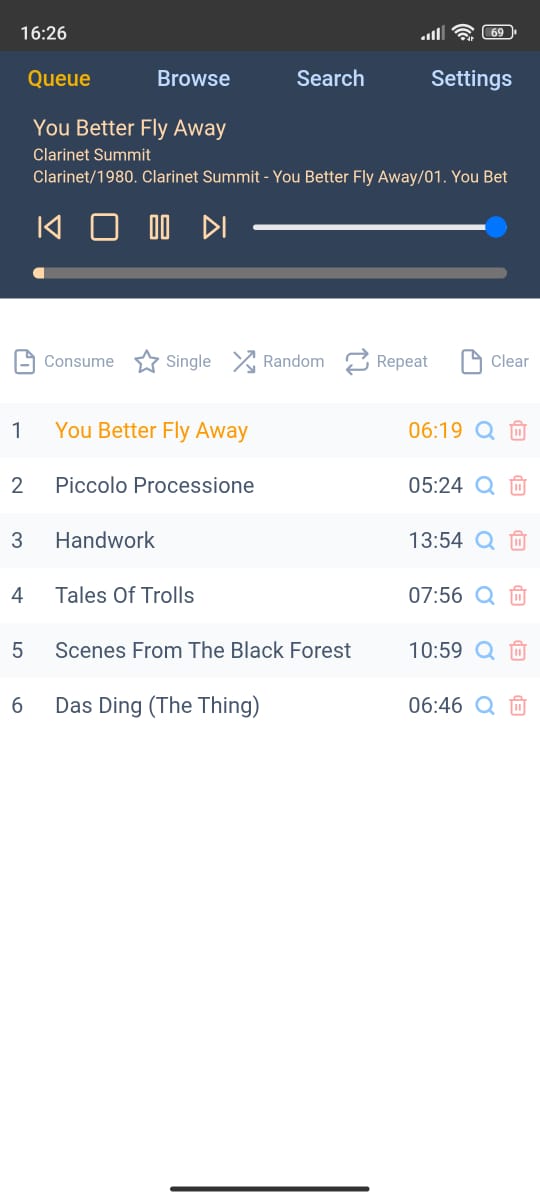
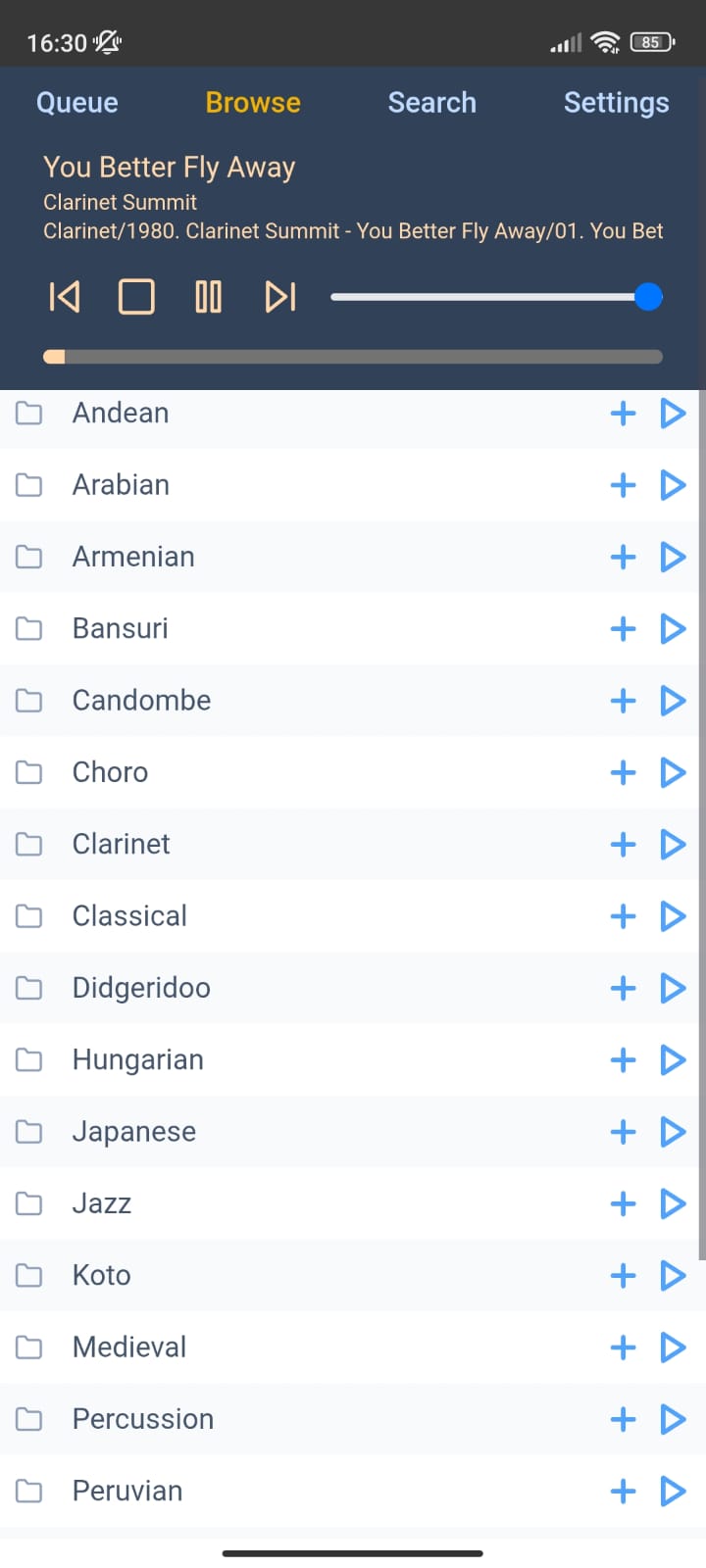
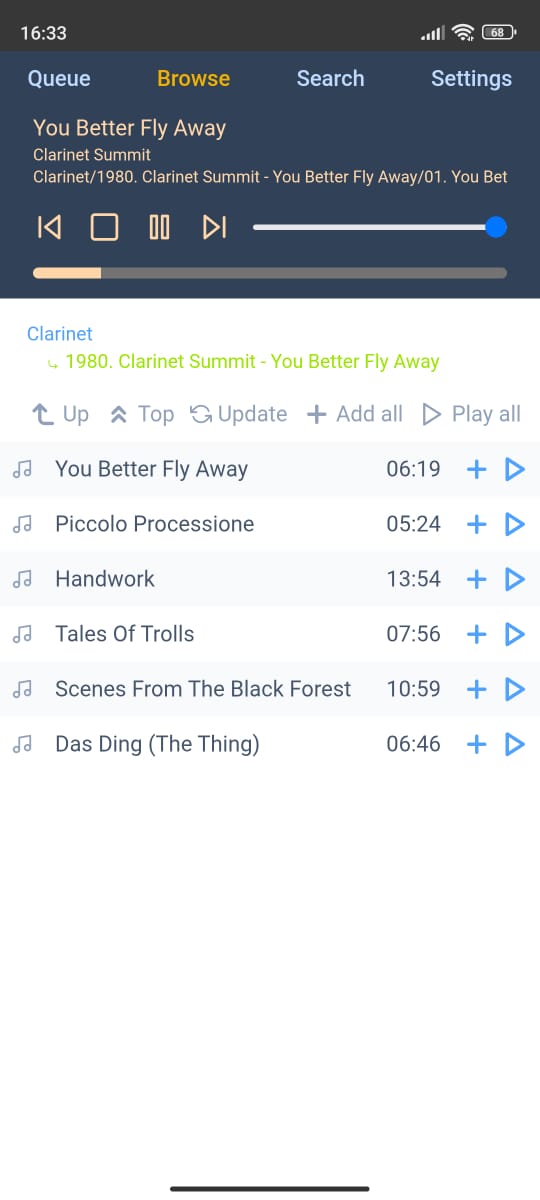
- Minimalistic responsive design with dark and light color schemes.
- Vim-like browser friendly.
- Easy to hack/customize with userscripts (greasemonkey, tampermonkey, etc).
- No runtime deps: Compiles into a single and independent statically linked executable file containing and providing all the static resources (css, js, icons) over http.
Desktop (dark color scheme):
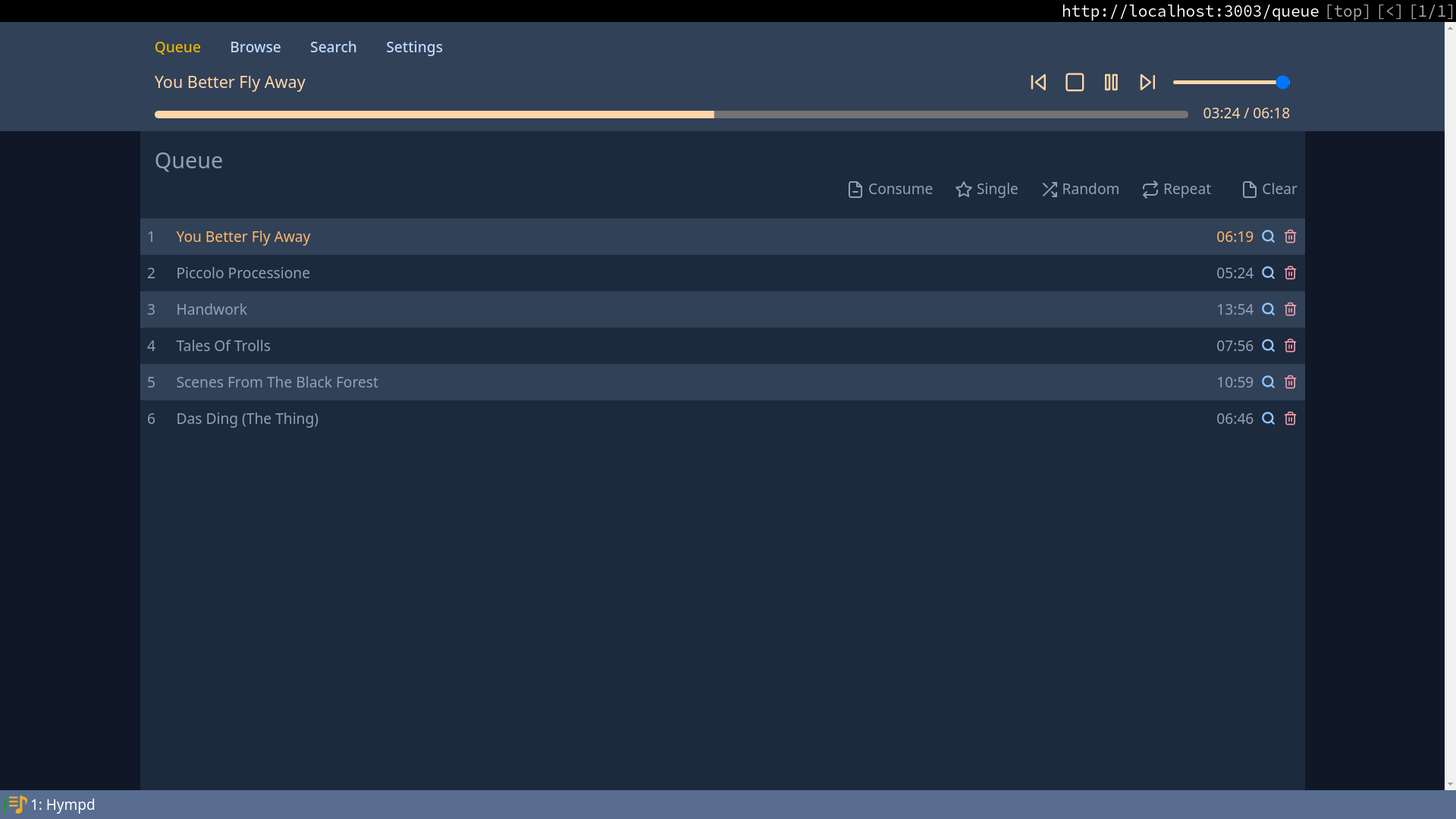
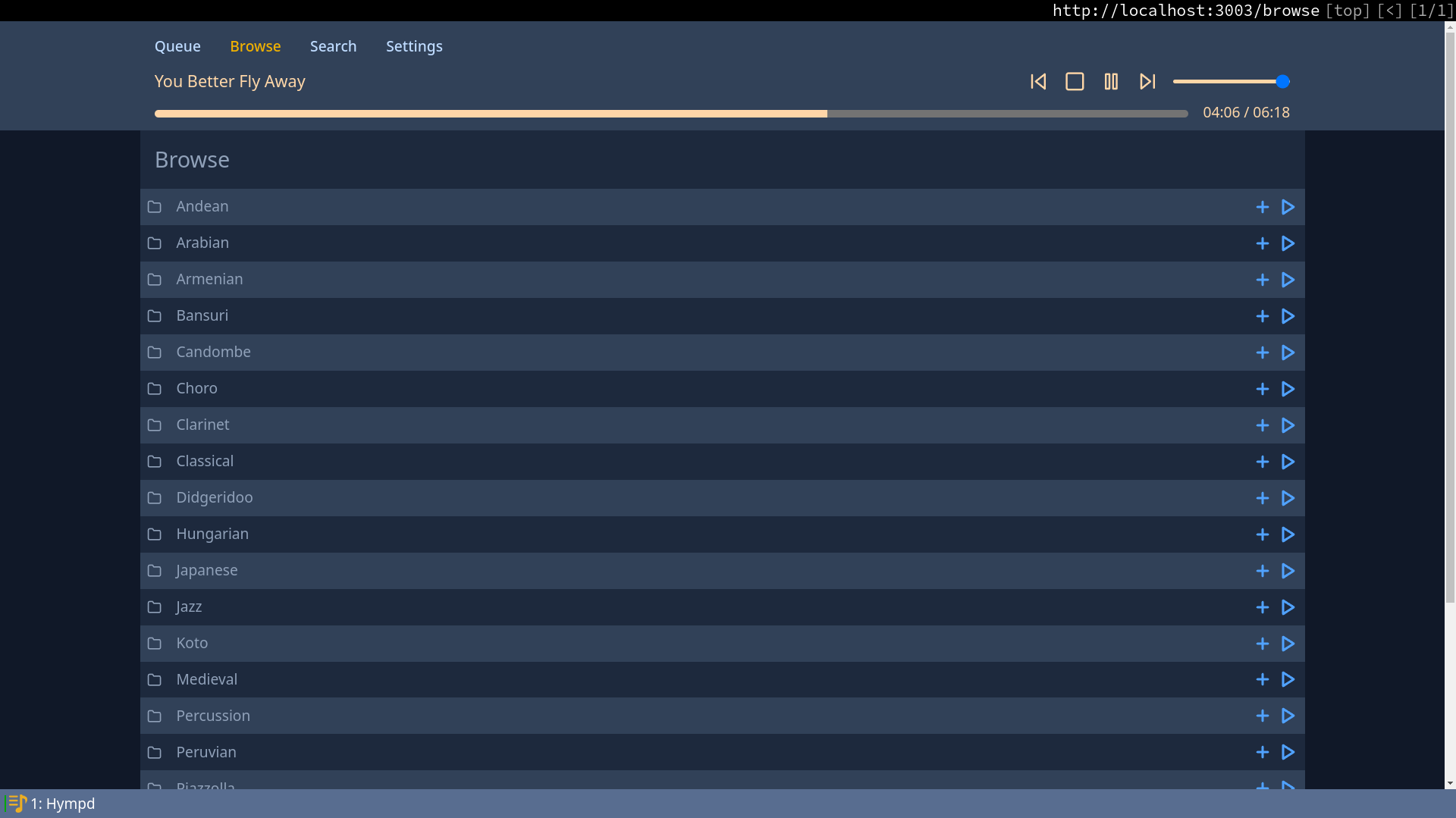
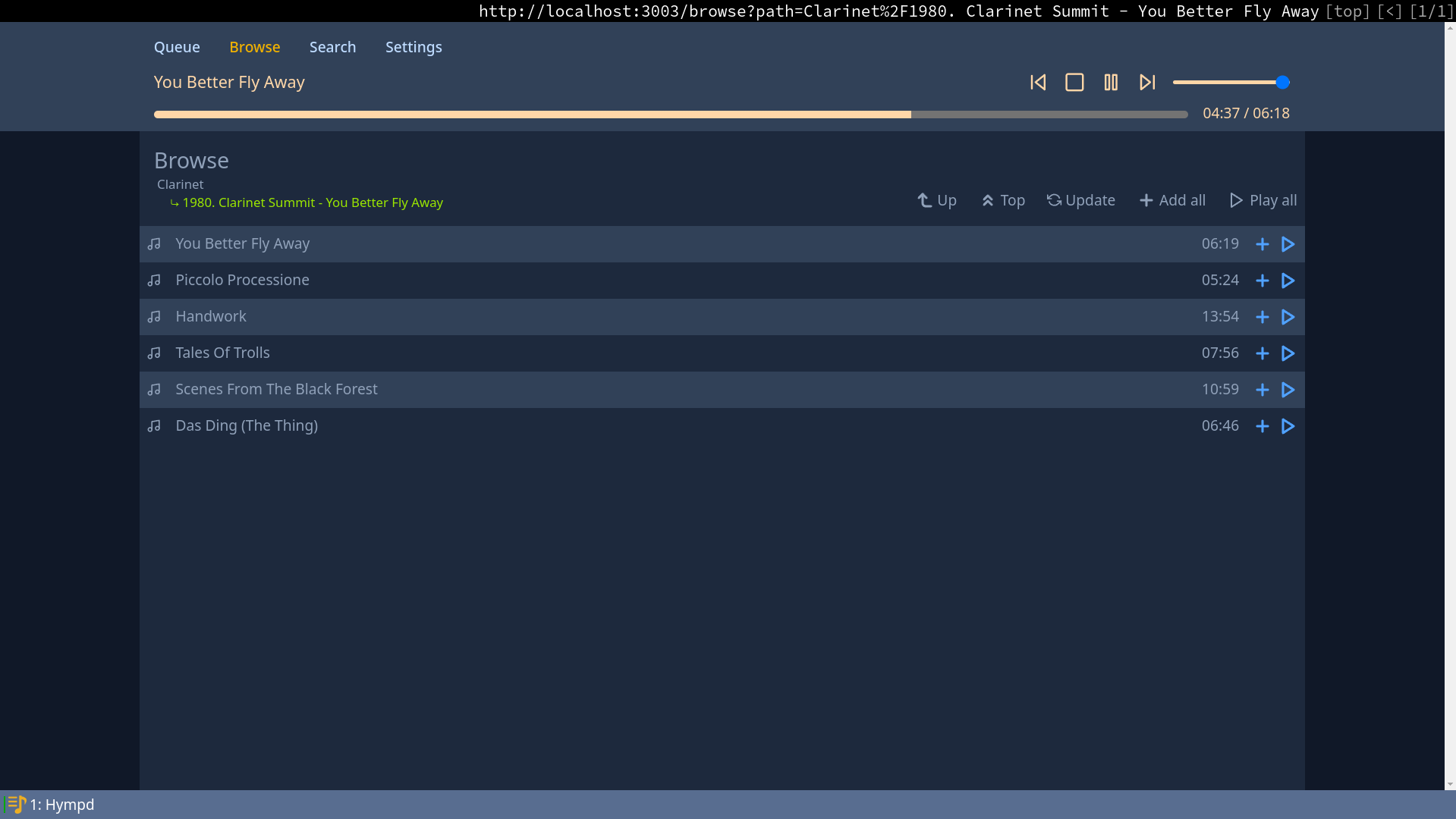
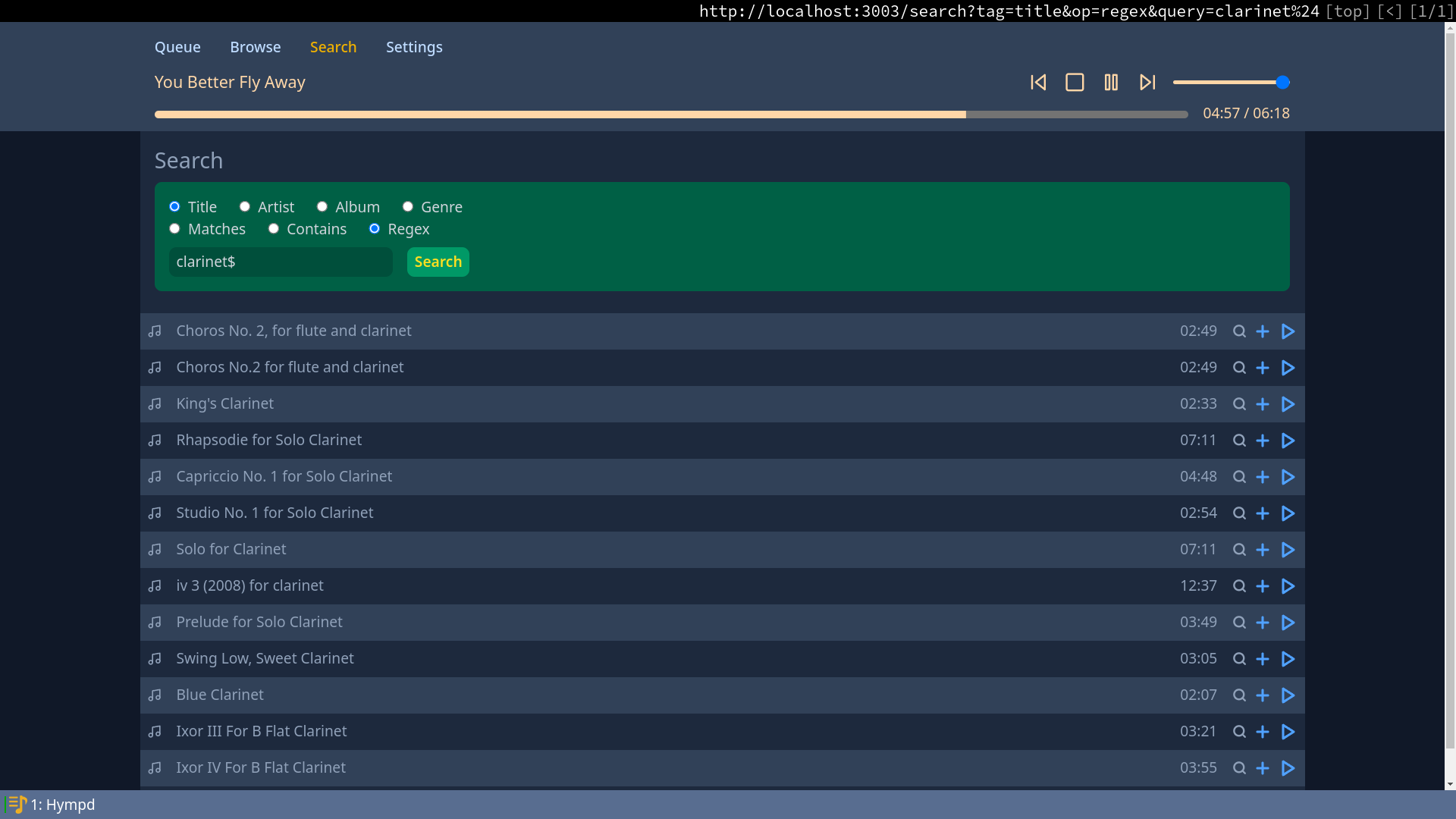
Mobile (light color scheme)
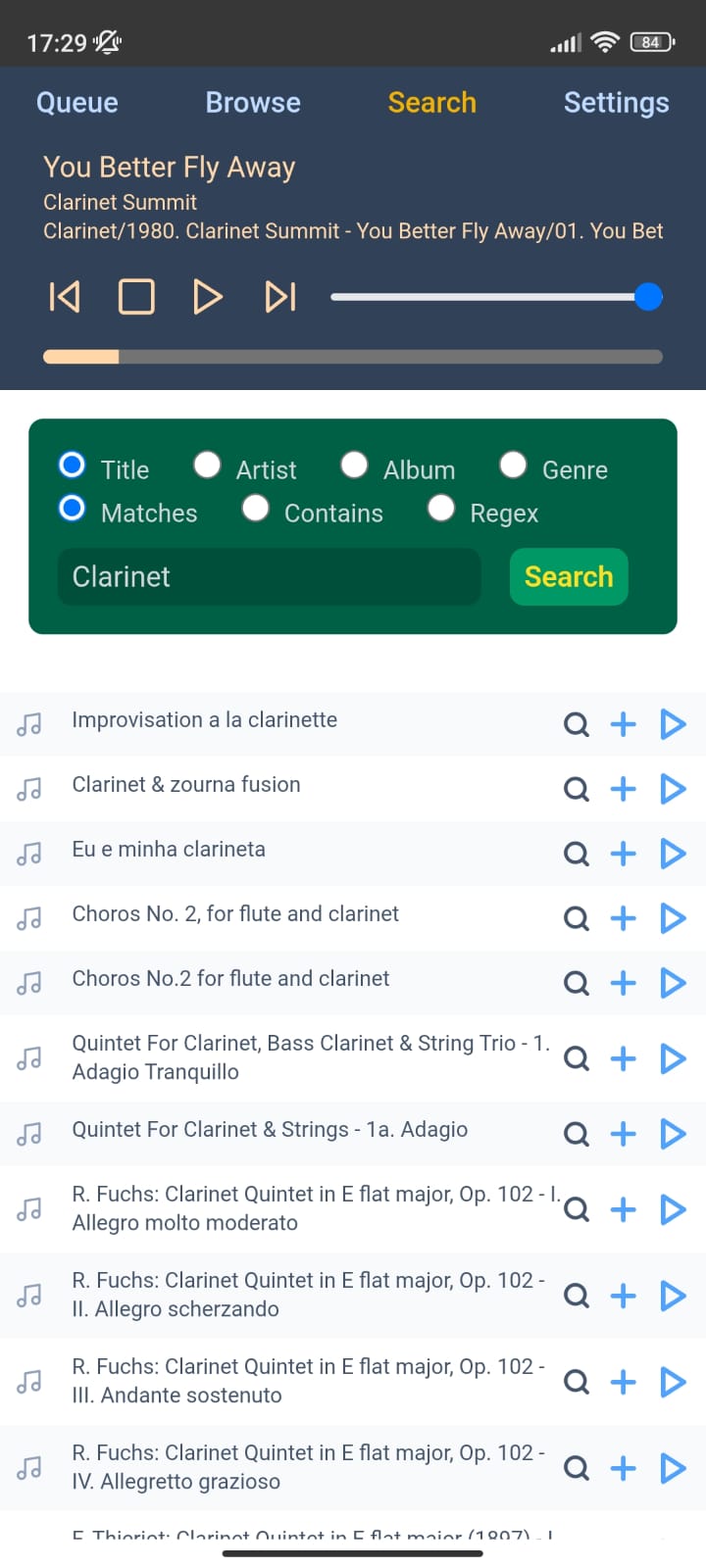
-
Download latest binary release, or build a statically linked binary using
nix build .#x86_64-unknown-linux-musl:hympd:exe:hympd(linux only, build dynamically withnix buildotherwise) -
Execute with
./result/bin/hympd --port <port_number> [--mpd-host STRING] [--mpd-port INT] [--mpd-password STRING]. Since there are no runtime deps, the relative location of the static resources (css, js and icons) is not relevant. -
Navigate to
http://localhost:<port_number>
  systemd.user.services.hympd = {
    enable = true;
    requires = [ "mpd.service" ];
    wantedBy = [ "default.target" ];
    script = ''/path/to/hympd/result/bin/hympd --port 3003'';
  };
  networking.firewall.allowedTCPPorts = [ 3003 ];.
You may want to use a static IP so you can bookmark the url or create a native-like app in your phone. I personally use networking.networkmanager.enable = true; and set a static IP with nmtui.
Both Native alpha (open source) and hermit allow to use any webpage like a standalone application (with a home screen icon, no search bar, etc).