
DEDO is a lightweight and customizable suite of environments with deformable objects. It is aimed for researchers in the machine learning, reinforcement learning, robotics and computer vision communities. The suite provides a set of every day tasks that involve deformables, such as hanging cloth, dressing a person, and buttoning buttons. We provide examples for integrating two popular reinforcement learning libraries: StableBaselines3 and RLlib. We also provide reference implementaionts for training a various Variational Autoencoder variants with our environment. DEDO is easy to set up and has few dependencies, it is highly parallelizable and supports a wide range of customizations: loading custom objects and textures, adjusting material properties.
For a brief overview, please see our intro video. For more details please see the paper.
@inproceedings{dedo2021,
  title={Dynamic Environments with Deformable Objects},
  author={Rika Antonova and Peiyang Shi and Hang Yin and Zehang Weng and Danica Kragic},
  booktitle={Conference on Neural Information Processing Systems (NeurIPS) Datasets and Benchmarks Track},
  year={2021},
}
Table of Contents:
Installation
GettingStarted
Tasks
Use with RL
Use with VAE
Customization
Please refer to Wiki for the full documentation
Optional initial step: create a new conda environment with
conda create --name dedo python=3.7 and activate it with
conda activate dedo.
Conda is not strictly needed, alternatives like virtualenv can be used;
a direct install without using virtual environments is ok as well.
git clone https://github.com/contactrika/dedo
cd dedo
pip install numpy  # important: for numpy-enabled PyBullet
pip install -e .
Python3.7 is recommended, since PyBullet compilation can have difficulties with Python 3.8 in some cases.
To enable recording/logging videos install ffmpeg:
sudo apt-get install ffmpeg
See more in Installation Guide in wiki
To get started, one can run one of the following commands to visualize the tasks through a hard-coded policy.
python -m dedo.demo --env=HangGarment-v1 --viz --debug
dedo.demois the demo module--env=HangGarment-v1specifies the environment--vizenables the GUI---debugoutputs additional information in the console--cam_resolution 400specifies the size of the output window
See more in Usage-guide
See more in Task Overview
We provide a set of 10 tasks involving deformable objects, most tasks contains 5 handmade deformable objects.
There are also two procedurally generated tasks, ButtonProc and HangProcCloth, in which the deformable objects are procedurally generated.
Furthermore, to improve generalzation, the v0 of each task will randomizes textures and meshes.
All tasks have -v1 and -v2 with a particular choice of meshes and textures
that is not randomized. Most tasks have versions up to -v5 with additional
mesh and texture variations.
Tasks with procedurally generated cloth (ButtonProc and HangProcCloth)
generate random cloth objects for all versions (but randomize textures only
in v0).

python -m dedo.demo_preset --env=HangBag-v1 --viz
HangBag-v0: selects one of 108 bag meshes; randomized textures
HangBag-v[1-3]: three bag versions with textures shown below:


python -m dedo.demo_preset --env=HangGarment-v1 --viz
HangGarment-v0: hang garment with randomized textures
(a few examples below):
HangGarment-v[1-5]: 5 apron meshes and texture combos shown below:

HangGarment-v[6-10]: 5 shirt meshes and texture combos shown below:


python -m dedo.demo_preset --env=HangProcCloth-v1 --viz
HangProcCloth-v0: random textures,
procedurally generated cloth with 1 and 2 holes.
HangProcCloth-v[1-2]: same, but with either 1 or 2 holes


python -m dedo.demo_preset --env=Button-v1 --viz
ButtonProc-v0: randomized textures and procedurally generated cloth with
2 holes, randomized hole/button positions.
ButtonProc-v[1-2]: procedurally generated cloth, 1 or two holes.

Button-v0: randomized textures, but fixed cloth and button positions.
Button-v1: fixed cloth and button positions with one texture
(see image below):


python -m dedo.demo_preset --env=Hoop-v1 --viz
Hoop-v0: randomized textures
Hoop-v1: pre-selected textures


python -m dedo.demo_preset --env=Lasso-v1 --viz
Lasso-v0: randomized textures
Lasso-v1: pre-selected textures

python -m dedo.demo_preset --env=DressBag-v1 --viz
DressBag-v0, DressBag-v[1-5]: demo for -v1 shown below

Visualizations of the 5 backpack mesh and texture variants for DressBag-v[1-5]:


python -m dedo.demo_preset --env=DressGarment-v1 --viz
DressGarment-v0, DressGarment-v[1-5]: demo for -v1 shown below

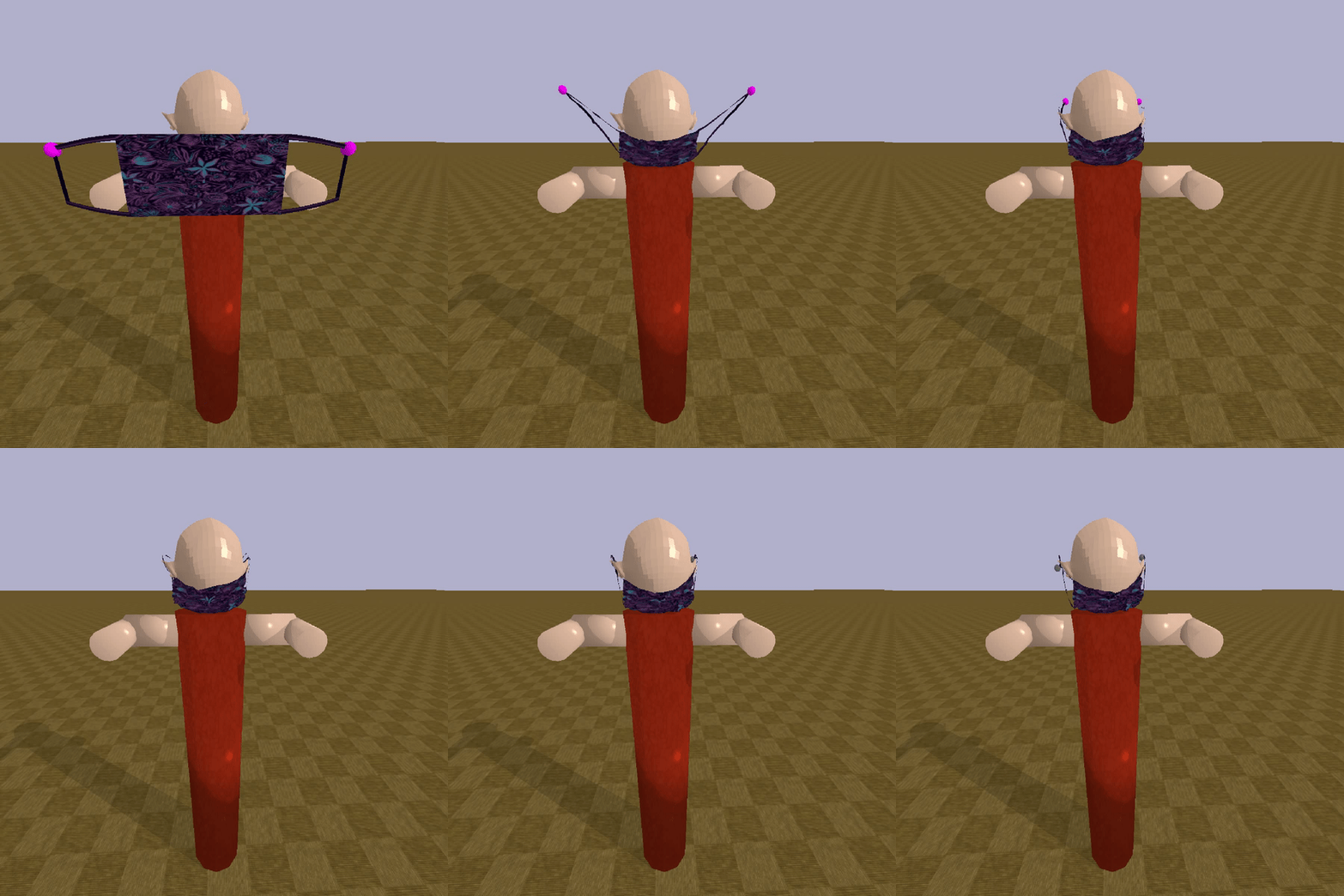
python -m dedo.demo_preset --env=Mask-v1 --viz
Mask-v0, Mask-v[1-5]: a few texture variants shown below:

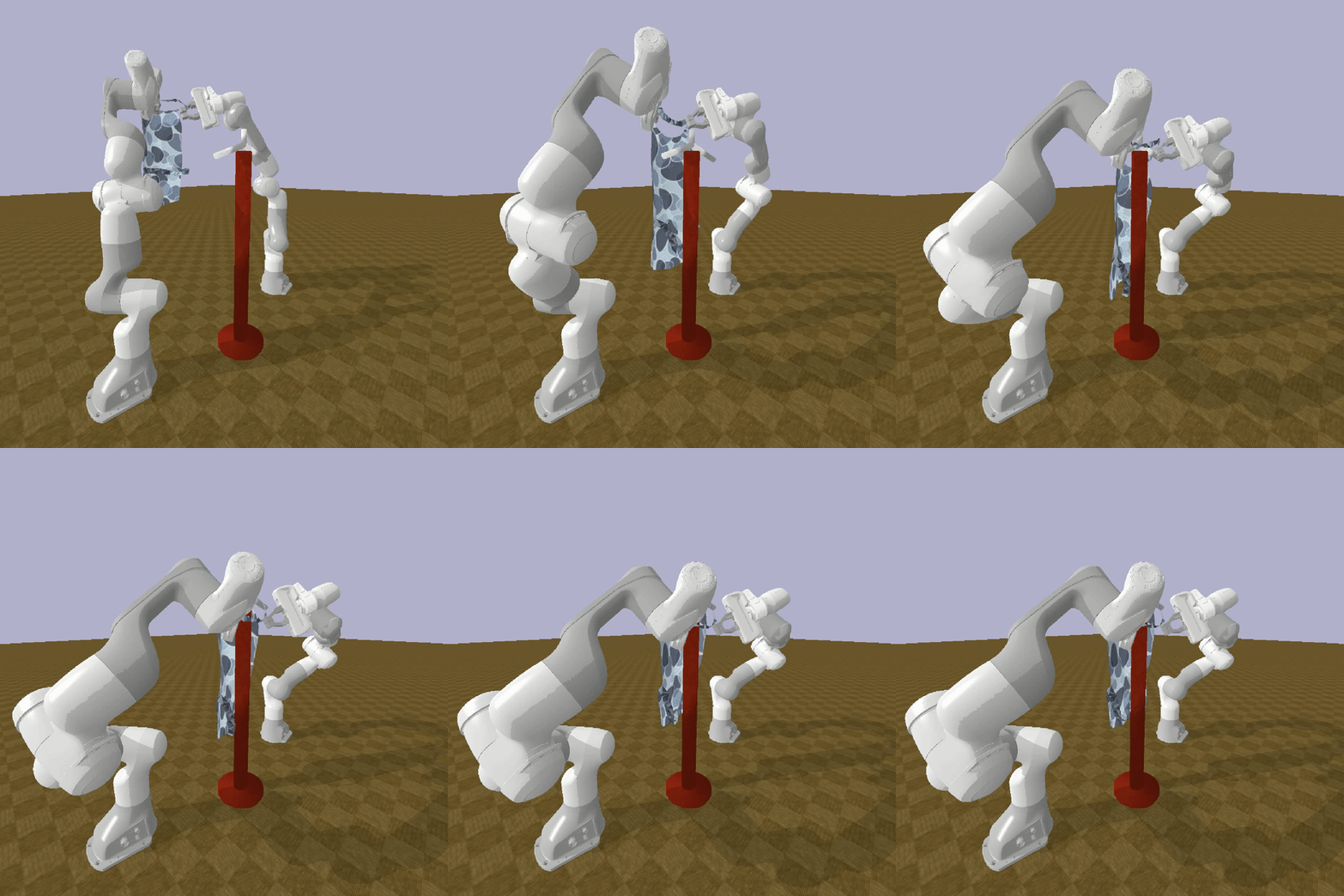
python -m dedo.demo_preset --env=HangGarmentRobot-v1 --viz
HangGarmentRobot-v1: A environment for demonstrating integration with Franka Robot Arm
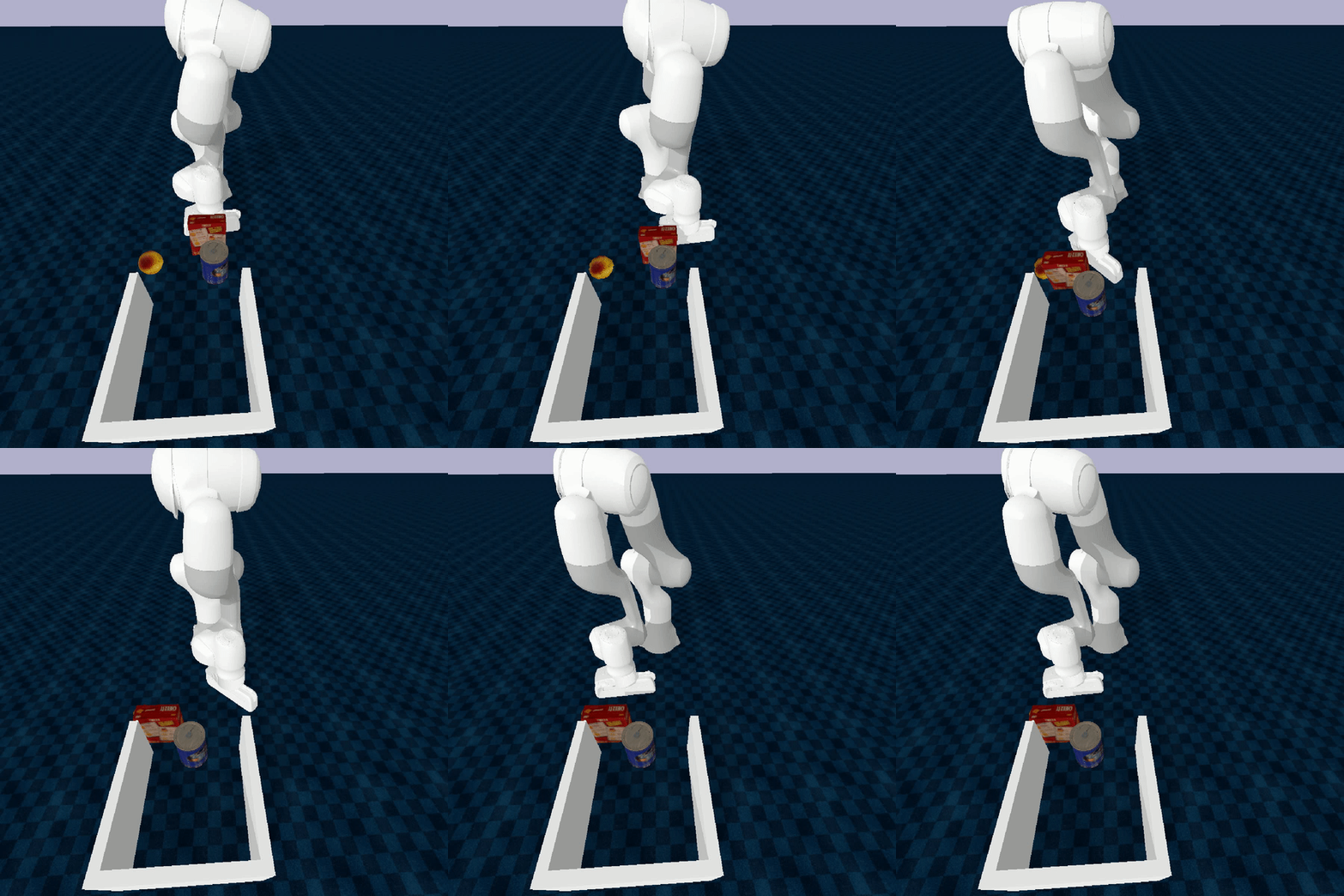
python -m dedo.demo_preset --env=FoodPacking-v1 --viz
FoodPacking-v[0-3]: Demonstrating robotic manipulation of pushing YCB objects
DEDO now supports pointcloud observations. Use the flag --pcd to set the
environment observations to return point clouds. They are segmented based on the
active rigid and deformable object.
Example usage, visual demo
python -m dedo.demo --env=HangGarment-v1 --viz --debug --pcd --logdir rendered
python -m dedo.demo --env=HangBag-v1 --viz --debug --pcd --logdir rendered

Example usage, preset trajectory demo
python -m dedo.demo_preset --env=HangGarment-v1 --viz --debug --pcd --logdir rendered
python -m dedo.demo_preset --env=HangBag-v1 --viz --debug --pcd --logdir rendered

Known issues:
- PyBullet can only segment the deformable object if it has ID=0. We assume this to be true, and load the deformable object first. However, this seems to cause the floor to disappear in the visual render.
dedo/run_rl_sb3.py gives an example of how to train an RL
algorithm from Stable Baselines 3:
python -m dedo.run_rl_sb3 --env=HangGarment-v0 \
    --logdir=/tmp/dedo --num_play_runs=3 --viz --debug
dedo/run_rllib.py gives an example of how to train an RL
algorithm using RLLib:
python -m dedo.run_rllib --env=HangGarment-v0 \
    --logdir=/tmp/dedo --num_play_runs=3 --viz --debug
For documentation, please refer to Arguments Reference page in wiki
To launch the Tensorboard:
tensorboard --logdir=/tmp/dedo --bind_all --port 6006 \
  --samples_per_plugin images=1000
dedo/run_svae.py gives an example of how to train various flavors of VAE:
python -m dedo.run_rl_sb3 --env=HangGarment-v0 \
    --logdir=/tmp/dedo --num_play_runs=3 --viz --debug
dedo/run_rllib.py gives an example of how to train an RL
algorithm from Stable Baselines 3:
python -m dedo.run_rl_sb3 --env=HangGarment-v0 \
    --logdir=/tmp/dedo --num_play_runs=3 --viz --debug
To launch the Tensorboard:
tensorboard --logdir=/tmp/dedo --bind_all --port 6006 \
  --samples_per_plugin images=1000
To load custom object you would first have to fill an entry in DEFORM_INFO in
task_info.py. The key should the the .obj file path relative to data/:
DEFORM_INFO = {
...
    # An example of info for a custom item.
    'bags/custom.obj': {
        'deform_init_pos': [0, 0.47, 0.47],
        'deform_init_ori': [np.pi/2, 0, 0],
        'deform_scale': 0.1,
        'deform_elastic_stiffness': 1.0,
        'deform_bending_stiffness': 1.0,
        'deform_true_loop_vertices': [
            [0, 1, 2, 3]  # placeholder, since we don't know the true loops
        ]
    },
Then you can use --override_deform_obj flag:
python -m dedo.demo --env=HangBag-v0 --cam_resolution 200 --viz --debug \
    --override_deform_obj bags/custom.obj
For items not in DEFORM_DICT you will need to specify sensible defaults,
for example:
python -m dedo.demo --env=HangGarment-v0 --viz --debug \
  --override_deform_obj=generated_cloth/generated_cloth.obj \
  --deform_init_pos 0.02 0.41 0.63 --deform_init_ori 0 0 1.5708
Example of scaling up the custom mesh objects:
python -m dedo.demo --env=HangGarment-v0 --viz --debug \
   --override_deform_obj=generated_cloth/generated_cloth.obj \
   --deform_init_pos 0.02 0.41 0.55 --deform_init_ori 0 0 1.5708 \
   --deform_scale 2.0 --anchor_init_pos -0.10 0.40 0.70 \
   --other_anchor_init_pos 0.10 0.40 0.70
See more in Customization Wiki
BGarment dataset is adapter from Berkeley Garment Library
Sewing dataset is adapted from Generating Datasets of 3D Garments with Sewing Patterns