


A free, open-source todo app for iOS with AI-powered planning, Pomodoro focus timer, and calendar integration.
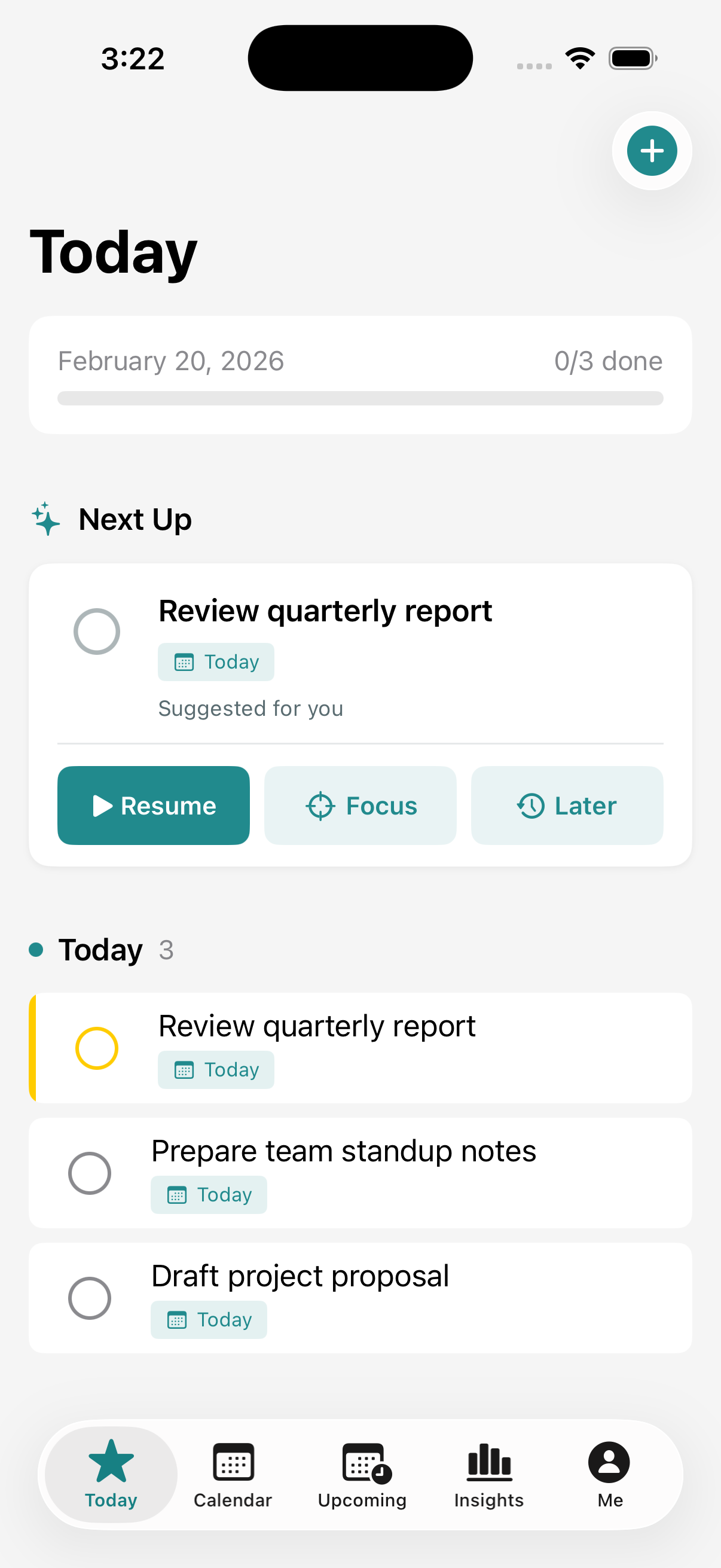
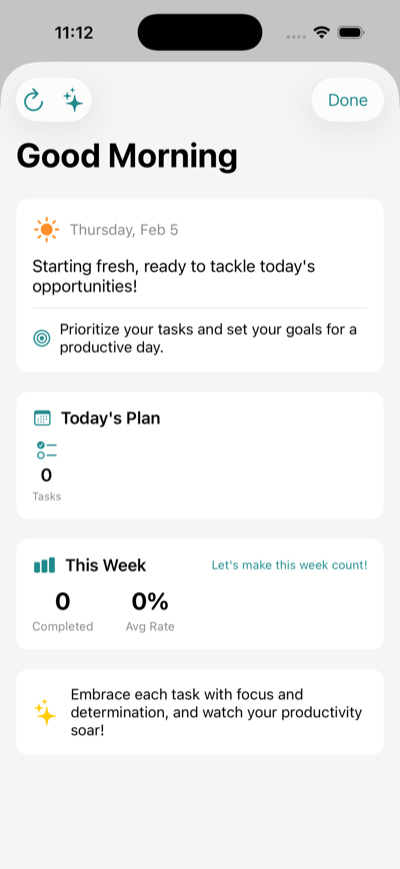
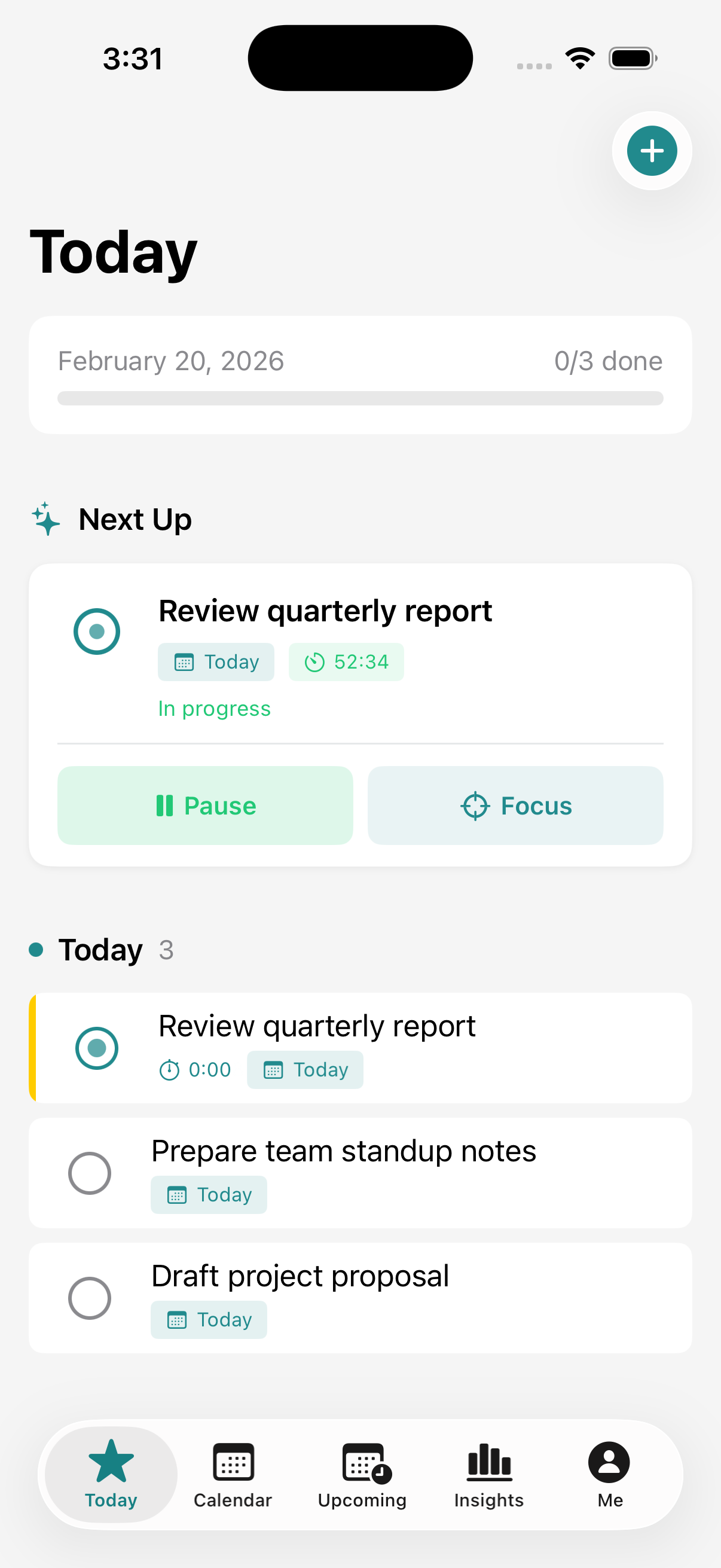
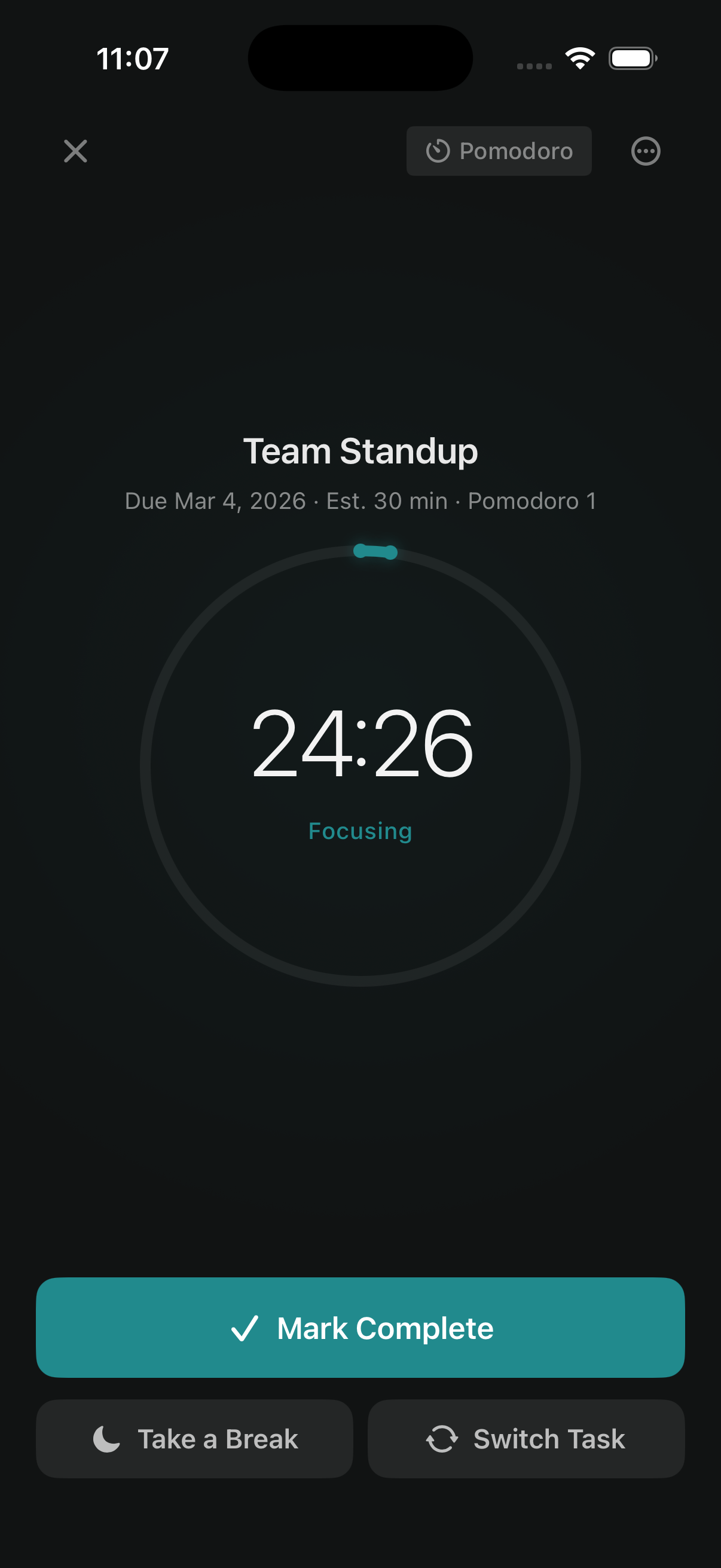
Most todo apps just store tasks. Lazyflow helps you plan your day — capture rough notes and let AI turn them into tasks, sync tasks with your calendar, focus on one thing at a time with Pomodoro timers, and track your productivity with daily summaries.
- Quick Capture - Jot down rough notes, AI extracts structured tasks with due dates and priorities
- Focus Mode - Immersive single-task experience with Pomodoro timer, subtasks panel, and session persistence
- Calendar Sync - Dedicated Lazyflow calendar with two-way task-event sync, scheduled start/end times
- Next Up - Single focused task suggestion that learns from your completion patterns
- Plan Your Day - Morning Briefing and Daily Summary with AI-generated insights and carryover
- Works Everywhere - iPhone, iPad, Apple Watch, widgets, Siri, and Live Activities
- Privacy First - AI runs on-device by default. No tracking, no analytics, no ads
- 100% Free - No subscriptions, no premium tiers. Open source under MIT License
Learn more at lazyflow.netlify.app
- iOS 17.0+
- Xcode 15.0+
git clone https://github.com/connectwithprakash/lazyflow.git
cd lazyflow
open Lazyflow.xcodeproj- UI: SwiftUI
- Data: Core Data + CloudKit
- Calendar: EventKit
- AI: Apple Intelligence, Ollama, or custom providers
bundle install
make beta    # Deploy to TestFlight
make release # Deploy to App Store
See deployment guide for setup details.
See CONTRIBUTING.md for guidelines.
| Principle | What It Means |
|---|---|
| Useful First | No dark patterns or engagement hacks |
| Privacy First | No tracking, no data collection |
| Transparent | See exactly how your data is handled |
| Built to Last | The app lives on regardless of development pace |
Read the full PHILOSOPHY.md for more on our principles.
If you find Lazyflow useful, consider supporting its development:


