CLI Command: deploy
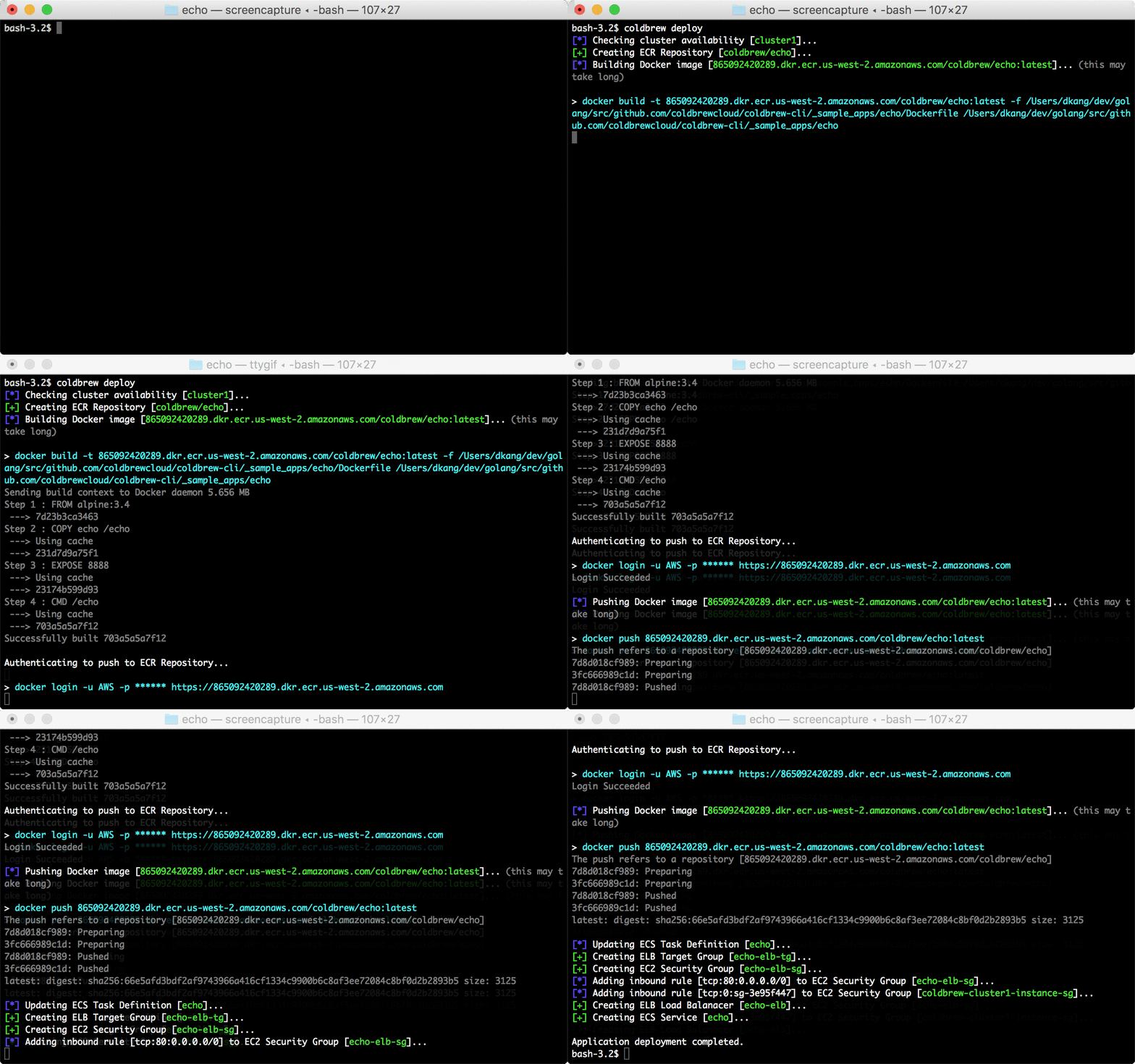
coldbrew deploy [flags]
deploy builds and pushes Docker image of your application, and, update ECS resources to deploy new Docker image. It will also create and configure AWS resources as needed.
See here for global flags.
Specify your application's Dockerfile path. It must be either an absolute path or a relative path to your application directory (--app-dir).
- Default:
"{app-dir}/Dockerfile"
By default, coldbrew-cli will try to build Docker image using your Dockerfile. But if you want to use an existing (local) Docker image, you can specify the full URI of that image using this flag. With this flag presented, coldbrew-cli will not build the Docker image, but, it will simply tag the image so it can be pushed to the target ECR Repository.
Specify the number of application units. This overrides .units in configuration file.
Specify CPU allocation. This overrides .cpu in configuration file. See here for more details.
Specify memory allocation. This overrides .memory in configuration file. See here for more details.
Specify environment variables. You can use this flag multiple times to define multiple environment variables. This also overrides .env in configuration file.
Example:
coldbrew deploy -E KEY1=value1 -E KEY2=value2