This project contains a single windows Powershell script TransformHabitat.ps1 which basically does the following:
- Updates the Habitat visual studio solution to a custom-named solution. This includes project files, solution files, Unicorn serialization files, config files, javascript files when necessary.
Note that this script only works on a freshly cloned Habitat. See below or the beginning of the script for more information. And although the script also transform the SpecFlow projects whether it works as expected is not guaranteed as I do not have experience on SpecFlow at the moment.
This script is written for personal interests and does not come with any quarantee. Use it at your own risk and feel free to modify it to suit your particular needs.
As Habitat utilizes Node.js and Gulp so make sure:
-
Node.js (1.4+) installed and npm is available from command prompt
-
Make sure you have gulp installed globally by running
npm install -g gulp
At the later part of the script will ask you if you wish to run the gulp script which will build the projects and sync Sitecore items via Unicorn. To be able to run this you will need to have an empty Sitecore (at the moment 8.2 Update 1, i.e. rev.161115) and the corresponding Web Forms for Marketers module installed. I recommend using Sitecore Instance Manager to install your local Sitecore instance. Keep a note at the host name used as the powershell script will ask for it when running.
You need Windows Powershell and make sure you have the priviledge to execute a powershell script. Then follow the steps below:
-
Put this script into the root of where you cloned the Habitat
-
Open a windows powershell console as Administrator
-
CD to the root folder of the cloned Habitat (where it contains the Habitat.sln file)
-
Type the following command and hit Enter
.\TransformHabitat.ps1
-
Follow the instructions on the screen.
Below are some screenshots when installing a new Sitecore instance using SIM as well as while the script is running, and at the end some screenshots from Sitecore content tree and Visual Studio solution.


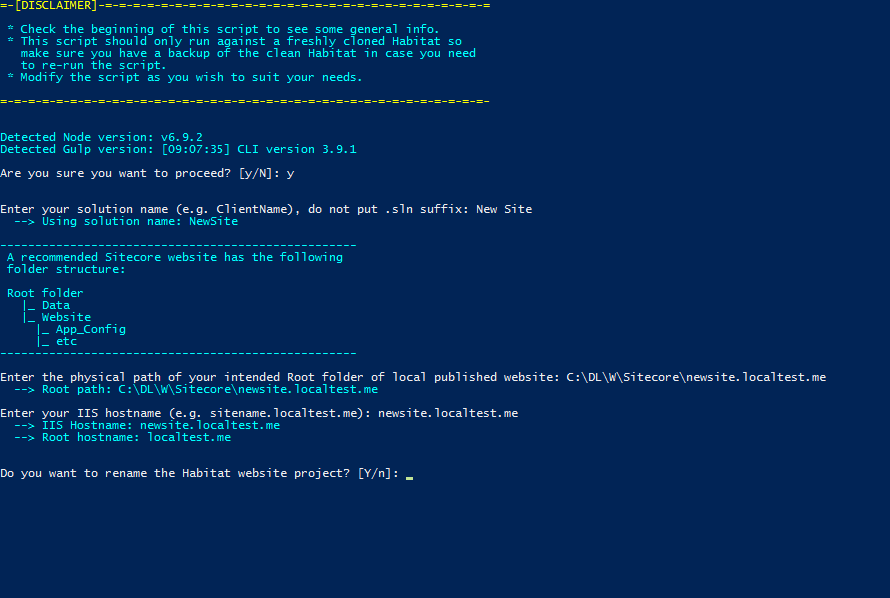


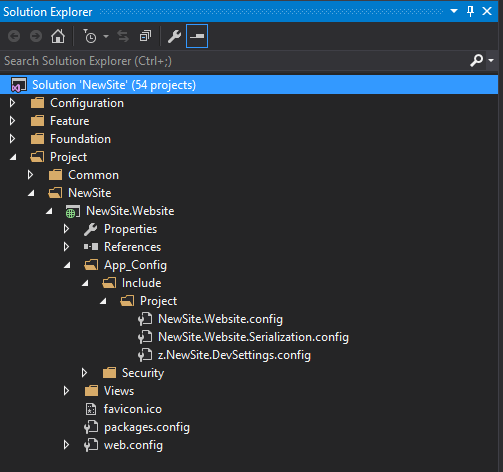
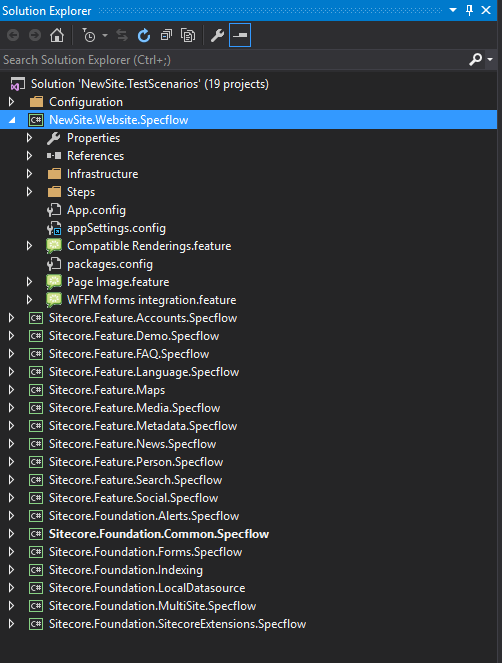
Mostly you are on your own ;) However below are some tips:
- Do not name your solution "something"Habitat (for example DemoHabitat) which might cause some issues while renaming the project files.
- I have noticed that while running the default gulp task it sometimes failed while copying files to web root. The issue is coming from the packages.config that resides in every module and their build action are not set to None (compared to web.config) and I guess because there are so many of them and if the computer is too fast copying files there will be a lock on the previous packages.config and the subsequential copy will fail to replace the previous one. You may either change the build action to None for all the packages.config files or keep deleting the packages.config in the web root while running the gulp task (if you are fast enough :P).