Benchmark tests #48
Benchmark tests #48
Conversation


|
That's odd, I definitely remember it making a difference on my machine. Have you run these tests on your local machine as well to check the performance there? If so, what's your setup (i.e. OS, Terminal, etc.)? |

|
I ran these tests on my local machine and got similar results. I'm running a flavor of Ubuntu and using Alacritty (side note: alacritty is awesome). Do you get the same results on your machine? |
|
Alacritty is probably one of the fastest terminals available, and might be doing a lot of internal caching before display - would be interesting to test this on a slower terminal that is widely used (e.g. the js-based ones in VSCode/Atom). Never forgave Alacritty that it doesn't support font ligatures, so I'm a Kitty guy myself 😉 |
|
Upon running the tests myself, I'm wondering where the If so, this might be the reason we're not seeing any difference from the |
|
Ah, I just saw that you're manually setting the output to Also, on my machine, I have to go to very small values of |
|
Here are a number of benchmarks I ran, it seems I judged VSCode too soon! 😂 XTerm
URXVT
Konsole
Alacritty
Kitty
VSCode Terminal
|
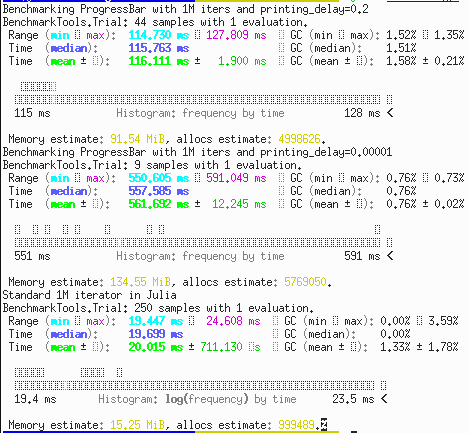
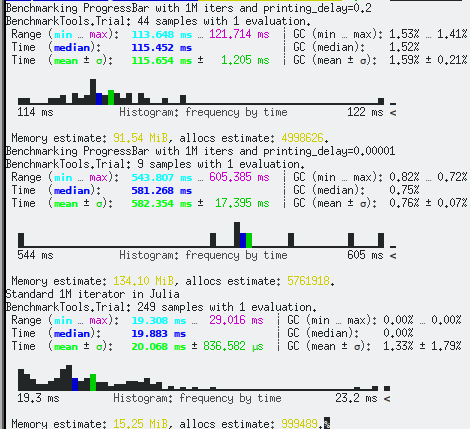
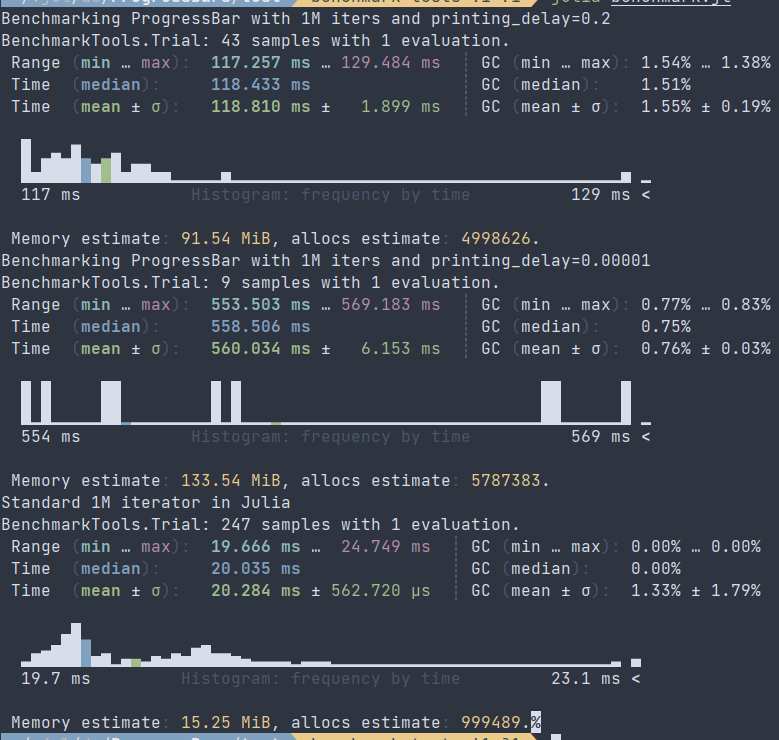
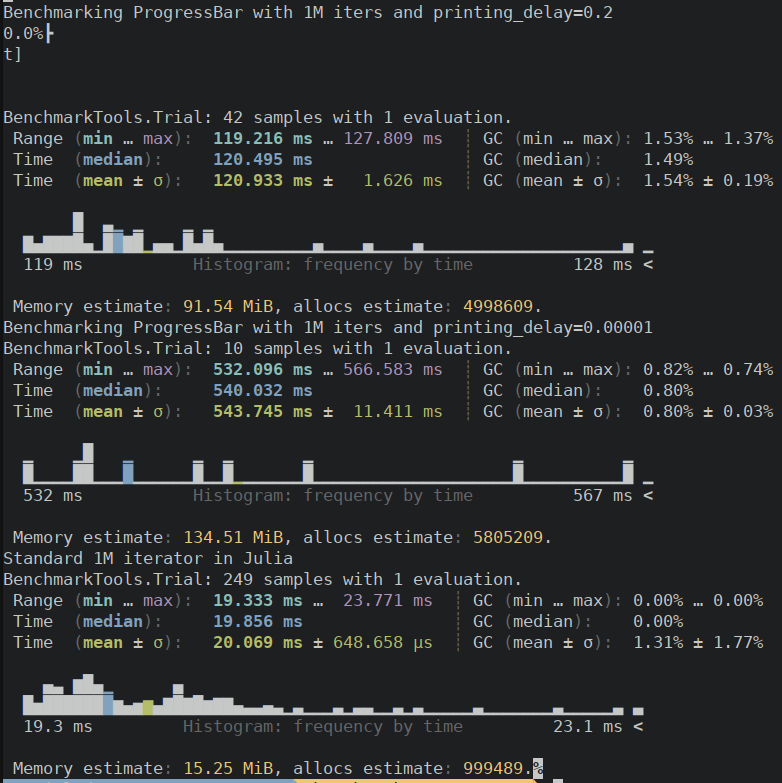
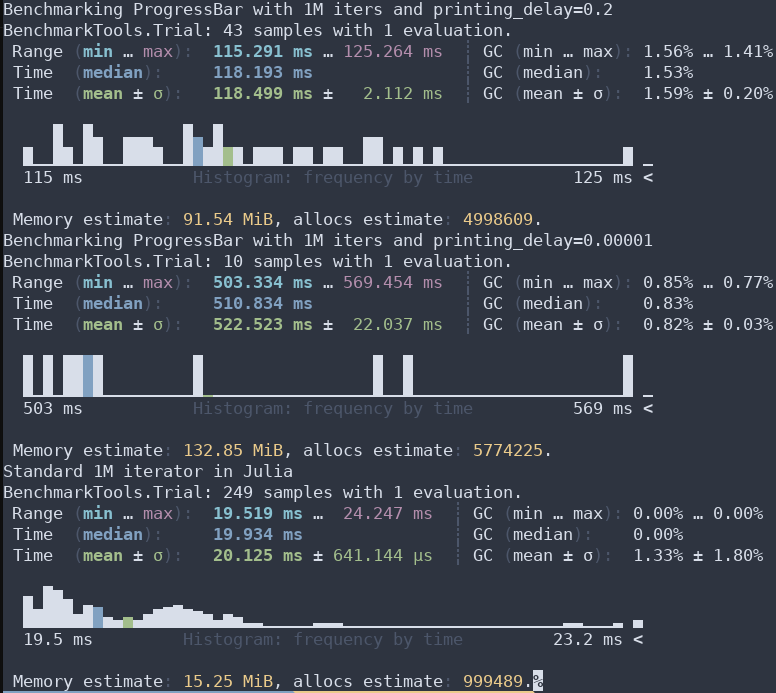
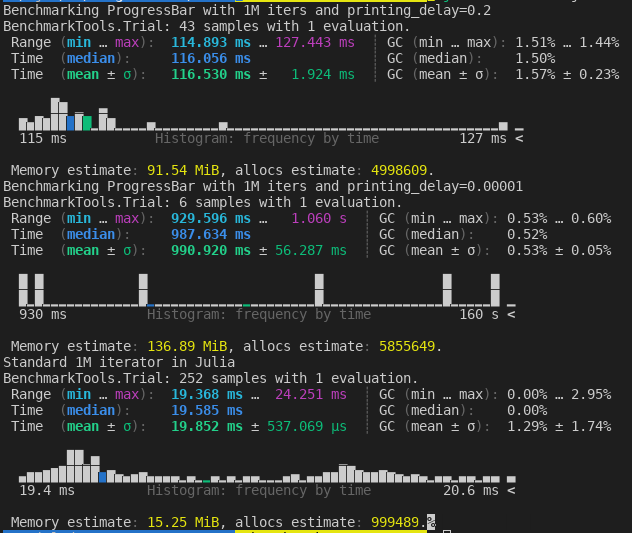
|
Ah, ok that makes sense. Just pushed some changes with a smaller printing delay. I see what you're seeing on my local machine now (when the printing delay is set small). Have you profiled |
|
Good to see that you can reproduce the benchmark results that I'm getting as well. No I haven't gotten around to profiling the library. If you can find the time, that would be great! |

2 participants


Here are some simple benchmarks to diagnose performance issues and quantify overhead. Looks like the
printing_delayargument doesn't help performance overhead. https://github.com/InnovativeInventor/ProgressBars.jl/runs/3172796733?check_suite_focus=true#step:4:47If I get some free time, I'll dig into this deeper. I've noticed that sometimes writing to stdout/stderr is faster than printing (I think). Any thoughts on how to reduce the overhead?