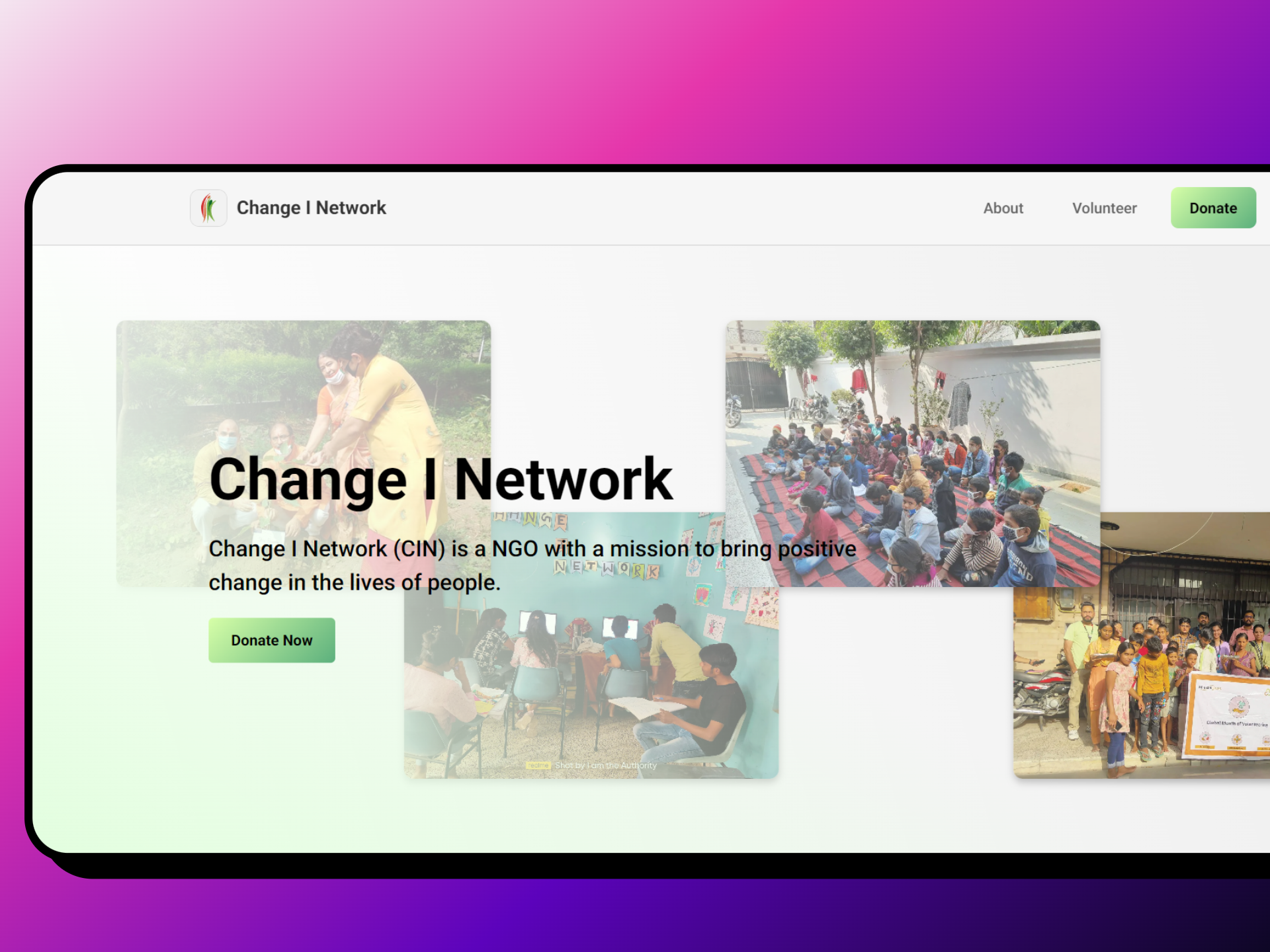


Connect I Network is a dedicated NGO based in Dwarka Mor, Delhi, committed to creating positive social impact through community engagement and sustainable development initiatives. Our organization focuses on connecting people, resources, and opportunities to build stronger, more resilient communities.
- Community Empowerment: Strengthening local communities through education and skill development
- Social Impact: Creating lasting positive change in underserved areas
- Resource Connection: Bridging gaps between those who need help and those who can provide it
- Sustainable Development: Implementing long-term solutions for community growth
- Secure user registration and login system
- Personal dashboard for donation and subscription tracking
- Profile management and session handling
- One-time Donations: Quick and secure payment processing
- Monthly Subscriptions: Recurring donation management with Razorpay integration
- Payment Tracking: Complete transaction history and receipts
- Multiple Payment Methods: Support for various payment options
- Real-time donation history and analytics
- Subscription management (pause, resume, view details)
- Payment tracking and status updates
- Personal contribution insights
- Online volunteer registration form
- Skills-based volunteer matching
- Community engagement opportunities
- Impact tracking and recognition
- Mobile-first responsive interface
- Optimized for all device sizes
- Modern, accessible UI/UX design
- Fast loading and smooth animations





- Secure session management
- Protected API routes


Connect-I-Network/
├── frontend/                    # Next.js Application
│   ├── src/
│   │   ├── app/                # App Router (Next.js 13+)
│   │   │   ├── api/           # API Routes
│   │   │   ├── dashboard/     # User Dashboard
│   │   │   ├── donate/        # Donation Pages
│   │   │   ├── volunteer/     # Volunteer Registration
│   │   │   └── layout.tsx     # Root Layout
│   │   ├── components/        # Reusable Components
│   │   │   ├── DonationForm.tsx
│   │   │   ├── navbar/
│   │   │   └── ui/
│   │   ├── lib/              # Utilities & Config
│   │   └── styles/           # Global Styles
│   ├── package.json
│   └── next.config.js│
└── README.md
- Node.js (v22 or higher recommended)
- pnpm (Package manager - recommended)
- Git for version control
-
Clone the repository
git clone https://github.com/change-i-network/Website.git cd Website -
Install dependencies
cd frontend pnpm install -
Set up environment variables
# Create .env.local in frontend directory
cp .env.example .env.local
# Add your environment variables (database, Razorpay keys, etc.)
-
Run the development server
npm run dev
-
Open your browser Navigate to http://localhost:3000
npm run dev      # Start development server
npm run build    # Build for production
npm run start # Start production server🏠 Main Website: https://ngo-website-psi-lake.vercel.app/
💝 Make a Donation: https://ngo-website-psi-lake.vercel.app/donate
🤝 Volunteer With Us: https://ngo-website-psi-lake.vercel.app/volunteer
We welcome contributions from the community! Here's how you can help:
- Fork the repository
- Create your feature branch
git checkout -b feature/AmazingFeature
- Commit your changes
git commit -m 'Add some AmazingFeature' - Push to the branch
git push origin feature/AmazingFeature
- Open a Pull Request
This project is licensed under the terms specified in the LICENSE file.
- Website: Connect I Network
- Location: Dwarka Mor, Delhi, India
- Email: Connect through our website contact form
Made with ❤️ for social impact
Join us in creating positive change in our communities
