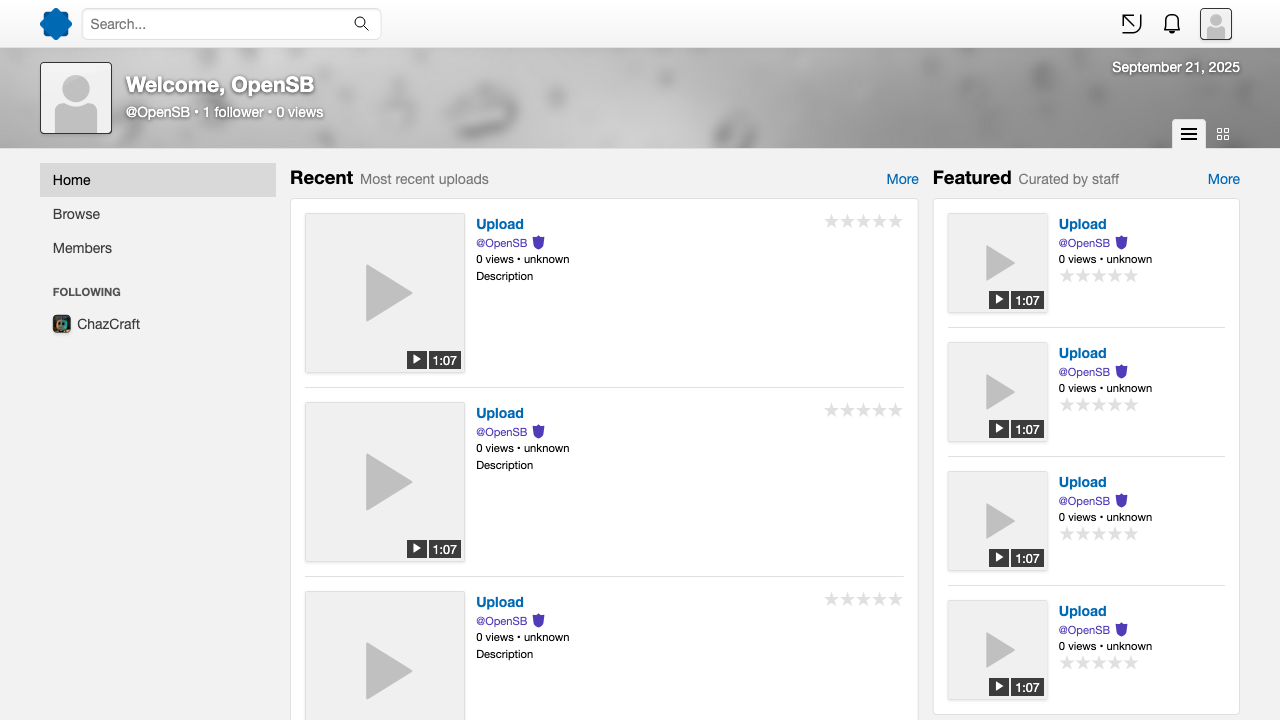
OpenSB (Open SquareBracket) is a free and open-source PHP-based video/image sharing website script. Compared to other "video sharing site scripts", OpenSB aims to be lightweight and customizable. It is primarily used by the FulpTube/squareBracket platform.
We've gotten reports about an unofficial malicious backdoored version of OpenSB originating from Eastern Europe being uploaded on random Gitea/GitLab instances and Codeberg. Claiming to be a "fixed" or "patched" version, it adds crude password stealing functionality and may also include other nasty things.
The only official source for OpenSB is and will always be the Carrevue Development GitHub organization. We are not responsible nor liable for anything that happens using that unofficial backdoored version.
- Get a webserver (Apache or NGINX) with PHP and MariaDB or MySQL up and running, including Composer, the PHP GD library extension, and the PHP intl extension.
- Configure your webserver. Look below the steps for an example.
- Run
git submodule initandgit submodule updatefrom the terminal. - Run
composer updatefrom the terminal. - Copy
config.sample.phpinprivate/config, rename it toconfig.phpand fill in your database credentials. - Import the database template found in
sql/into the database you want to use. - Run the
compile-scssshell script available in the tools directory to generate the required stylesheets. You may find Dart-Sass here at https://github.com/sass/dart-sass/releases/. Ruby Sass is deprecated, do not use it.
- Use Linux for anything related to production.
- Instead of installing dependencies using
composer updateyou docomposer update --no-dev - Make the
dynamic/andprivate/skins/cache/directories writable by your web server. - Modify branding settings to replace the default OpenSB branding with your custom branding. Check the
public/assets/placeholderdirectory for reference.
- Enable debugging features by setting
modetoDEV. - If you want to be able to upload during development, make the
dynamic/directory and the directories inside it writable by your web server.
If you are trying to setup an instance of OpenSB on a Linux installation with SELinux enabled (eg: Fedora installs by default). There may be some issues.
Run these commands as root or through an utility like sudo (replace /var/www/opensb with the location of your instance):
setsebool -P httpd_can_network_connect on
semanage fcontext -a -t httpd_sys_rw_content_t "/var/www/opensb/dynamic(/.*)?"
restorecon -Rv /var/www/opensb/dynamic
You will have to modify the directories to match your instance's location.
<VirtualHost *>
    ServerName localhost
    DocumentRoot "/var/www/opensb/public"

    Alias /dynamic "/var/www/opensb/dynamic"

    <Directory "/var/www/opensb/">
        Options Indexes FollowSymLinks
        Require all granted
        AllowOverride All
    </Directory>
</VirtualHost>
Please note that this example uses php-fpm.
You will have to modify this to match your instance's location and/or distro.
server {
    listen       80;
    server_name  localhost;
    root   /var/www/opensb/public/;

    location / {
        try_files $uri /index.php$is_args$args;
    }

    location /dynamic/ {
        alias /var/www/opensb/dynamic;
    }

    location ~ \.php$ {
        include fastcgi_params;
        fastcgi_index index.php;
        fastcgi_pass unix:/var/run/php/php-fpm.sock;
        fastcgi_param SCRIPT_FILENAME $document_root$fastcgi_script_name;
    }
}