A tool to easily browse, inspect and view game assets from MySims and MySims Kingdom (Cozy Bundle edition).
-
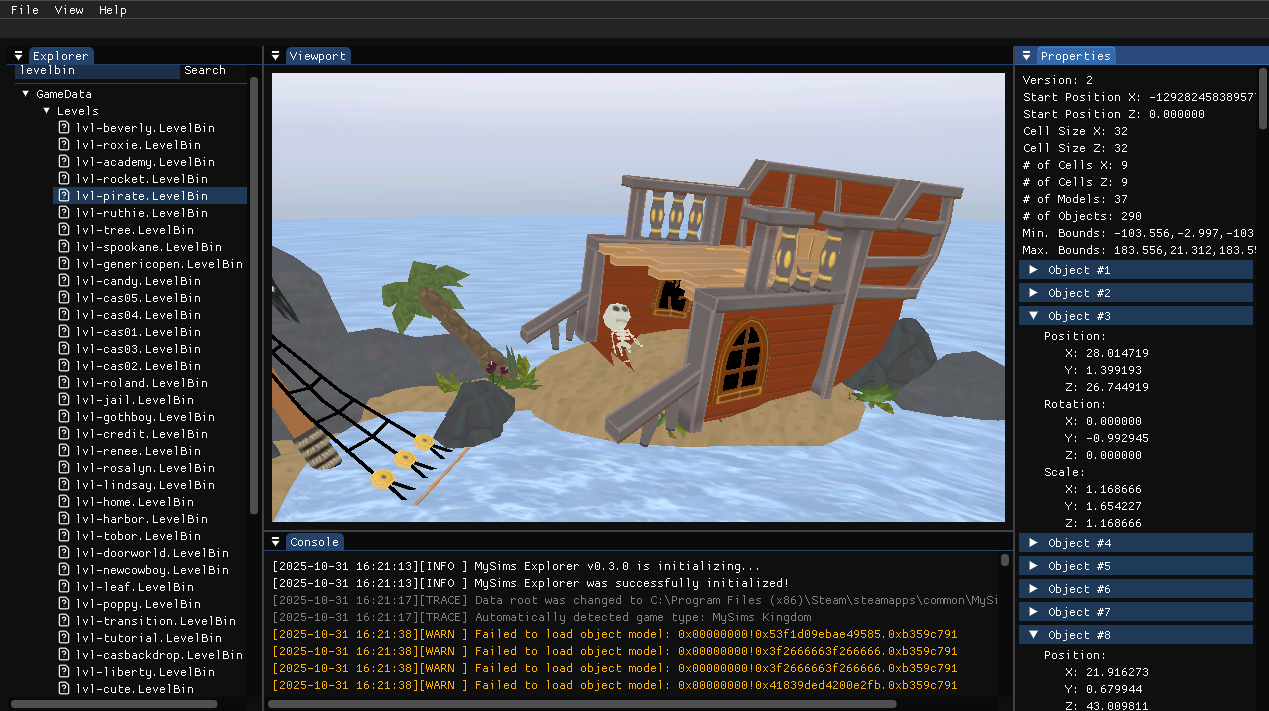
Explore Game Assets
Easily browse, search and inspect raw asset files from MySims and MySims Kingdom (Cozy Bundle edition). -
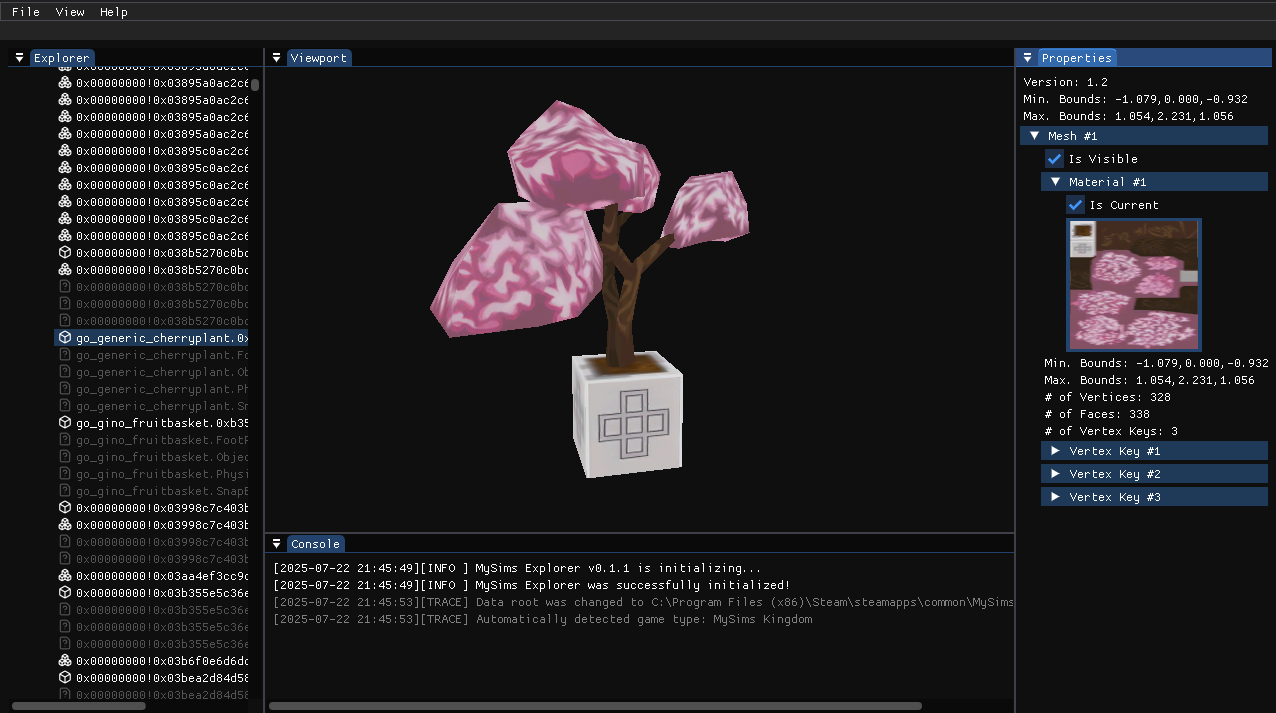
Real-Time 3D Model Viewer
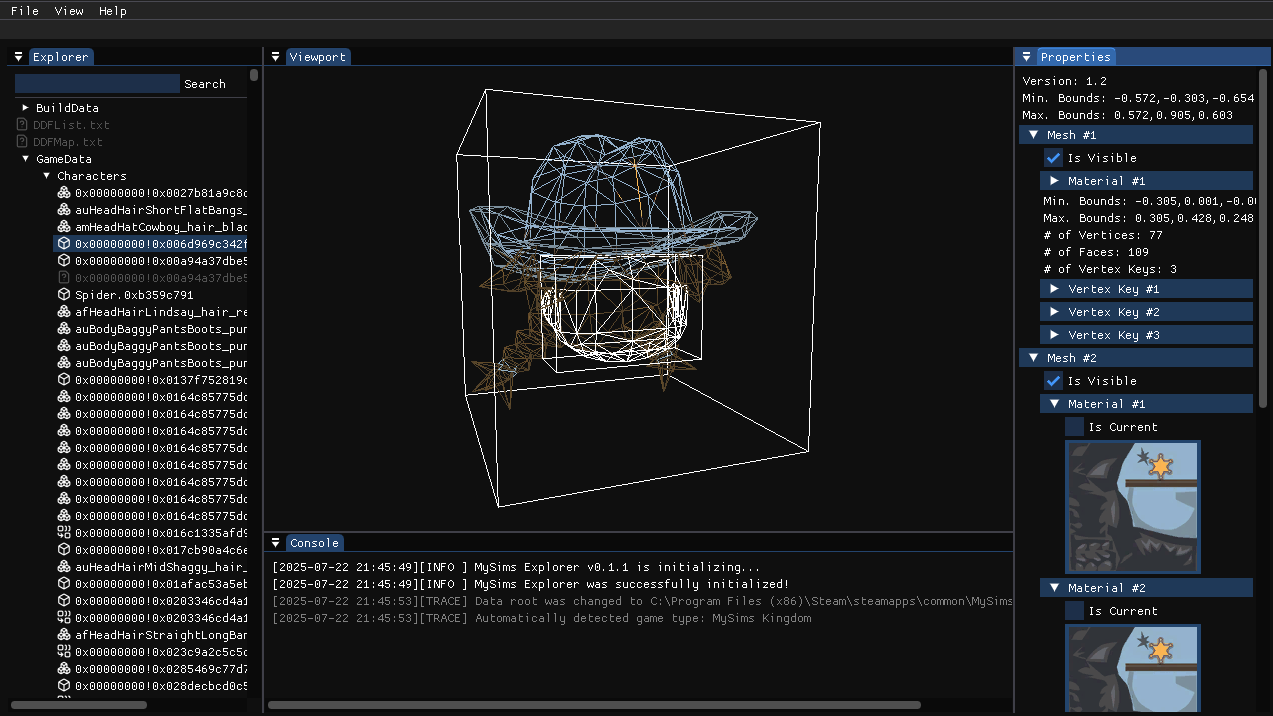
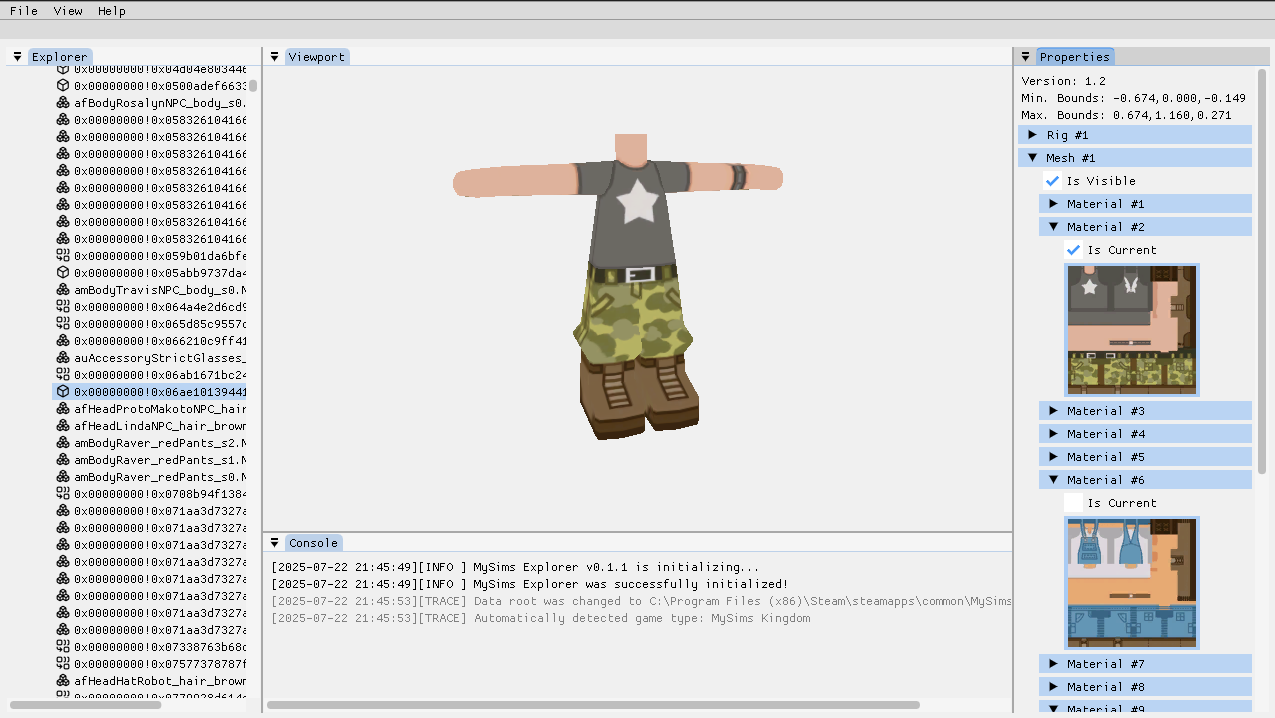
Visualize 3D models with live material previews in a responsive viewport. -
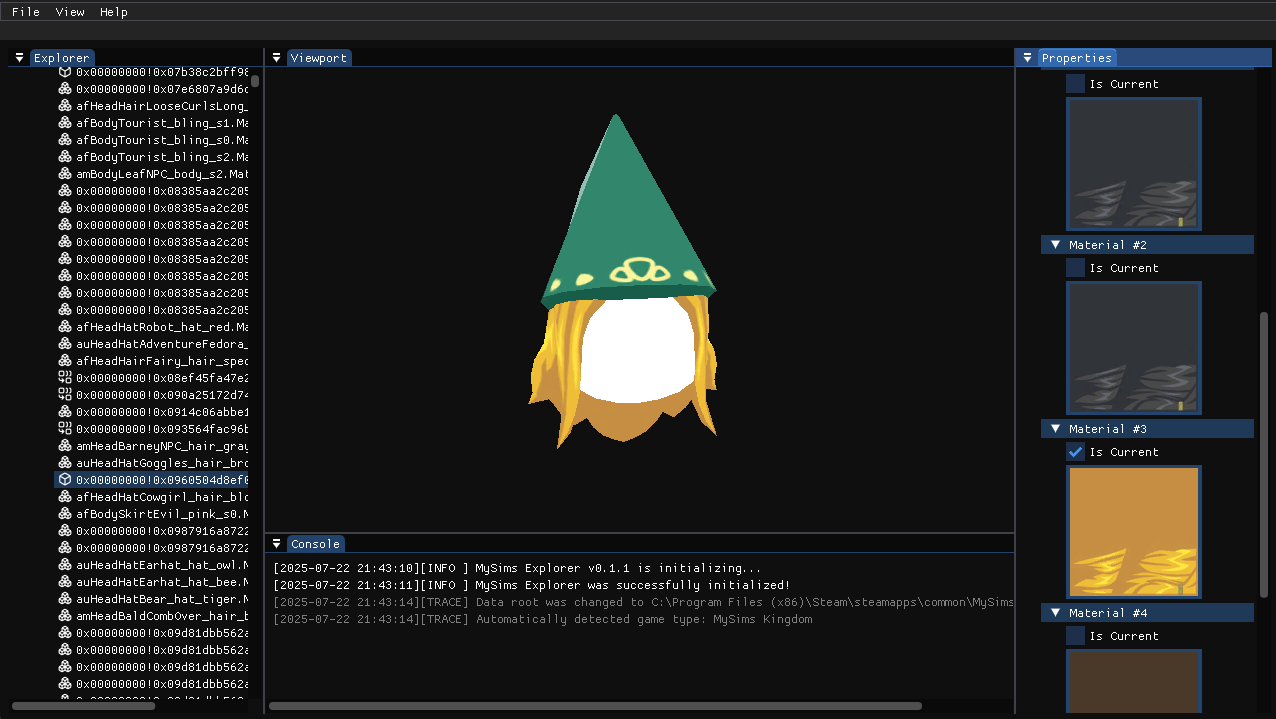
Material Preview Support
Toggle between different material variants for models (e.g., facial expressions, clothing variations). -
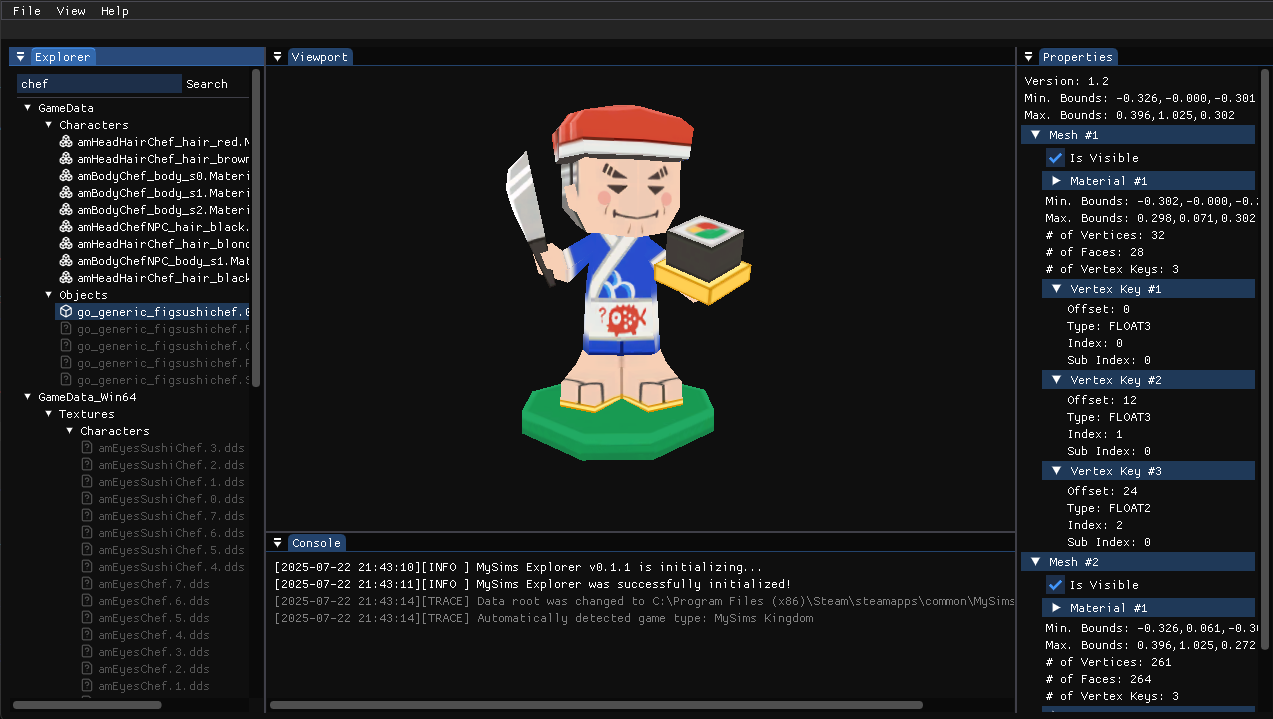
Detailed Property Inspector
Inspect metadata such as meshes, materials, bounding boxes, and additional asset details. -
Integrated Console Panel
View live log messages and asset loading traces in a built-in console. -
Asset Map & Filename Unhashing
Automatically reveals known asset names and types via partial unhashing when available. -
Lightweight, Classic Desktop UI
Features panels for Explorer, Viewport, Properties, and Console, optimized for efficient, smooth inspection. -
Cross-Platform
Compatible with 64-bit systems running Windows and Linux.
- Download the latest version on the Releases page
- Launch the downloaded executable file
- Navigate to
File->Open Data Root - Select the data directory for your game through the dropdown or select a custom path
- Browse and explore the game assets through the explorer panel
If you run into any issues or if you'd like to share some feedback, feel free to open an issue on the issues page.
NOTE: Linux is supported, but with no pre-built binary available, you'll need to compile it yourself.
You can open a file in your system's default file explorer by right-clicking the entry in the explorer window.
The viewport camera is controlled through the left and right mouse buttons:
- Left Mouse Button - Rotate the camera around the subject
- Right Mouse Button - Pan the camera to move around
- Space - Toggle between camera orbit mode and free mode
- Clone the repository:
git clone --recurse-submodules https://github.com/bottledlactose/mysims-explorer.git
- Open the cloned folder in your preferred IDE
- Build and run using MSVC or Clang-cl (recommended).
- Ensure you have the correct dependencies installed:
- GCC + CMake + X11 libraries:
sudo apt install build-essential cmake libx11-dev libxext-dev libxrandr-dev libxcursor-dev libxi-dev libxinerama-dev
- GCC + CMake + X11 libraries:
- Clone the repository and compile the code:
git clone --recurse-submodules https://github.com/bottledlactose/mysims-explorer.gitcd mysims-explorermkdir build && cd buildcmake .. -DCMAKE_BUILD_TYPE=Releasemake -j
- Run the compiled binary:
./mysims-explorer
This project is licensed under the MIT License.