Use this extension for quickly bot development with Bots.Business!
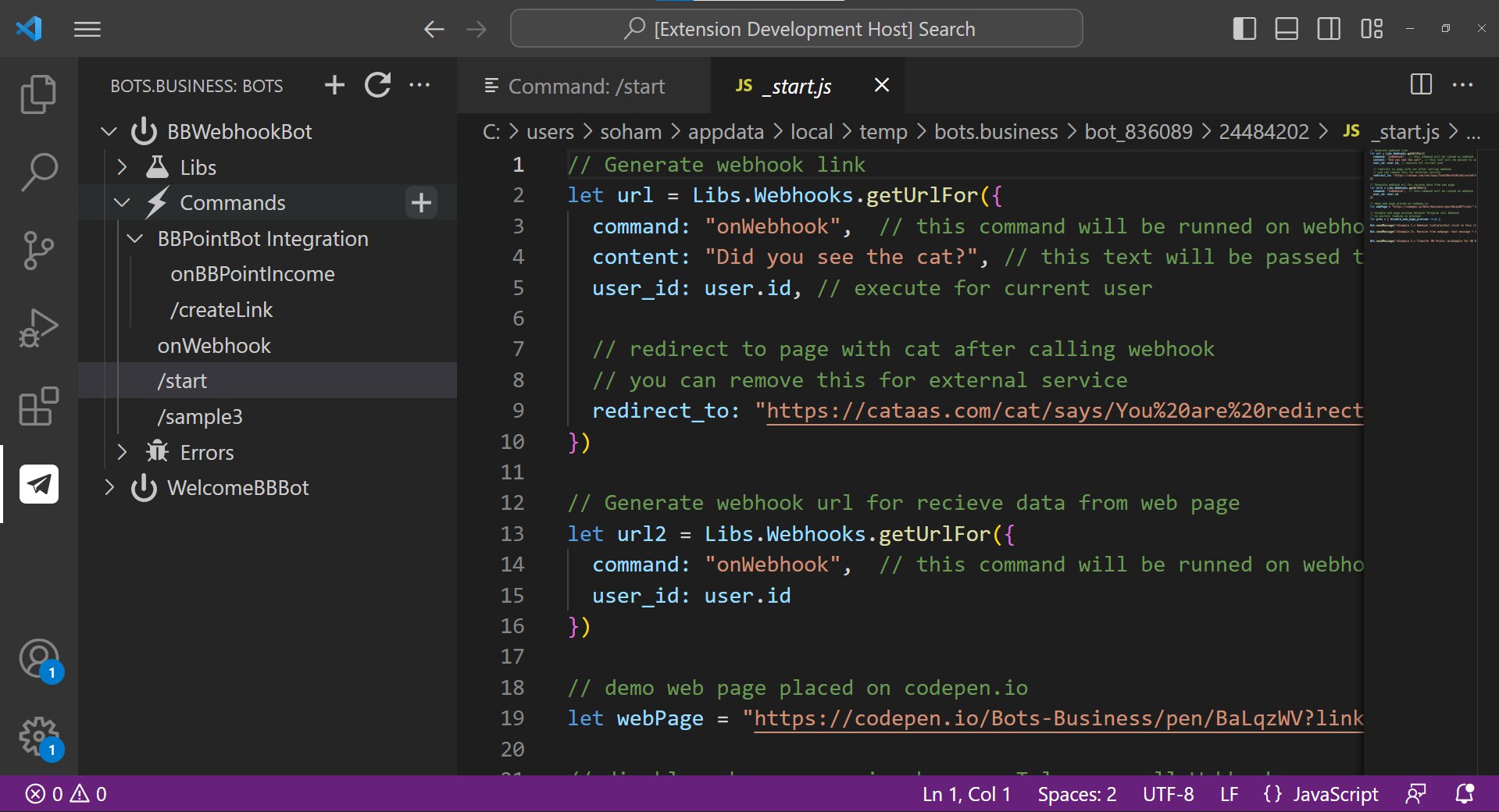
Tip: you can load code for any commands and edit it!
- Download VSIX file
- from VSCode's main menu, select “Extensions”
- click to open the three-dot menu at the top of the middle panel (see screenshot)
- select “Install from VSIX…” and follow the prompts.

You can copy BB Api Key in BB App > Profile
-
use Ctrl+Shift+P then BB:login to BB account
-
Or use Menu: File > Preferences > Settings. See Extensions item and Bots.Business section.
Then you can fill BB Api Key in settings.json: "bots-business.apiKey" field.
- BB:login : Login to BB account
- BB:refresh : Refresh BB tree
- BB:newBot : Create New Bot
- BB:installBot : Install New Bot from store
- BB:installLib : Install Lib in Bot
- BB:newCommand : Create New Command
- BB.createFolder : Create New Folder
- Bot errors not works (not developed yet)
Please see: CHANGELOG.md
See: https://github.com/bots-business/Bots.Business.VSCode
Just make clone:
git@github.com:bots-business/Bots.Business.VSCode.git
then press F5 for debugging
See: https://code.visualstudio.com/api/working-with-extensions/publishing-extension
use vsce package for extension packing
Enjoy!