

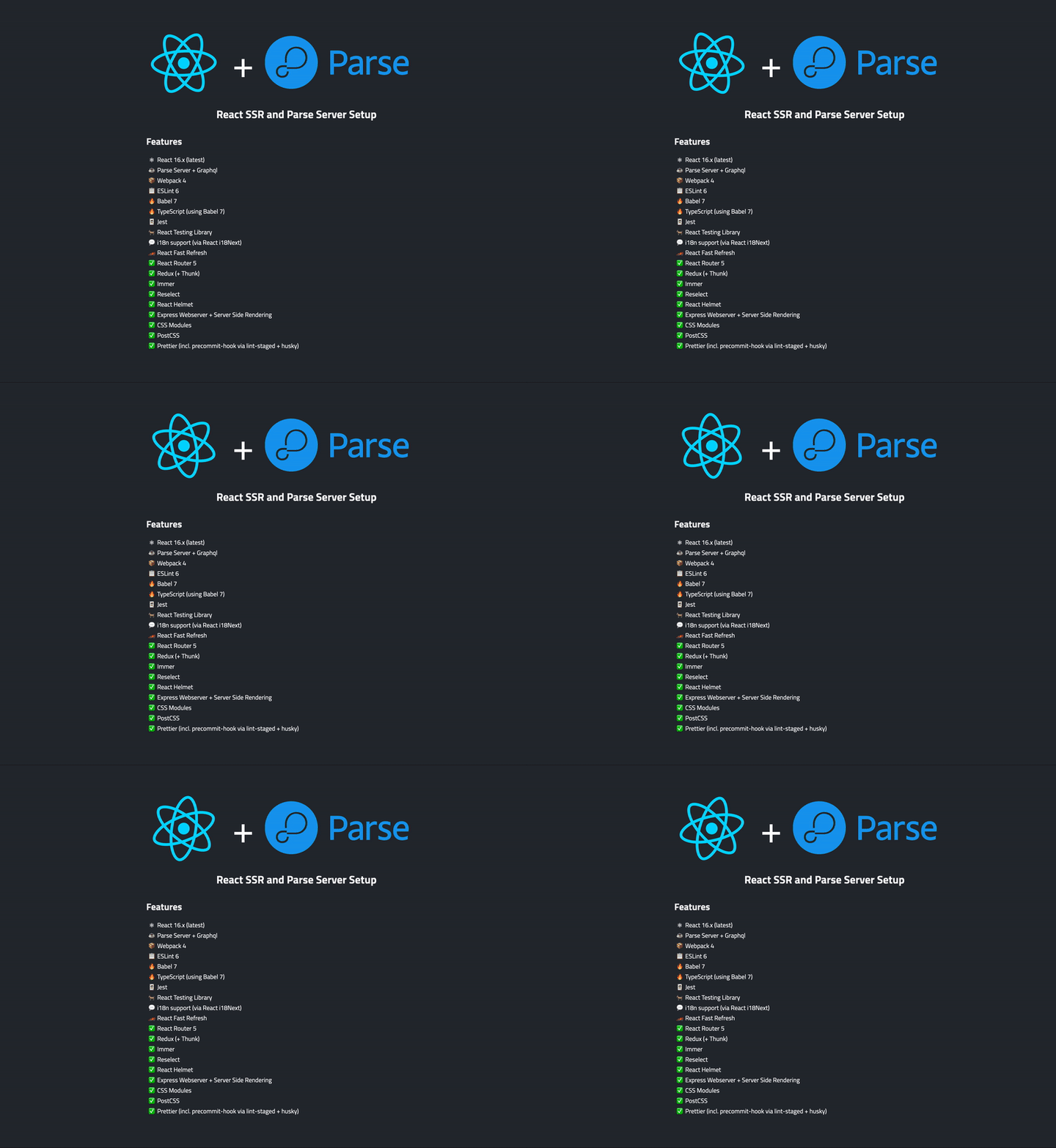
This is an extension to another React Starter Project React SSR with TypeScript with an addition of Pars Server. The reason I created this library is there was no react starter with parse server.
Mainly, I created this setup as a baseline to create more projects using it.
My goal is to provide a well-tested, regularly maintained, easily configurable and adjustable React Starter Project with support for server side rendering that gives you a good basis to start your own project on. As minimal as possible with as much functionality as necessary.
I use this Starter Project in several real-word projects so it is battle-tested and everytime I fix a bug or add a feature I find useful I will also update this Starter Project. I will also keep the dependencies up-to-date on a regular basis and will also stay updated with all the latest and greatest best practices in the React world and integrate them if possible and useful!
If you have any questions you can reach out to me on Twitter!
This project has out-of-the-box support for the following things:
-
General Setup
- ⚛ React 16
- ☕ Parse Server
- 🔥 Babel 7
- 📦 Webpack 4
- 🔥 ESLint 7 (with a set of custom rules which may be mostly identical to AirBnB with some personal flavor added)
- 🔥 TypeScript (via Babel)
- 🔥 Prettier
- 🔥 Jest
- 🐐 React Testing Library
- ✅ React i18next for multi language support
- ✅ Server Side Rendering with Express
- 🏎 React Fast Refresh
- ✅ CSS Modules
- ✅ PostCSS
- ✅ Precommit hooks via lint-staged + Husky
- ✅ Optional static build without the need for Node.js on the server
- 📕 Support for Storybook (>= 5.0.0)
-
Libs and Dependencies
- ✅ React i18next for multi language support
- ⚛ React 16.x (latest), with Hooks!
- ✅ Redux + Thunk middleware
- ✅ Immer
- ✅ Reselect
- ✅ React Router 5
- ✅ React Helmet
Since it's only using standard APIs so far it is ready to be used with the new React Suspense feature coming in React 17!
As a general recommendation you should create a fork of this project first or use GitHub's use this template function so you can adjust it to your own needs, add all the dependencies you need and commit everything back into your own repository.
Once you've forked the repository here on Github, clone it, cd into the directory and run yarn (or npm install) on your command line to install all the dependencies. You're ready to go now!
There are npm scripts for all the relevant things. The server will always be started on port 8500 unless otherwise specified in process.env.PORT. You can use a .env file to specify env vars. If you want to use them in your client side code, don't forget to add them in config/env.js.
Starts the app in development mode: creates a new client and server dev build using webpack, starts the Express server build (for both file serving and server side pre-rendering) and keeps webpack open in watchmode. Updates the app (if possible) on change using HMR.
Creates a new build, optimized for production. Does not start a dev server or anything else.
Run all tests using jest.
Update all Jest snapshots (if there are any)
Run ESLint for all JavaScript and TypeScript files
Run Stylelint for all CSS files
Run lint:js and lint:css in parallel
Starts webpack-bundle-analyzer to give you the opportunity to analyze your bundle(s)
Creates an image of your dependency graph. Requires GraphVIZ to be in your system's PATH
Run plop to create new React components or Redux reducers via CLI
There are a few environment variables you can set to adjust the setup to your needs
| Variable | Default | Description |
|---|---|---|
PORT |
1337 |
Port number your application will be served on. It use same port as parse server standard port. |
HOST |
http://localhost |
Host (including protocol!) your application will be served on. This is usually neglectable as most of the time your application will be served via remote proxy (e.g. Nginx) on localhost. Note: this is only for convenience. The server itself will not be bound exclusively to that host. |
DEVSERVER_HOST |
http://localhost |
Optional. Different host for the Webpack Dev Server to be served on. |
MIT.