A multi-faceted, micrservices-based approach to robotic process automation.
A Beholder agent runs as a self-contained IoT Edge device that can either act as a stand-alone node or be orchestrated as part of a brood of Beholder agents.
- Cortex - Browser-based admin/orchestration interface (NextJS)

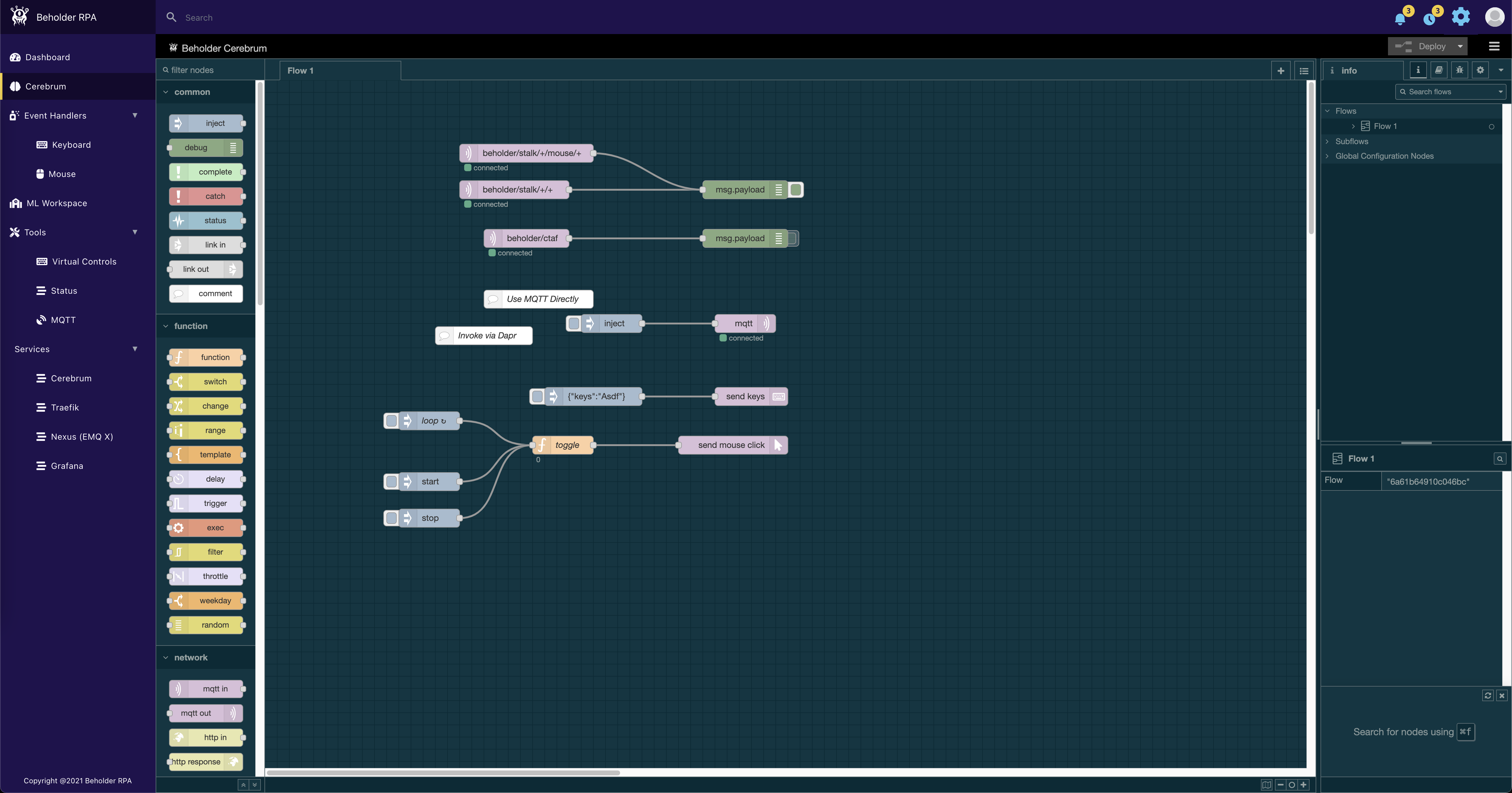
- Cerebrum - Node-RED with custom nodes

- Stalk - USB Gadget that mimics a Keyboard/Mouse/Joystick to send input to a desktop (OTG overlay + dotnet core)

- Epidermis - Allows for IO to/from the beholder

- PostgreSQL - DB
- Traefik - L7 Proxy & Routing
- Dapr - service invocation, state, and pub/sub blocks.
- Redis - Cache/State Store
- EMQx - MQTT based Message Broker
- Grafna - Analytics
- Jaeger - Tracing
Beholder Addon - WoW Addon that provides visual data for the Beholder to see and act upon.
- Raspberry Pi 4 (Rev 1.2 4GB+ model recommended)
In order to act as a USB device, you'll need a USB C to A Cable
Once you've got the hardware in place, you'll need to create a base SD image that contains the Beholder software that will run on your IoT device. For the Raspberry Pi 4, this image creation process has been automated. See this repository for instructions on how to create an image.
Beholder will auto-update when new containers become available. Additionally, it will pull git changes on startup.
To manually update, ssh into the device. cd into /beholder. Run sudo git pull. Then, sudo reboot now.
- PowerShell
- Git
- Docker
- dotNet Core 5
- VSCode (or your favorite editor)
- VSCode Remote extension
It is recommended that front-end (Beholder Cortex) development occur on a local machine, or, via remotely connecting to a running Raspberry Pi instance via the Visual Studio Code Remote Remote - SSH plugin.
Note: If you've ssh'd into the Beholder before, use
ssh-keygen -R beholder-01.localto clear the previous host key.
By default the environment that runs from the image is a production build, to utilize a dev build, ssh to the Beholder IoT device, cd into the beholder directory and run yarn prod-down, then run yarn up. Now, utilize the VSCode Remote SSH extension to connect to the Beholder IoT device and make changes to the Beholder Cortex files as desired.