
Voice-driven, autonomous web navigation powered by Gemini 2.5 Native Audio & Vision.
Welcome to the official repository for IAN! 👋
Navigating the modern web can be an absolute nightmare for visually impaired users. Traditional screen readers break the moment they hit a messy DOM or a cluttered e-commerce site. IAN fixes this by bypassing the code entirely. You speak naturally to our Neo-brutalist React dashboard, and IAN physically "sees" the screen and clicks through the browser for you using headless Chromium.
Built with blood, sweat, and Google Cloud credits for the Google Gemini Live Agent Challenge.
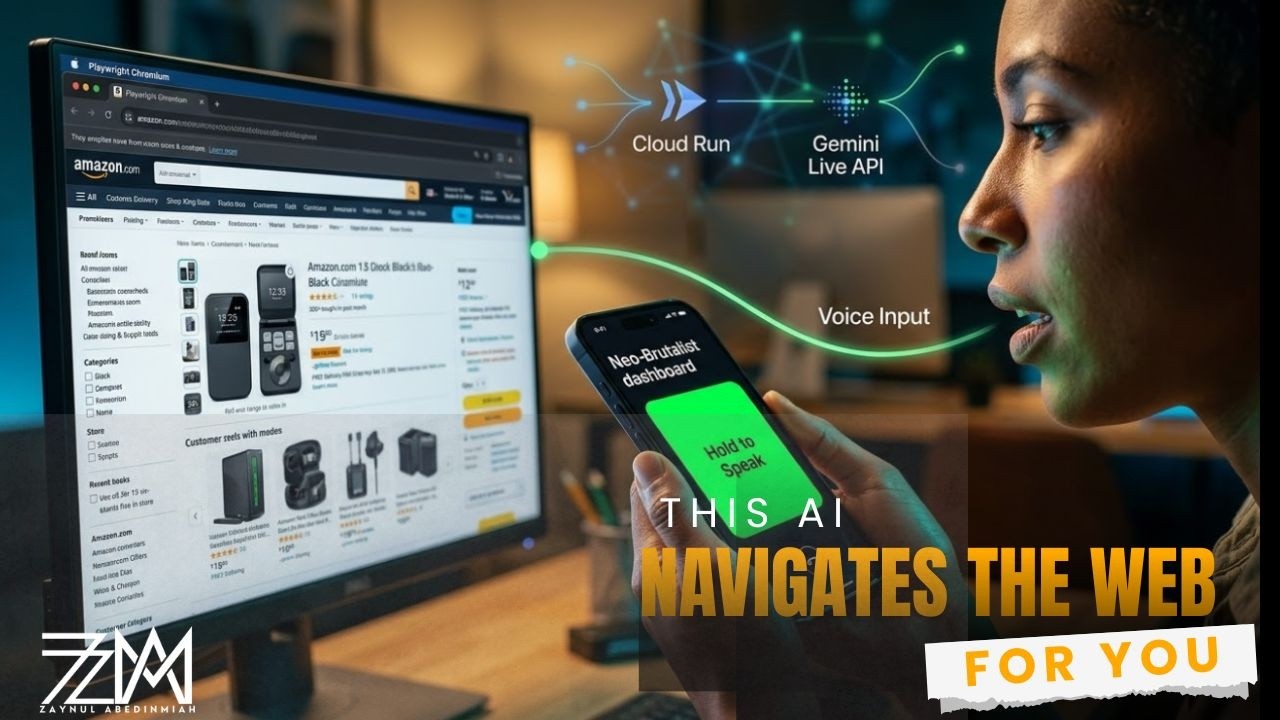
Click the image above to watch the agent navigate Amazon autonomously!
To prevent API rate limits and avoid blocking the WebSocket event loop, IAN splits the brain into two separate processes using the Google Agent Development Kit (ADK):
- The Audio Orchestrator: Streams live PCM audio to gemini-2.5-flash-native-audio to detect voice commands and extract the user's intent with zero-shot accuracy.
- The Visual Navigator: A background thread running headless Playwright that uses gemini-2.5-flash to analyze browser screenshots and calculate precise (X, Y) coordinates to click and type.
Since the original image link is broken or inaccessible, here's a text-based representation of the architecture using Mermaid for better rendering on GitHub:
graph TD
    A[User Voice Input] --> B[Audio Orchestrator]
    B --> C[Gemini 2.5 Flash Native Audio]
    C --> D[Intent Extraction]
    D --> E[WebSocket Event Loop]
    E --> F[Visual Navigator]
    F --> G[Headless Playwright Chromium]
    G --> H[Browser Screenshot]
    H --> I[Gemini 2.5 Flash Vision Analysis]
    I --> J["Calculate (X, Y) Coordinates"]
    J --> K[Click/Type Actions]
    K --> G
    subgraph "Google Agent Development Kit (ADK)"
        B
        F
    end
    L[Google Cloud Run] -.-> F
This diagram illustrates the flow from user input through audio processing, intent extraction, and visual navigation in a looped browser interaction. If you have the original diagram details, it can be refined further.

| Optimization Focus | Details |
|---|---|
| 🛠️ Optimizing the Agent Right now, the focus is strictly on stability and hackathon delivery!
👉 Vote for us on Devpost! |
 |
Built with a thread-safe, non-blocking Python/React stack.
- AI Models: Gemini 2.5 Flash Native Audio, Gemini 2.5 Flash (Vision)
- Frameworks: Google GenAI SDK, Google Agent Development Kit (ADK)
- Backend: Python, FastAPI, WebSockets (AG-UI Protocol)
- Browser Automation: Playwright (Headless Chromium with Stealth Mode)
- Frontend: React, Next.js, Web Audio API
- Cloud Infrastructure: Google Cloud Run, Secret Manager
- AI Models: Gemini 2.5 Flash Native Audio, Gemini 2.5 Flash (Vision)
- Frameworks: Google GenAI SDK, Google Agent Development Kit (ADK)
- Language & API: Python, FastAPI, WebSockets (AG-UI Protocol)
- Browser Automation: Playwright (Headless Chromium with Stealth Mode)
- Cloud Infrastructure: Google Cloud Run, Secret Manager
- UI: React, Next.js (Neo-brutalist dashboard style)
- Audio: Web Audio API (PCM 16kHz)
- Communication: WebSocket for real-time bidirectional communication
- Python 3.11+
- Node.js 18+
- 2 separate Google Gemini API Keys (to separate audio/vision quotas)
- Navigate to the backend directory:
cd backend - Install dependencies:
pip install -r requirements.txt
- Install Playwright browsers:
playwright install chromium
- Create a
.envfile and add your keys:GEMINI_API_KEY=your_audio_agent_key GEMINI_API_KEY_BROWSER=your_vision_agent_key
- Start the server:
uvicorn main:app --reload
- Navigate to the frontend directory:
cd frontend - Install dependencies:
npm install
- Start the development server:
npm run dev
Open http://localhost:3000 and hold the green microphone button to speak!
- Python 3.11+
- Node.js 18+
- 2 separate Google Gemini API Keys (to separate audio/vision quotas)
- Navigate to the backend directory:
cd backend - Install dependencies:
pip install -r requirements.txt - Install Playwright browsers:
playwright install chromium - Create a
.envfile and add your keys:GEMINI_API_KEY=your_audio_agent_key GEMINI_API_KEY_BROWSER=your_vision_agent_key
Start the server: uvicorn main:app --reload
Frontend Setup Navigate to the frontend directory: cd frontend
Install dependencies: npm install
Start the development server: npm run dev
Open http://localhost:3000 and hold the green button to speak!
Built with ❤️ for the Gemini Live Agent Challenge 2026.
To push the README:
git add README.md
git commit -m "Add official project README and architecture diagram"
git pushBuilt by Zaynul Abedin Miah – Tech Community Leader & AI Developer.
Let's collaborate, talk about AGI, or build something awesome together!
-000000?style=for-the-badge&logo=x&logoColor=ffffff)


"Stop parsing the DOM. Just look at the screen."